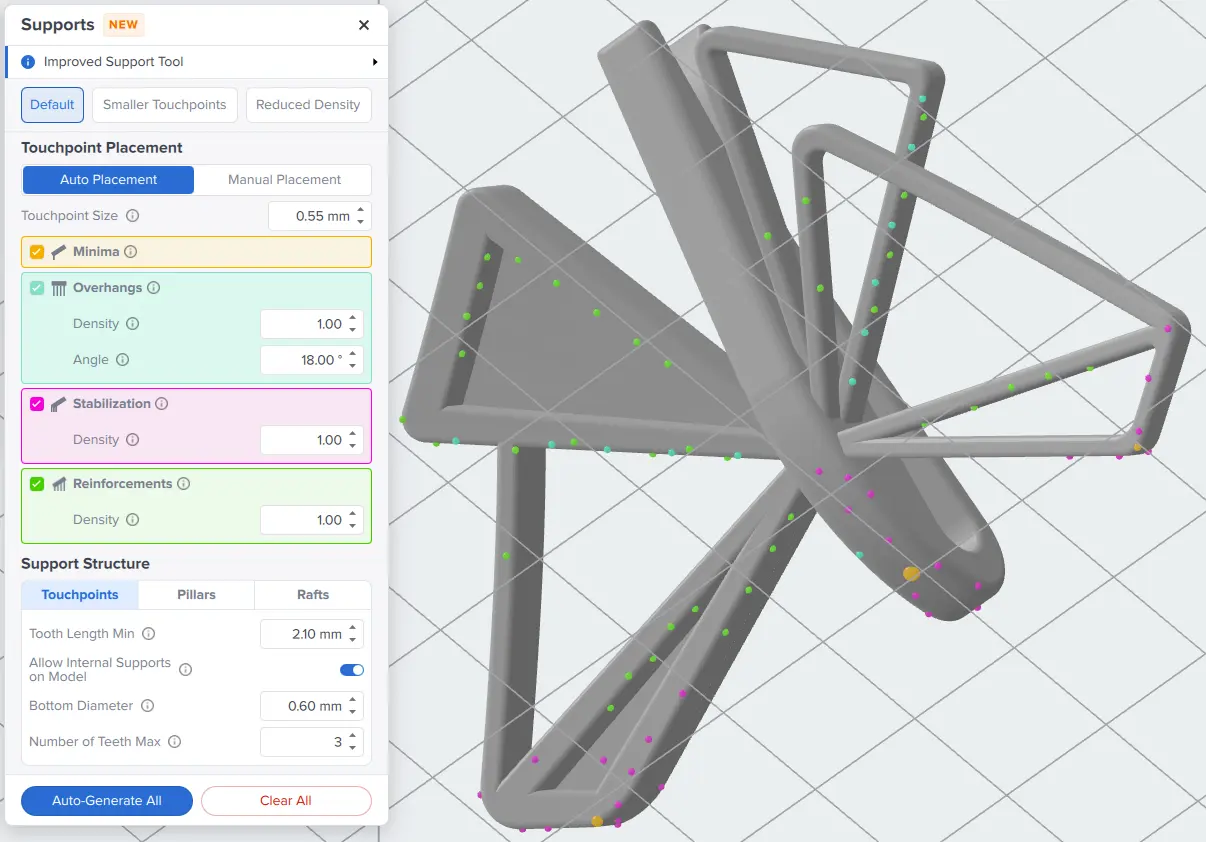
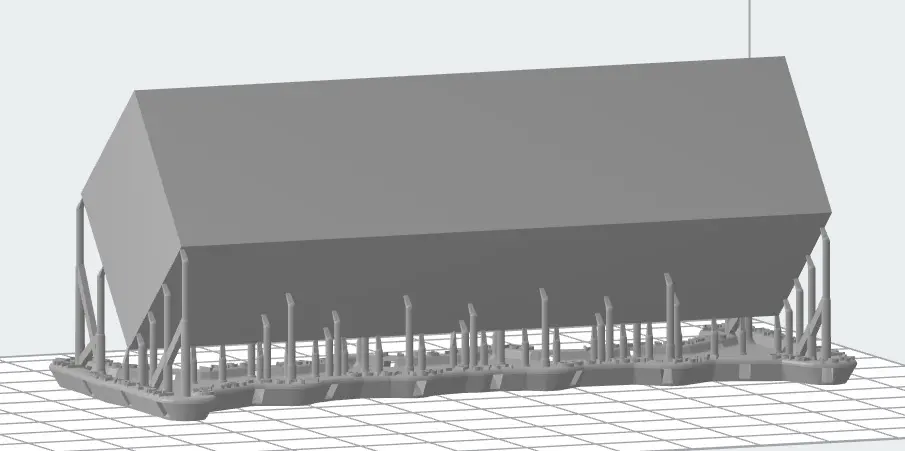
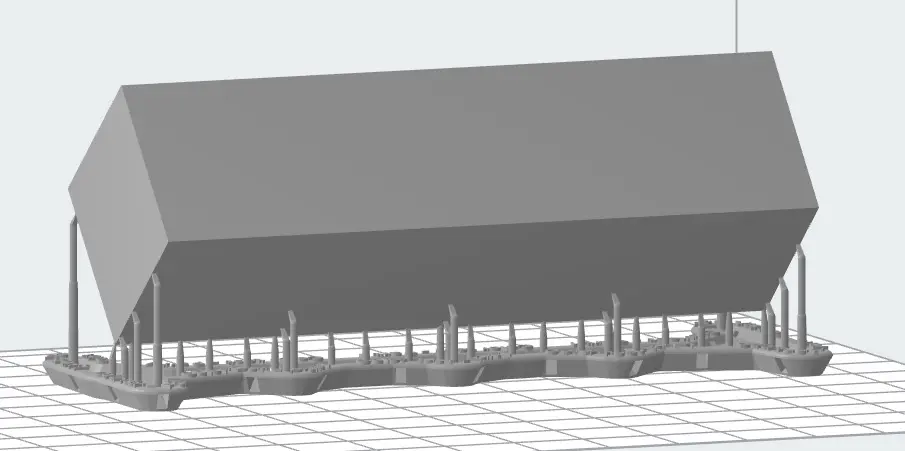
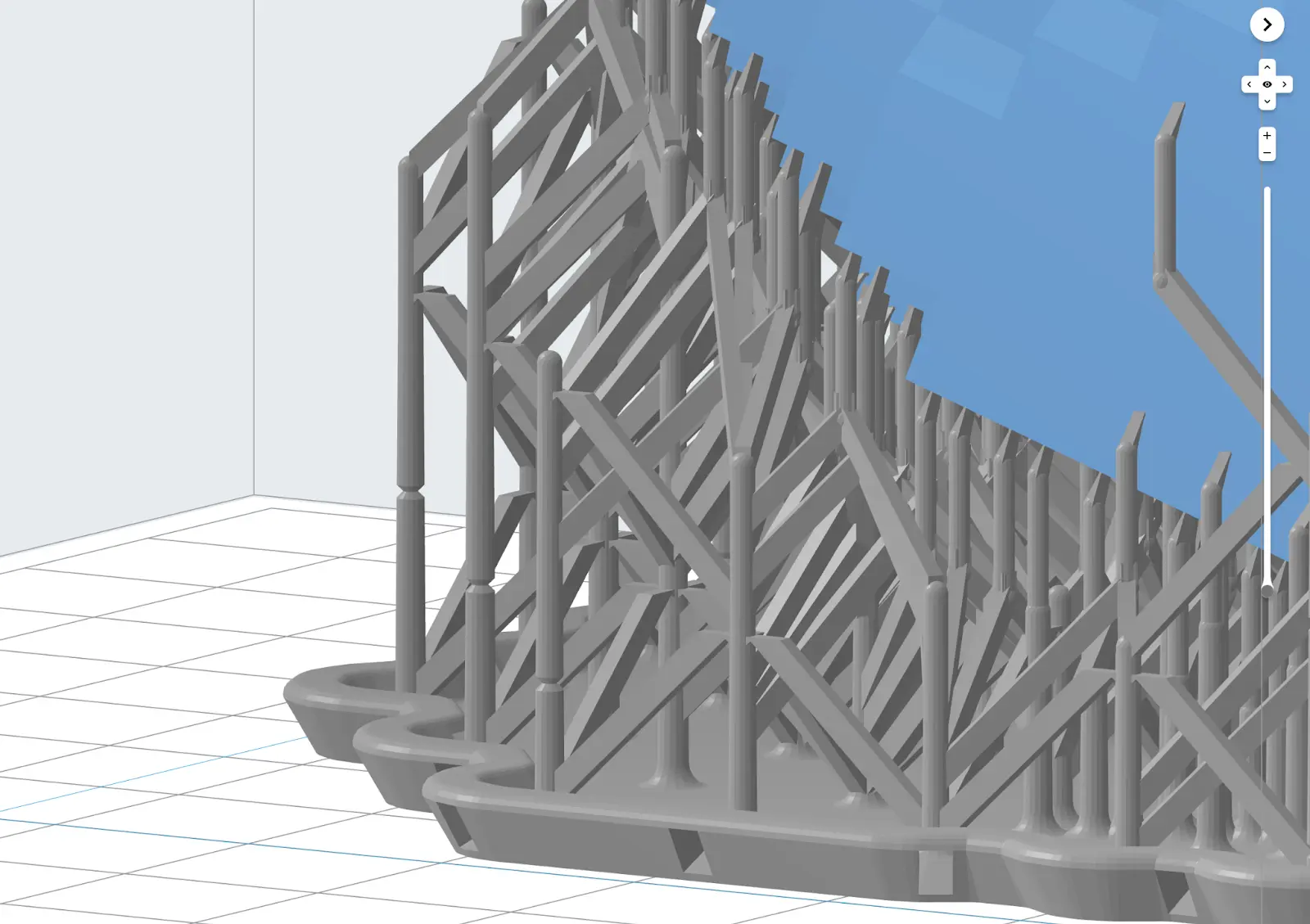
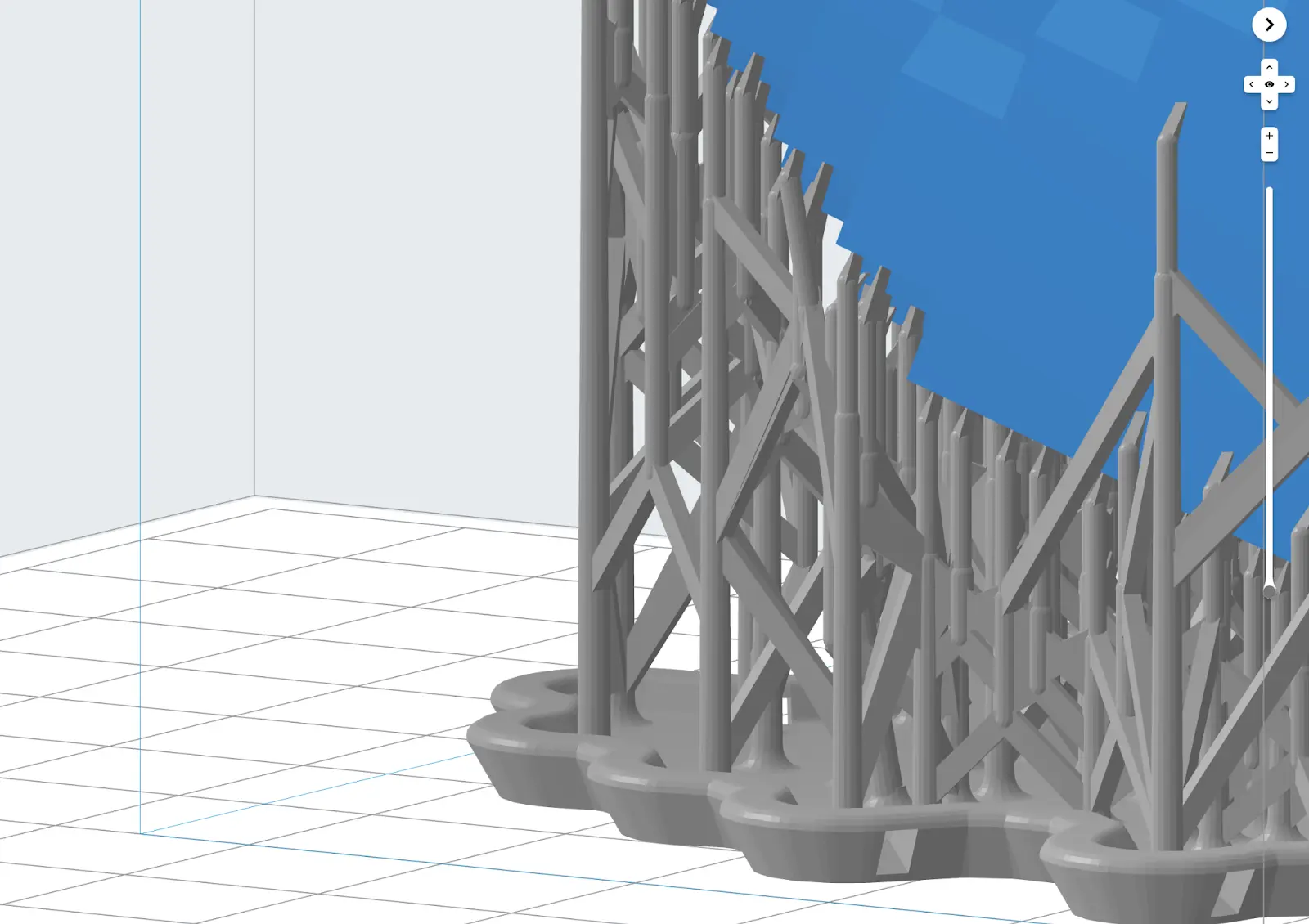
A partir de la versión 3.51.0 de PreForm, puedes controlar si PreForm genera o no soportes para mínimos, voladizos, estabilización adicional de mínimos y refuerzo general del modelo. Estas opciones solo están disponibles para los ajustes de soporte marcados como Supports V1.
Para controlar dónde y cómo genera PreForm los soportes:
- Haz clic en Supports (Soportes). Se abrirá un cuadro de diálogo.
- Haz clic en la casilla de verificación para activar o desactivar un tipo de soporte concreto.
- Mínimos: Habilitar la generación de soportes para Mínimos añade puntos de contacto a los puntos más bajos del modelo para evitar fallos de impresión debidos a geometría sin soporte.
- Voladizos: Al activar la generación de soportes para Overhangs, se añaden puntos de contacto a las superficies orientadas hacia abajo y con un ángulo bajo.
Ajusta el parámetro Angle (Ángulo)- para controlar el umbral respecto a la horizontal para colocar los puntos de contacto de los voladizos.
Las superficies con un ángulo menor que este valor recibirán puntos de contacto para soportes.
Estabilización: Al activar la generación de soportes para la estabilización, se añaden puntos de contacto para estabilizar los mínimos colocando puntos de contacto adicionales a su alrededor.Refuerzos: Al activar la generación de soportes para Refuerzos, se añaden puntos de contacto para mejorar la rigidez general del modelo y evitar que se desplace o se deforme durante la impresión.Si no tienes ningún modelo seleccionado, haz clic en Auto-Generate All (Generar automáticamente todo). Los soportes se añadirán a todos los modelos de la base de impresión. De lo contrario, si tienes uno o más modelos seleccionados, haz clic en Auto-Generate Selected (Autogenerar los seleccionados). Se añadirán soportes a los modelos seleccionados.También puedes controlar la densidad de los puntos de contacto de voladizos, estabilización y refuerzos por separado. Para más información, consulta el apartado Control de la densidad de los puntos de contacto más abajo.