Note:
Before continuing, make sure the printer is connected to the internet. You can choose to connect it temporarily (e.g., via a mobile hotspot). An active internet connection is not required after activation to print with Open Material Mode.
With Open Material Mode, you can print with any type of 405 nm photopolymer resin on Formlabs SLA printers. Open Material Mode is available for a one-time lifetime fee per printer.
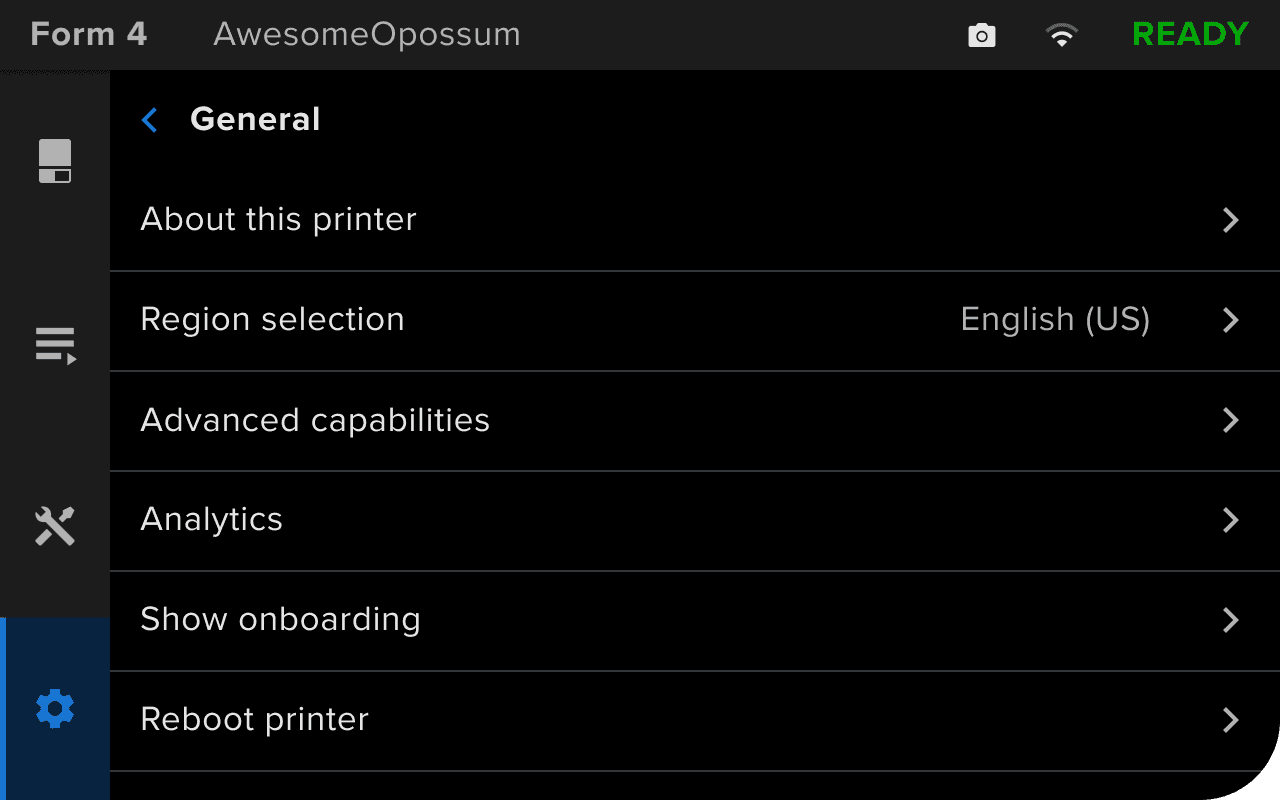
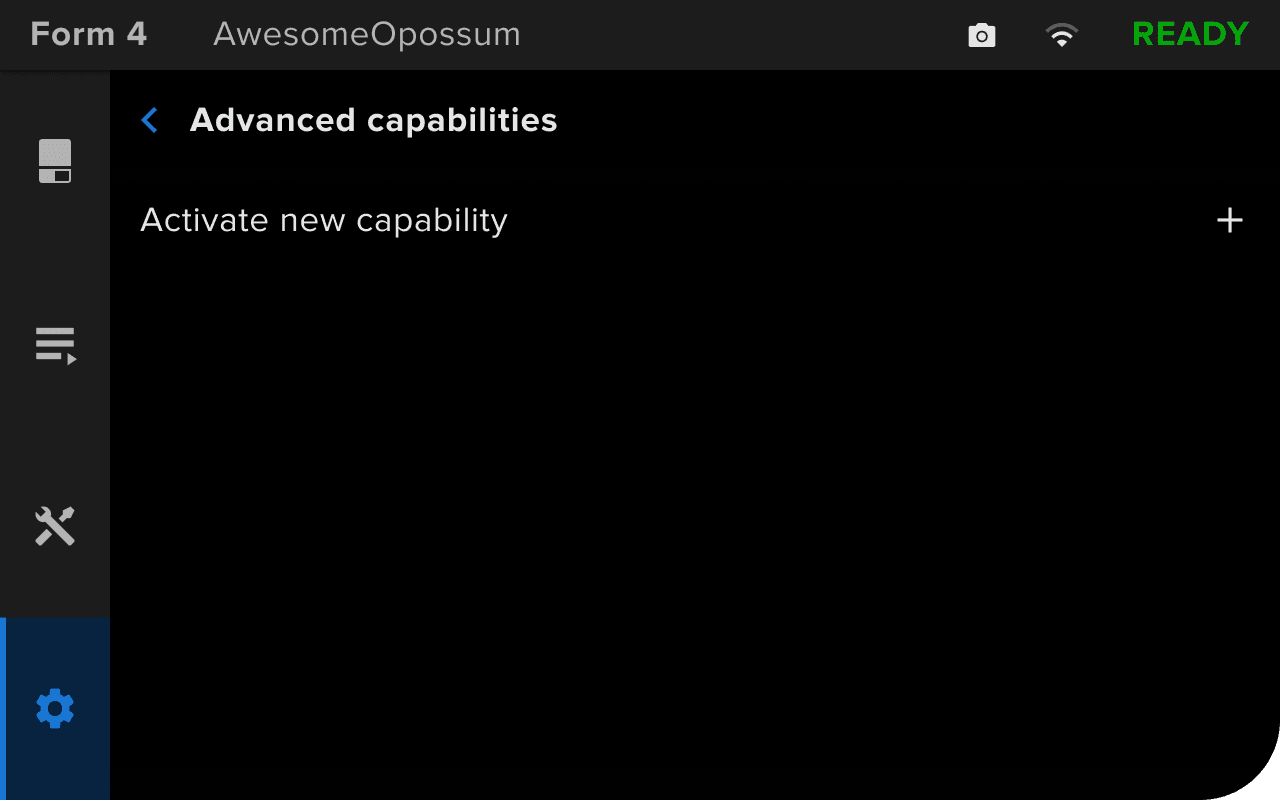
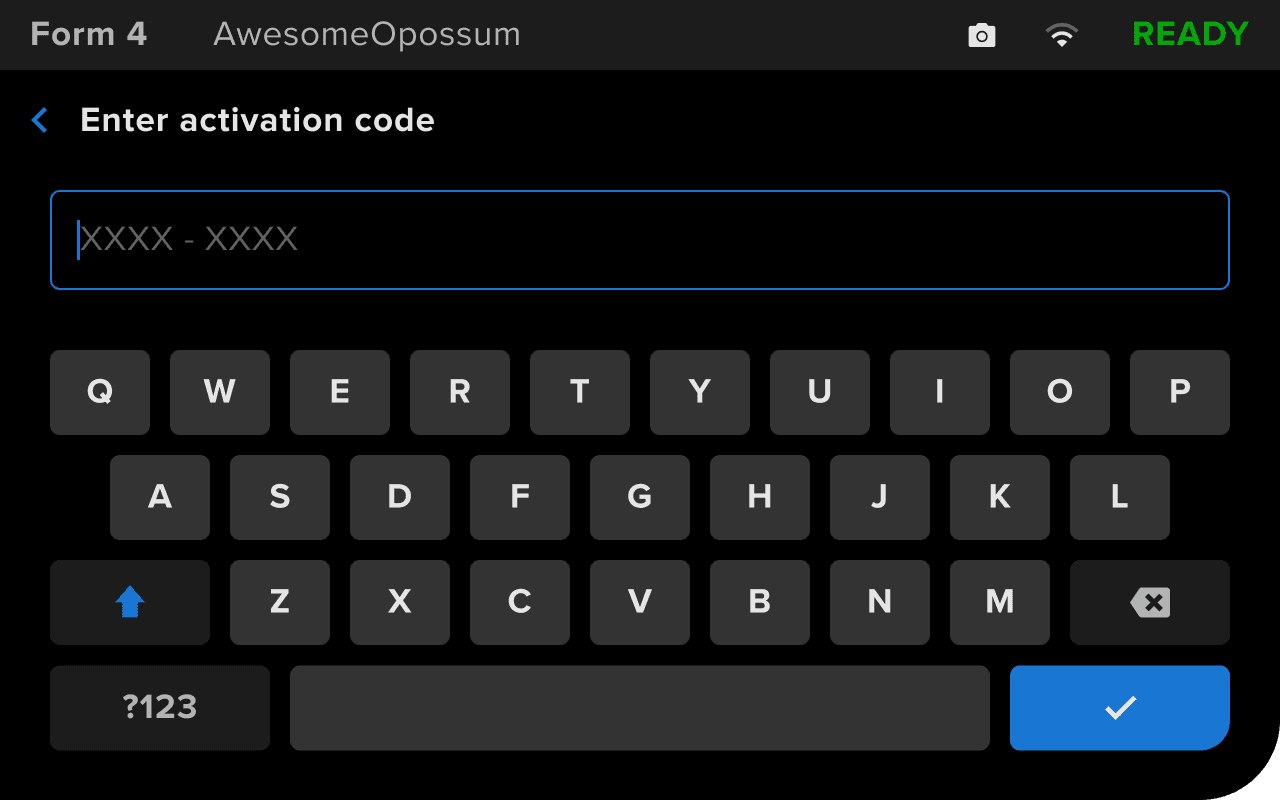
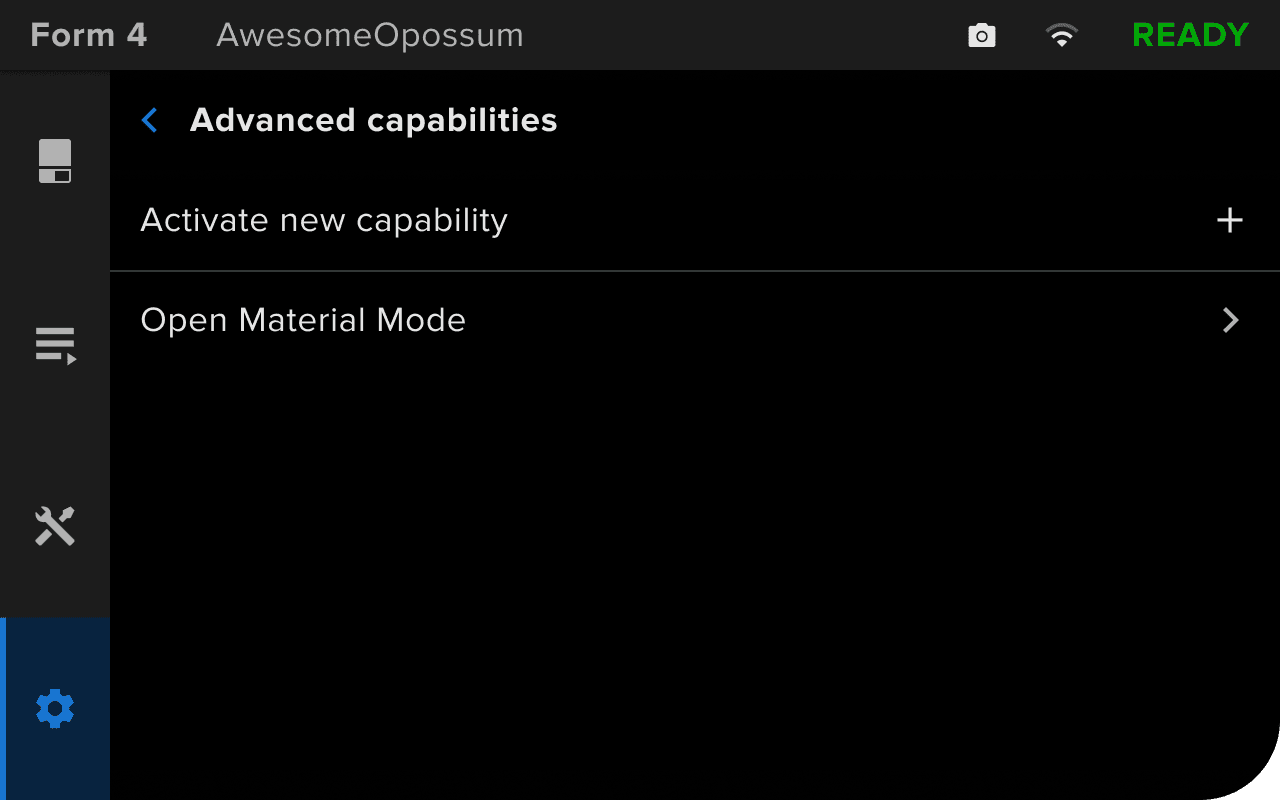
Follow the steps in this article to set up Open Material Mode on your Formlabs SLA printer.
Requisitos
Your printer will need to connect to the internet during Open Material Mode activation.
Activación del Open Material Mode
Note:
Before continuing, make sure the printer is connected to the internet. You can choose to connect it temporarily (e.g., via a mobile hotspot). An active internet connection is not required after activation to print with Open Material Mode.


Note:
If you enter an incorrect or invalid code, the printer will show an error message (Form 4 and Form 4L generation) or show the Advanced capabilities screen again (Form 3 and Form 3L generation). Tap Activate new capability and re-enter your activation code.
También puedes confirmar que la capacidad se ha activado a través de PreForm:

Una vez que hayas activado correctamente el Open Material Mode en tu impresora, úsalo para configurar e iniciar una impresión.