
WHITE PAPER
Calibrating the cartridge floor load cell (Form 4 and Form 4L generation)
Calibrating the cartridge floor load cell (Form 4 and Form 4L generation)
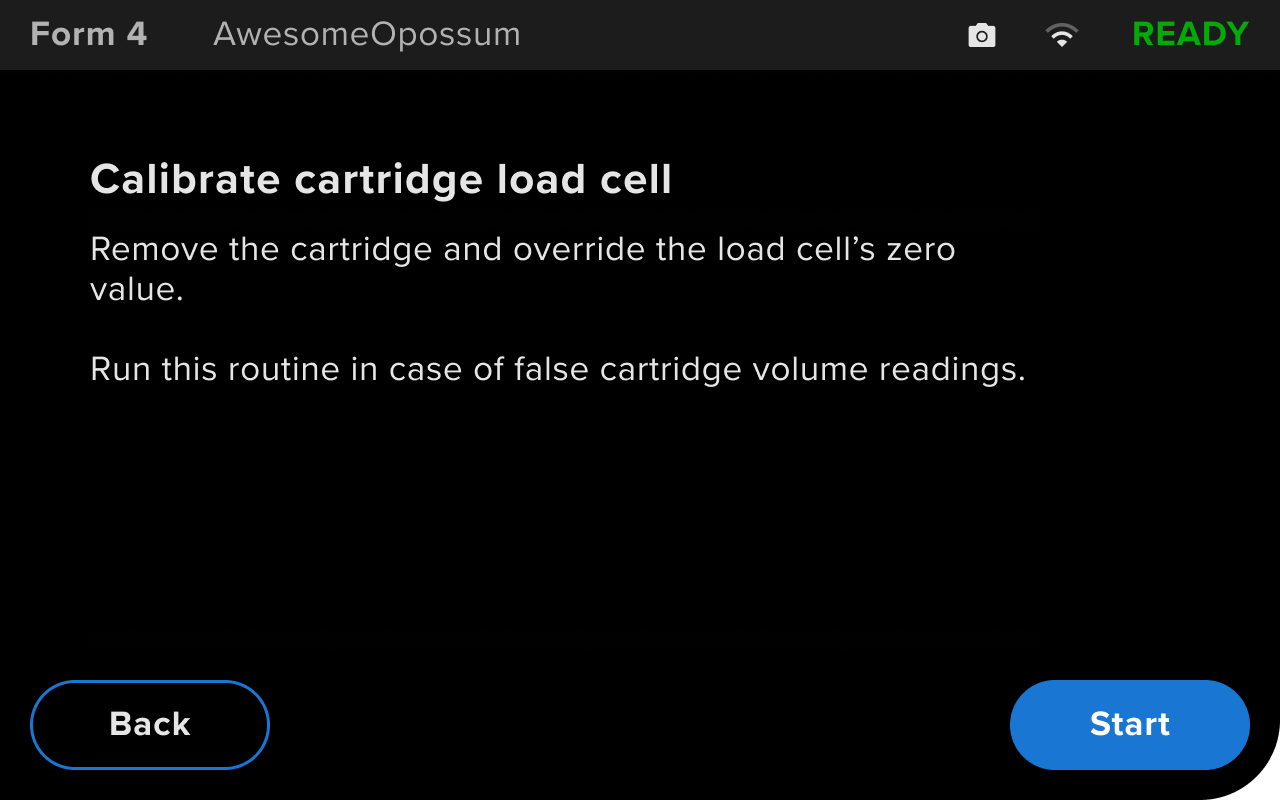
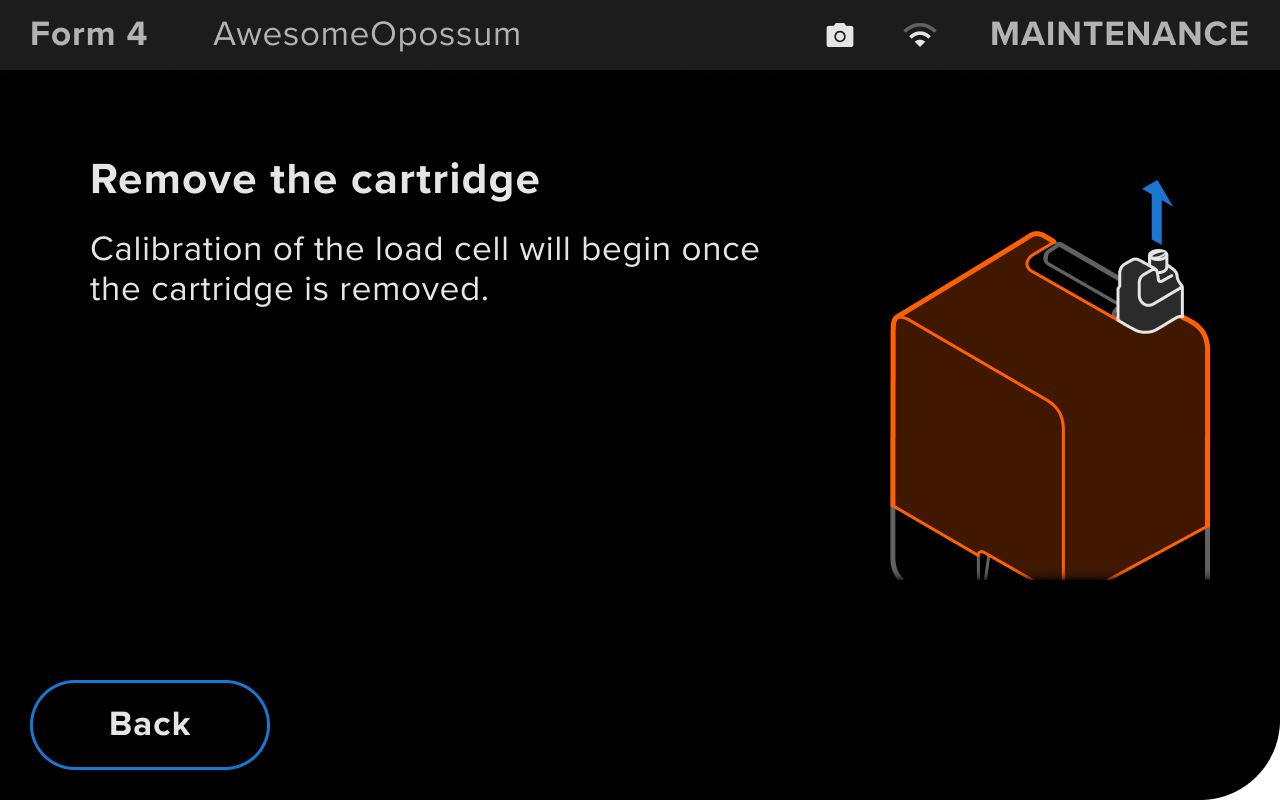
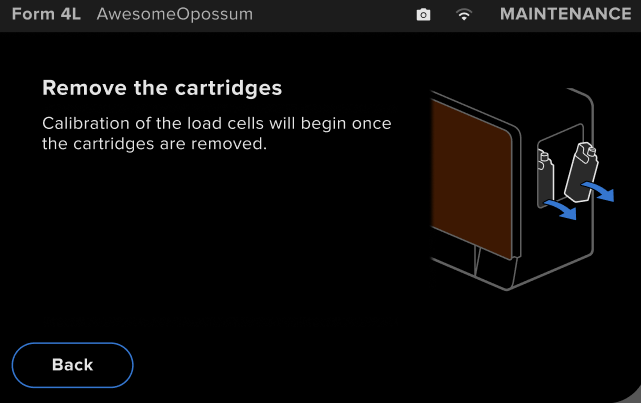
Form 4 and Form 4L generation printers use a load cell in the cartridge floor to track the weight of the inserted resin cartridge during a print. This improves the accuracy of resin usage estimates and can speed up the resin dispensing process. If the printer is not accurately detecting how much resin is left in the resin cartridge, follow the instructions in this article to tare, or reset, the cartridge sensor.
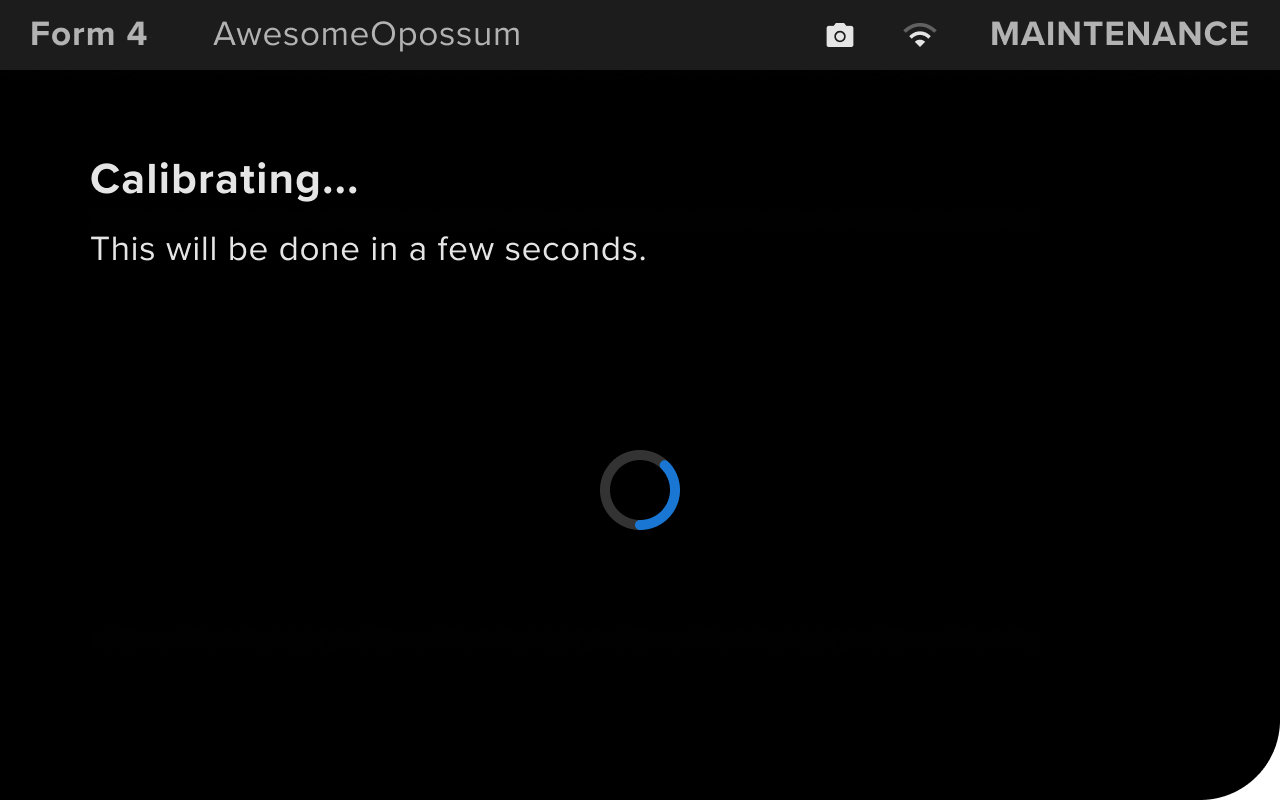
To calibrate the cartridge floor load cell:
|  |
|   |
|  |
|  |
If you continue to experience issues with your printer not accurately measuring how much resin remains in the cartridges, contact Formlabs Support.