
Notice:
Do not apply pressure or directly touch the sifter mesh with your hand, vacuum, or any stiff tool besides the double-sided brush. Applying force can break the mesh and prevent the component from properly filtering out unusable powder.

Clumps of nylon can accumulate in the mesh screen below the surface grate, eventually preventing reclaimed powder from passing through to be collected. Perform regular checks on the mesh by lifting the grate, and clean the sifter mesh after every 20 hours of use. For reference, the sifter automatically turns off after 30 minutes by default, so 20 hours of use represents at least 40 full sifting cycles.
Cleaning the filter mesh consists of two tasks:
Notice:
Do not apply pressure or directly touch the sifter mesh with your hand, vacuum, or any stiff tool besides the double-sided brush. Applying force can break the mesh and prevent the component from properly filtering out unusable powder.
Vacuuming the sifter mesh
Clumps and hardened material can collect on top of the mesh and must be removed to ensure the continued collection of recycled powder. Formlabs recommends vacuuming the sifter mesh after every 20 hours of use.
Step 1: Remove the surface grate
Remove the surface grate to gain access to the sifter mesh beneath.
Step 2: Turn on the vacuum
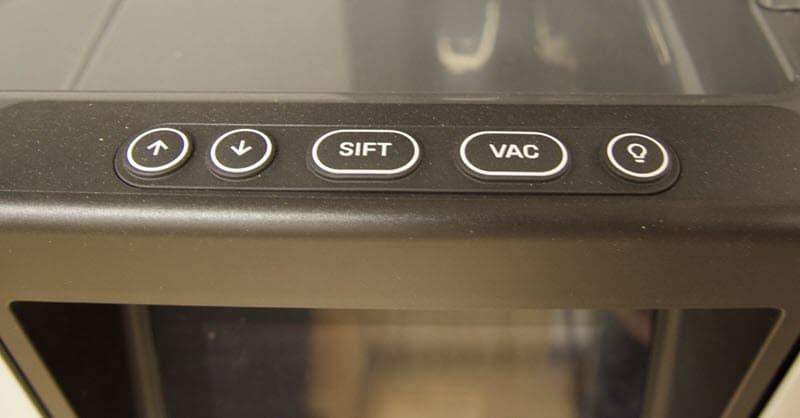
Push the Vac button on the Fuse Sift control panel to turn on the vacuum.
Step 3: Lift the hose
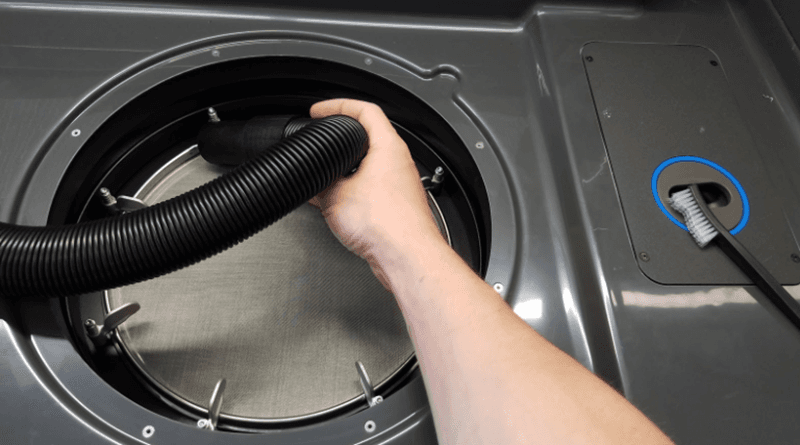
Lift the vacuum hose from the hanger on the back-left corner of the workspace.
Step 4: Carefully vacuum the mesh
Without touching the mesh, use the vacuum hose to remove debris, clumps, loose powder, and other obstructions from the sifter mesh.
Step 5: Turn off the vacuum
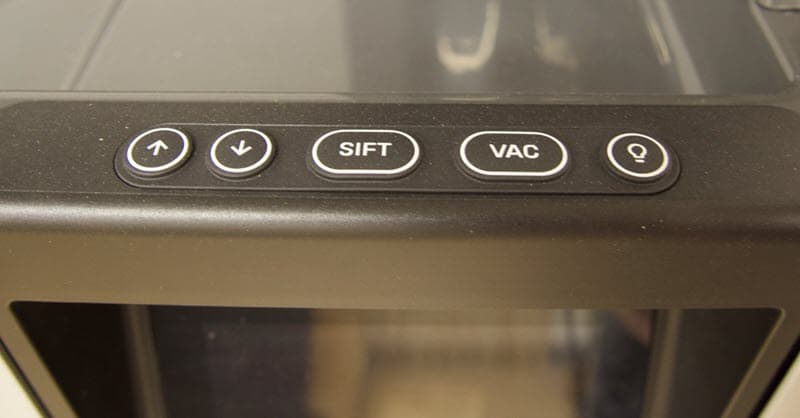
Push the Vac button on the Fuse Sift control panel to turn off the vacuum.
Brushing the sifter mesh
Vacuuming the sifter mesh only removes clumps and large obstructions. Small particles can also be trapped in the mesh itself. Remove the sifter mesh and place over a trash can before brushing the mesh. Formlabs recommends brushing the sifter mesh after every 20 hours of use.
Step 1: Remove the mesh
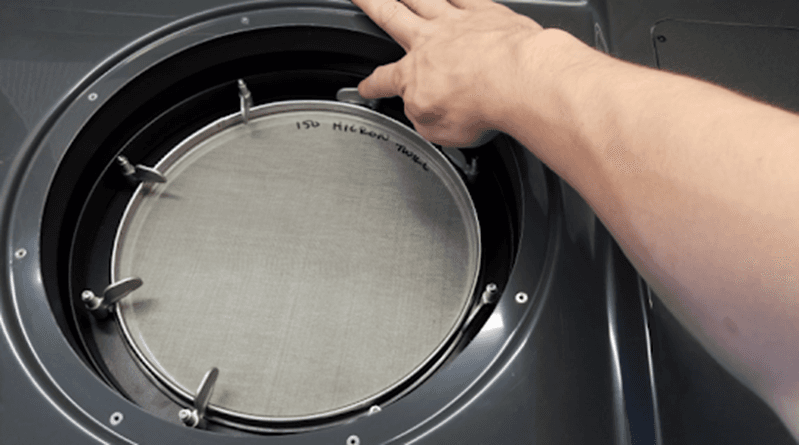
Turn the turnbuckles to release the sifter mesh.
Step 2: Remove and inspect the mesh
Remove the sifter mesh and inspect it for clogged powder.
Step 3: Place the mesh over a trash can
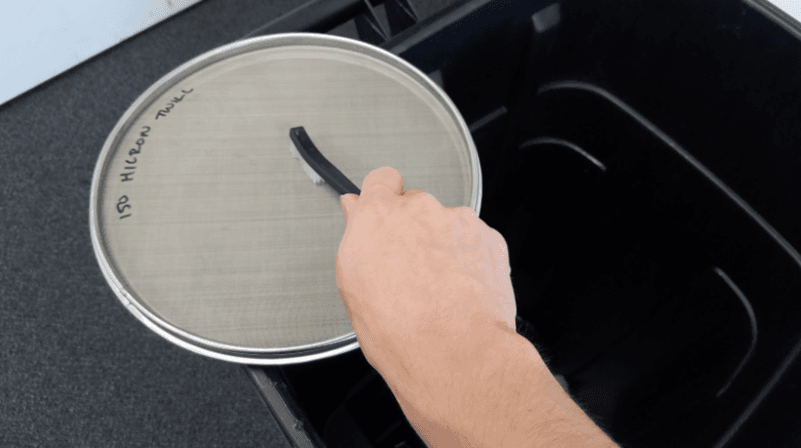
If there is powder clogged in the sifter mesh, place the mesh over a trash can to begin removing the stuck powder.
Step 4: Brush the mesh
While the mesh is over the trash can, use the double-sided brushes to vigorously brush and remove the stuck powder.
Step 5: Reinstall the mesh
Place the sifter mesh back within the Fuse Sift and refasten all the turnbuckles.
Step 6: Reinstall the grate over the mesh
Place the surface grate back over the sifter mesh.