Extra Tall Print Detected (Form 4 generation)
Extra Tall Print Detected (Form 4 generation)
The Form 4 build volume allows for prints that are larger in the Z-axis than on the Form 3. When a model is particularly large, PreForm shows the Extra Tall Print Detected notification in the Print Validation section. This notification appears if a model is taller than 19.0 cm (7.5 in) but shorter than 21.0 cm (8.3 in), the maximum part height for Form 4 generation printers.
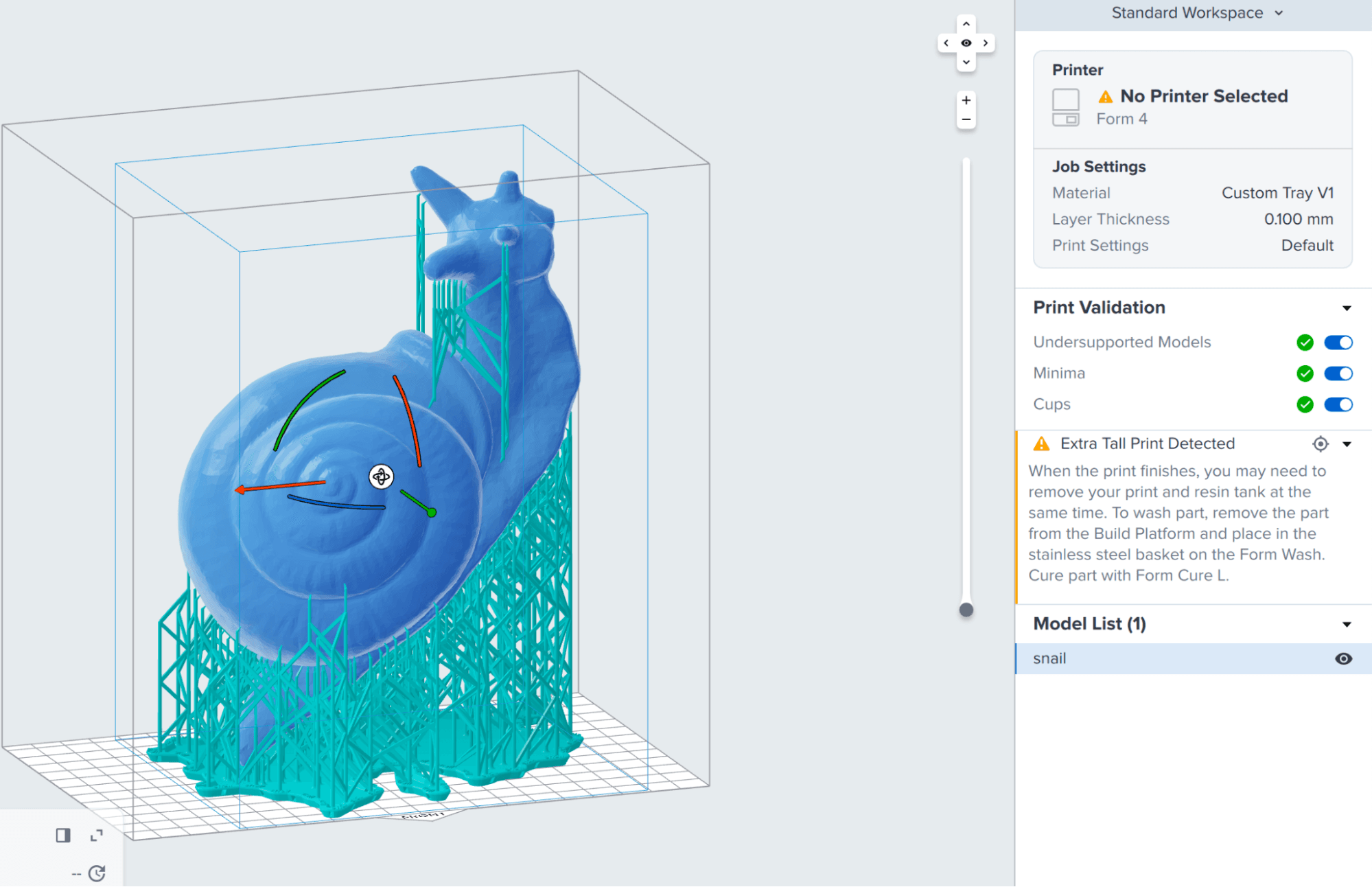
To utilize the extra build volume in the Form 4, you must remove the resin tank when removing the print. Some larger models may not fit in the Form Wash and may need to be removed from supports before washing.
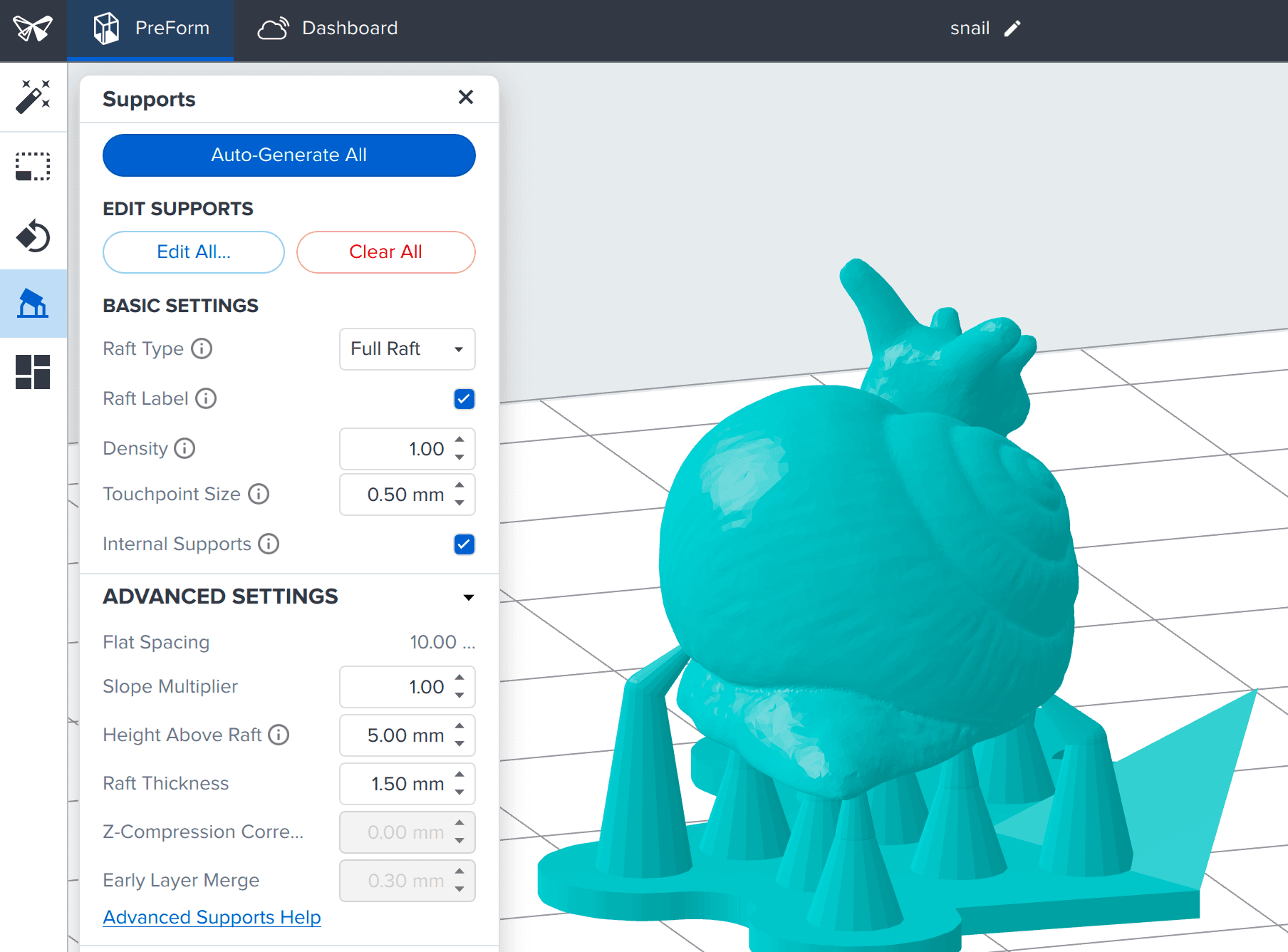
If the model does not fit in the Form Wash but can print within the Form 4 build volume, try reducing the Height Above Raft setting in Preform to bring the model closer to the raft and reduce its total size.
- Click Supports. The Supports menu appears.
- Click the arrow next to Advanced Settings to expand that menu.
- Under Advanced Settings, reduce the Height Above Raft.