
Tip:
Adjusting the Z-Compression Correction value in PreForm corrects dimensional inaccuracy along the Z-axis for a single model.

Fine Tuning is an advanced troubleshooting feature on the Form 2. Adjust Fine Tuning settings to correct any consistent, small-scale dimensional errors or to mitigate model adherence issues.
Tip:
Adjusting the Z-Compression Correction value in PreForm corrects dimensional inaccuracy along the Z-axis for a single model.
Accessing the Fine Tuning menus
The X, Y, and Z axes can all be adjusted on a Form 2 to correct any dimensional inaccuracy your printed part experiences.
Access and adjust Fine Tuning
Tip:
When adjusting X, Y, or Z Fine Tuning, your PreForm settings do not change.
Correcting stretched or compressed prints
If printed parts appear stretched out or compressed on the build platform, change the X or Y Scale values to adjust the laser’s path and compensate for the distortion of parts. Increasing the scale value widens the laser’s path, while decreasing the scale narrows the path.
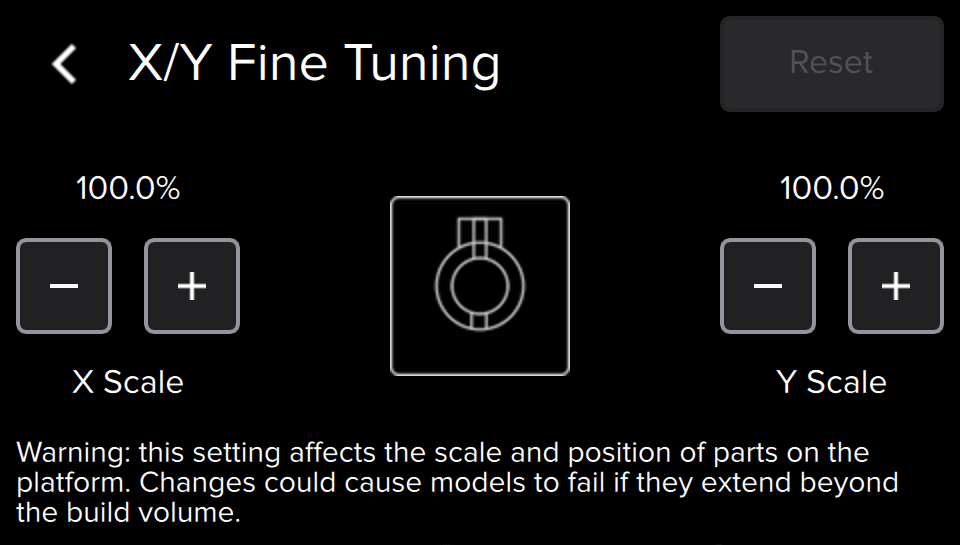
Correct compressed parts
Stretch the laser’s path along an axis
Correct stretched parts
Compress the laser’s path along an axis
Correcting overcompression
Printed prints are sometimes shorter than their intended design. The Z Fine Tuning setting changes the height of the build platform above the tank’s elastic layer before the first layer adheres to the build platform. This dimensional inaccuracy is referred to as Z-compression, and can be adjusted by raising the build platform.
Tip:
Adjust the build platform height in increments of 1.00 mm, then print small models to test the change and continue to adjust the value until models print with consistent supports and rafts.
Raise the build platform
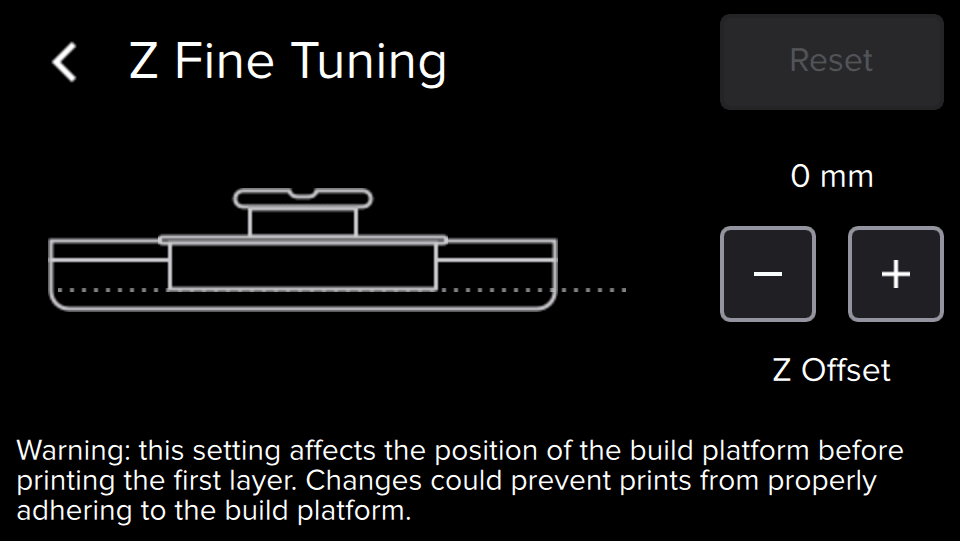
Correcting non-adherence
Prints that complete but leave the build platform empty are the result of non-adherence. The Z Fine Tuning setting changes the height of the build platform above the tank’s elastic layer before the first layer adheres to the build platform. Small adjustments to the build platform height can help models adhere and build correctly.
Tip:
Adjust the build platform height in increments of 1.00 mm, then print small models to test the change and continue to adjust the value until models print with consistent supports and rafts.
Lower the build platform
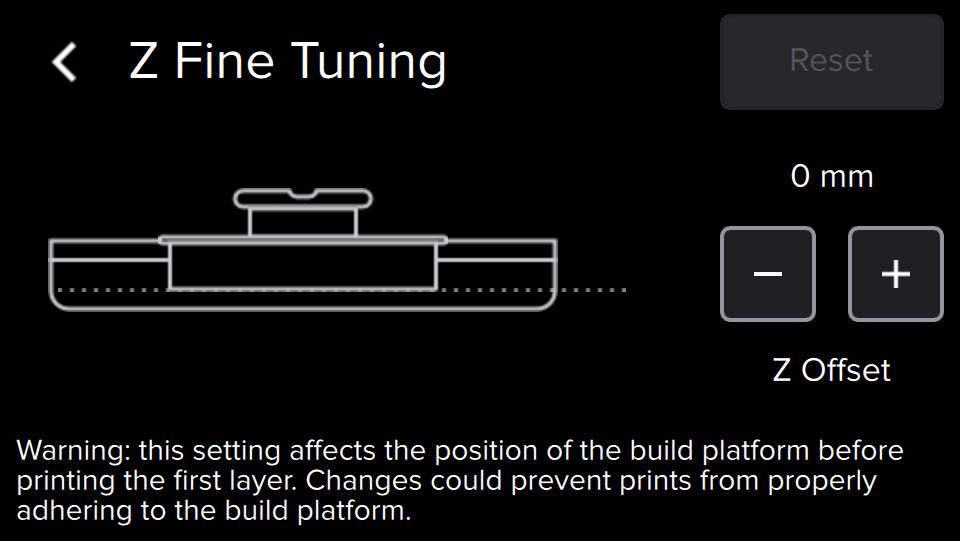
Contacting Formlabs Support
Reset all Fine Tuning settings to default values and contact Formlabs Support or your authorized reseller if: