
Note:
No supports are required for Fuse printers.

Supports are the cornerstone of a successful SLA print—they hold the model in place throughout the entire printing process. Before adjusting any of the advanced support settings in PreForm, make sure you understand the elements of the support structure and how supports interact with model orientation.
The three methods of adding support to a model are:
Note:
No supports are required for Fuse printers.
Understanding the support structure
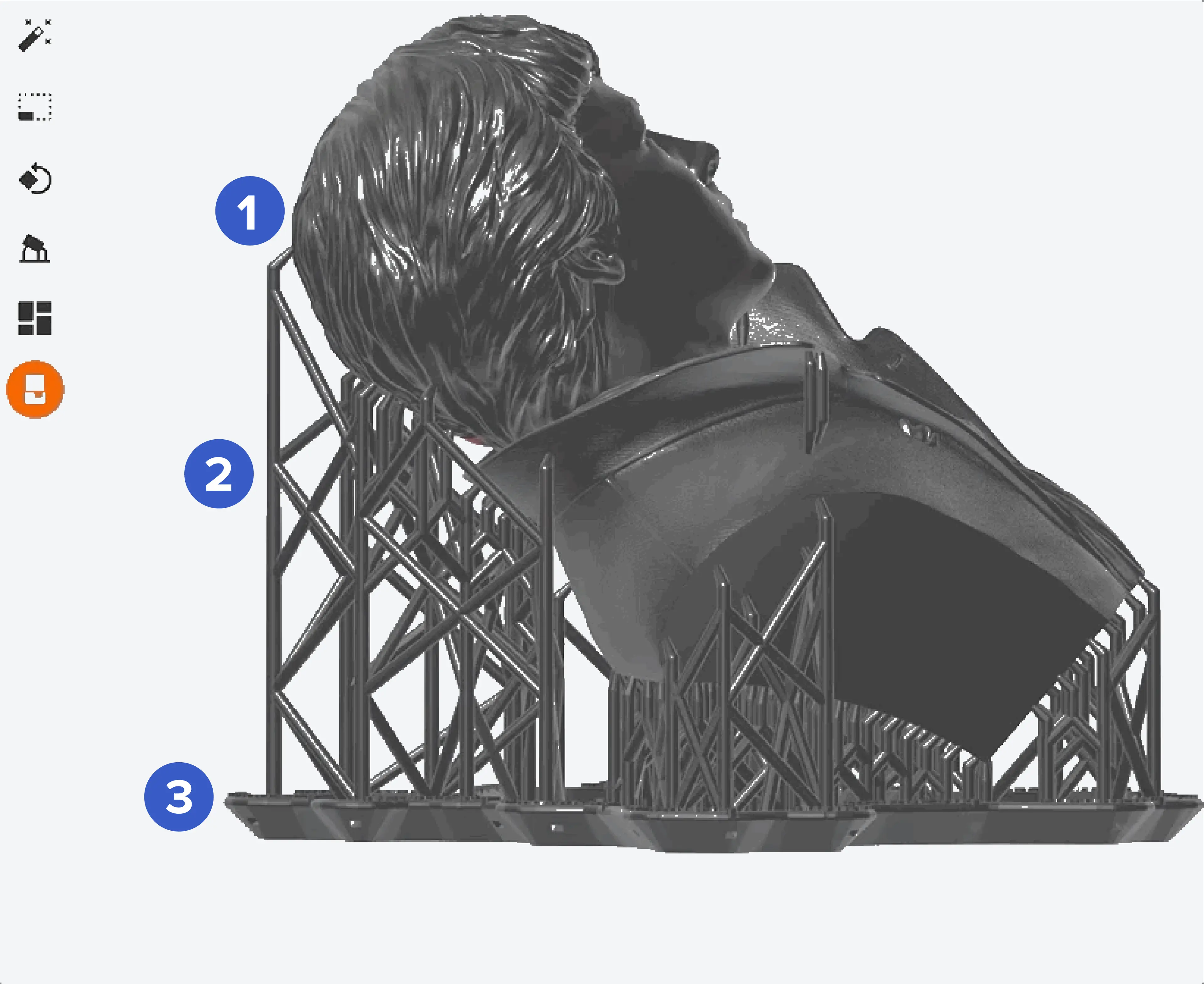
Supports consist of three components: rafts, scaffolding, and touchpoints. The raft forms a base that adheres to the build platform. Scaffolding stems from the raft to secure your part as it prints. Touchpoints are areas of contact where the scaffolding meets the model.
What features need support
Simple shapes can be printed directly on the build platform without supports. Highly-detailed models however, often have features that extend away from the main body. Even self-supporting geometries, like bridges, can warp or fail completely without additional support.
Features that need extra support include:
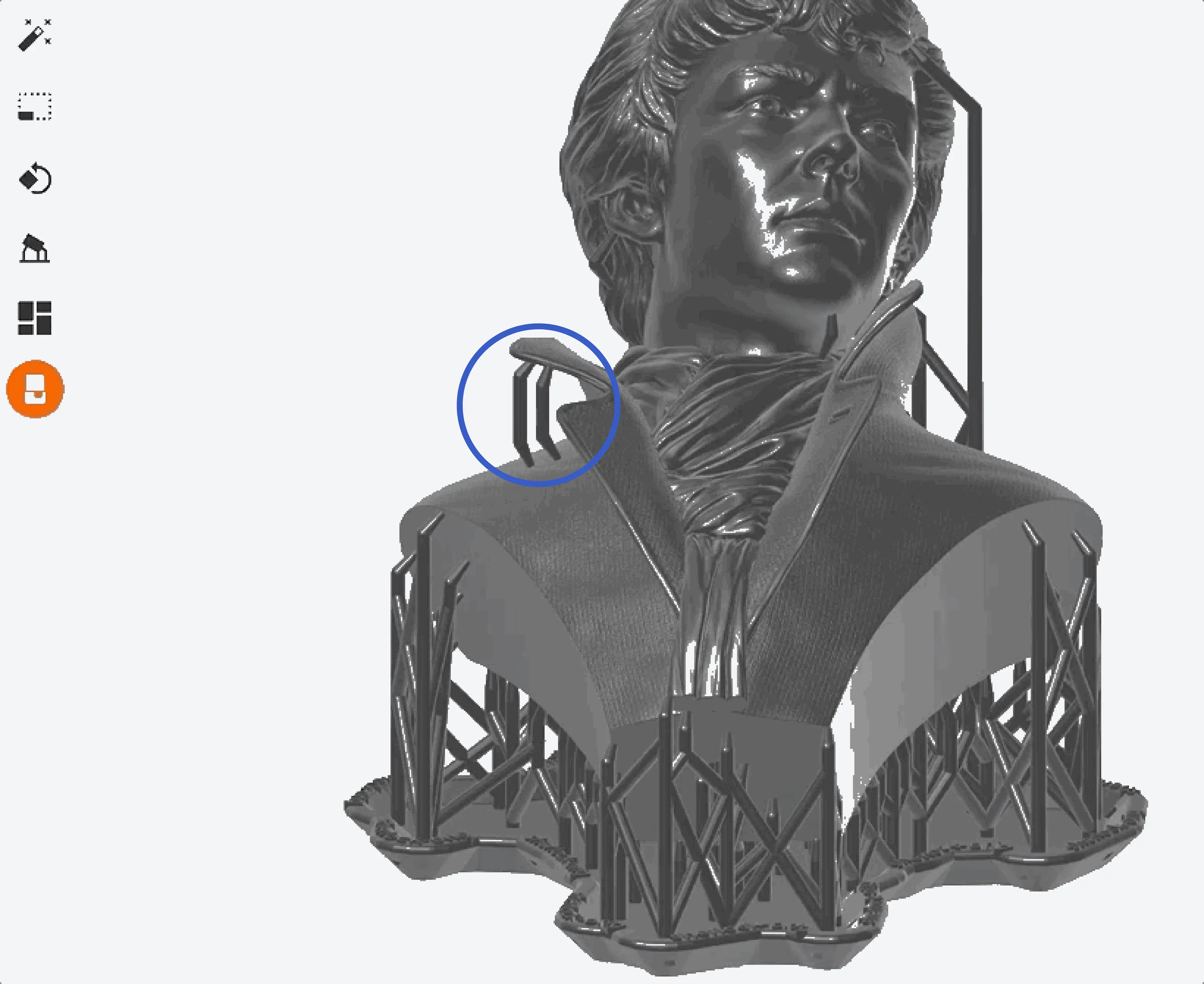
The support requirements for these features depends on the printer you are using:
TIP:
Use PreForm to view and resolve unsupported minima.
Risks of insufficiently supporting a model
PreForm’s default support settings provide excellent coverage when auto-generating support structures. They are dense enough to hold a model in place and prevent shifting during the printing process, as well as having large enough touchpoints to connect the model to the raft and prevent it from detaching.
Not providing your model with enough support can cause: