WHITE PAPER
Formlabs Logo

Maintaining the X- and Z-axis screws (Form 3L/Form 3BL)

Maintaining the X- and Z-axis screws (Form 3L/Form 3BL)

The Light Processing Unit (LPU) housing and the build platform carriage ride along the X-axis ball screw and Z-axis lead screw, respectively. Both screws must be lubricated for these X- and Z-axis components to move smoothly and quietly.

Warning:

Disconnect the machine from its power source when interacting with the X- and Z-axis screws. Moving parts present crushing and tangling hazards.

Notice:

Lubricate the screws, particularly the X-axis ball screw, every 12 months.

Required supplies:
  • Microfiber cloth or low-fiber paper towels
  • Rheolube 362HB lithium grease for ball bearings
  • Non-reactive nitrile gloves
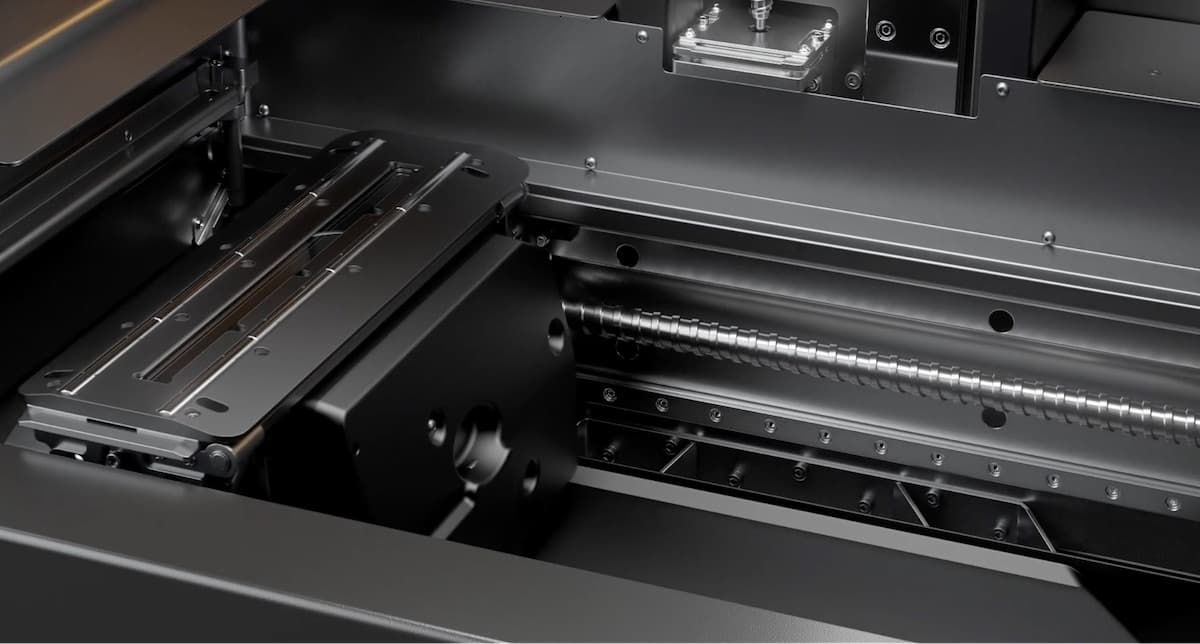
Form 3L/Form 3BL X-axis ball screw
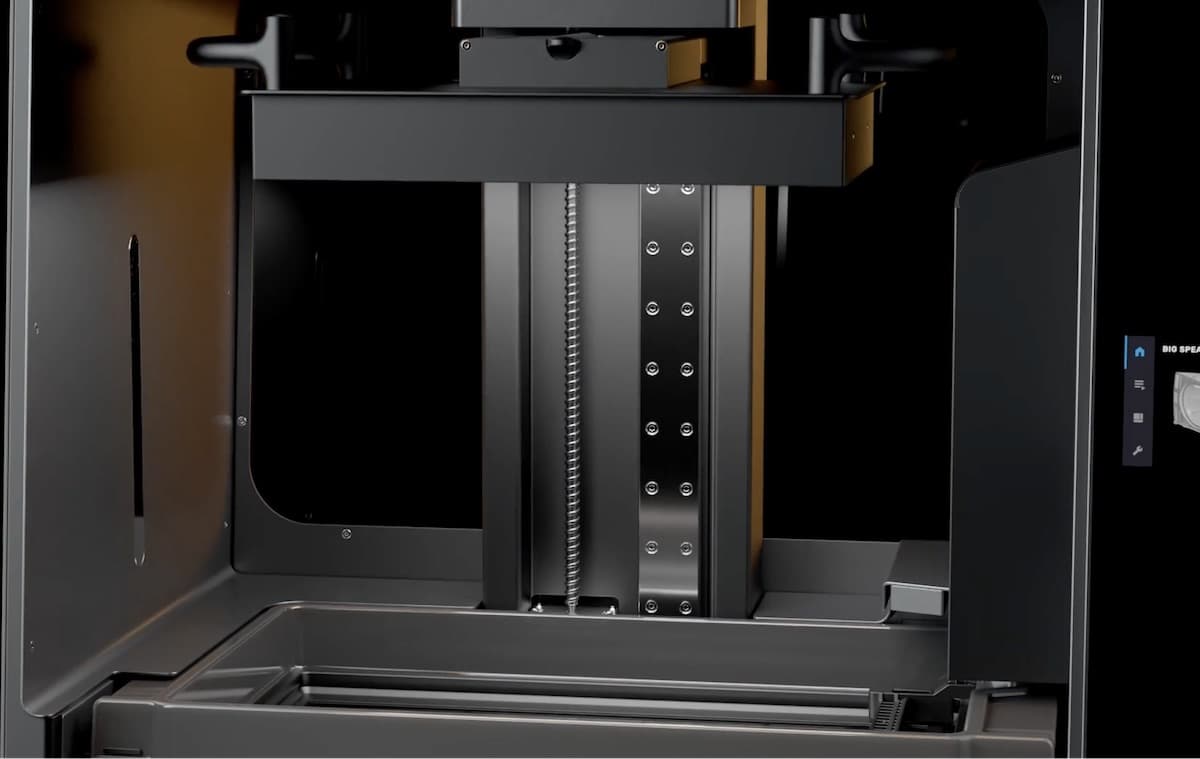
Form 3L/Form 3BL Z-axis lead screw

Inspecting the X- and Z-axis screws

Periodically inspect the X- and Z-axis screws to ensure that the LPU housing and build platform carriage move smoothly and that there is no debris built up in the screw threads.

To inspect the X-axis screw:

  1. Put on a new, clean pair of nitrile gloves.
  2. Disconnect the printer from its power source.
  3. Rotate the X-axis ball screw. Depending on your printer’s firmware version, there is a maintenance option, accessible through the printer’s touchscreen, that moves the build platform carriage or LPU housing along their respective screws.
  4. As the LPU housing moves right and left, listen, look, and feel to check for areas that emit noise or where the carrier sticks or moves less smoothly.
  5. Visually inspect the X-axis to ensure that no debris or foreign objects obstruct the ball screw or path of motion.
  6. Visually inspect the X-axis to ensure that lubricant covers the full length of the screw threads.
  7. In the case that the screw is missing lubricant or if the X-axis emits intermittent noises when printing, lubricate the ball screw using the instructions below.

To inspect the Z-axis screw:

  1. Put on a new, clean pair of nitrile gloves.
  2. Disconnect the printer from its power source.
  3. Rotate the Z-axis lead screw. Depending on your printer’s firmware version, there is a maintenance option, accessible through the printer’s touchscreen, that moves the build platform carriage or LPU housing along their respective screws.
  4. As the build platform carriage moves up and down, listen, look, and feel to check for areas that emit noise or where the carrier sticks or moves less smoothly.
  5. Visually inspect the Z-axis to ensure that no debris or foreign objects obstruct the lead screw or path of motion.
  6. Visually inspect the Z-axis to ensure that lubricant covers the full length of the screw threads.
  7. In the case that the screw is missing lubricant or if the Z-axis emits intermittent noises when printing, lubricate the lead screw using the instructions below.

Lubricating the X- and Z-axis screws

If the LPU housing or build platform carriage does not move smoothly or makes noise while moving, lubricate the screw it rides on. Lubricate the screws, particularly the X-axis ball screw, every 12 months.

To lubricate the X- or Z-axis screw:

  1. Put on a new, clean pair of nitrile gloves.
  2. Disconnect the printer from its power source.
  3. Remove the build platform and resin tank.
  4. Place a clean low-fiber paper towel over the LPU housing and roller holder.
  5. Remove old and dirty grease from the Z-axis lead screw using a paper towel.
  6. Apply a light layer of lithium grease specifically intended for use with ball bearings evenly along the screw. Apply the lubricant directly from the container or by dabbing lubricant onto the screw with a gloved hand.
  7. Rotate the screw. Depending on your printer’s firmware version, there is a maintenance option, accessible through the printer’s touchscreen, that moves the build platform carriage or LPU housing along their respective screws.
    • X-axis: As the LPU housing moves right and left, listen, look, and feel to check for areas that emit noise or where the carrier sticks or moves less smoothly.
    • Z-axis: As the build platform carriage moves up and down, listen, look, and feel to check for areas that emit noise or where the carrier sticks or moves less smoothly.
  8. Wipe the screw with a microfiber cloth or low-fiber paper towel to remove excess lubricant.