
Note:
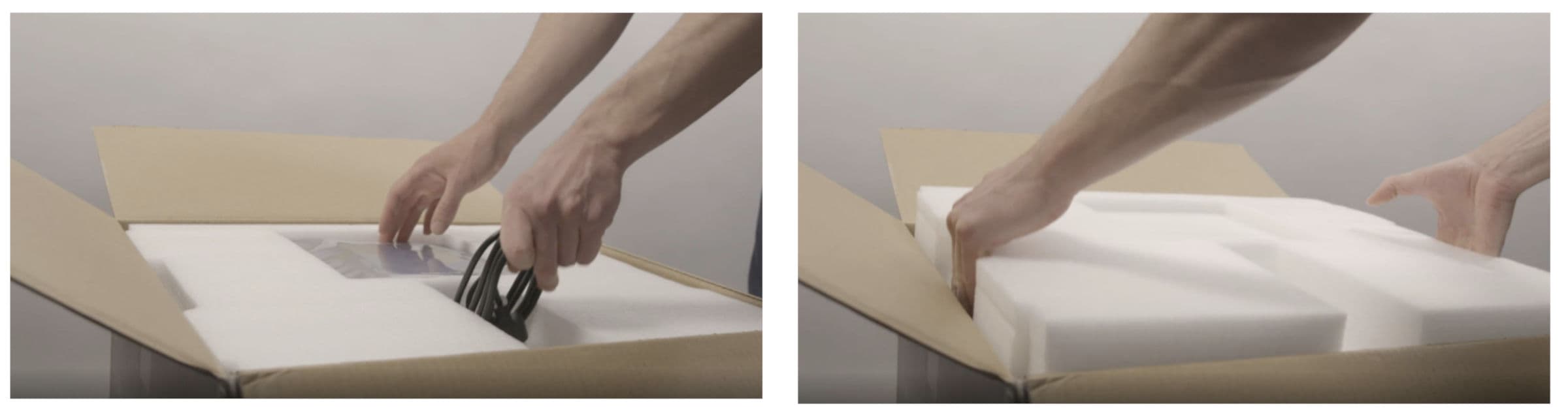
The printer’s power cord and USB cable are included on top of the foam inside the Form 3/Form 3B box. If you cannot locate the power cable, be sure to check all boxes in your shipment, as it may have been packed separately.

Know what to expect when your Form 3/Form 3B comes in the mail. Unboxing, setup, and package contents are all detailed here.
Form 3/Form 3B packages
The standard Form 3/Form 3B bundle ships with multiple boxes: Resin Cartridge(s), Printer, Finish Kit, Resin Tank(s), and Build Platform(s). The Resin Tank, Build Platform, and additional accessory boxes ship separately from the Form 3/Form 3B printer packaging.
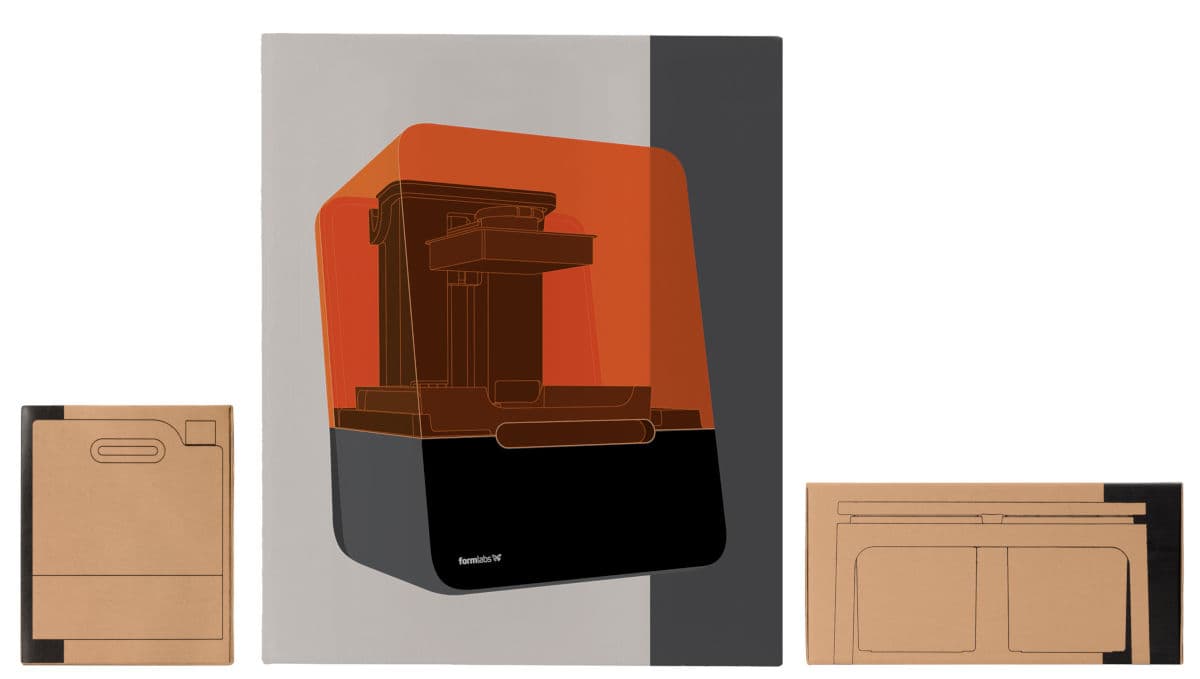
Packaged shipments have the following dimensions and weights:
| Form 3/Form 3B Printer | Form 3/Form 3B Finish Kit | Resin Cartridge | Form 3/Form 3B Resin Tank | Form 3/Form 3B Build Platform | |
|---|---|---|---|---|---|
| Dimensions | 22.5 × 20 × 27 in (57 × 51 × 69 cm) | 8 × 8 × 9 in (46 × 23 × 23 cm) | 9.5 × 8 × 3 in (24 × 20 × 8 cm) | 14 × 11.8 × 3.3 in (35 × 30 × 8 cm) | 7 × 6.75 × 3 in (18 × 17 × 8 cm) |
| Weight | 50 lb (22.7 kg) | 6.6 lb (3 kg) | 3.3 lb (1.5 kg) | 3.1 lb (1.4 kg) | 1.5 lb (0.67 kg) |
| Contents | Form 3/Form 3B printer | see Finish Kits | single cartridge | single resin tank | single build platform |
Note:
The printer’s power cord and USB cable are included on top of the foam inside the Form 3/Form 3B box. If you cannot locate the power cable, be sure to check all boxes in your shipment, as it may have been packed separately.
Before receiving your Form 3/Form 3B
Prepare a space to receive your Form 3/Form 3B printer and house the necessary accessories and consumables.
Isopropyl alcohol is the recommended solution for rinsing parts and cleaning liquid resin after each completed print. Keep paper towels in stock to ensure a clean work environment for printing and finishing.
Depending on your use case and work environment, tripropylene glycol monomethyl ether (TPM) may be a viable alternative to isopropyl alcohol for washing parts using the Form Wash or the Finish Kit.
Unboxing your Form 3/Form 3B
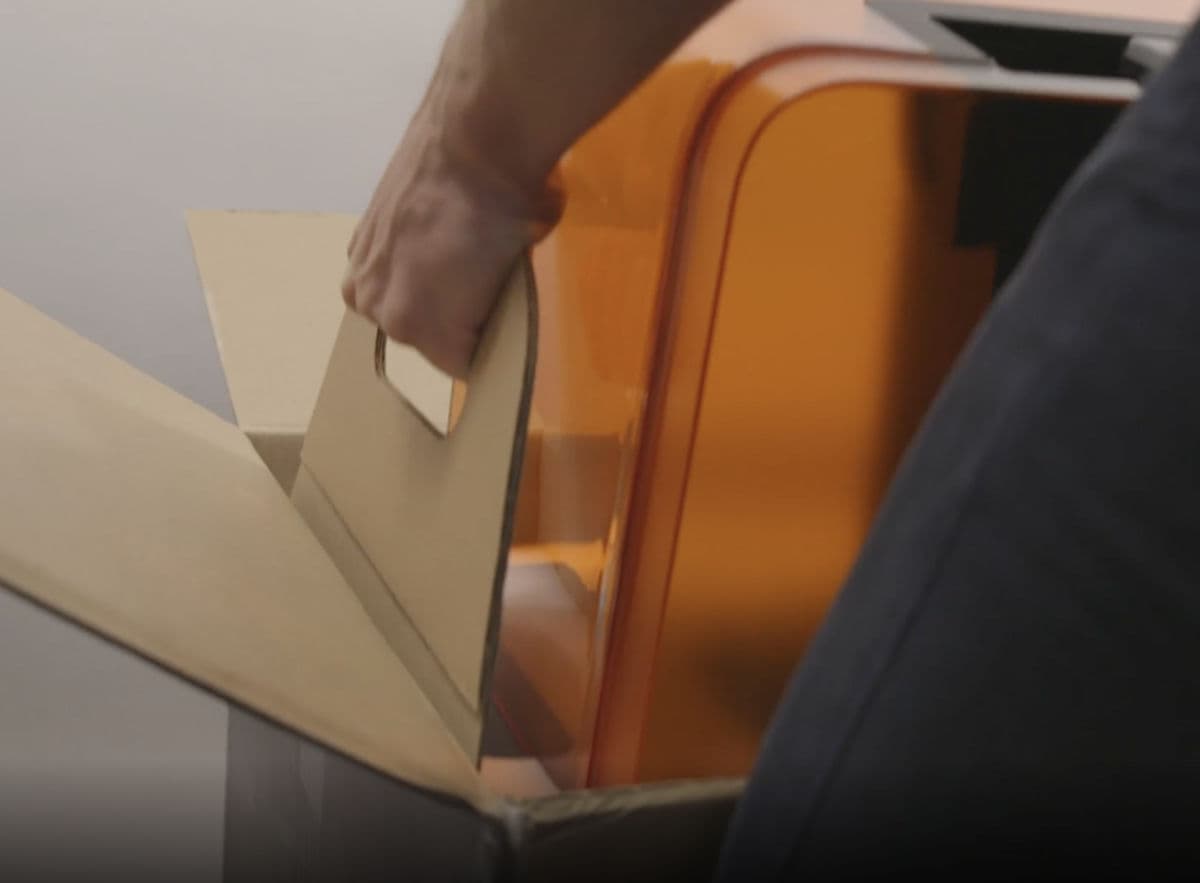
The custom packaging your Form 3/Form 3B arrives in is specially designed to protect the printer during shipping.
Tip:
Save the Form 3/Form 3B packaging for transporting your printer. Original packaging is required for warranty service.
Notice:
Do not cover the printer with any packaging or any other covers or sleeves during printing. Insulating the printer during printing can damage the Light Processing Unit.
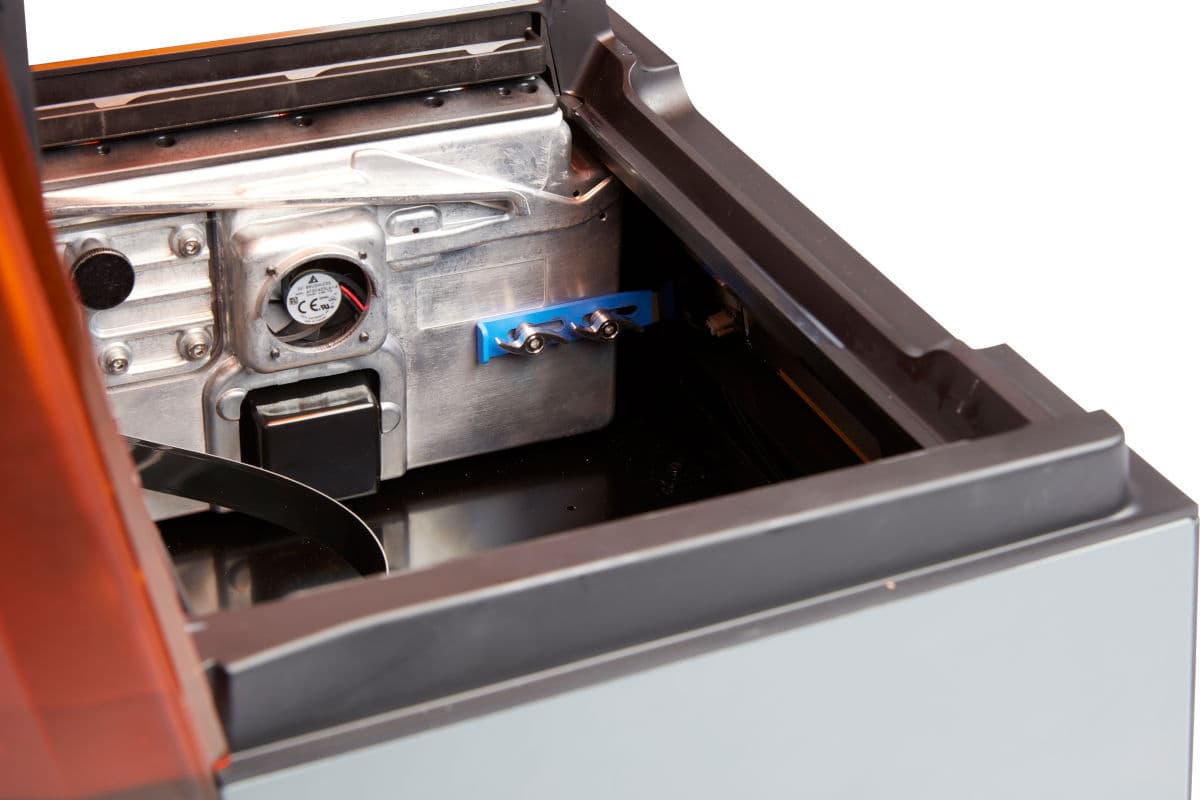
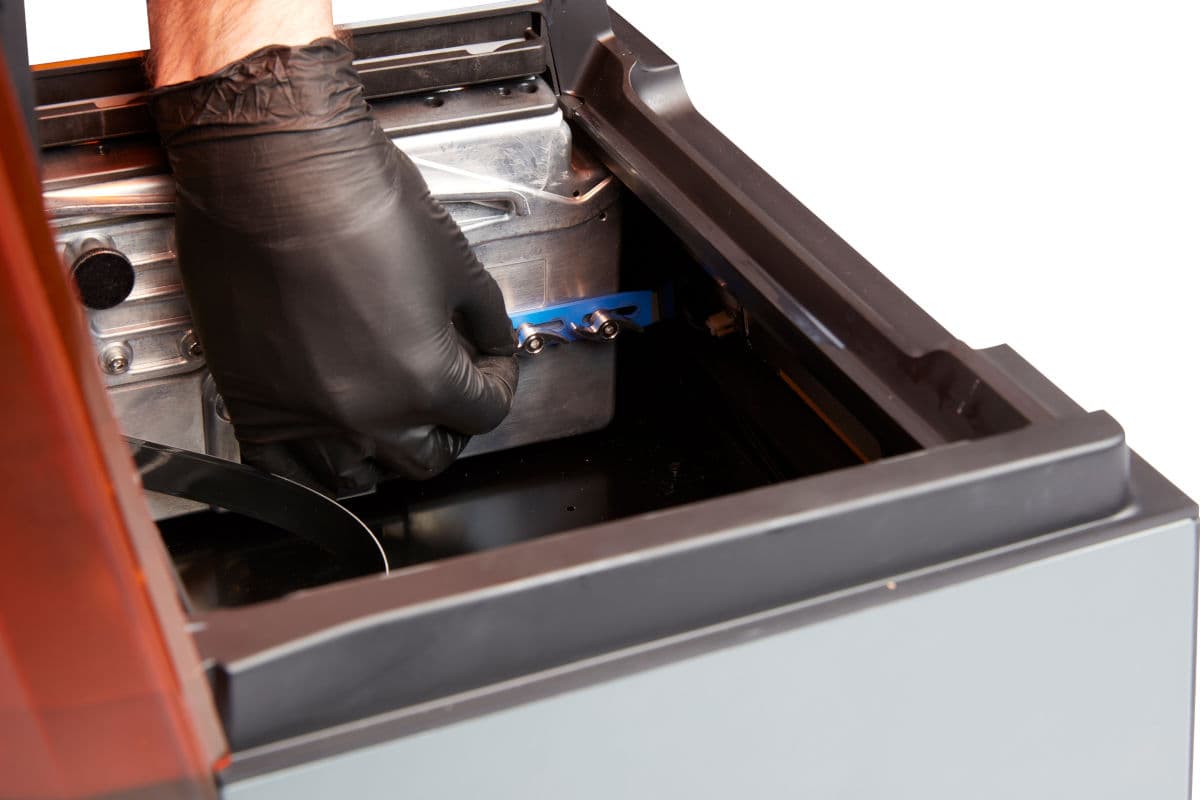
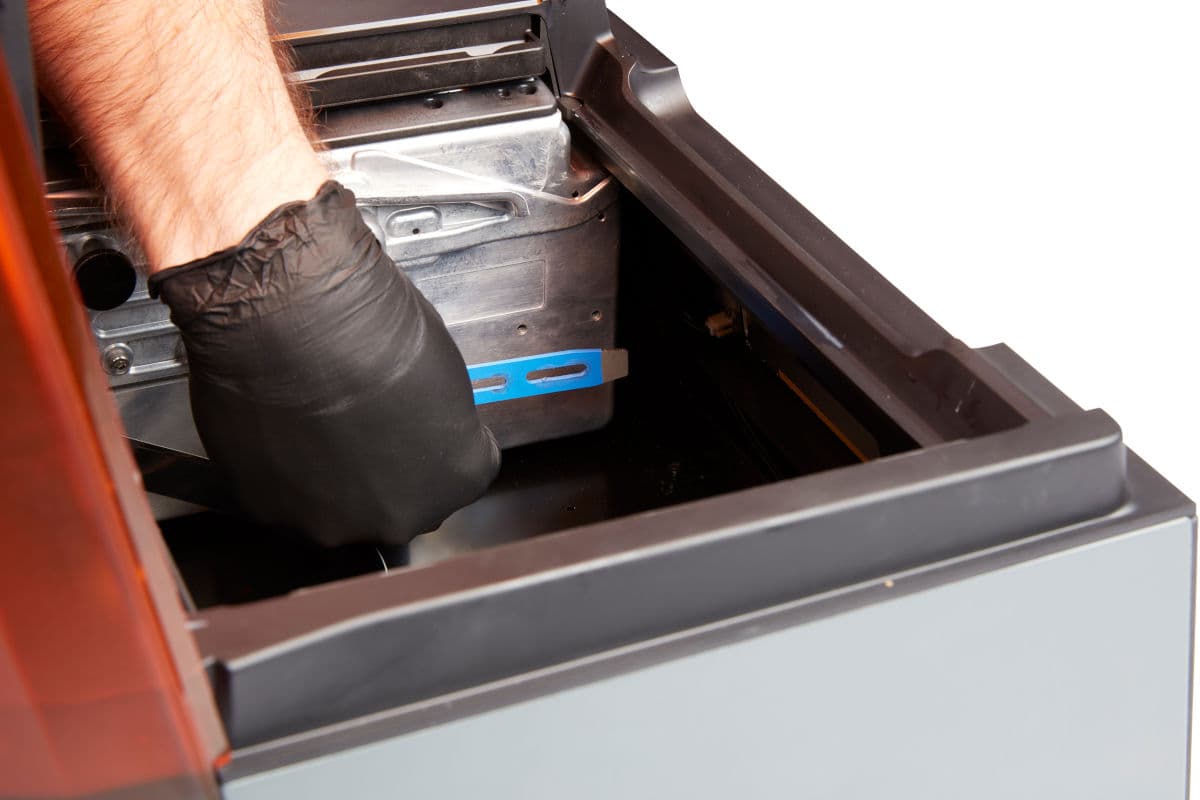
Proceed to follow the onboarding guide on the printer’s touchscreen. Once you’re done, set up the Finish Kit and connect to your printer if you have not already done so.
Tip:
Place SLA printers facing away from external windows to prevent resin in the resin tank from inadvertently curing between uses or when the cover is open.
Serial name
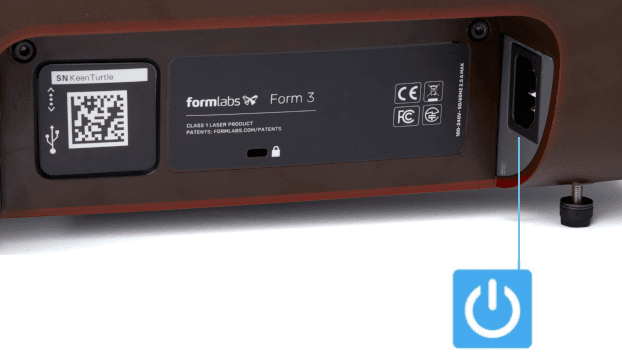
All Formlabs machines have a serial name instead of a serial number. The serial name is a unique identifier used to track the history of manufacturing, sales, and repair, and to distinguish between printers when multiple are connected to a network. The serial name is on the back panel of the machine in the format AdjectiveAnimal.
For a Form 3/Form 3B, the serial name is also available on the touchscreen display.
To access the serial name on a Form 3/Form 3B: