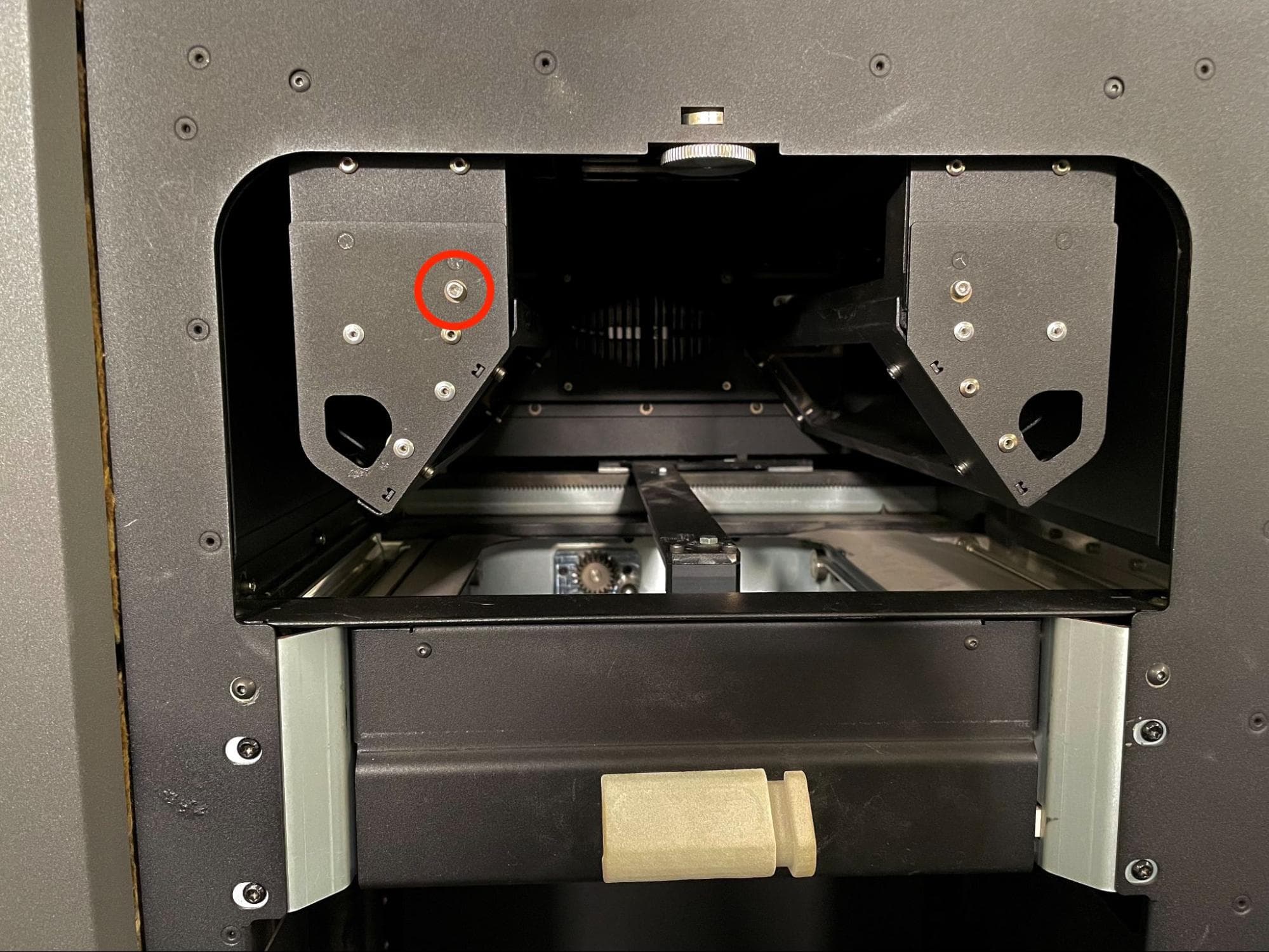
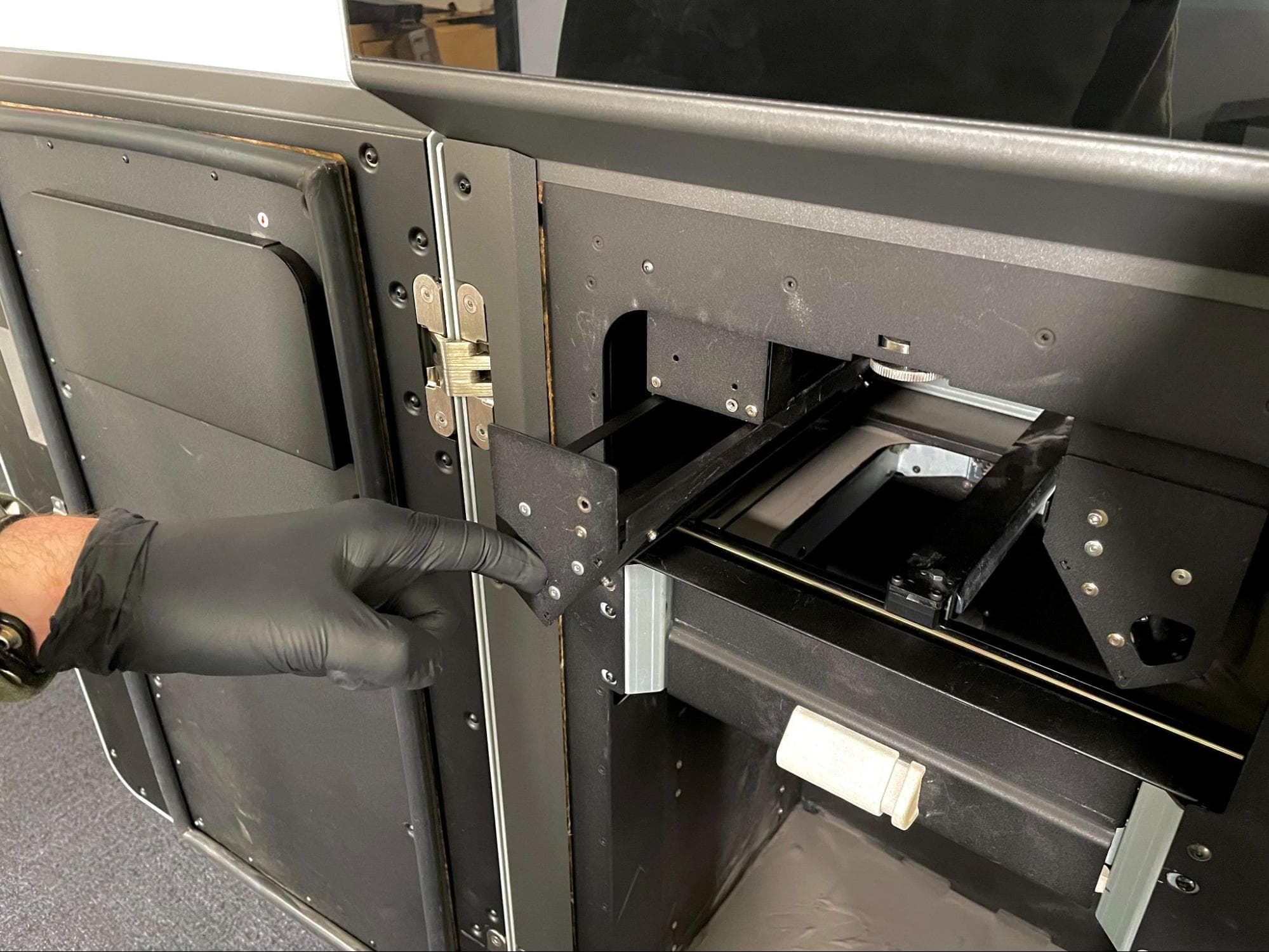
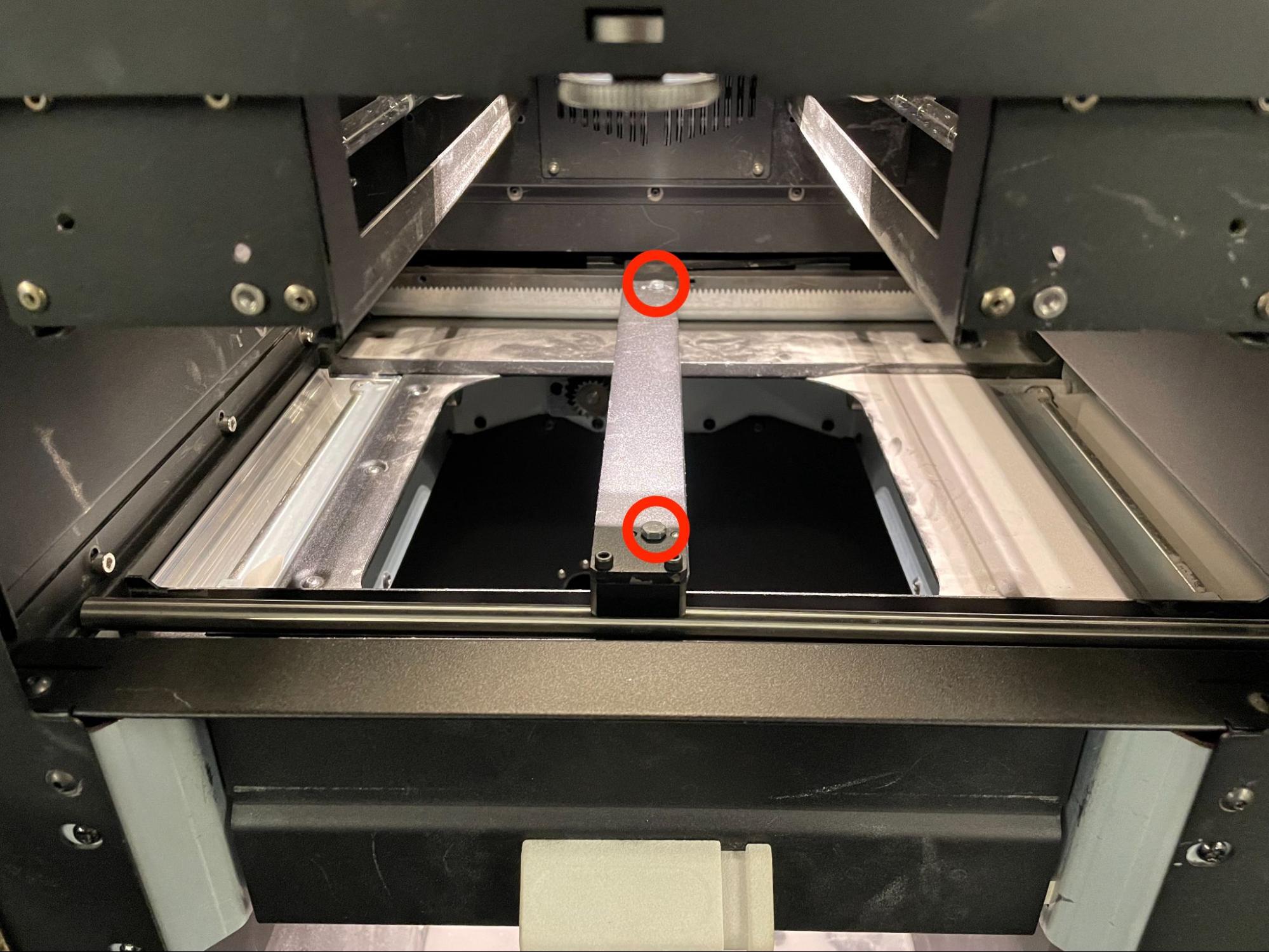
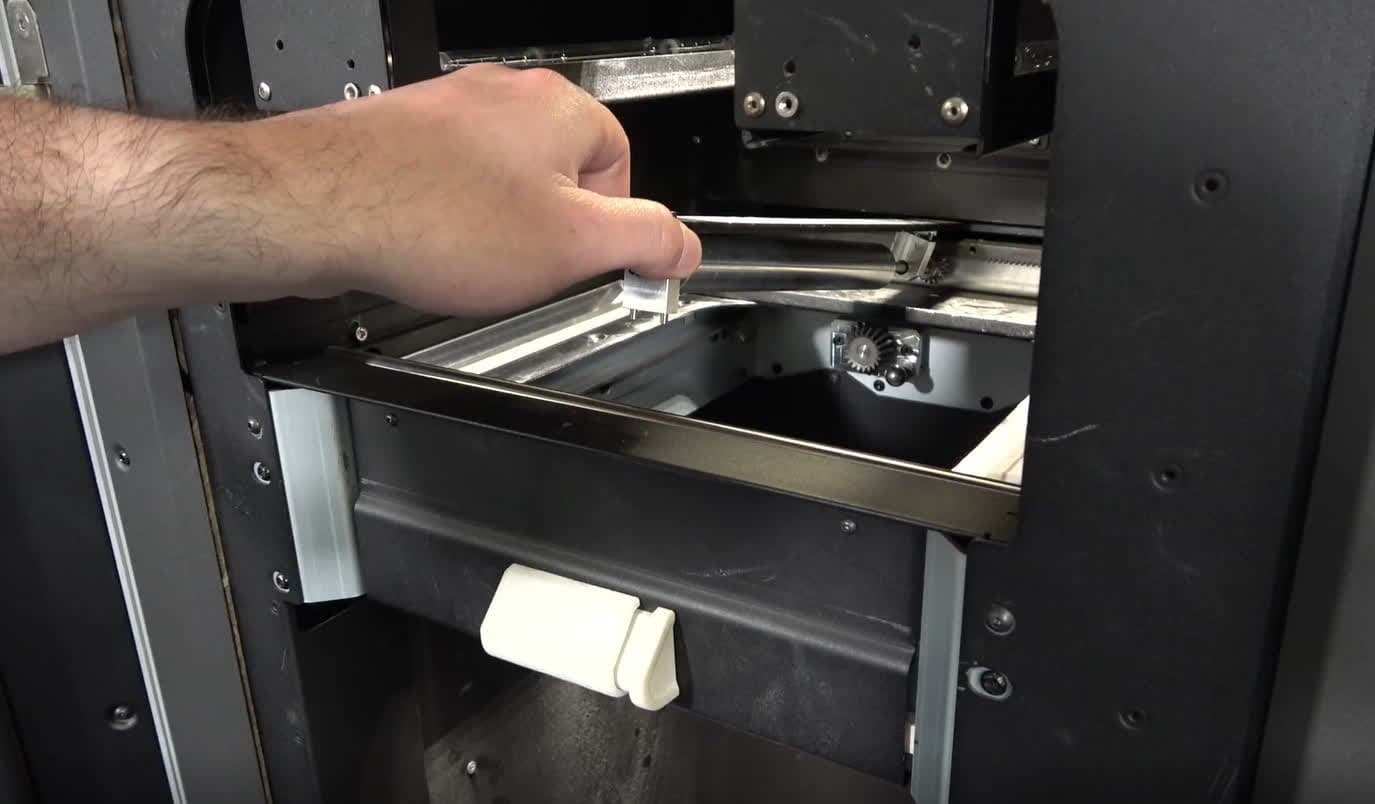
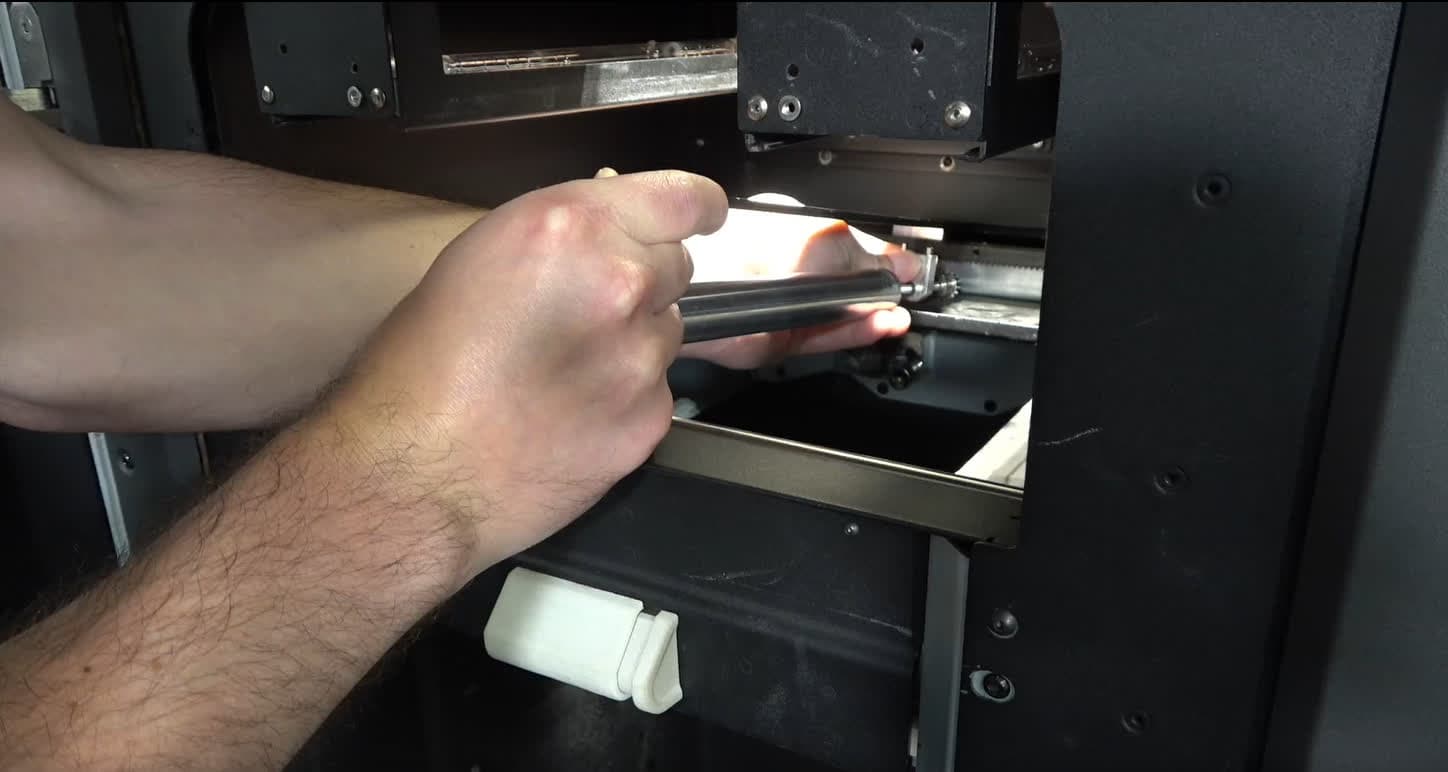
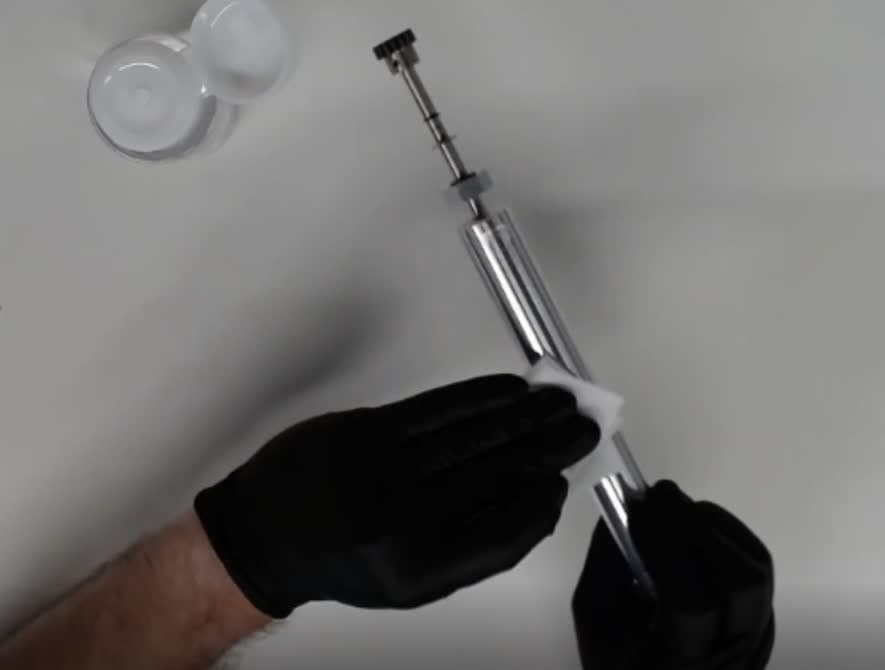
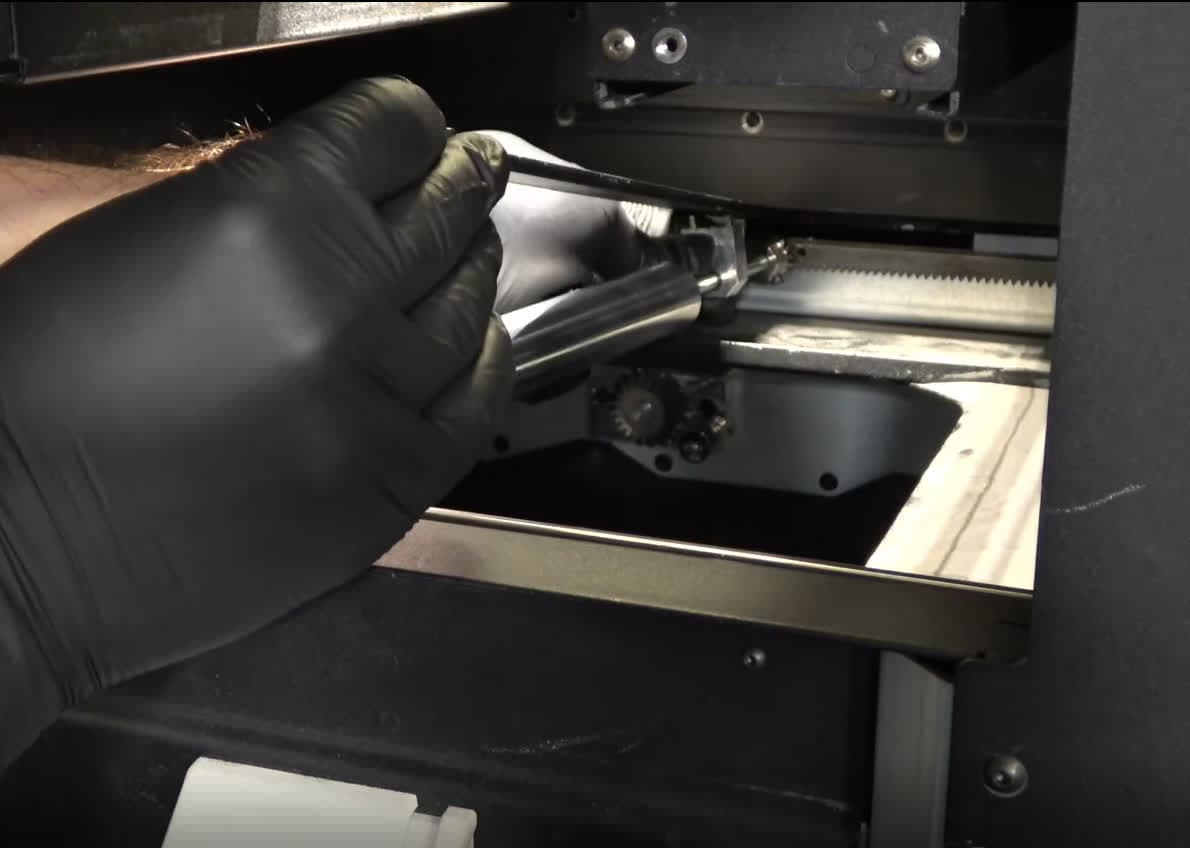
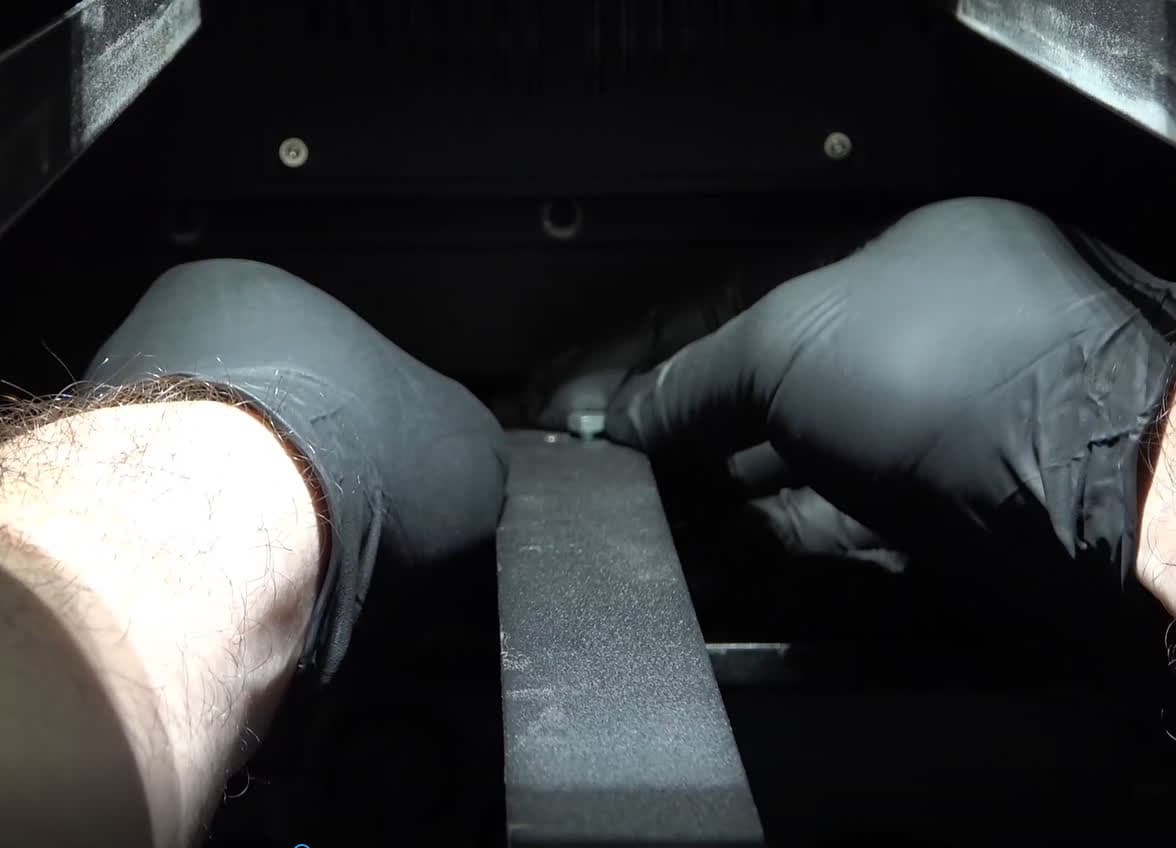
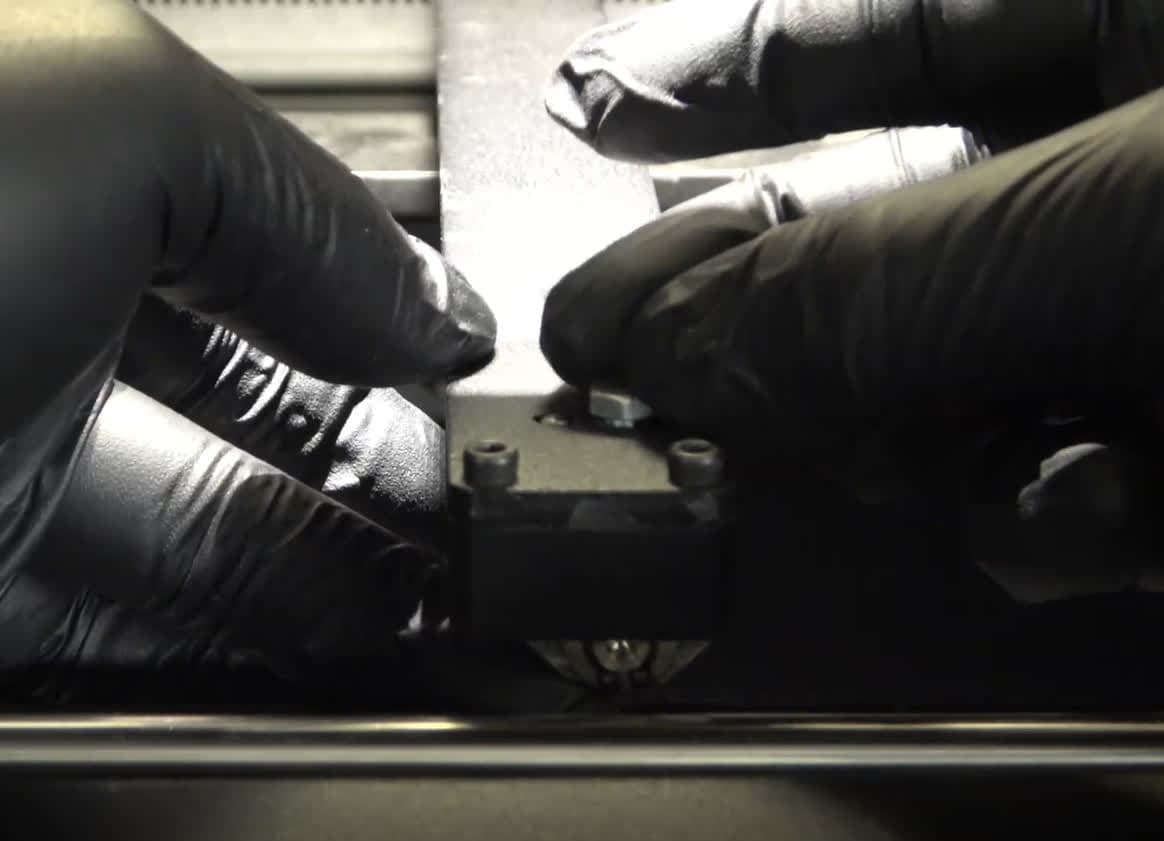
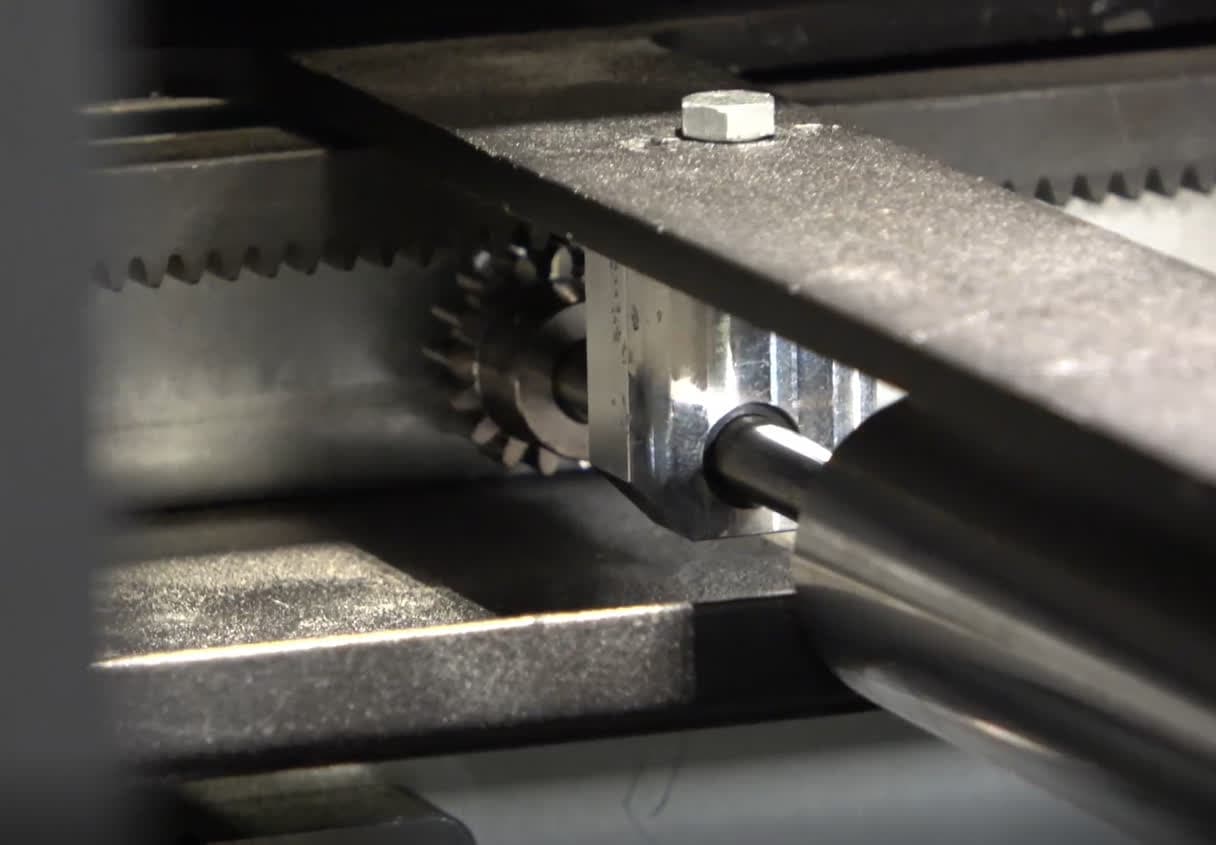
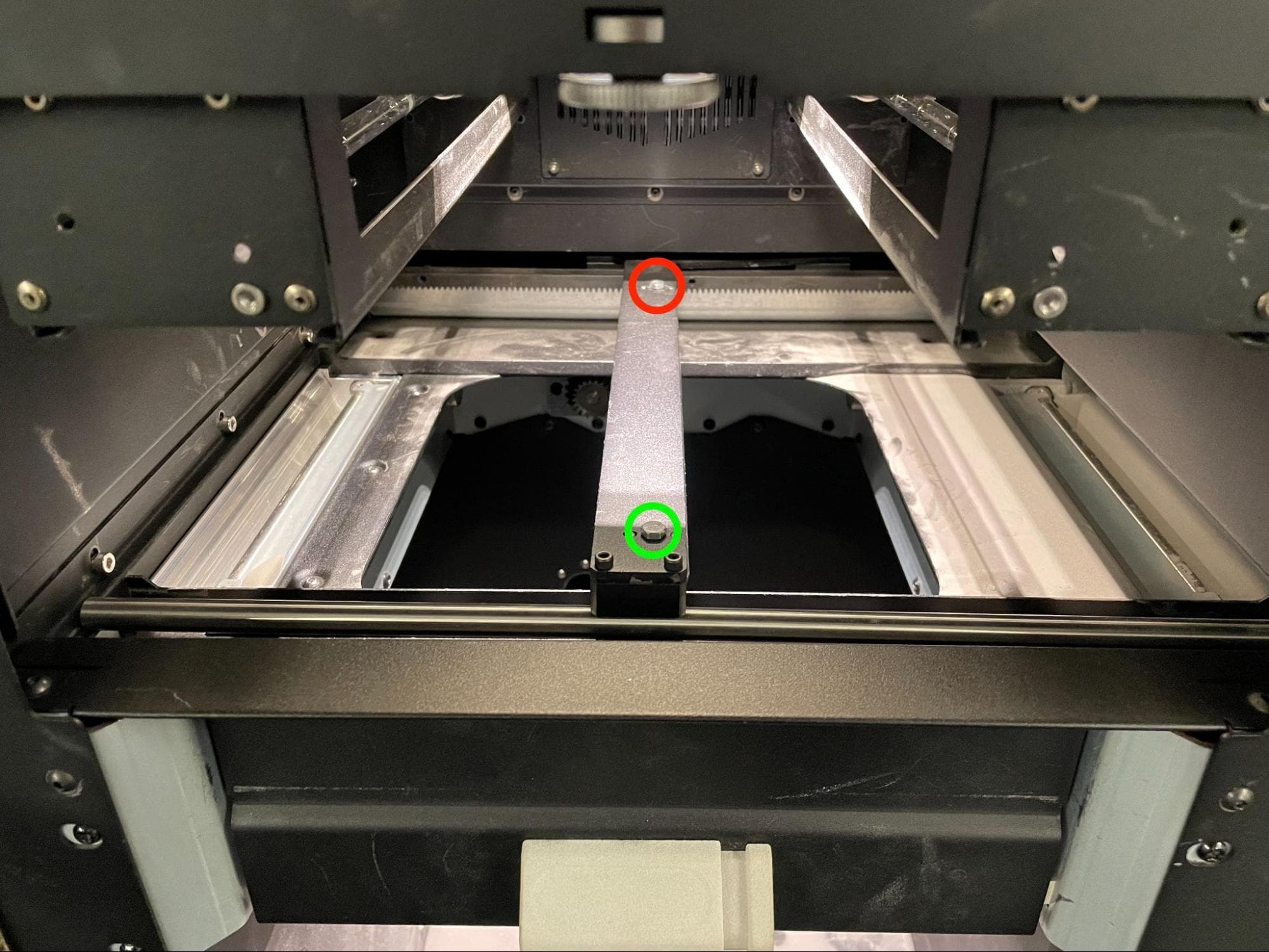
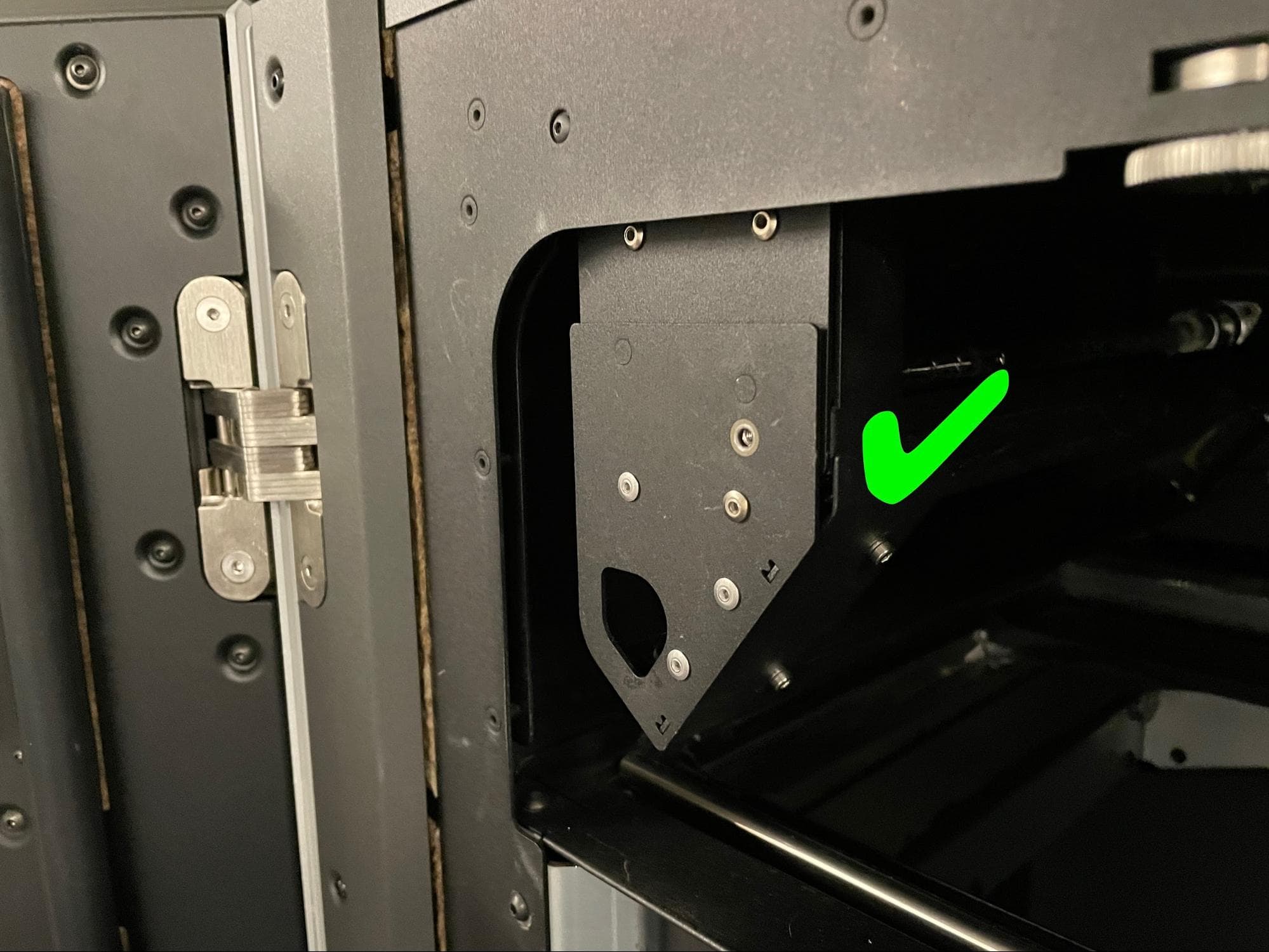
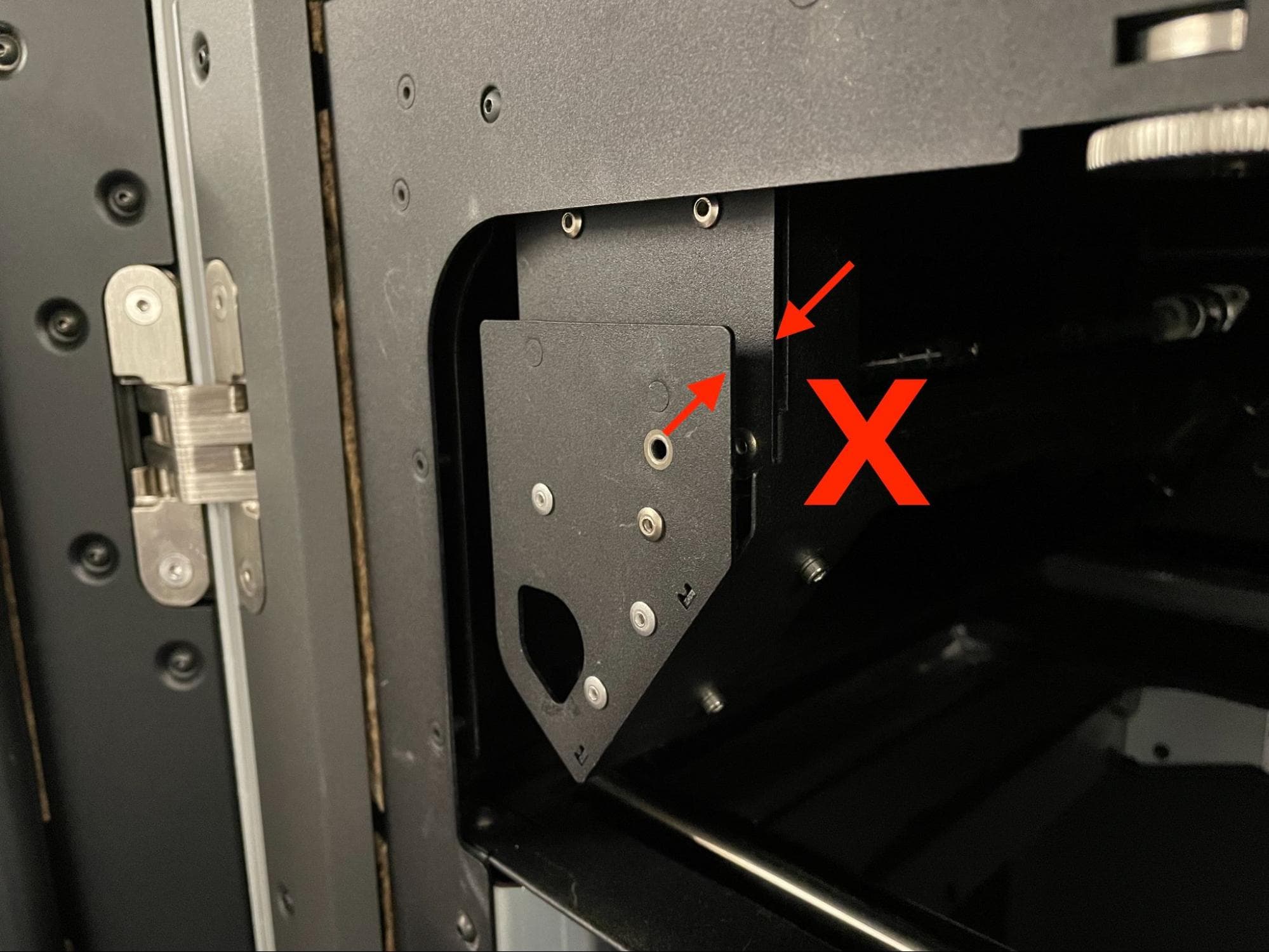
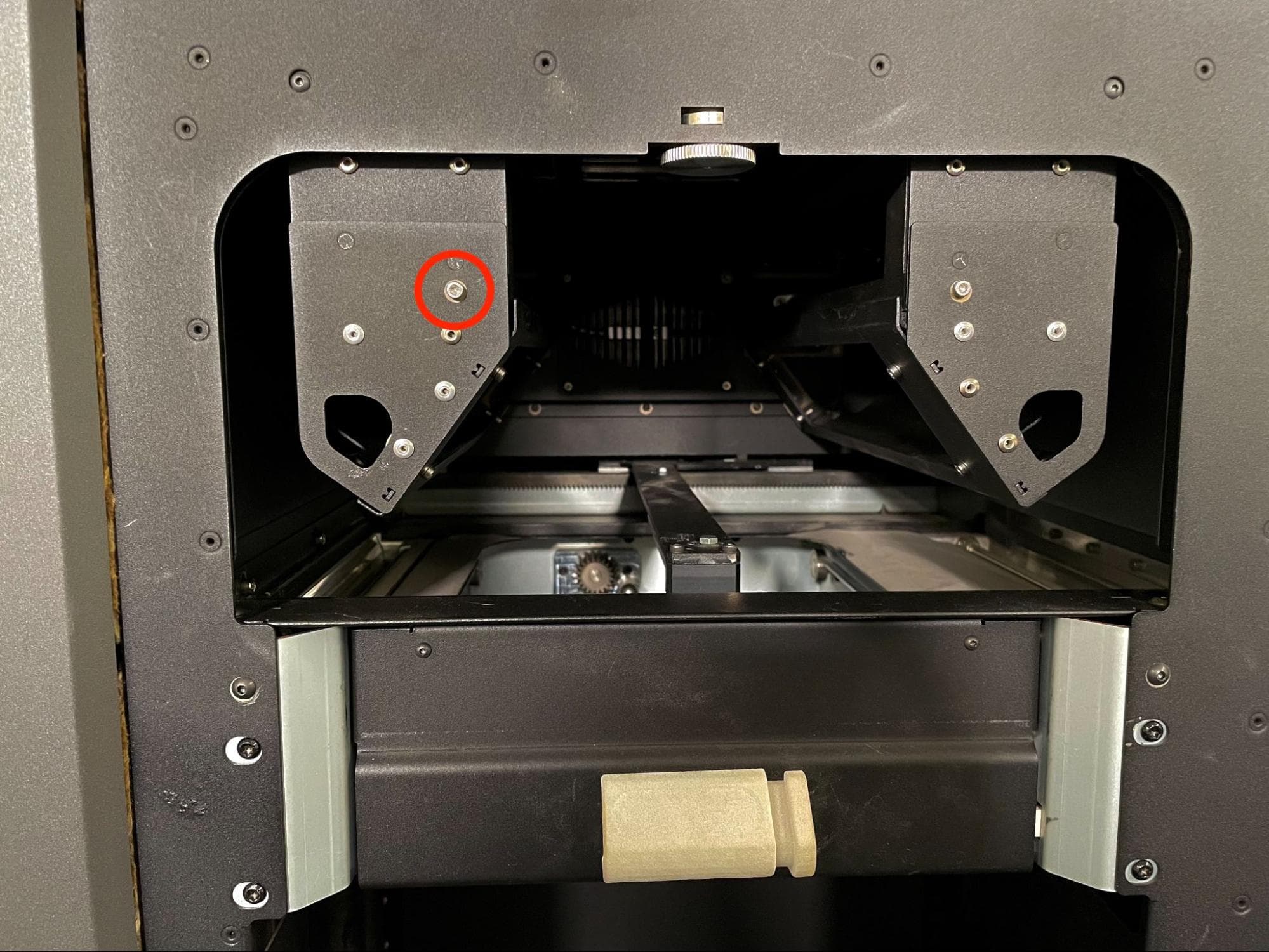
Overview: Prepare the printer for the repair and remove the quartz tube heater spatial filters to better access the recoater roller. The recoater roller can be removed without removing the quartz tube spatial filters, but there will be less space to work within the print enclosure.
Step 1: Prepare the workspace
Clear a workspace around your printer. Ensure that the workspace is well-ventilated and free of dust. Put on appropriate personal protective equipment for the powder in the printer, based on the safety data sheet for the powder.
Step 2: Open the print enclosure door
Open the print enclosure door using the touchscreen. If there is a build chamber inserted, unplug and remove it.