
Note:
Connect your printer to the internet via USB, Ethernet, or Wi-Fi. Ensure your printer and computer are connected to the same network to select the printer in PreForm.

When opening PreForm for the first time, a general Printer Type is selected by default. Selecting a printer in PreForm allows you to send a new print job to a printer or to view the status of a current print job.
Note:
Connect your printer to the internet via USB, Ethernet, or Wi-Fi. Ensure your printer and computer are connected to the same network to select the printer in PreForm.
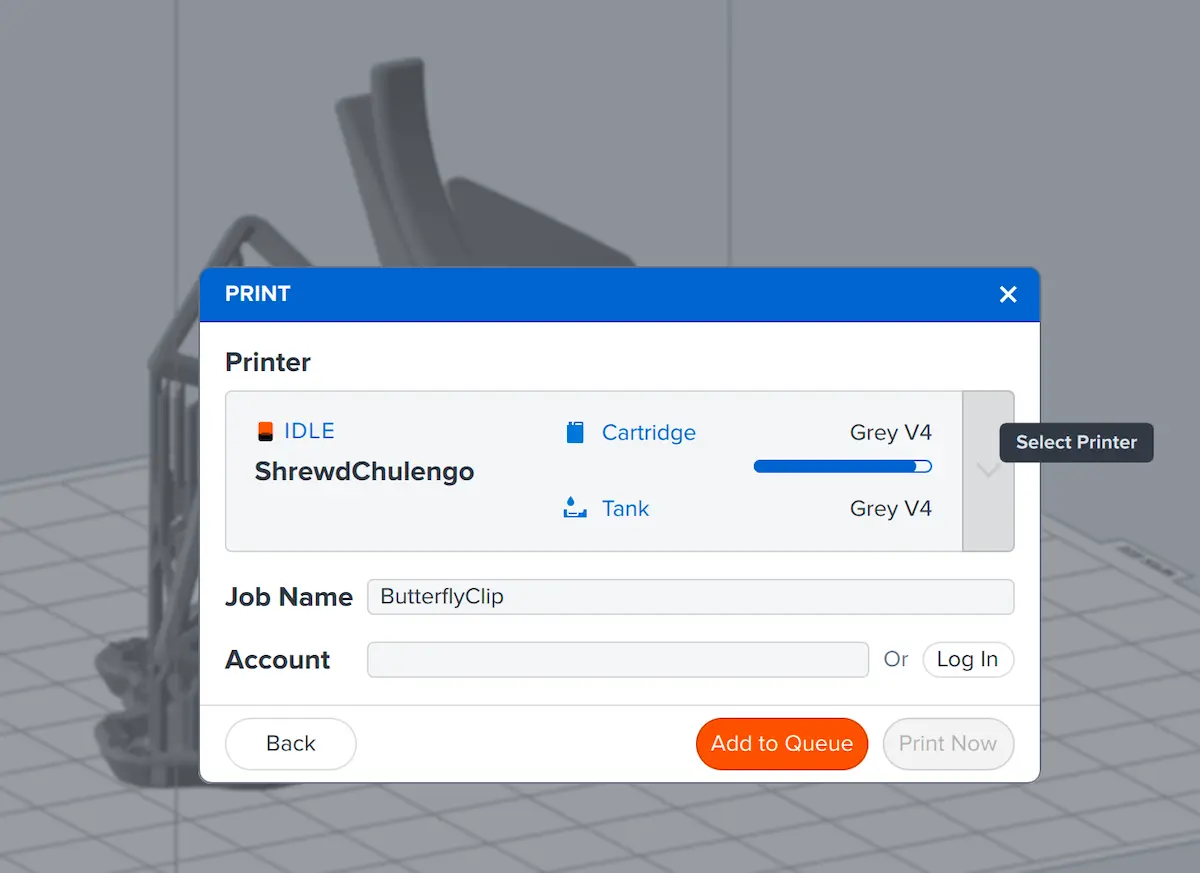
Preparing a model and selecting a printer
Prepare your model for printing before clicking the orange Print button to select a printer.