
Note:
The last supported Form 1+ version of PreForm is version 2.20.0.

Note:
The last supported Form 1+ version of PreForm is version 2.20.0.
If you need to ship your Form 1+ for any reason, the instructions here will help to package it up with minimal risk of shipping damage.
1. Clean the build platform
Wearing gloves, remove the build platform from the Form 1+. Clean the surface of excess resin by first scraping excess resin into the tank. Then, wipe off the build platform using a paper towel soaked in IPA.
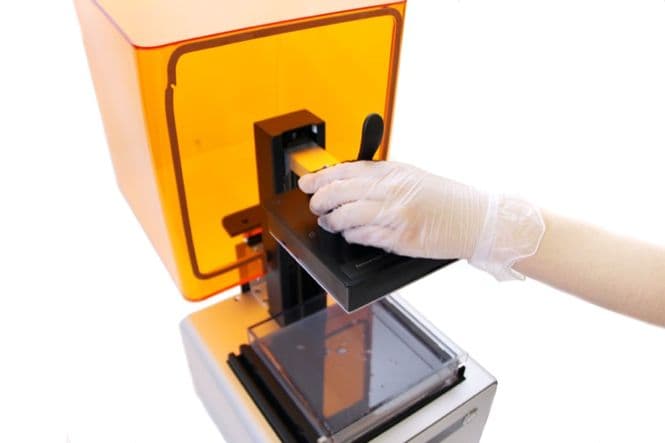
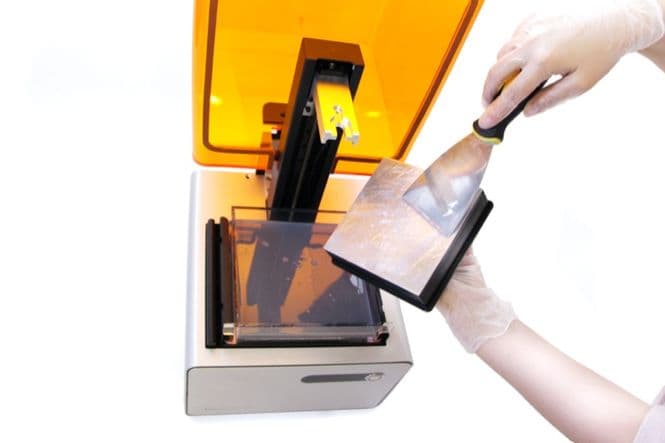
2. Wrap and secure the build platform
Wrap the build platform in plastic wrap to catch any leftover resin. Store the build platform in a cool dark place.
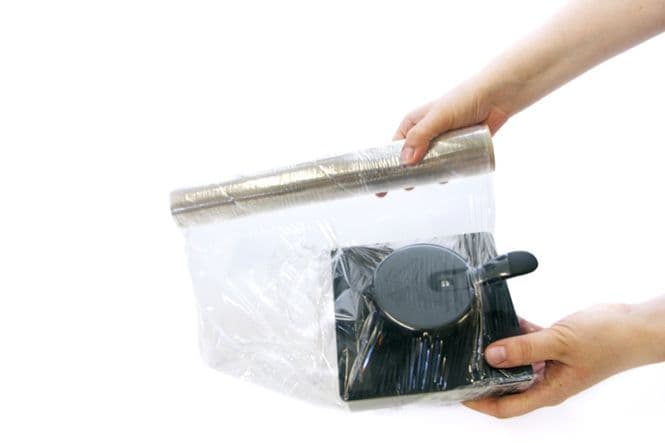
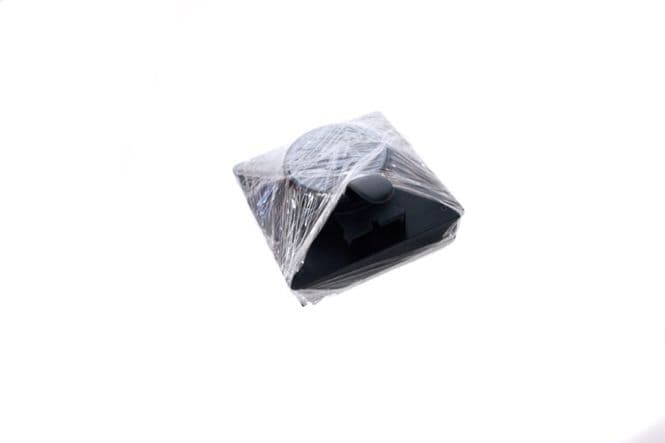
3. Remove and store the resin tank
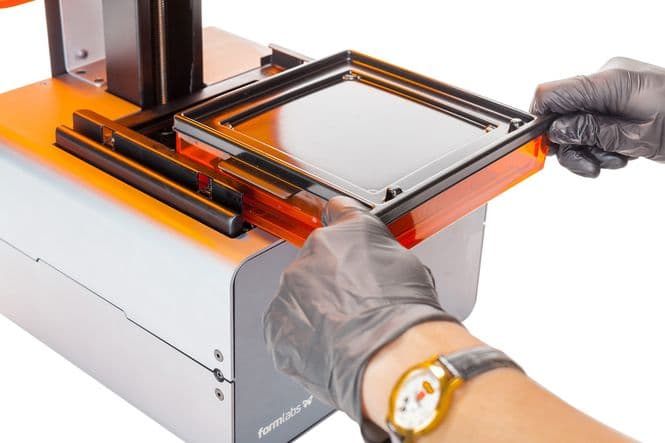
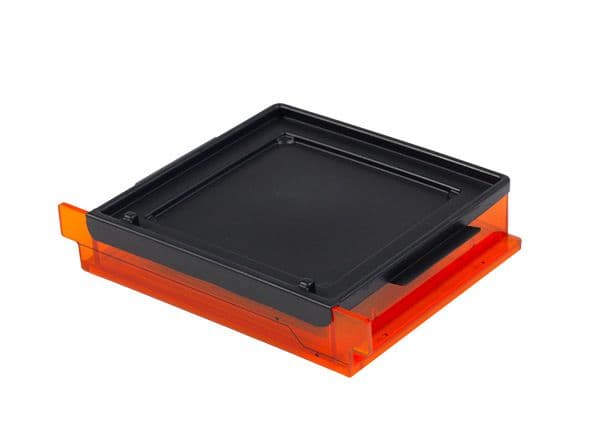
Wearing gloves, remove the resin tank by the tabs. Cover and store outside the printer.
4. Secure the cover with edge protectors
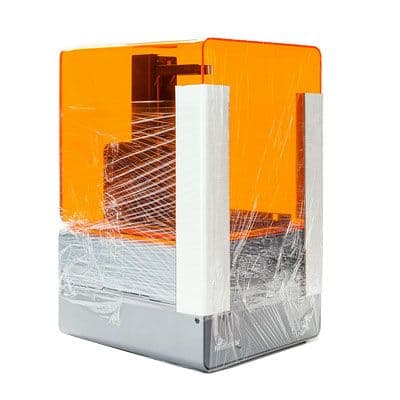
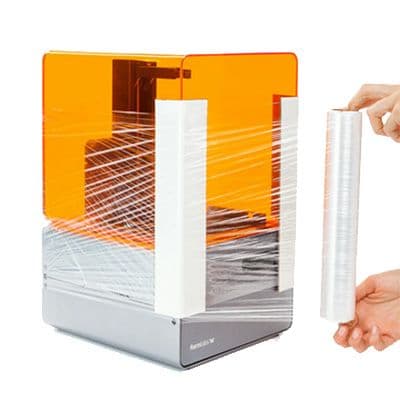
Your printer came with two white edge protectors. Position these over the front edges on either side, then bind in place using plastic wrap. If you no longer have your edge protectors, it is possible to make some by scoring cardboard. Wrap plastic wrap around the sides of the machine and around the top.
Tip:
To check if the cover is secure, try pushing the cover from side to side. It should feel well secured to the base of the machine.
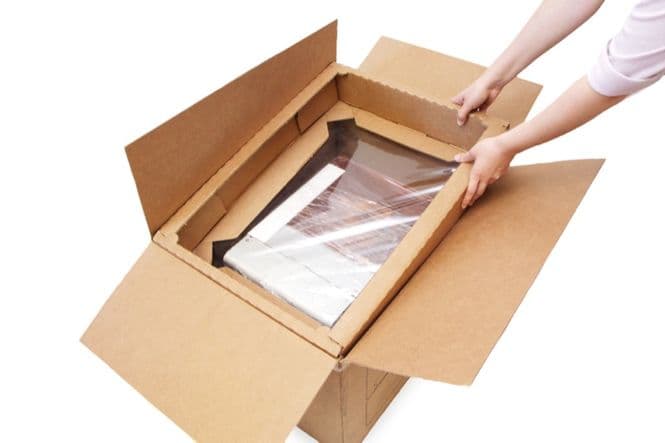
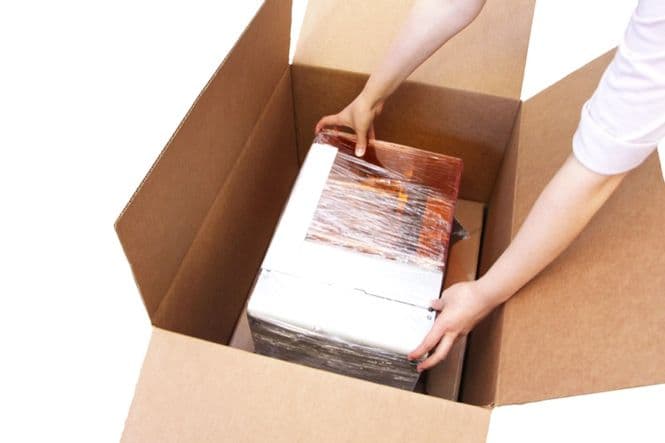
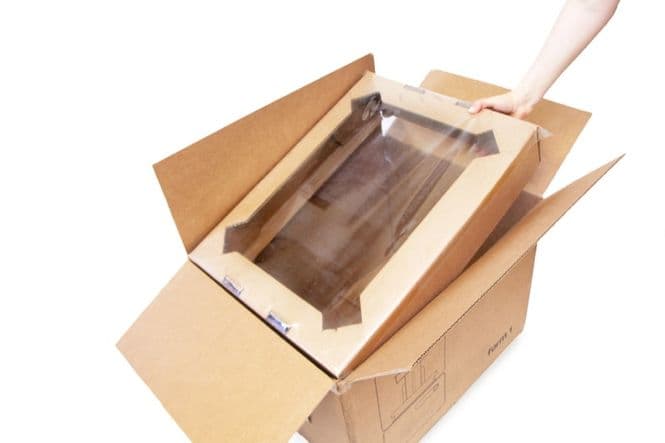
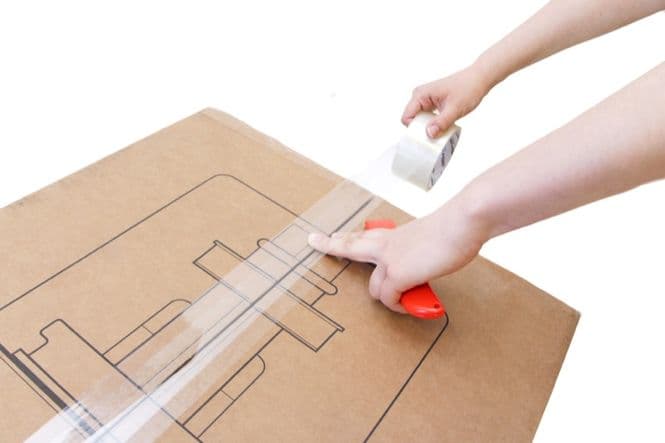
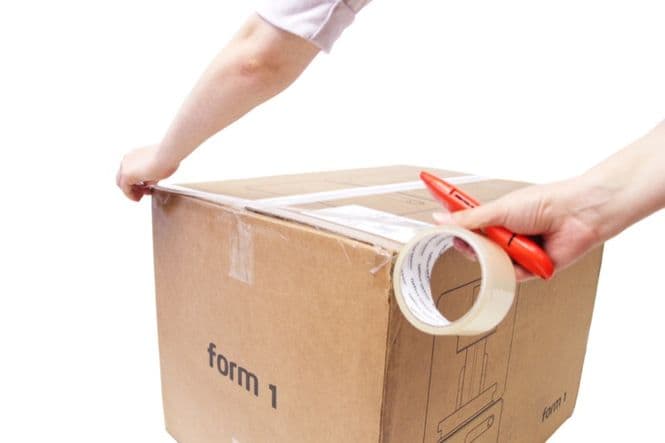
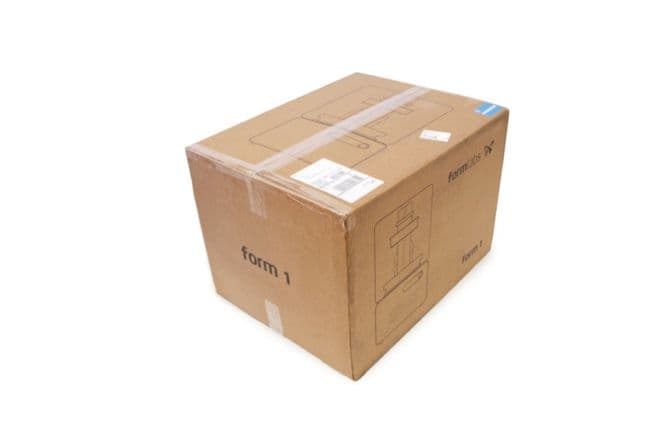
5. Rebox the machine
You will need the original Form 1+ packaging (box, two suspension inserts, cardboard insert).
Your printer is now ready for transportation!
Note:
Before you send off your printer, make sure you keep your resin tank, build platform, as well as power and USB cords. These will not ship back with your printer!