
Caution:
Moving parts present a crushing or tangling hazard. If necessary, tap the Stop button on the touchscreen to stop a motor movement.

With the motor movement menu, Formlabs printers allow users to manually move components like the LPU, mixer mount, and build platform mount to perform maintenance.
Caution:
Moving parts present a crushing or tangling hazard. If necessary, tap the Stop button on the touchscreen to stop a motor movement.
| Form 3 | Settings > Maintenance > Motor Moves | |
| Form 3L | Maintenance > Motor Moves | |
| Form 4 and Form 4L | Settings > Tools > Move motors | |
| Form Studio 1 | Settings > Tools > Move motors |
| FORM 3 AND FORM 3L | |
|---|---|
|
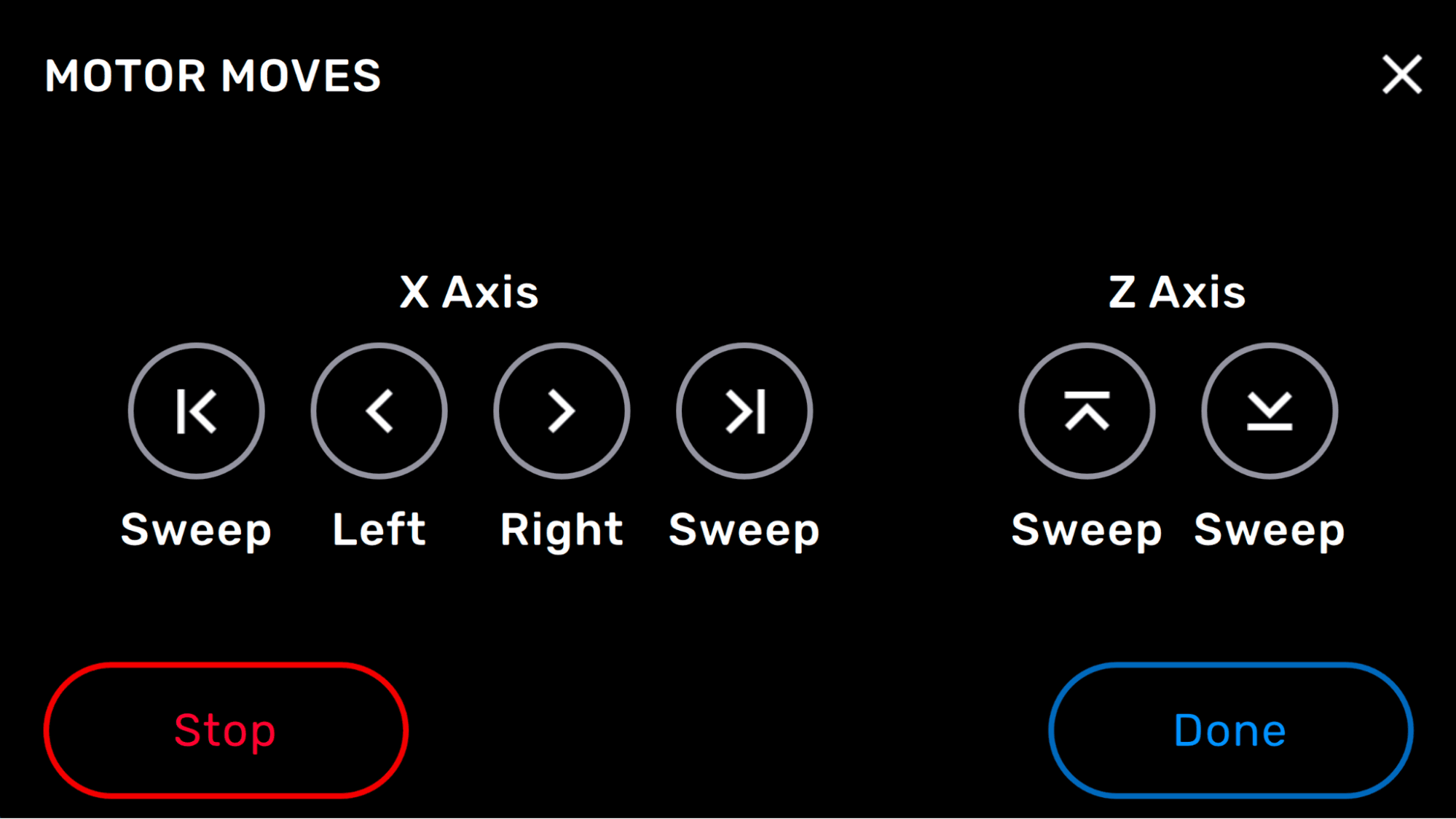
X-axis Sweep left takes the LPU housing all the way to the leftLeft moves the LPU housing to the left while you tap and hold the icon Right moves the LPU housing to the right while you tap and hold the icon Sweep right moves the LPU housing all the way to the right
Z-axis Sweep up takes the build platform mount all the way to the top of the Z-axis screwSweep down takes the build platform mount all the way to the bottom |
| FORM 4 AND FORM 4L |
|---|
|
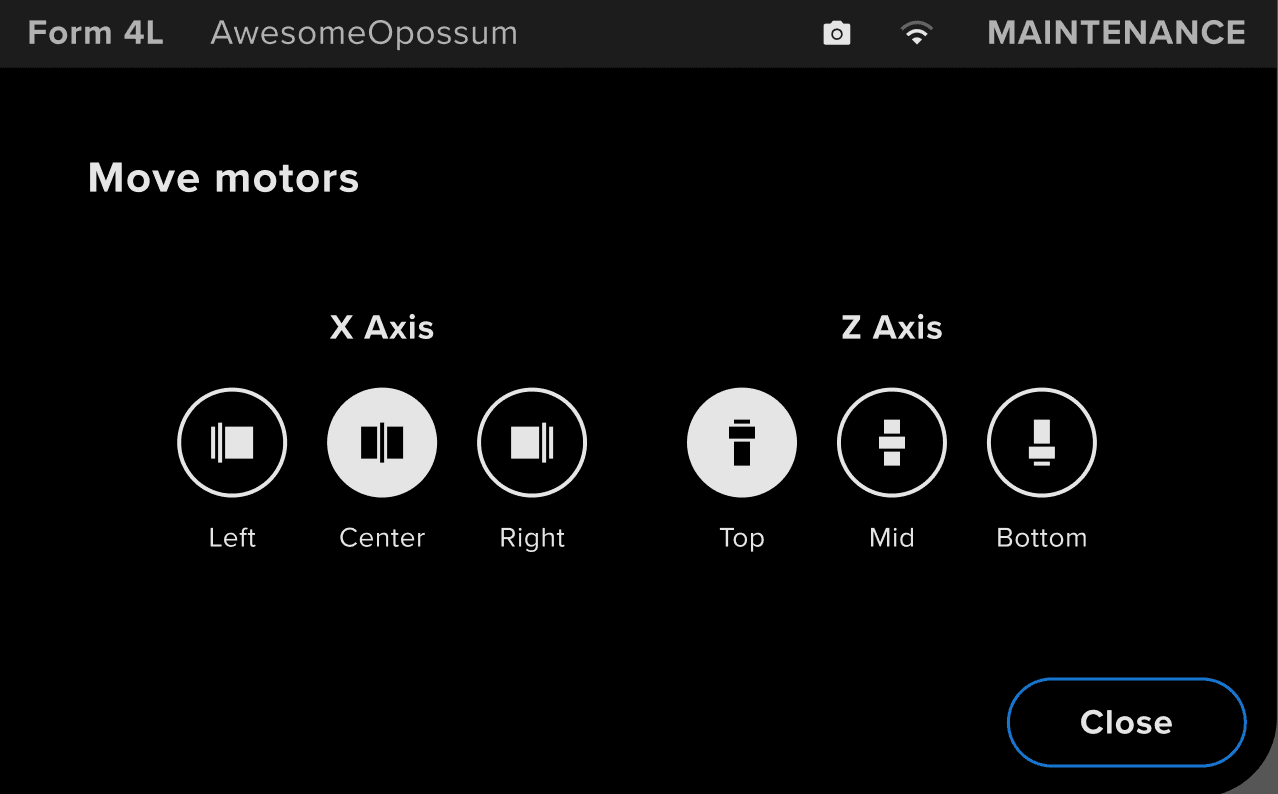
X-axis Left moves the mixer mount to the left side of the machineCenter moves the mixer mount to the center of the machine Right moves the mixer mount towards the right side of the machine
Z-axis Top moves the build platform mount towards the top of the Z-axis screwMid moves the build platform mount to the center point of the Z-axis Bottom moves the build platform mount towards the bottom |
| Form Studio 1 |
|---|
|
Z-axis |