Reflashing Fast Cure firmware
Reflashing Fast Cure firmware
The Formlabs Fast Cure stores its firmware on an internal SD card. If that firmware file becomes corrupted, the unit will behave erratically. For example, the touchscreen may turn on but not display anything or the machine may revert to its default firmware. You can resolve these issues by removing the SD card and reflashing the firmware file.
To reflash the firmware on a Fast Cure:
- Download and install the Win32DiskImager utility (Windows only).
- Download the Fast Cure firmware archive. Extract the IMG file from the archive.
- Power off the Fast Cure using the switch on the back of the unit. Disconnect the Fast Cure from its power source.
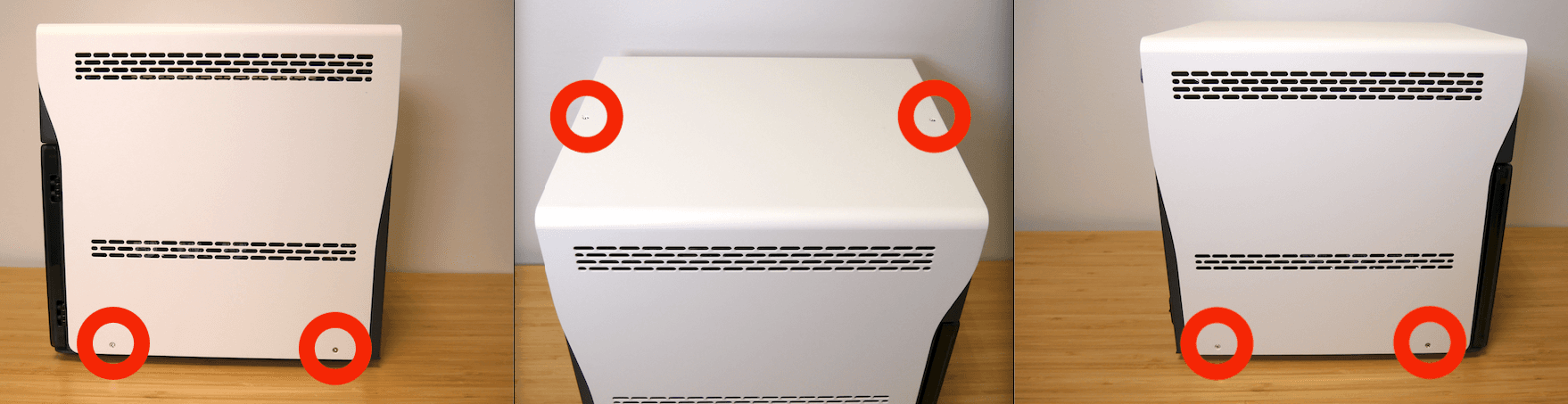
- Using a Phillips screwdriver, unscrew the six screws securing the outer shell to the frame. Remove the outer shell to access the internal components of the Fast Cure. Set the outer shell aside.
- Rotate the machine so you can see the back of the touchscreen. Locate the SD card, positioned on the right side of the Raspberry Pi mounted to the back of the touchscreen.
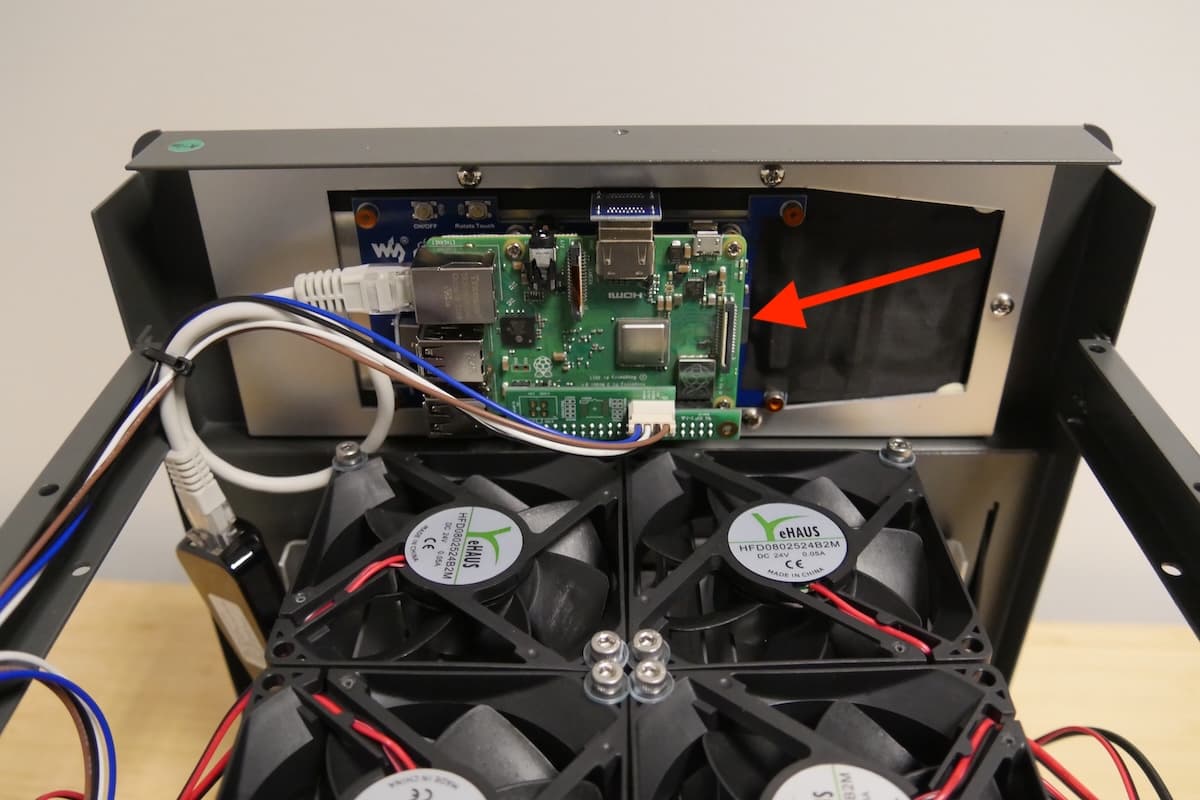
- Remove the SD card from the Fast Cure and connect it to your computer.
- Open Win32DiskImager.
- Click the folder icon under Image File. Navigate to and select the IMG file you previously extracted.
- Under Device, select the drive letter associated with the SD card.
- Click Write. When the process is complete, the utility displays the message Write Successful.
- Close the Win32DiskImager utility and disconnect the SD card.
- Reinstall the SD card in the Fast Cure.
- Lower the outer shell onto the Fast Cure. Take care to not pinch any wires between the shell and the frame of the machine. Check that the screw holes in the outer shell line up with the corresponding screw holes in the frame of the machine.
- Thread one screw into each of the six screw holes in the outer shell. Using a Phillips head screwdriver, tighten the screws until finger tight.
- Connect the power cable to the Fast Cure and the power supply. Flip the breaker switch on the back of the unit to the ON position to turn on the machine.
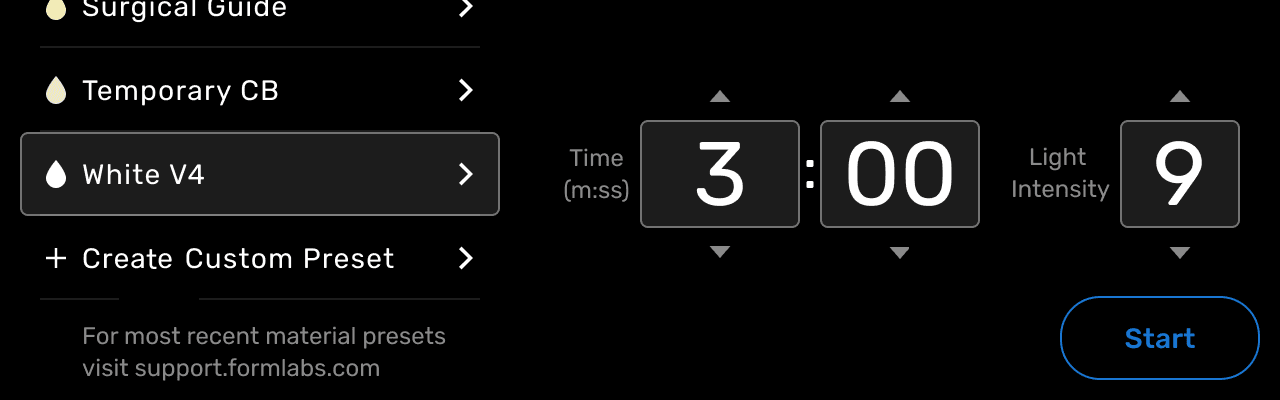
- When the machine initializes, check that it functions properly. The touchscreen should display a list of post-cure profiles for Formlabs resins and respond to input if the repair was successful.