Notice:
Overfilling a resin tank can lead to resin spills.


Inserting a brand new resin tank into a printer automatically programs the tank to match the inserted cartridge(s). To reprogram a tank to a different resin than initially dispensed, refer to our support articles on the topic:
Inserting a resin tank
Generación Form 4
Generación Form 4
Generación Form 4
Generación Form 4
Generación Form 4
Programming a resin tank
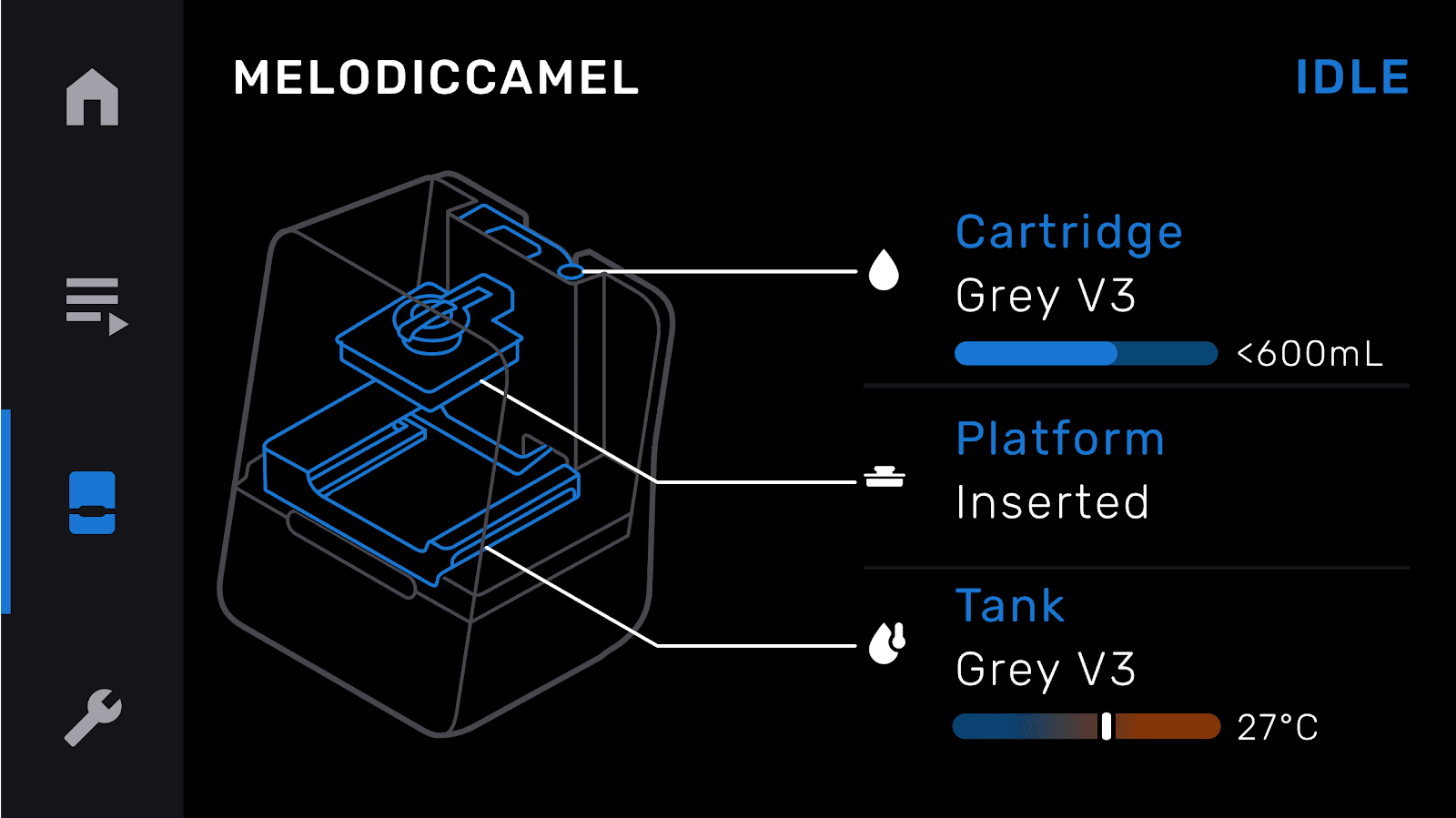
The printer automatically programs the new resin tank to match the inserted resin cartridge(s).
Manually filling a resin tank (optional)
After inserting and programming the resin tank, you may wish to manually pour resin into the tank to reduce how long it takes to fill for the first time.
Notice:
Overfilling a resin tank can lead to resin spills.
Form 4 resin tanks
Unscrew the resin cartridge cap and pour enough resin into the tank to cover the resin tank film. Form 4 resin tanks have minimum and maximum fill lines printed on the tank. When manually filling the resin tank, do not exceed the height of the maximum fill line.
Form 4L resin tanks
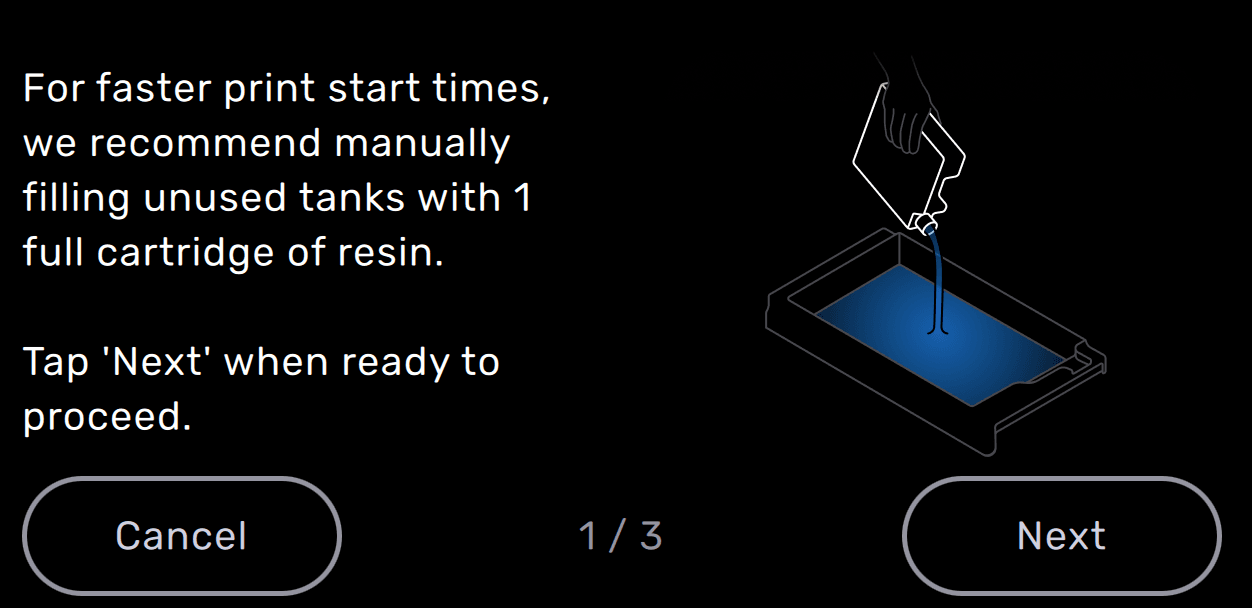
When printing with an unused Form 4L resin tank for the first time, Formlabs recommends manually filling the tank with one full cartridge of resin. This greatly reduces the time it takes to fill the tank before the print starts.
Form 3 resin tanks
Unscrew the resin cartridge cap and pour enough resin into the tank to cover the resin tank film. The Form 3 resin tank holds about 285 mL of resin.
Form 3L resin tanks
When printing with an unused Form 3L resin tank for the first time, Formlabs recommends manually filling the tank with one full cartridge of resin. This greatly reduces the time it takes to fill the tank before the print starts.
Form 2 resin tanks
Unscrew the resin cartridge cap and pour enough resin into the tank to cover the bottom. Form 2 resin tanks have minimum and maximum fill lines printed on the tank. When manually filling the resin tank, do not exceed the height of the maximum fill line.
Cleaning a resin tank
If you need to clean the resin tank, either after use or before reprogramming, refer to the support article for your printer: