Consejo:
Cuando imprimas por primera vez, utiliza los ajustes de impresión Default de Formlabs, que han sido diseñados y probados directamente por Formlabs.


Este artículo describe los ajustes de impresión disponibles para las impresoras de Formlabs, para ayudarte a elegir un material que se adapte a las necesidades del uso que vas a dar a tu pieza impresa.
Consejo:
Cuando imprimas por primera vez, utiliza los ajustes de impresión Default de Formlabs, que han sido diseñados y probados directamente por Formlabs.
Si deseas más información sobre el uso de ajustes de impresión avanzados, consulta el artículo Introducción al Editor de ajustes de impresión de PreForm.
Si necesitas más información sobre qué ajuste de impresión SLS es mejor para distintos tipos de elementos de diseño y defectos de impresión, consulta el artículo Cómo elegir los ajustes de impresión adecuados (SLS).
¿Qué son los ajustes de impresión?
Un ajuste de impresión es un conjunto de parámetros que controlan el comportamiento de una impresora de Formlabs. Cada ajuste depende de la generación de la impresora, el material, la altura de capa y la versión de PreForm. Los ajustes de impresión pueden afectar directamente aspectos de tu impresión, como la calidad, la precisión, la velocidad y las propiedades de las piezas impresas. Los ajustes de impresión se encuentran en la vista Job Setup (Configuración del trabajo) de PreForm.
Términos clave
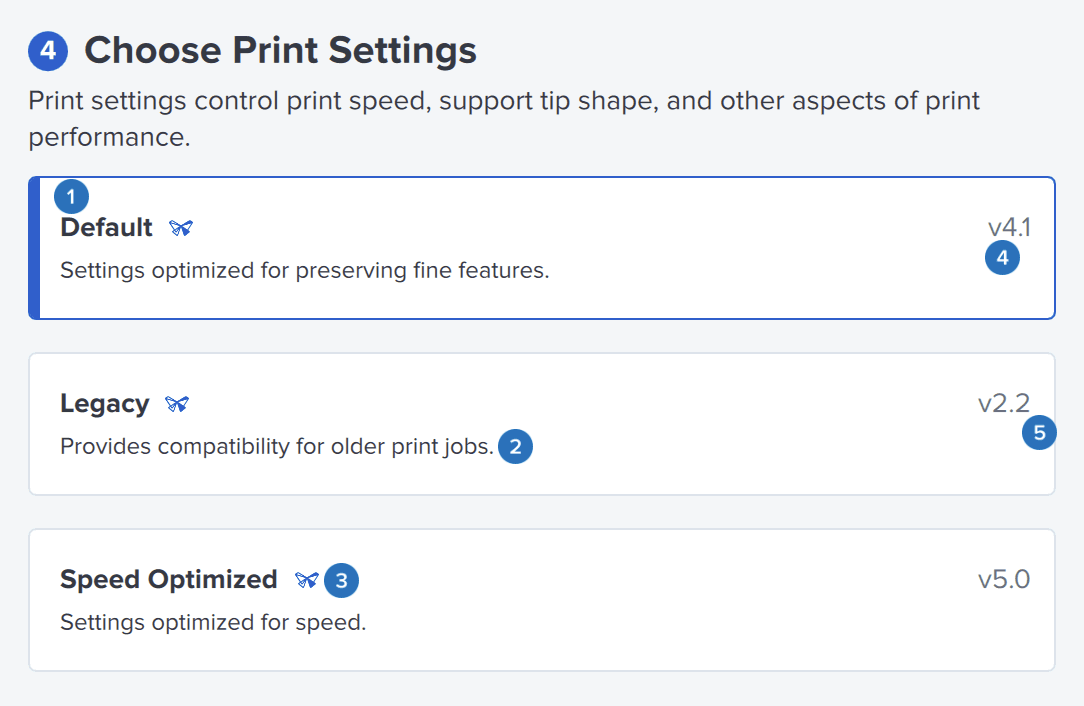
Identificador de ajuste de impresión: Nombre que se da a las distintas opciones de ajustes de impresión disponibles en una determinada versión de PreForm. Los parámetros específicos vinculados a cada uno de estos identificadores son exclusivos de una determinada versión de PreForm, y no se transfieren de una versión de PreForm a otra.
Descriptor de ajuste de impresión: Descripción del uso previsto de un ajuste de impresión.
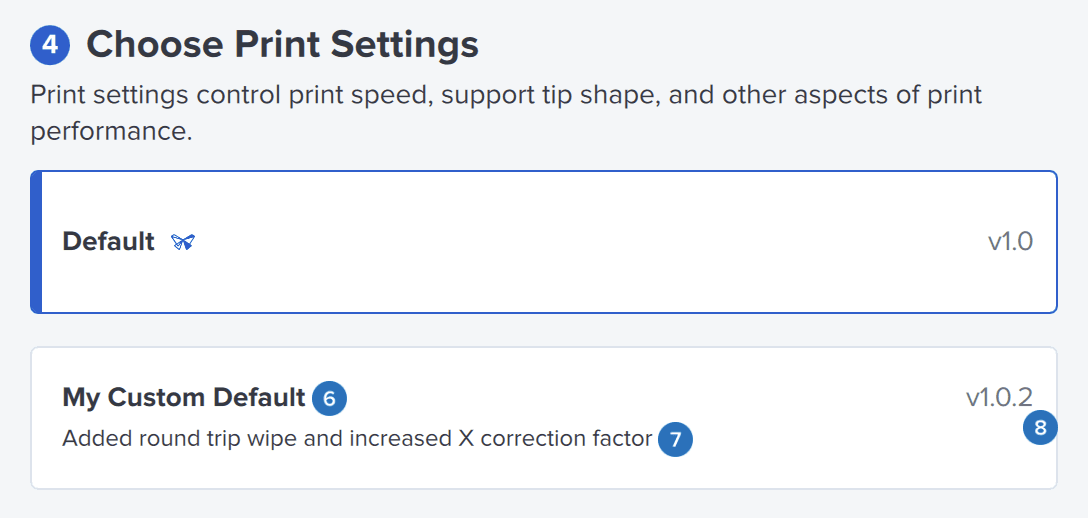
Número de versión: Cada ajuste de impresión tiene un número de versión, que aparece junto a su nombre en el formato "Principal.Secundario". Una versión que aumenta el número principal denota una mejora de la fiabilidad, los soportes o el tiempo de impresión. Una versión que aumenta el número secundario denota un cambio menor en los ajustes de impresión entre versiones principales.
Ajuste de impresión de Formlabs: Un ajuste de impresión tratado por Formlabs, algo indicado por un icono de Formlabs. To crear un ajuste de impresión personalizado, puedes utilizar estos ajustes como plantilla para realizar modificaciones.
Ajuste de impresión personalizado: Un ajuste creado por un usuario en el Editor de ajustes de impresión basado en los parámetros originales de un ajuste de impresión de Formlabs.
Parámetro: Factor numérico que caracteriza a una parte de un ajuste de impresión.
Recursos adicionales