WHITE PAPER
Formlabs Logo

Calibrating the printer accelerometer (Form 4 generation)

Calibrating the printer accelerometer (Form 4 generation)

Formlabs printers use an internal accelerometer to ensure they are level during printing. A printer that is not level is more likely to experience print failures or dispense the wrong amount of resin into the resin tank. If the accelerometer is calibrated incorrectly, the printer may think it is not level even if it actually is.

Formlabs recommends recalibrating the accelerometer in the following situations:

  • Printer displays Error 1.4.1: Printer is out of level when the printer is physically level
  • Printer prompts you to level printer when the printer is physically level

Note:

Incorrect calibration will lead to print failures.

Tools required:

  • Bubble level
  • Leveling disc

To calibrate the printer’s accelerometer:

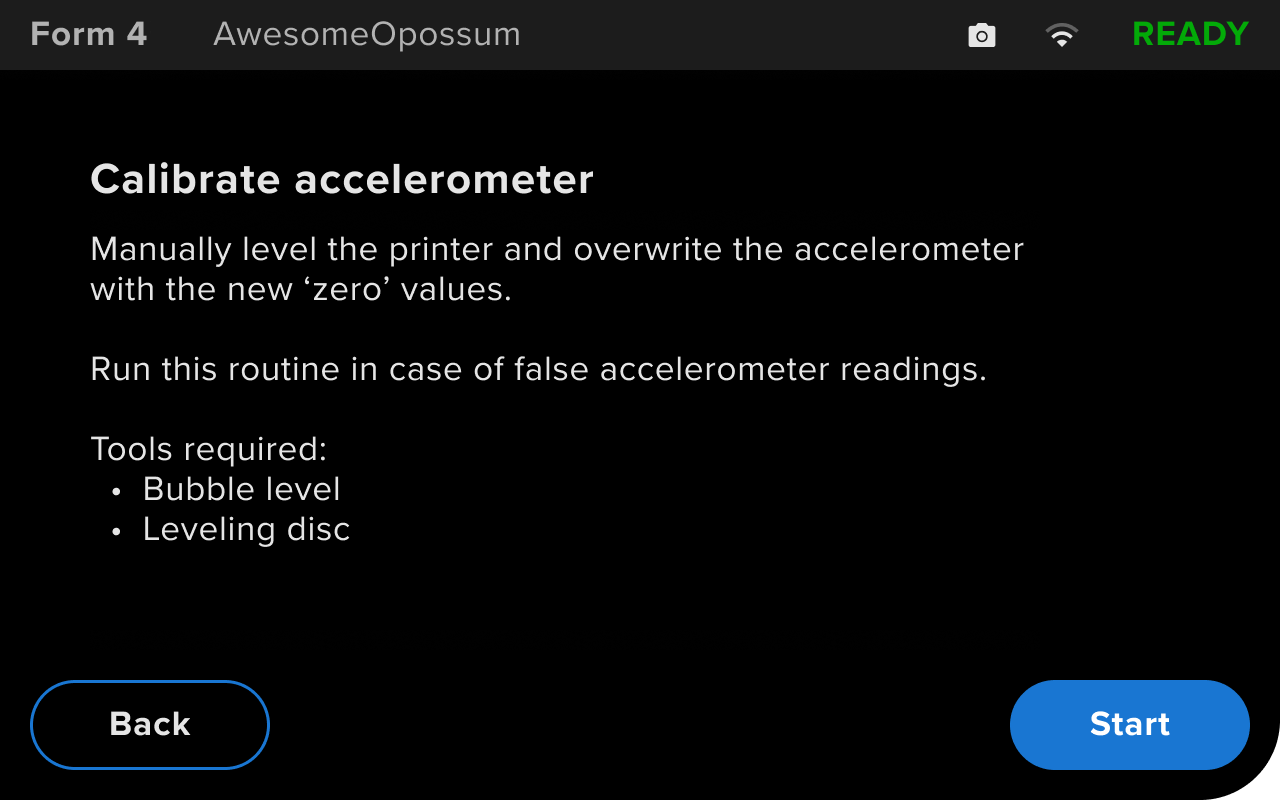
  1. On the printer touchscreen, tap Settings > Tools > Calibration > Accelerometer. The Calibrate accelerometer screen appears. Tap Start to continue to the next screen.
Introductory screen displayed when calibrating the accelerometer on a Form 4 generation printer
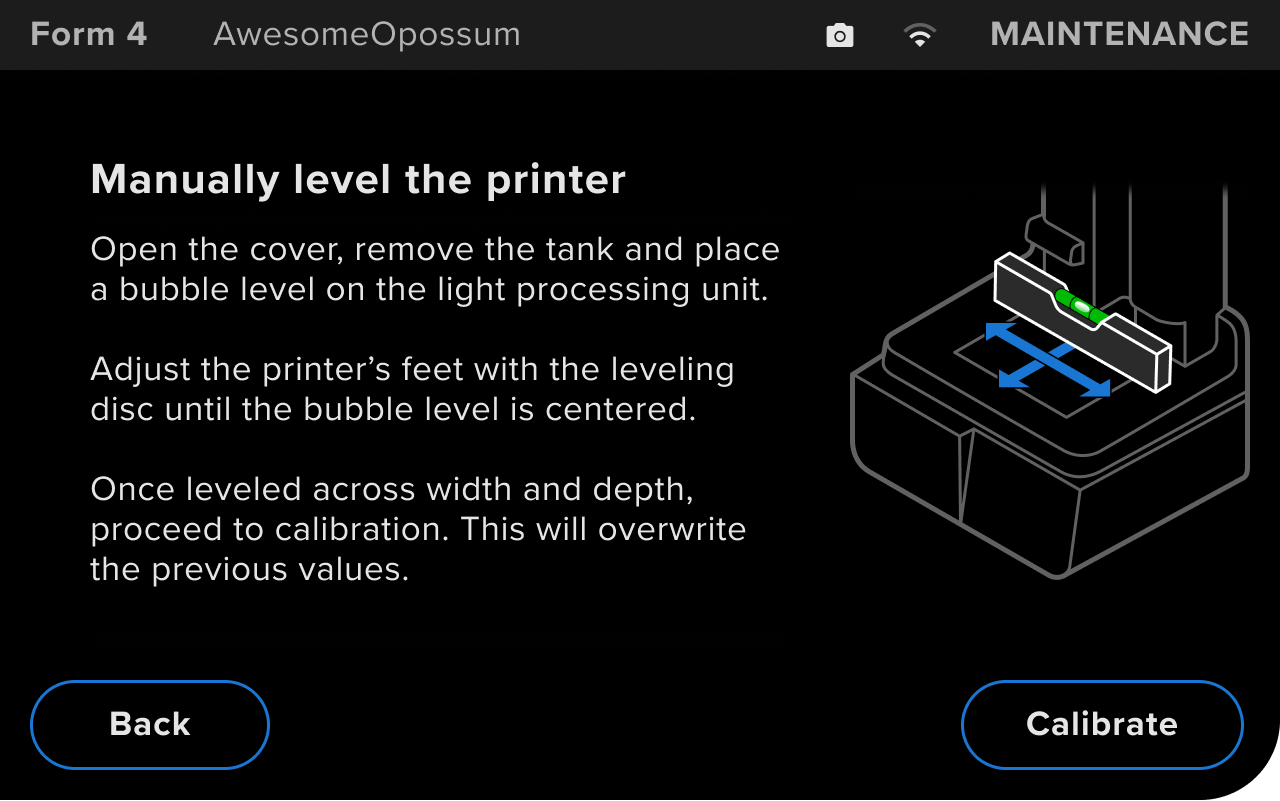
  1. Open the printer cover. Unlatch and remove the mixer and tank.
  2. Place a bubble level across the Light Processing Unit (LPU) widthwise.
  3. Use the leveling disc to adjust the printer feet until the printer is level.
  4. Turn the bubble level so it spans the depth of the LPU.
  5. Use the leveling disc to adjust the printer feet until the printer is level.
  6. Once the printer is level along both axes, tap Calibrate.
Instructions displayed when calibrating the accelerometer on a Form 4 generation printer
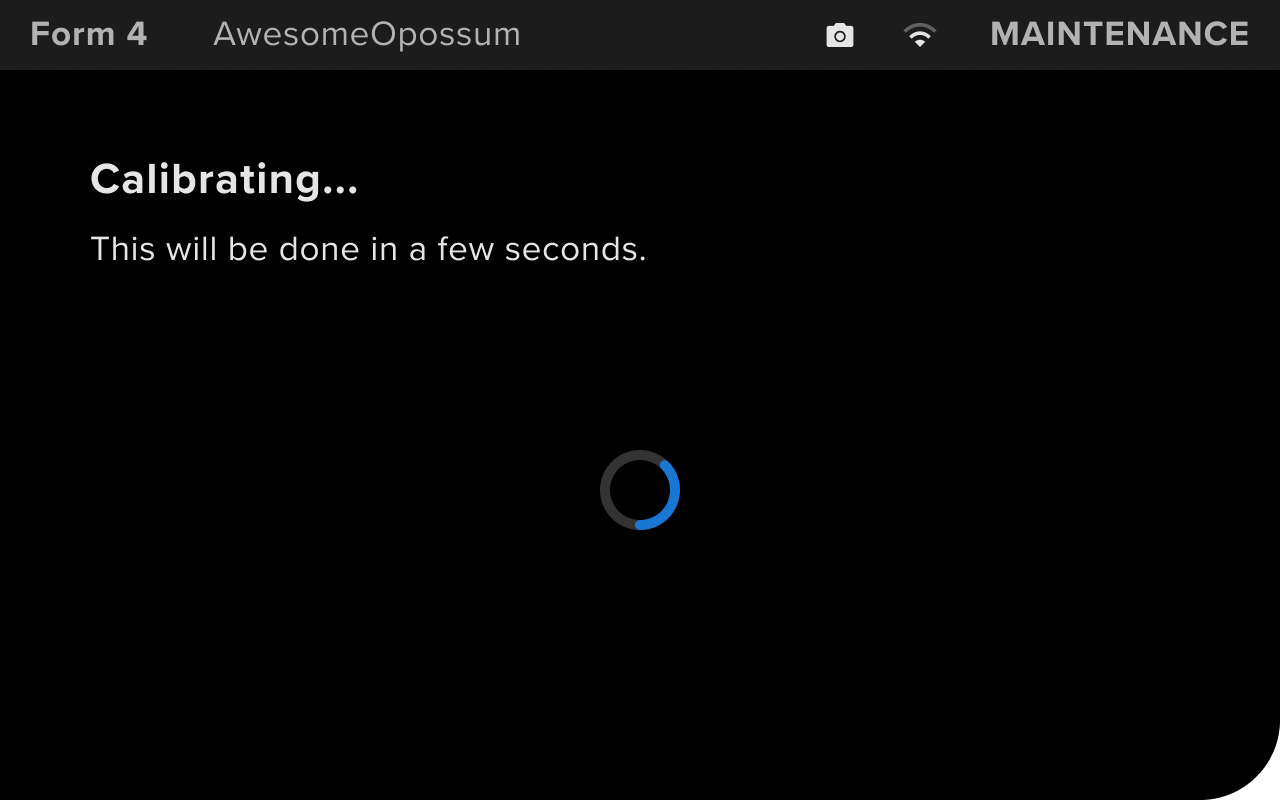
  1. Wait for the calibration process to complete. Do not move or adjust the printer while it is calibrating the accelerometer.
Progress screen displayed when calibrating the accelerometer on a Form 4 generation printer
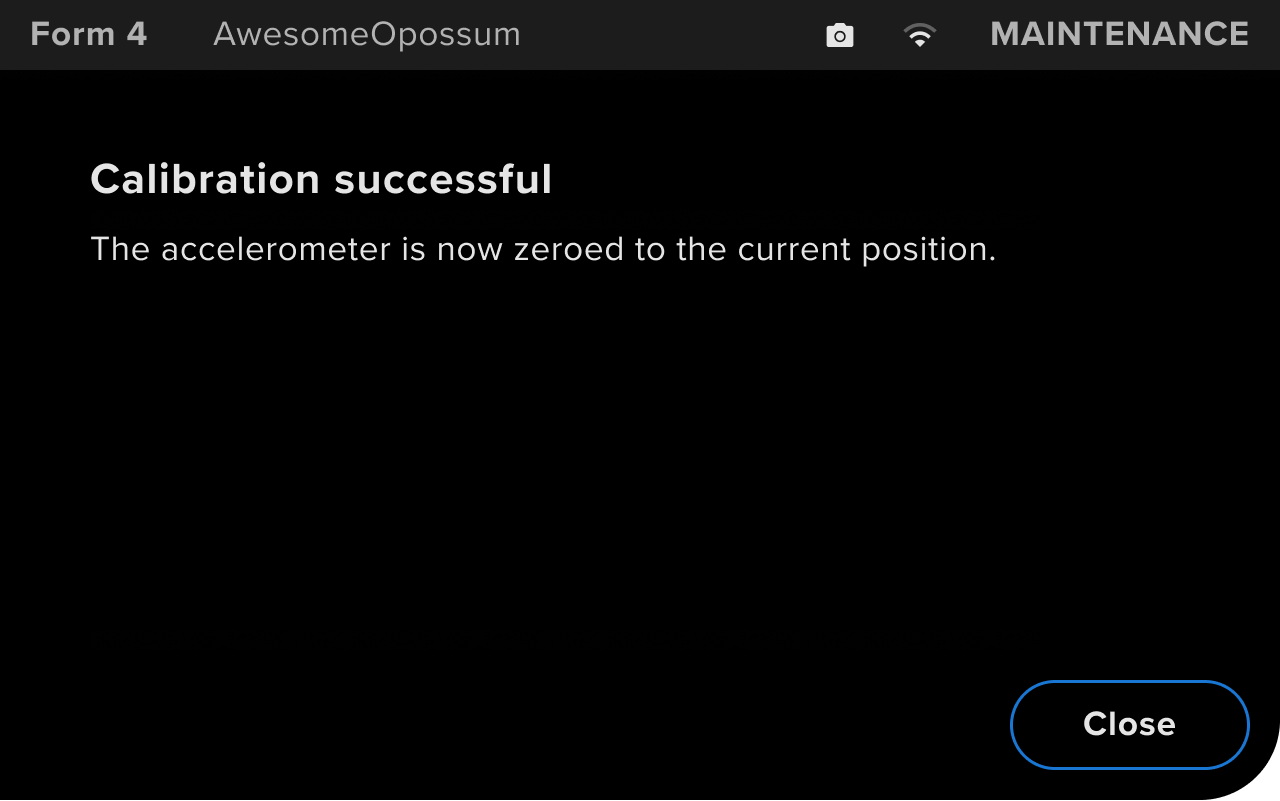
  1. The printer displays Calibration successful when the calibration is complete. Tap Close to continue using the printer.
Message displayed after calibrating the accelerometer on a Form 4 generation printer
  1. If you continue to experience leveling issues, contact Formlabs Support or your authorized reseller.