Warning:
Wear gloves when handling printed parts and surfaces that are contaminated with solvents or liquid resin.

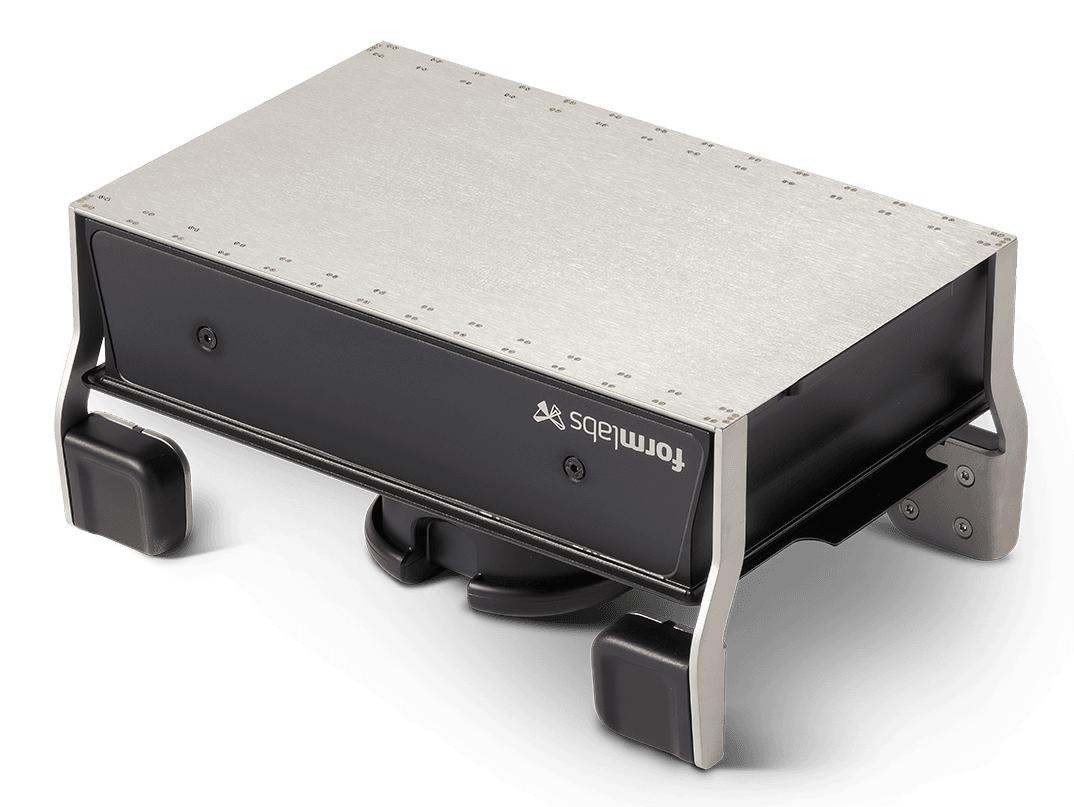
When performing consecutive prints using the same resin, you can clean the outside surfaces of the Form 4 Flex Build Platform without separating the print surface from the build platform body.
If you are changing resins, disassemble the Flex Build Platform to clean between the print surface and the build platform body. Follow the instructions below to keep the build platform clean and well-maintained.
Warning:
Wear gloves when handling printed parts and surfaces that are contaminated with solvents or liquid resin.
Notice:
Store the Flex Build Platform in a printer with the cover closed or away from sources of light when not in use.
Cleaning the Flex Build Platform before printing with the same resin
If you are performing consecutive prints with the same resin, you do not generally need to remove the flexible surface from the build platform body for cleaning.
To prepare your Flex Build Platform for a new print using the same resin:
Solvent can get trapped between the print surface and build platform body, particularly if you wash your parts before removing them from the build platform. Flex the print surface to drain any trapped solvent.
Cleaning the Flex Build Platform before printing with a different resin
If you are planning to print with a different resin, remove the print surface from the build platform body to make sure all surfaces are thoroughly cleaned.
Caution:
To prepare your Flex Build Platform for a new print with a different resin:
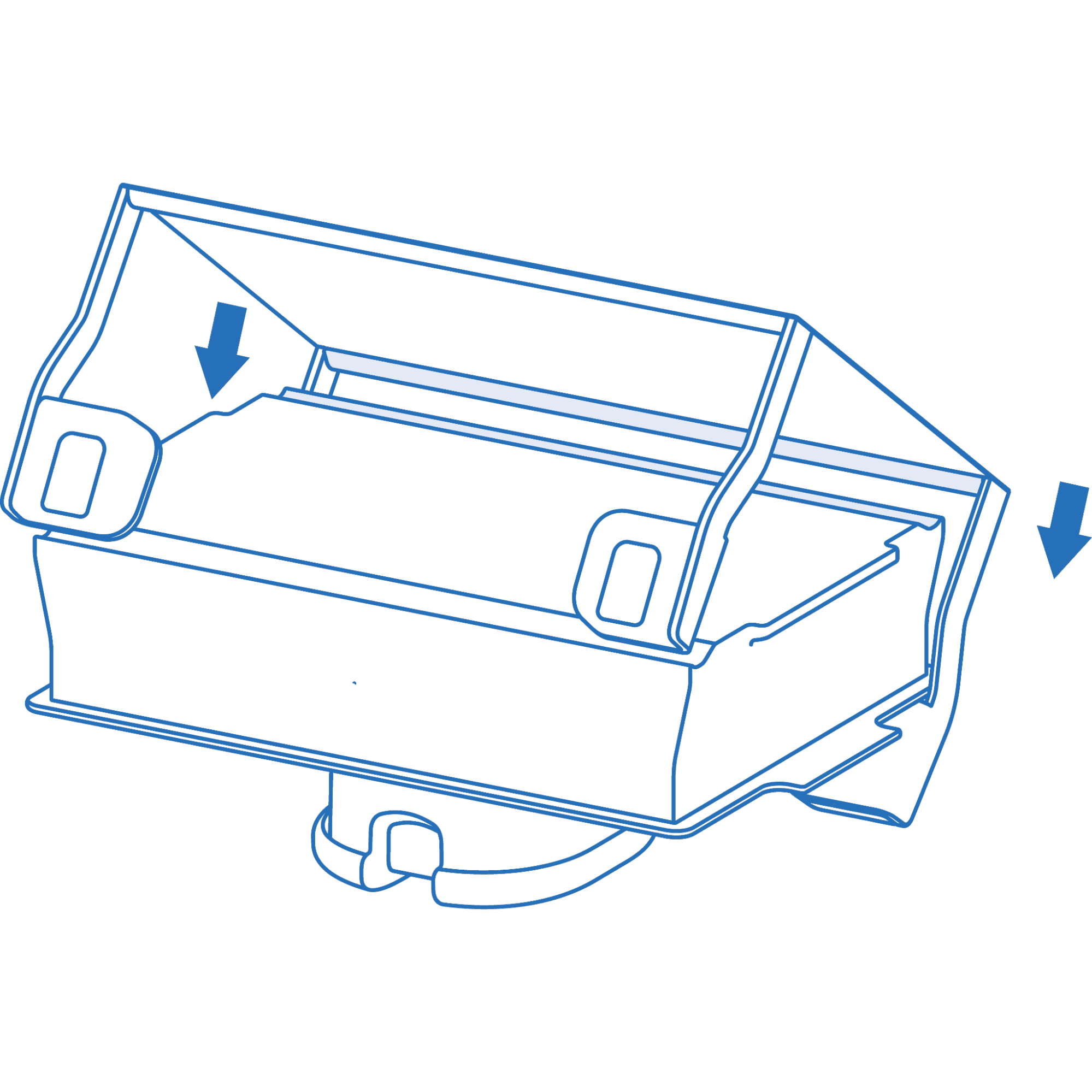
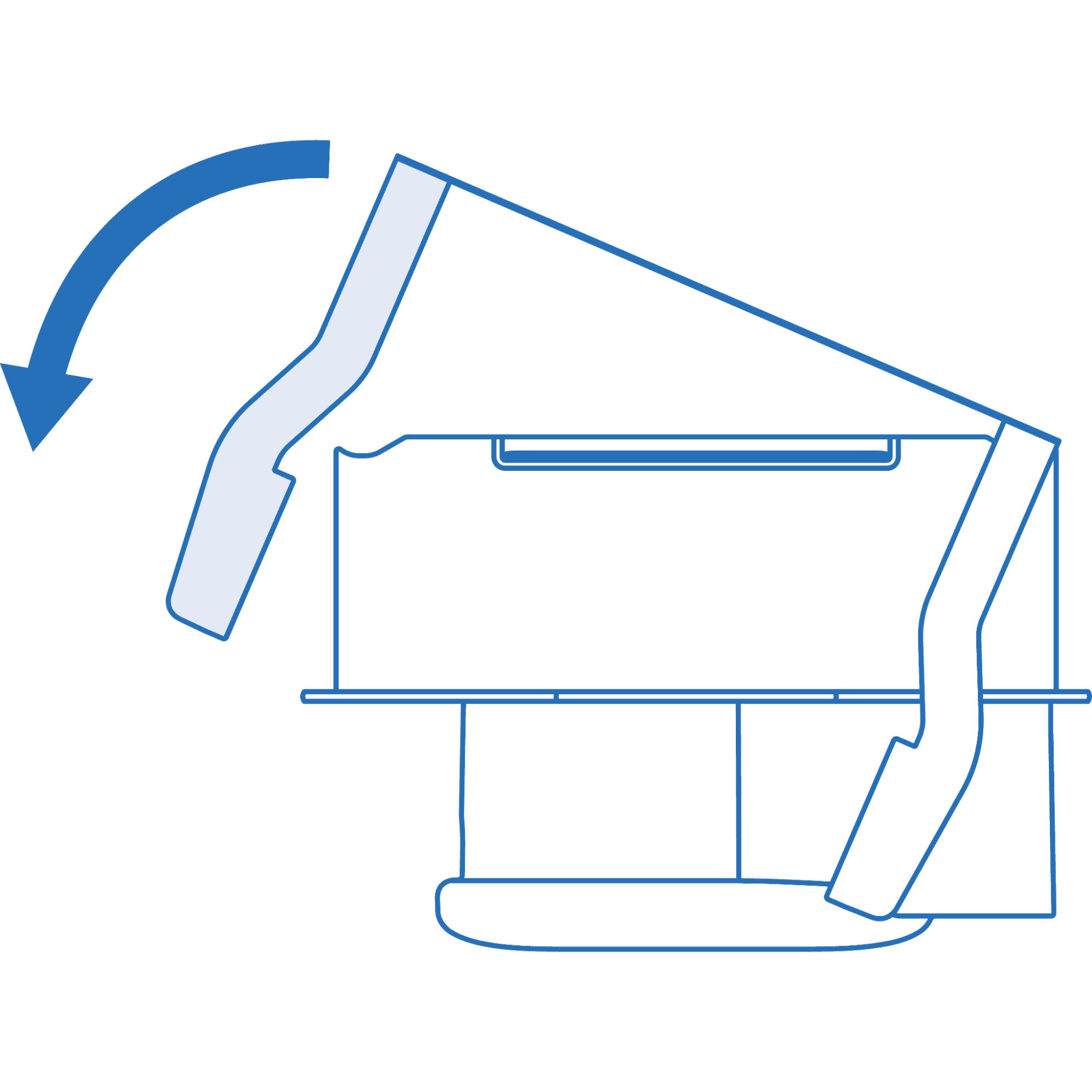
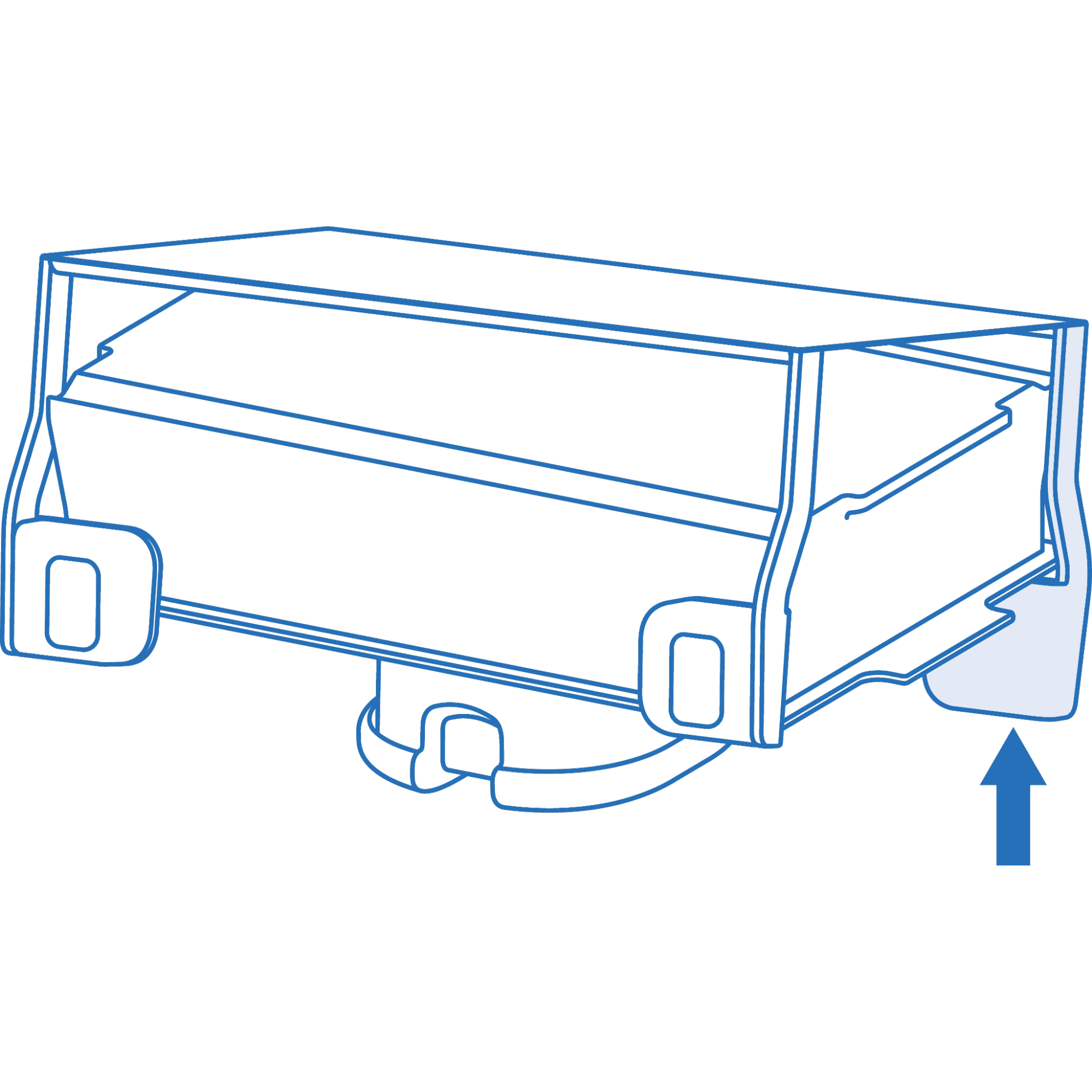
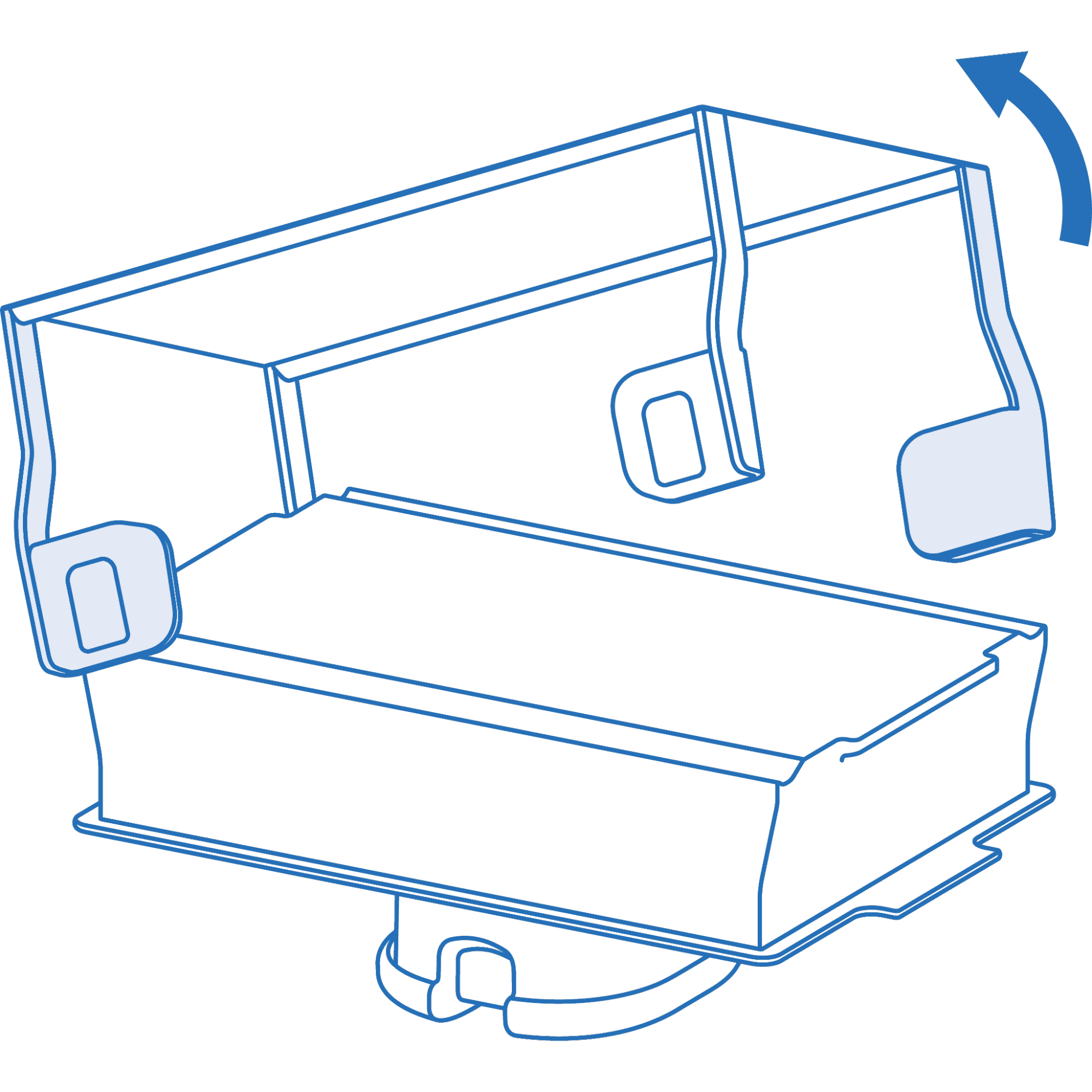
Remove the print surface
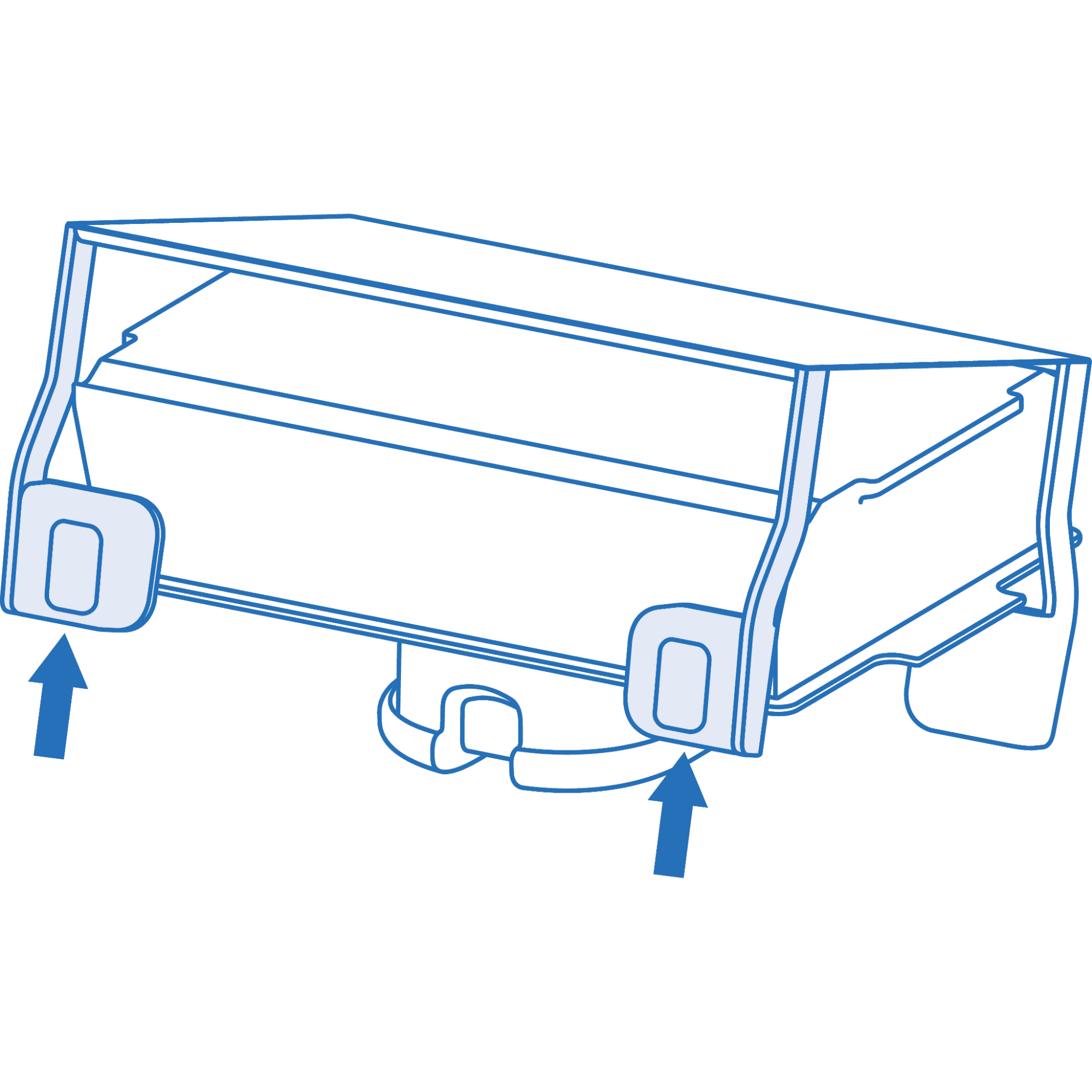
Clean the Flex Build Platform
Reinstall the print surface
Notice:
Always store the Flex Build Platform in a printer with the cover closed or away from any sources of light when not in use.