
Warning:
Resin and solvent may cause skin irritation or an allergic skin reaction. Wear gloves when handling liquid resin, resin-coated surfaces, or solvent. Wash skin with plenty of soap and water.

Form 3 and Form 3L generation printers run a test before and during the printing process to ensure the accuracy and strength of the laser beam. The printer fires the laser at an internal target called the garage fiducial board and measures the reflected light to calibrate laser power and galvanometer drift for the printing process. If the garage fiducial board is contaminated with resin or other debris, the printer may be unable to properly calibrate the laser’s accuracy, leading to failed prints.
Inspect and clean the garage fiducial board if an extensive resin spill leads to continued print failures or if directed to by Formlabs Support.
Required supplies
Estimated time: 10 minutes
Removing the consumables
Warning:
Resin and solvent may cause skin irritation or an allergic skin reaction. Wear gloves when handling liquid resin, resin-coated surfaces, or solvent. Wash skin with plenty of soap and water.
Always remove the build platform, resin cartridge, and resin tank before performing maintenance on the printer to avoid dripping resin into the printer cavity.
Inspecting the garage fiducial board
Inspect the garage fiducial board for dust, debris, or resin contamination.
On the touchscreen, tap the gear icon to enter the Settings menu, then tap Maintenance > Motor Moves. The Motor Moves screen appears. Tap and hold Left (<) to move the LPU housing to the middle of the printer cavity
On the touchscreen, tap the wrench icon to access the Maintenance screen, then tap Motor Moves. The Motor Moves screen appears. Tap and hold Left (<) to move the LPU housing to the middle of the printer cavity.

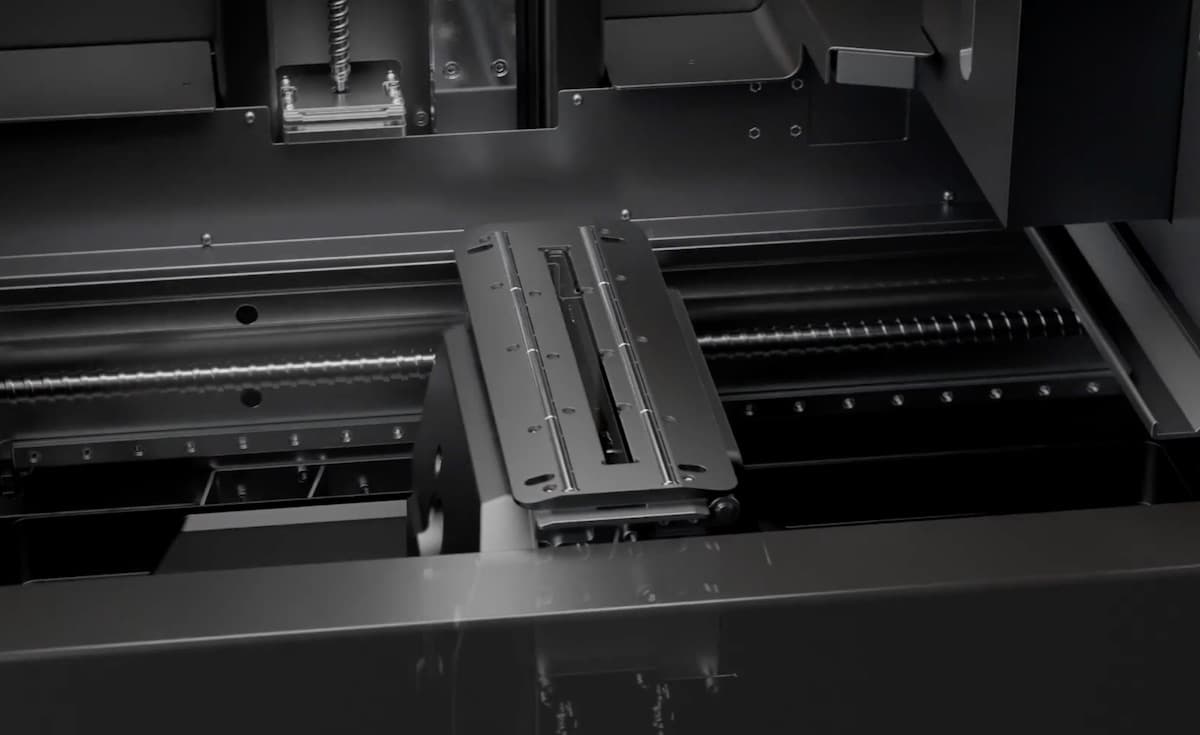
Viewing the Form 3 garage fiducial board
Removing dust and other contaminants
Remove dust and other contaminants, which can interfere with the laser.
Warning:
Do not use IPA to clean the Form 3L garage fiducial board. The Form 3L garage fiducial board markings are printed on metal and can be wiped away if cleaned with IPA.
Completing maintenance
After cleaning the garage fiducial board, power on the printer to complete the maintenance process and perform final checks.
If you continue to experience issues after cleaning the Form 3 or Form 3L garage fiducial board, contact Formlabs Support or your authorized reseller.