
WHITE PAPER
Cleaning the Fuse 1’s print enclosure
Cleaning the Fuse 1’s print enclosure
The print enclosure houses the build chamber, camera, sensors, quartz heaters, and powder dispensing components. During use, powder accumulates on the floor of the print enclosure. To keep everything running smoothly, Formlabs recommends cleaning the print enclosure every 100 hours. If maintenance is due, a notification appears on the printer’s UI while starting a print.
Vacuuming the print enclosure
To vacuum the print enclosure:
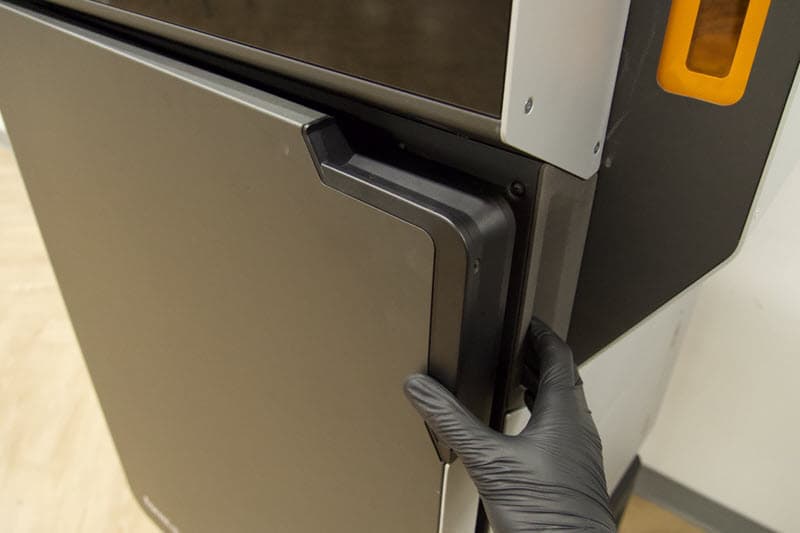
- In the bottom right corner of the touchscreen, drag the Unlock Door slider. The print enclosure door unlocks.
- Open the print enclosure door.
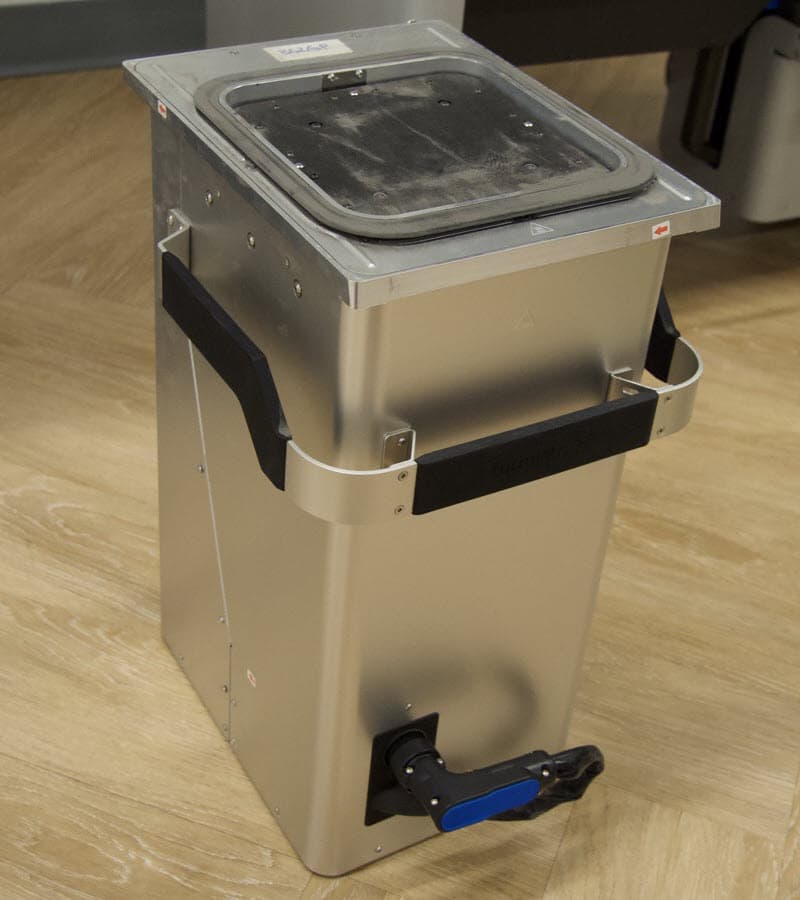
- If there is a build chamber in the printer, remove it before continuing.
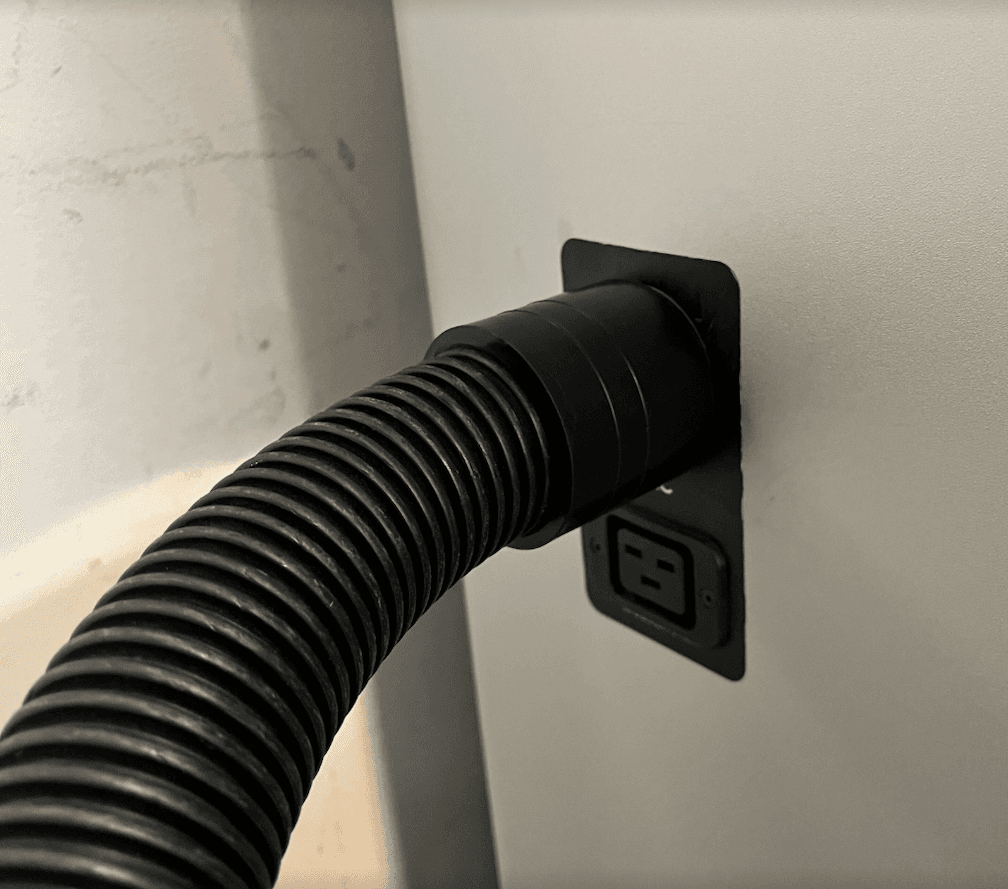
- Remove the vacuum hose from the port on the side of the Fuse Sift so that it can reach inside the Fuse 1’s print enclosure.
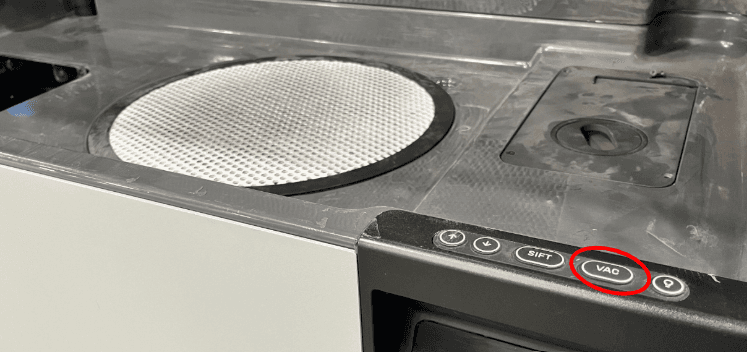
- Push the Vac button on the Fuse Sift control panel or tap the vacuum hose icon on the Fuse Sift’s touchscreen. The vacuum turns on.
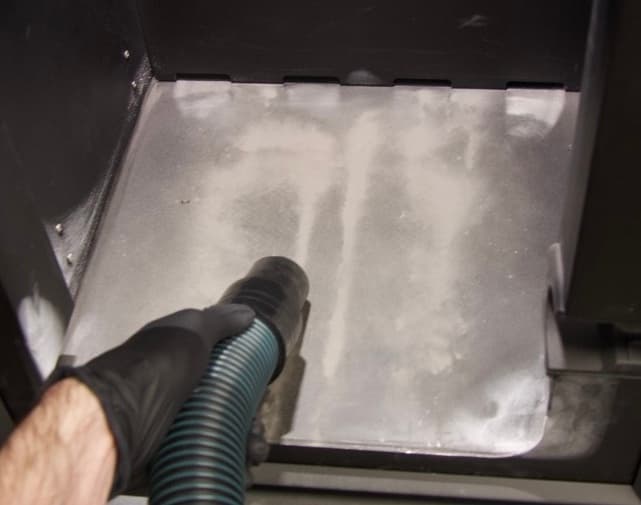
- Use the vacuum hose to clean the bottom of the print enclosure and remove all powder. Avoid touching the gaskets around the print enclosure door with the vacuum hose.
- Always turn off the vacuum before removing the end of the vacuum hose from the print enclosure. Push the Vac button on the Fuse Sift’s control panel. The vacuum turns off.
- Close the print enclosure door. Press firmly to ensure that the door is fully latched.
- Reconnect the vacuum hose to the port on the side of the Fuse Sift.