WHITE PAPER
Formlabs Logo

Decreased output or no media flowing (Fuse Blast)

Decreased output or no media flowing (Fuse Blast)

Decreased output or no media flowing

If media is not conveying from the blast gun attached to the Fuse Blast, perform these troubleshooting steps.

  1. alttext
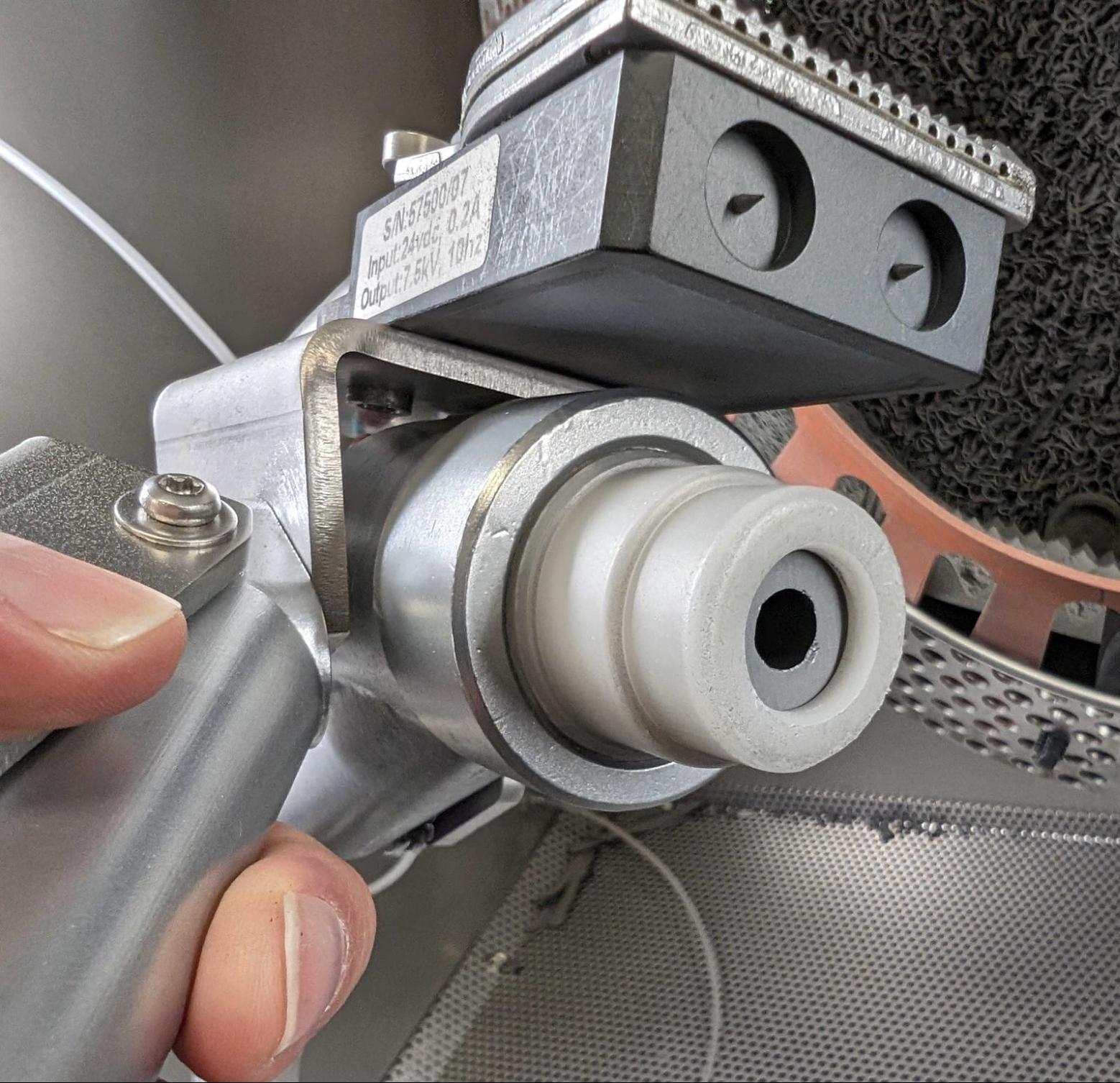
    Nozzle properly seated in blast gun
  1. alttext
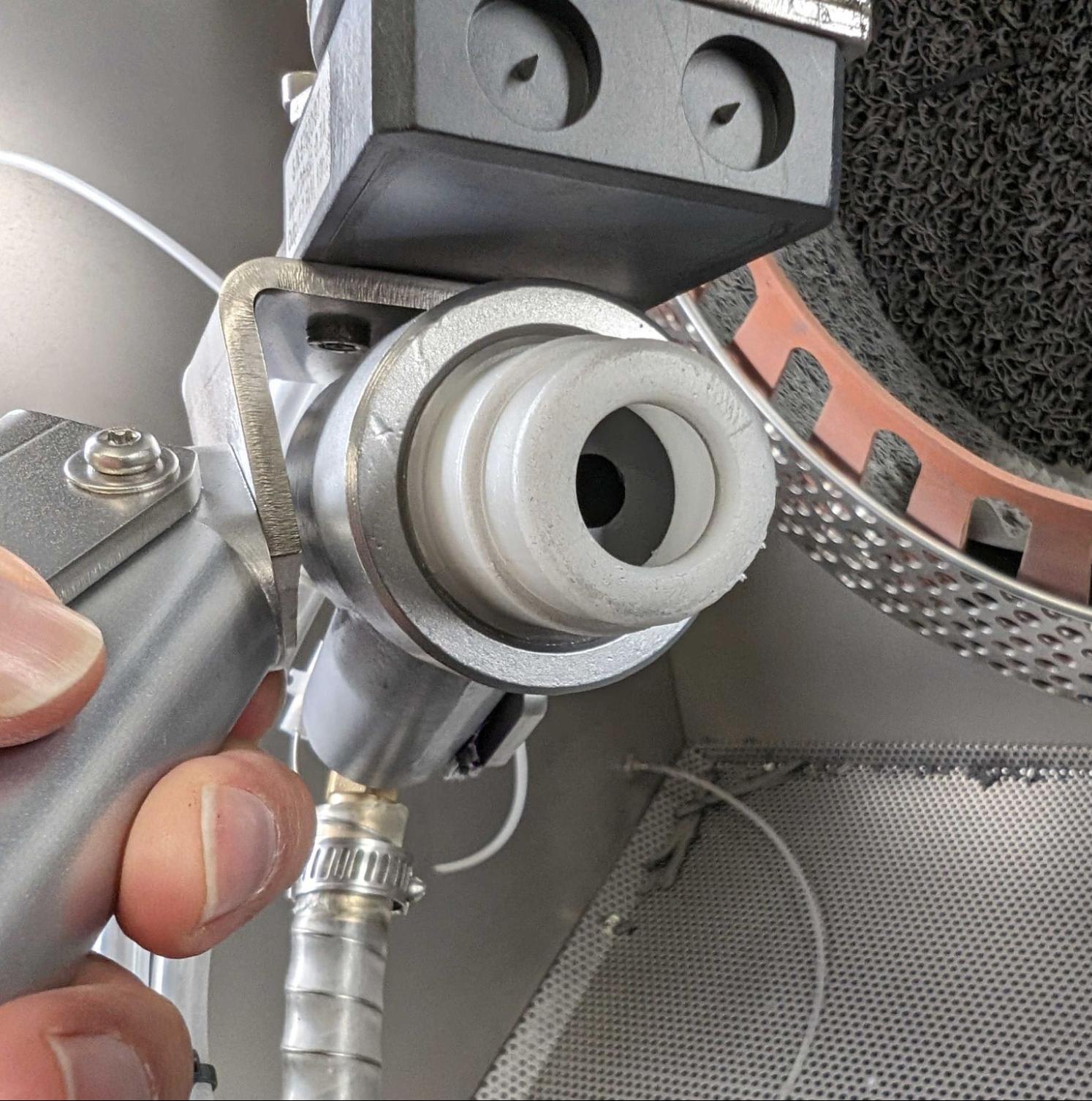
    Nozzle receded into the blast gun housing
  1. alttext
    Nozzle properly seated in nozzle holder
  1. alttext
    Nozzle improperly seated in nozzle holder
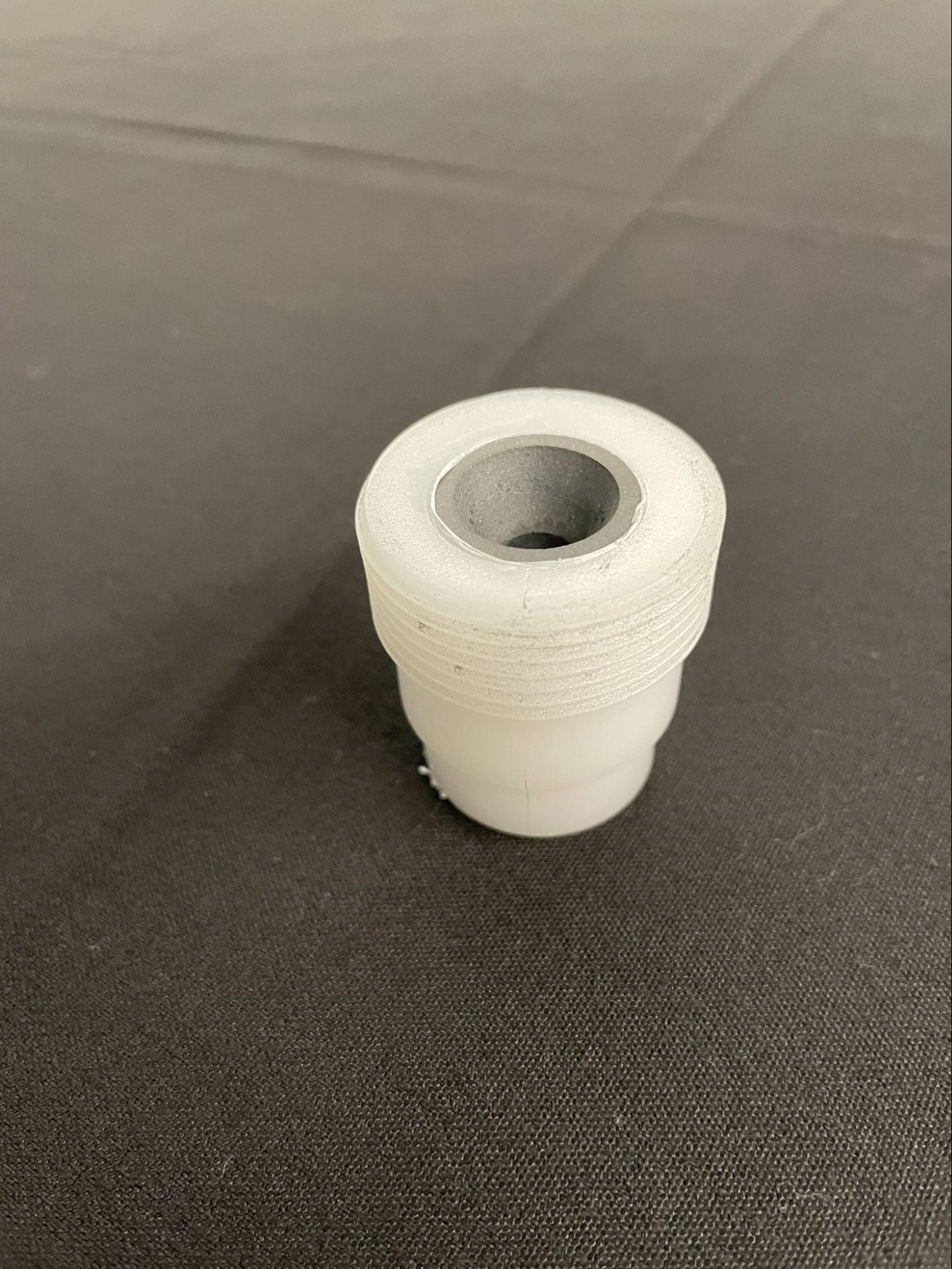
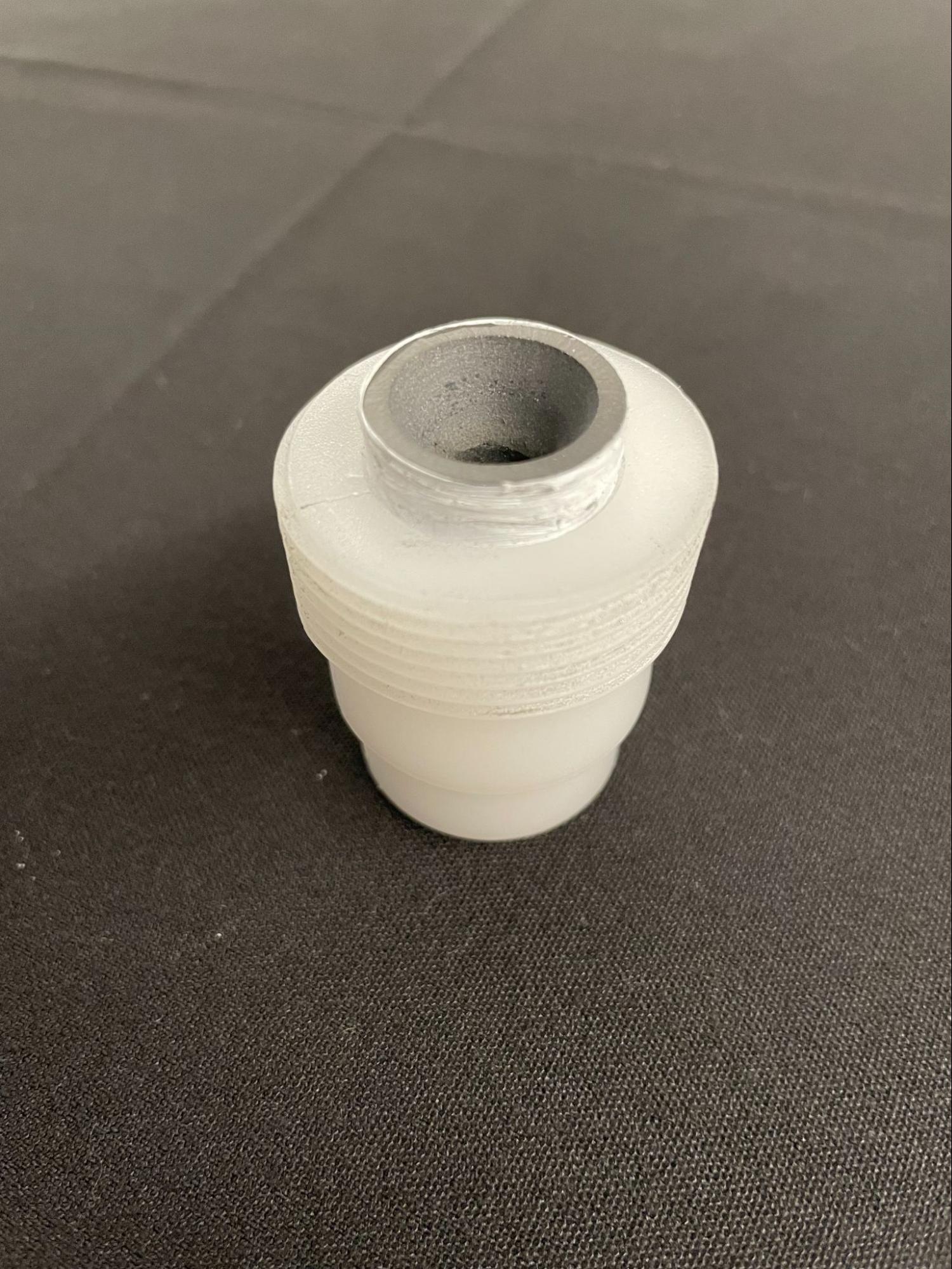
  1. If the nozzle continues to recede into the blast gun, remove the nozzle and apply plumber's tape around the nozzle to prevent it from slipping.
  2. Open the blast gun and verify that there are no clogs or buildup.
    • Clean out the blast gun if needed. Inspect the nozzle for wear and replace it if the inner diameter has widened.
    • Reassemble the blast gun before resuming operation of the machine.
  3. Check the blast cycle settings:
    • Ensure the blast cycle setting is at or above 20 psi (140 kPa). Blast pressure below this threshold will not effectively convey media from the blast gun.
    • If the Fuse Blast is unable to maintain a pressure level above this point, refer to the steps in the support article Diagnosing low input pressure on the Fuse Blast.
  4. Confirm there is media in the media hopper. If the media hopper is empty, add media to the Fuse Blast.
  5. If media is still not conveying from the blast gun, blasting media may not be draining through the parts catcher underneath the work surface. Inspect the parts catcher for debris and clean it if necessary.
  6. If there are no visible obstructions but media does not drain properly, the air metering valve may be blocked. Clear the air metering valve following the instructions in the guide Clearing the Fuse Blast air metering valve [EN].

Note:

The air metering valve may clog if the media level rises above the air inlet (see image below). Always ensure that the media level stays below the air inlet when filling the Fuse Blast.

alttext
  1. If media is draining into the waste hopper:
    1. Check that the media filter is present, undamaged, and properly installed.
    2. Check that you are using Formlabs recommended media: 212–300 µm / 50–70 mesh size or larger glass media for blasting or Fuse Blast Polishing Media with the Polishing System. Improperly sized media will pass by the media filter into the waste hopper.