
WHITE PAPER
Drain Cartridge (Form 4 and Form 4L generation)
Drain Cartridge (Form 4 and Form 4L generation)
Drain Cartridge
The Drain Cartridge tool allows Form 4 and Form 4L generation printers to safely empty resin cartridges into the tank and prevent material wastage. The Drain Cartridge tool requires the resin tank to match the resin type in the installed resin cartridge.
To drain a resin cartridge:
- Update the printer firmware to version 1.12.0 or newer.
- Insert an empty resin tank into the printer.
- Ensure the tank and cartridge are the same resin type.
- Ensure there is sufficient capacity for the resin to drain into the tank. Overfilling the tank may cause the tank to overflow or resin to splash during the next print.
- On Form 4L printers: Resin drains from both cartridges simultaneously. Ensure the resin tank has sufficient capacity for resin from both cartridges or remove one resin cartridge before proceeding.
- On an idle Form 4 or Form 4L generation printer, tap the gear icon. The Settings screen appears. Tap Tools > Drain Cartridge.
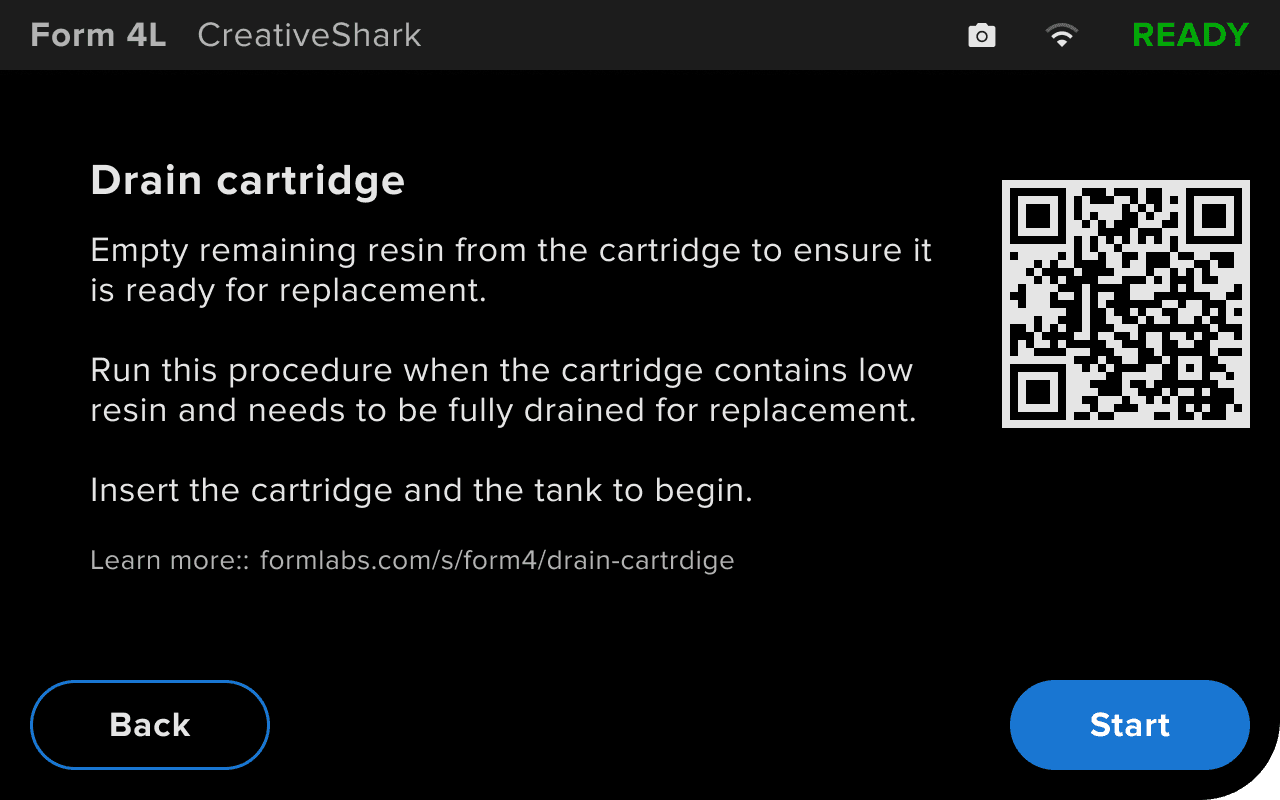
- Follow the onscreen prompts to complete the procedure. The process may take several minutes.
- To halt the procedure, tap Stop. Do not open the cover or remove a consumable during the procedure.
- Remove the empty resin cartridges from the printer. Dispose of the empty resin cartridges according to local regulations.