WHITE PAPER
Formlabs Logo

Installing and using the Form Wash L Universal Build Platform Adapter

Installing and using the Form Wash L Universal Build Platform Adapter

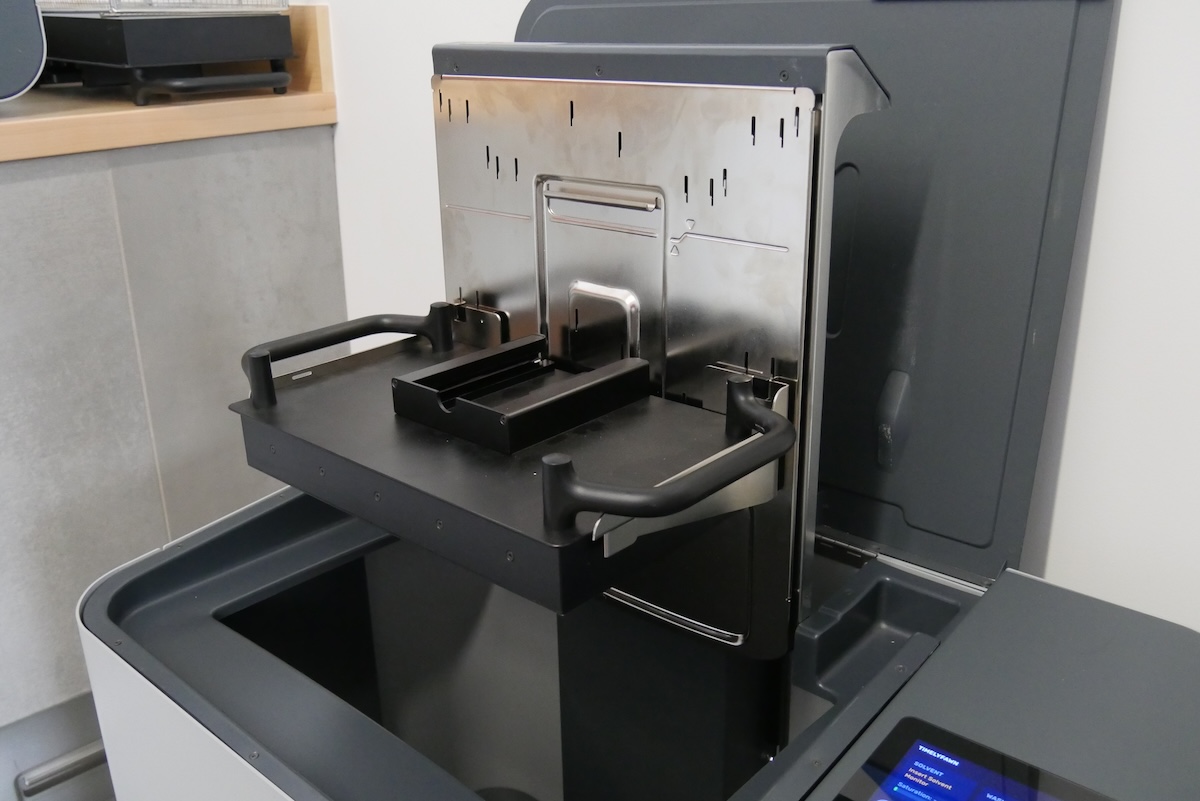
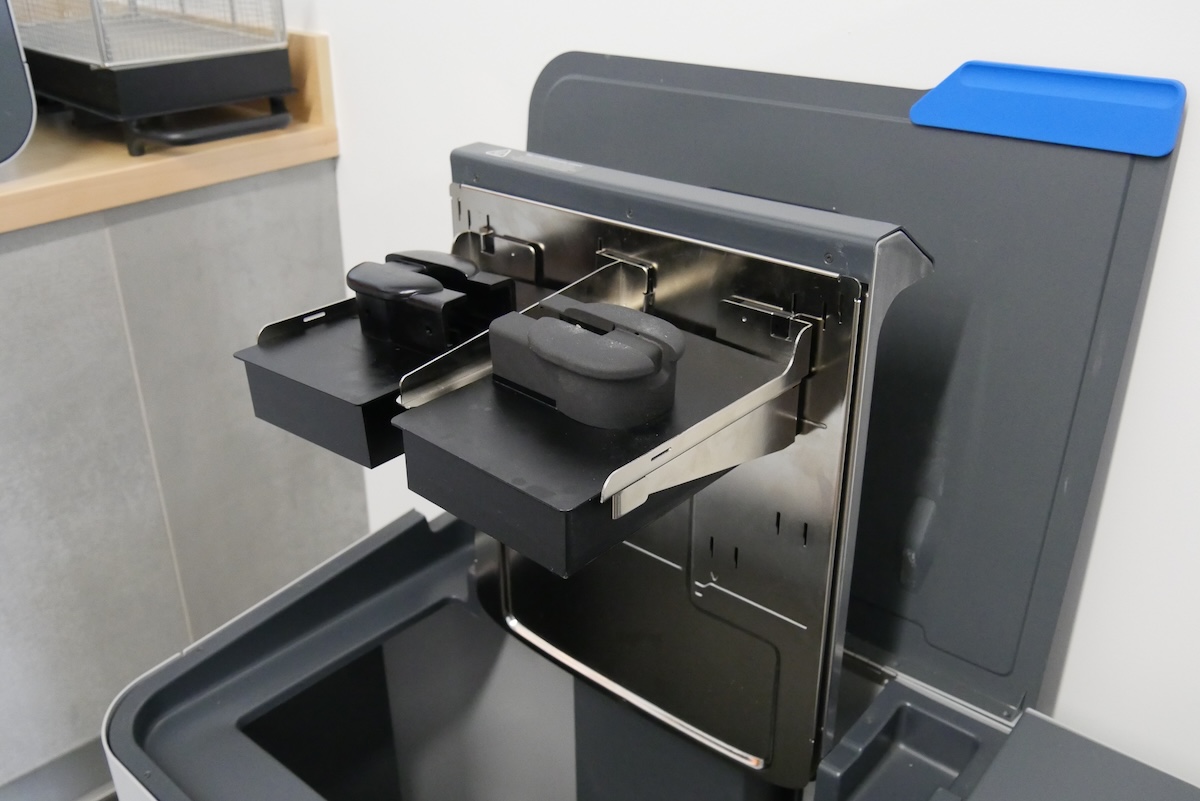
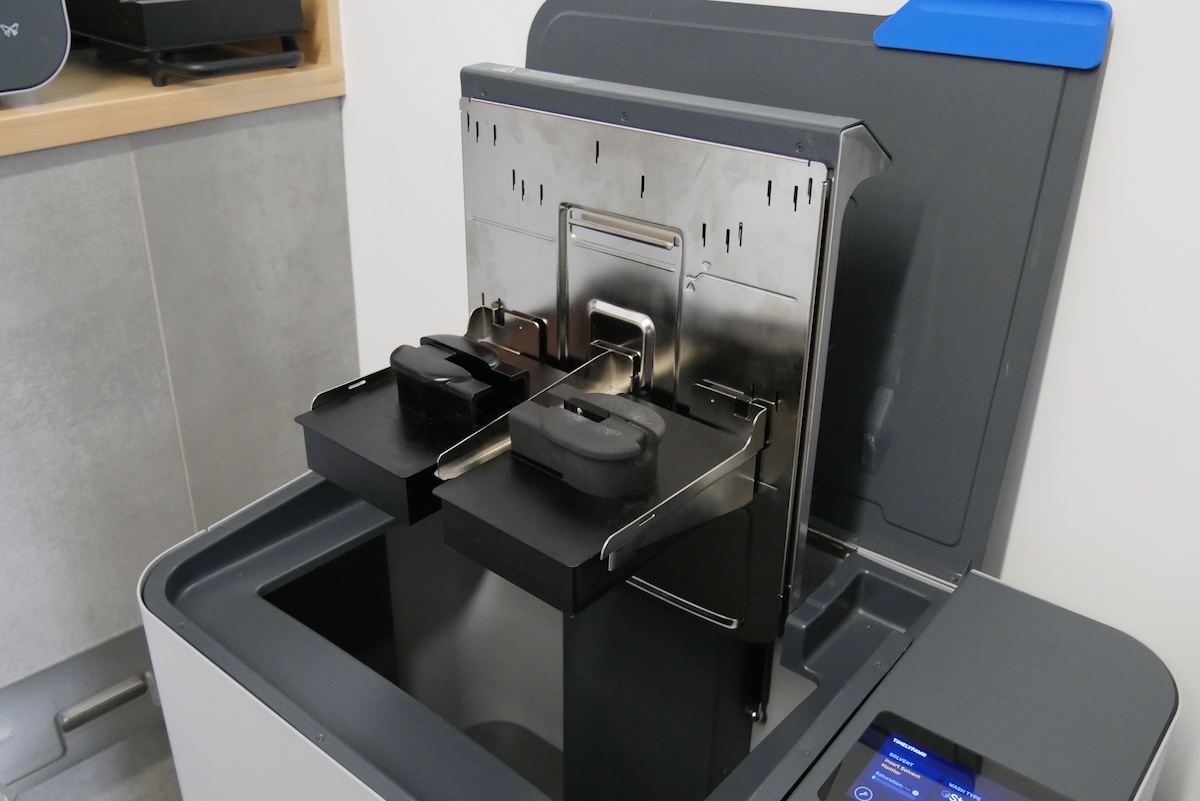
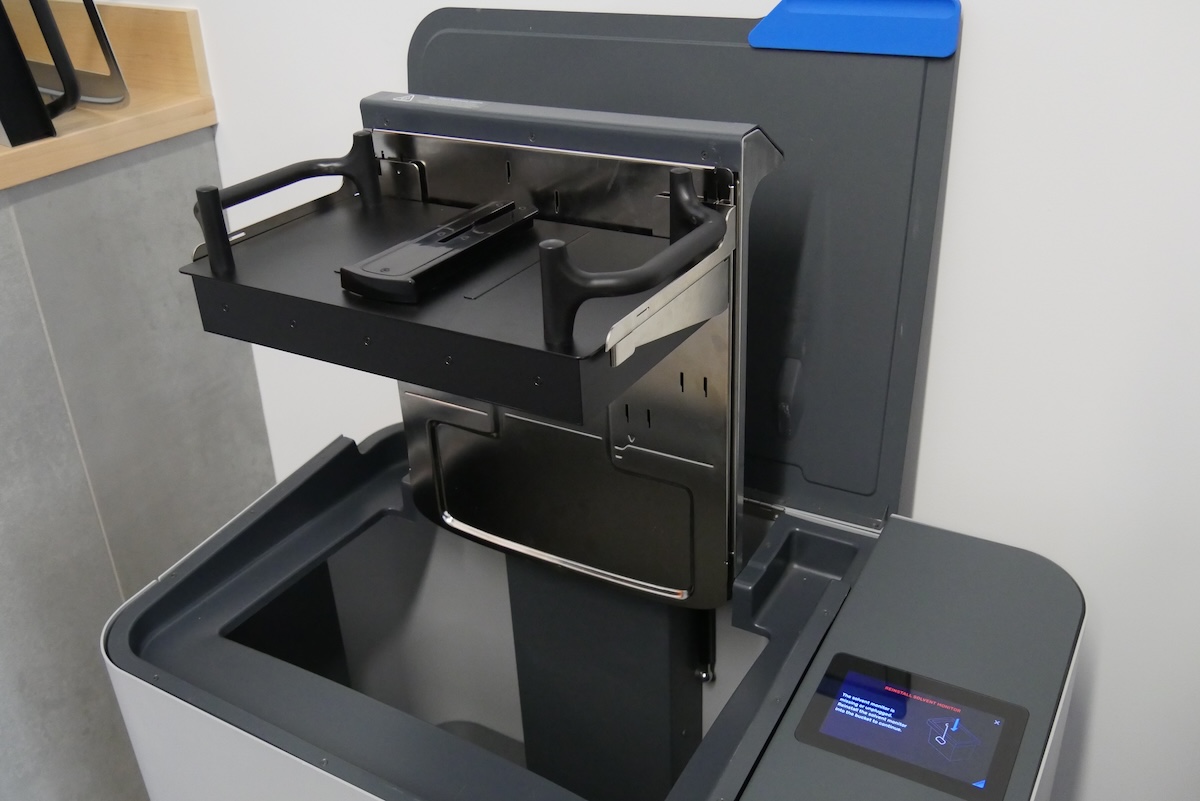
Existing Form Wash L (1st Generation) units have fixed platform mount arms that can accommodate either a Form 3L build platform or two Form 2/Form 3 build platforms with the included platform mount adapter. The Form Wash L Universal Build Platform Adapter expands the capabilities of your Form Wash L, allowing it to hold Form 4 and Form 4L build platforms and allowing you to use less solvent.

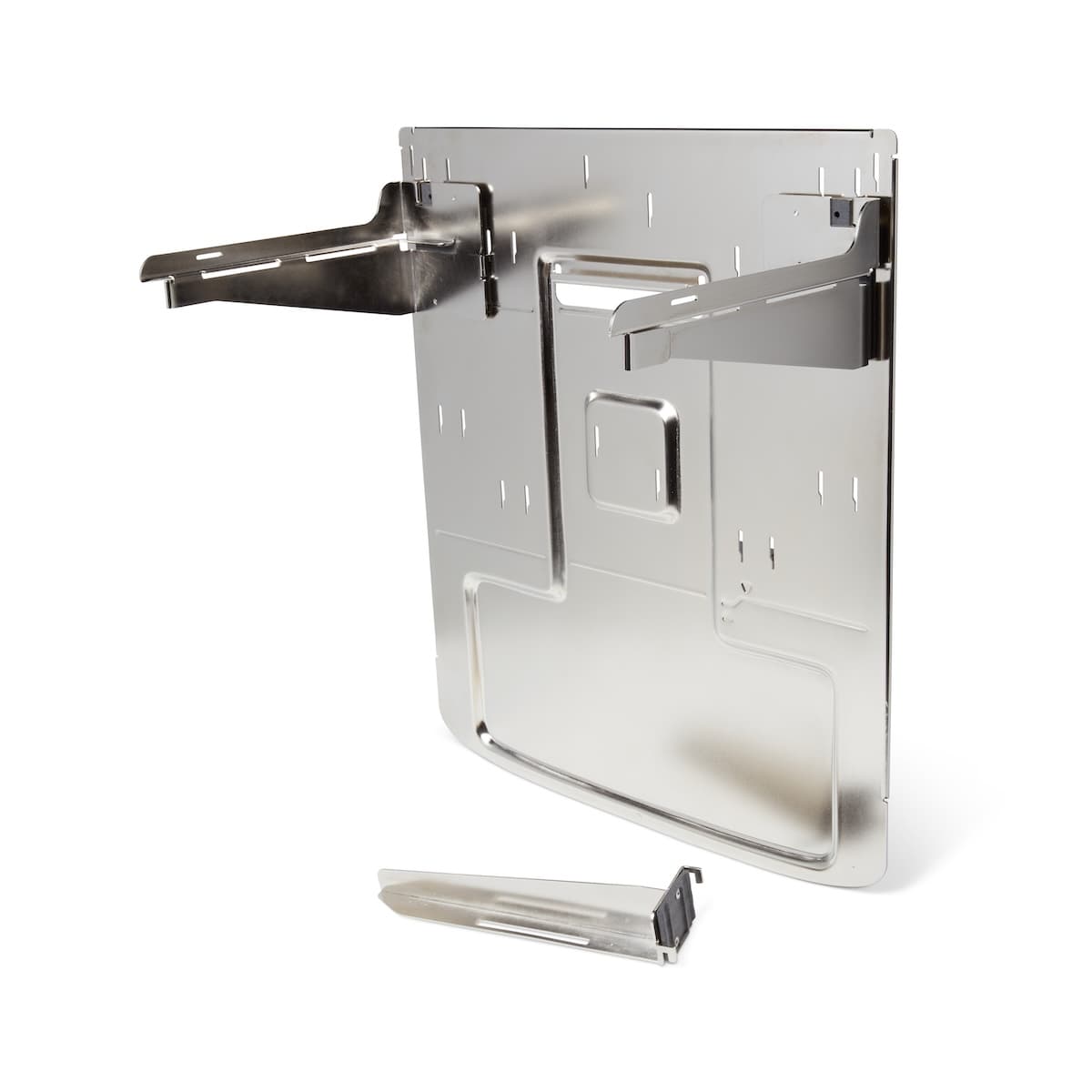
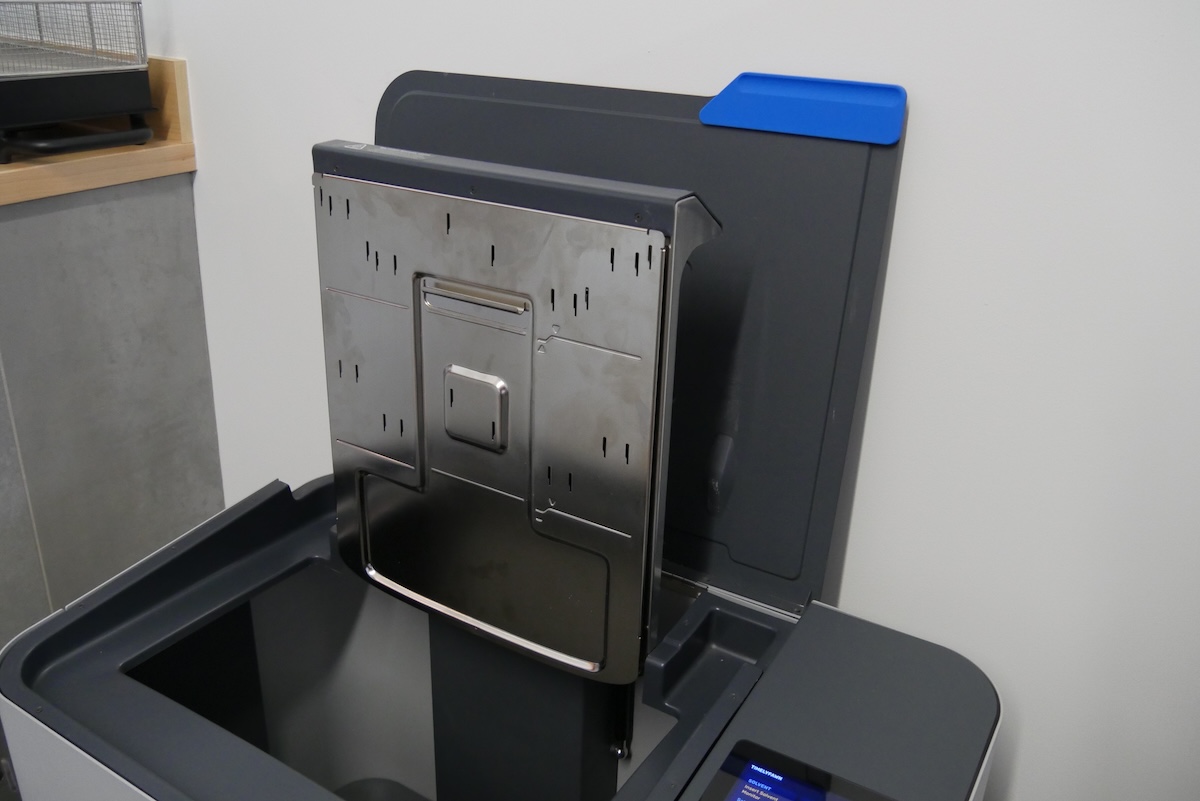
The Form Wash L Universal Build Platform Adapter

Installing the Form Wash L Universal Build Platform Adapter

Existing Form Wash L units with fixed platform mount arms can be retrofitted with the Universal Build Platform Adapter.

To replace the platform mount on your Form Wash L:

  1. Tap Raise on the Form Wash L touchscreen. The platform mount rises out of the wash bucket.
  2. Lift the wash basket off the basket mount and set it aside.
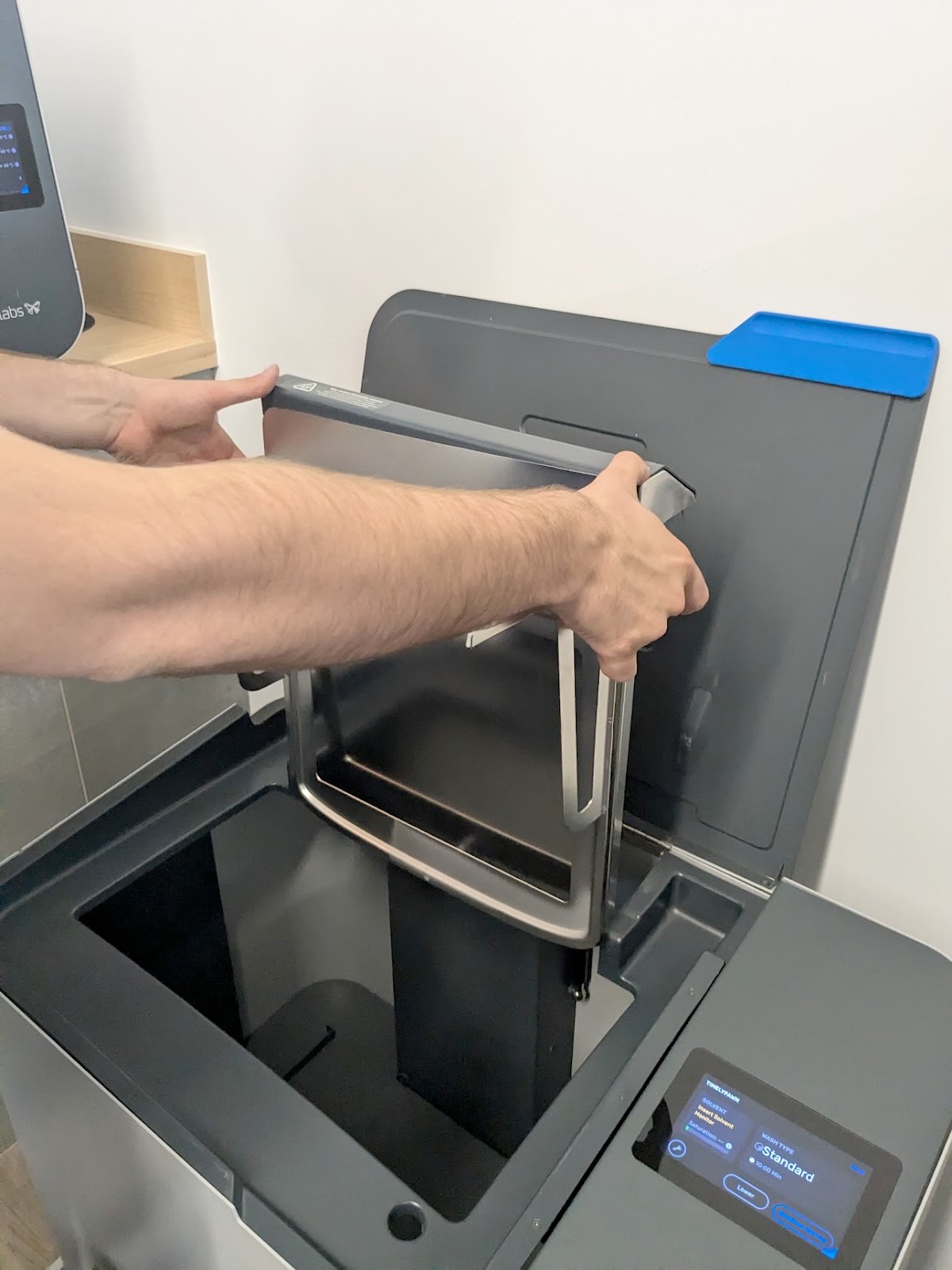
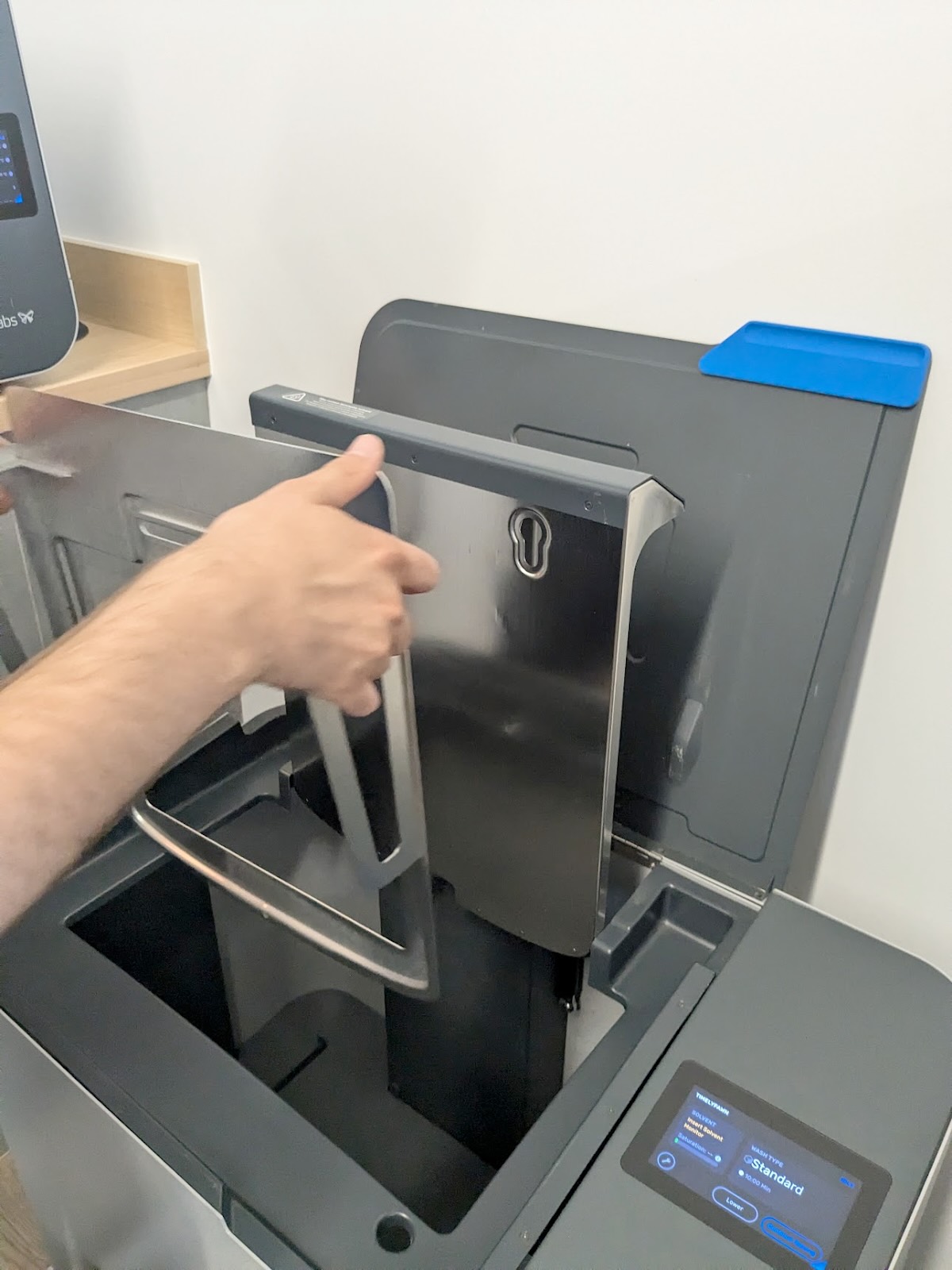
  1. Grip the platform mount by its sides, under the platform mount arms. Lift the platform mount slightly to unhook it from the elevator.
Uninstalling the existing Form Wash L build platform mount
  1. Pull the platform mount towards you, directly away from the elevator, to separate it from the Form Wash L. Set the platform mount aside.
Uninstalling the existing Form Wash L build platform mount
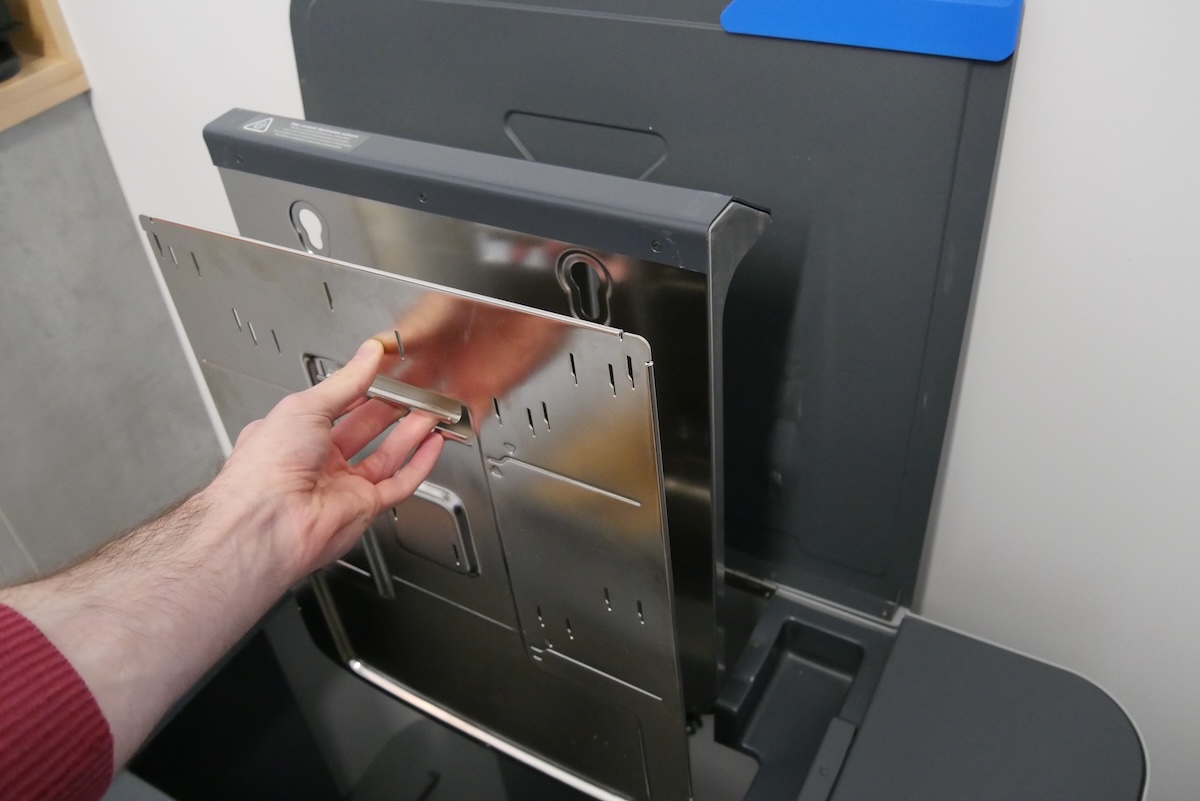
  1. Remove the Universal Build Platform Adapter and platform mount arms from their packaging. Orient the adapter with the basket mount facing you.
  2. Grip the replacement platform mount under the basket mount. Align the posts on the back of the platform mount with the slots in the Form Wash L elevator.
Installing the Universal Build Platform Adapter
  1. Insert the posts in the top of the slots, then push down to secure it in place.
Installing the Universal Build Platform Adapter

Installing the build platform mount arms

Choose a build platform mount arm configuration that suits your build platforms, part heights, and the amount of available solvent.

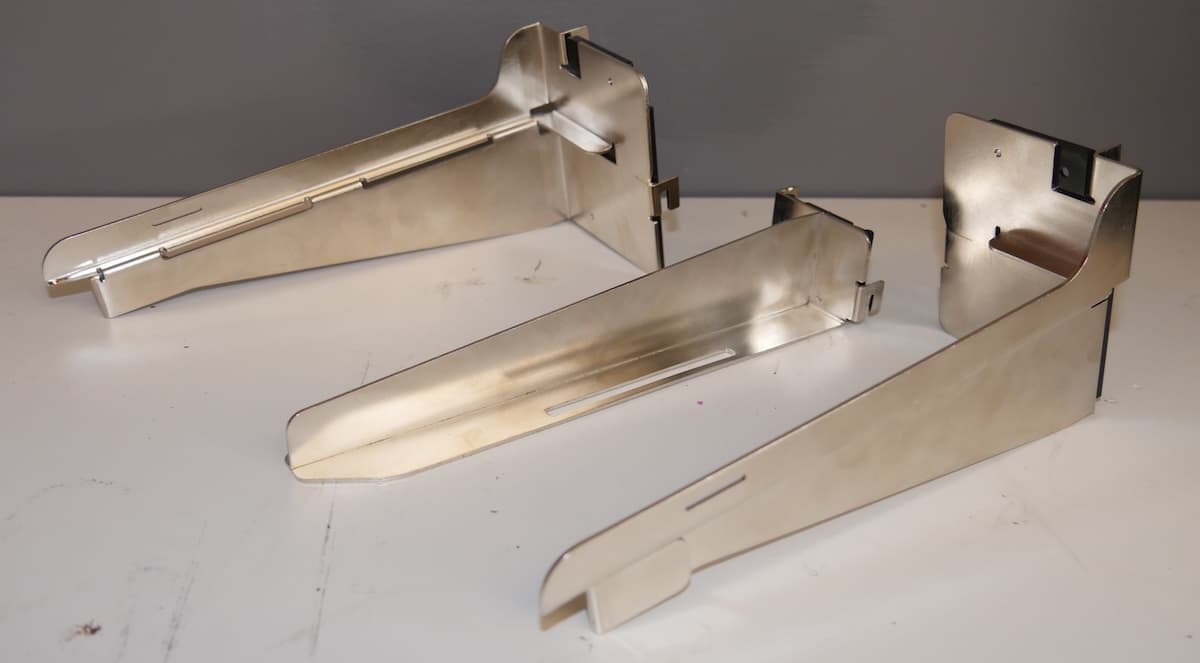
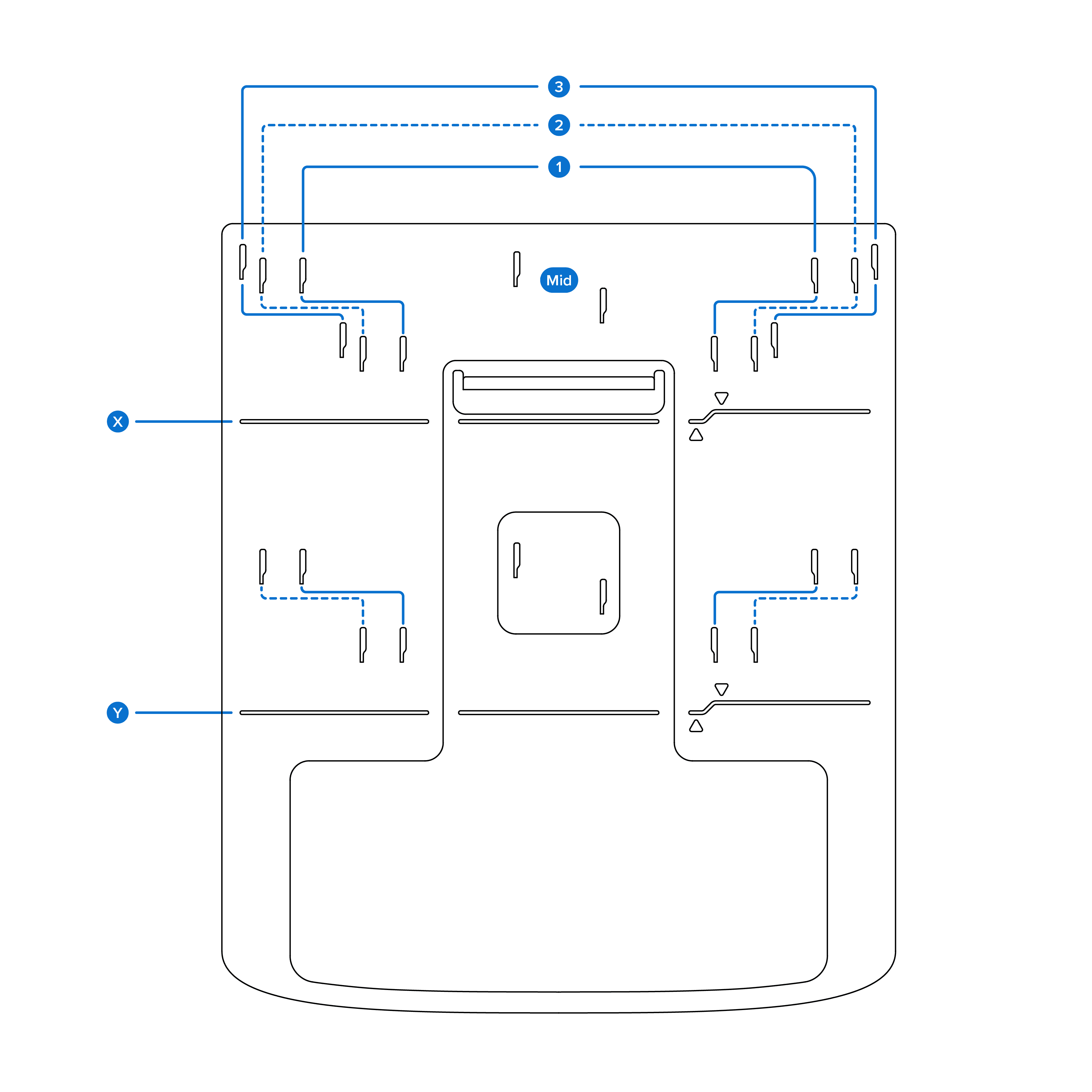
The Universal Build Platform Adapter has multiple slots for installing the build platform mount arms. It comes with three arms: left, right, and middle. The left and right arms fit into the outside positions, labeled 1, 2, and 3 in the figure below. Install the middle arm to be able to wash two Form 2, Form 3, or Form 4 build platforms at the same time.

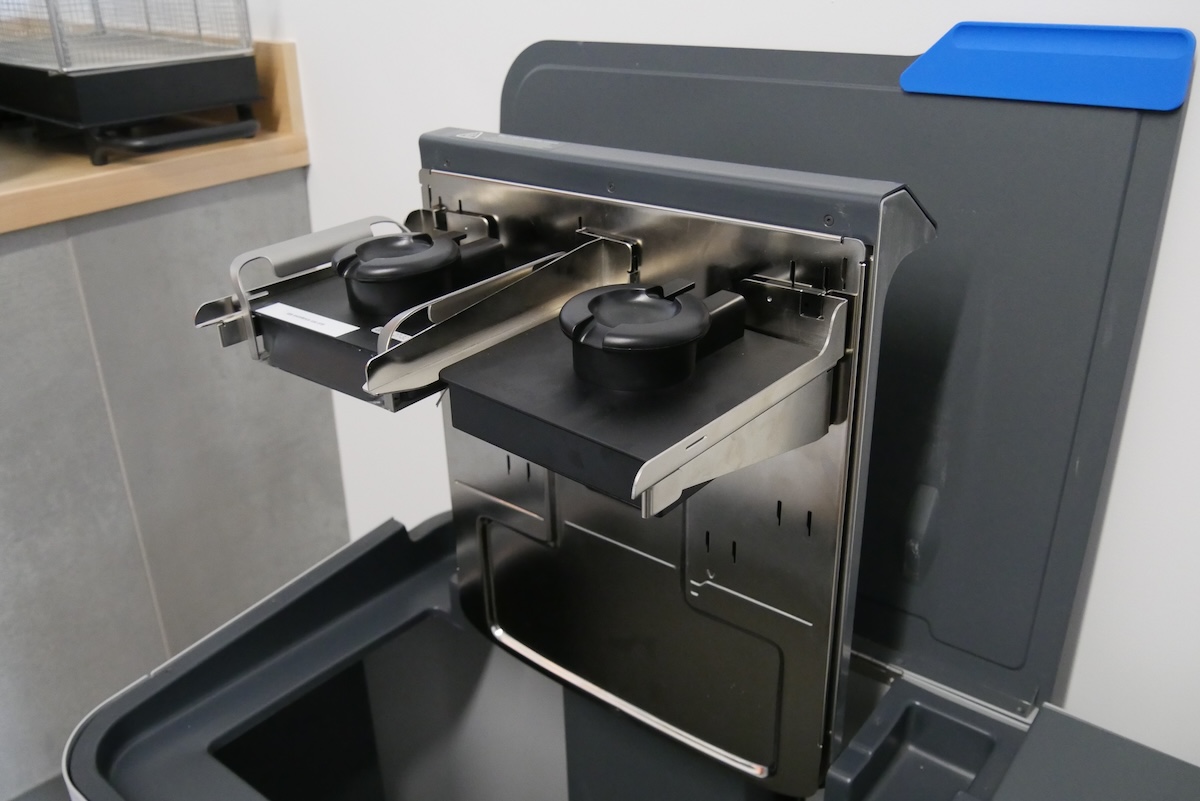
Left, middle, and right build platform mount arms

From left to right: the left, middle, and right build platform mount arms

The upper set of arm positions, labeled X in the figure below, correspond to a full Form Wash L. The lower set, labeled Y in the figure below, corresponds to a half-full Form Wash L containing roughly 20 L of solvent.

Build platform arm positions on the Universal Build Platform Adapter
PrinterBuild platformsLeft/right platform arm positionMiddle arm installed
Form 2
Form 3 generation
Standard Build Platform
Build Platform 2
Stainless Steel Build Platform
2Yes
Form 3L generationForm 3L Build Platform
Form 3L Build Platform 2L
2No
Form 4 generationForm 4 Build Platform
Form 4 Flex Build Platform
1Yes
Form 4L generationForm 4L Build Platform
Form 4L Flex Build Platform
3No

Example configurations are shown below:

PrinterUpper positionLower position
Form 2
Form 3 generation
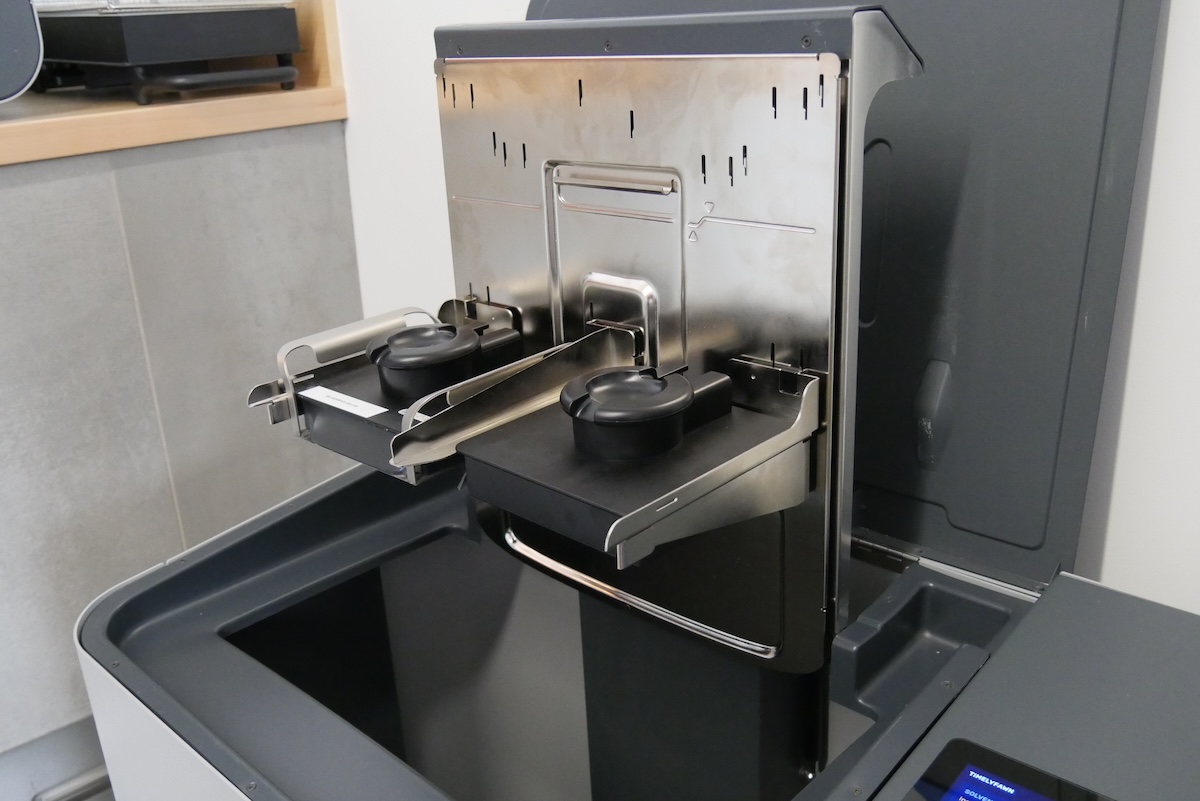
Two Form 3 build platforms on the Form Wash L Universal Build Platform AdapterTwo Form 3 build platforms on the Form Wash L Universal Build Platform Adapter
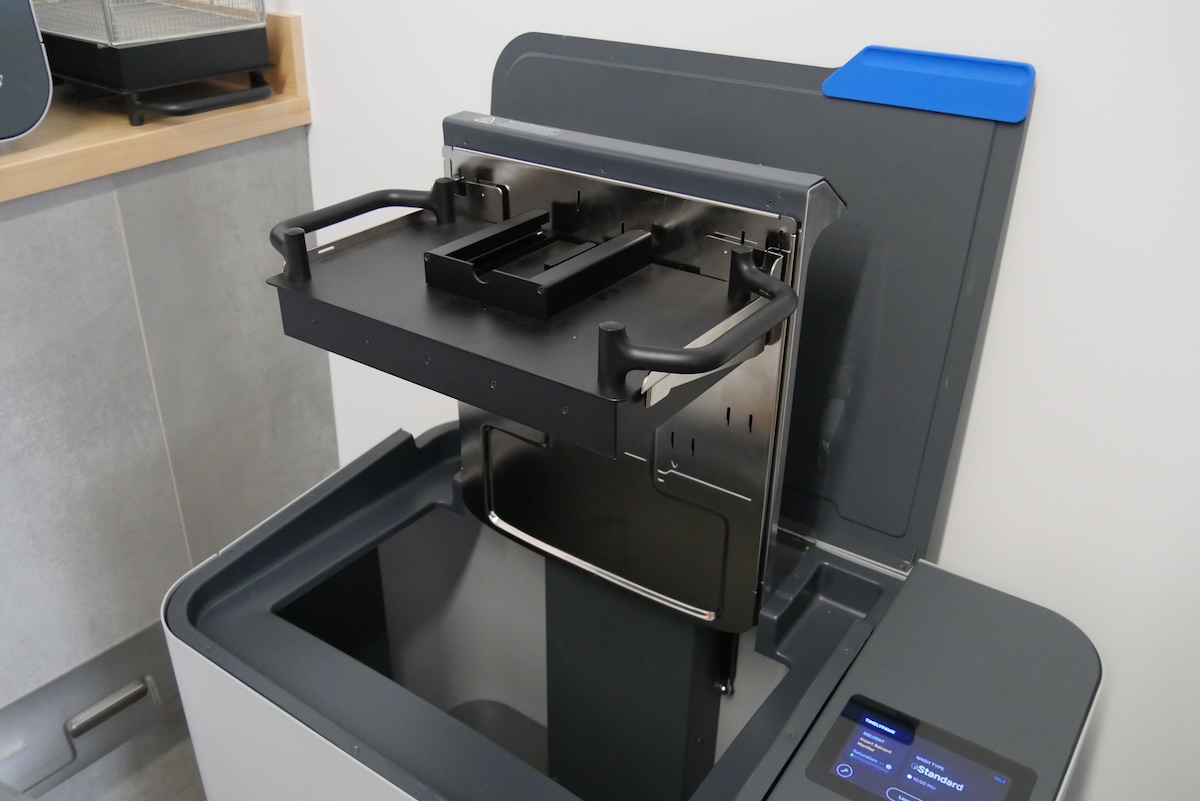
Form 3L generationOne Form 3L build platform on the Form Wash L Universal Build Platform AdapterOne Form 3L build platform on the Form Wash L Universal Build Platform Adapter
Form 4 generationTwo Form 4 build platforms on the Form Wash L Universal Build Platform AdapterTwo Form 4 build platforms on the Form Wash L Universal Build Platform Adapter
Form 4L generationOne Form 4L build platform on the Form Wash L Universal Build Platform AdapterN/A

Note:

Remove the wash basket when washing a Form 4L build platform on a Form Wash L (1st Generation) unit with the Universal Build Platform Adapter. The wash basket interferes with the build platform, preventing it from sitting fully on the build platform mount arms.
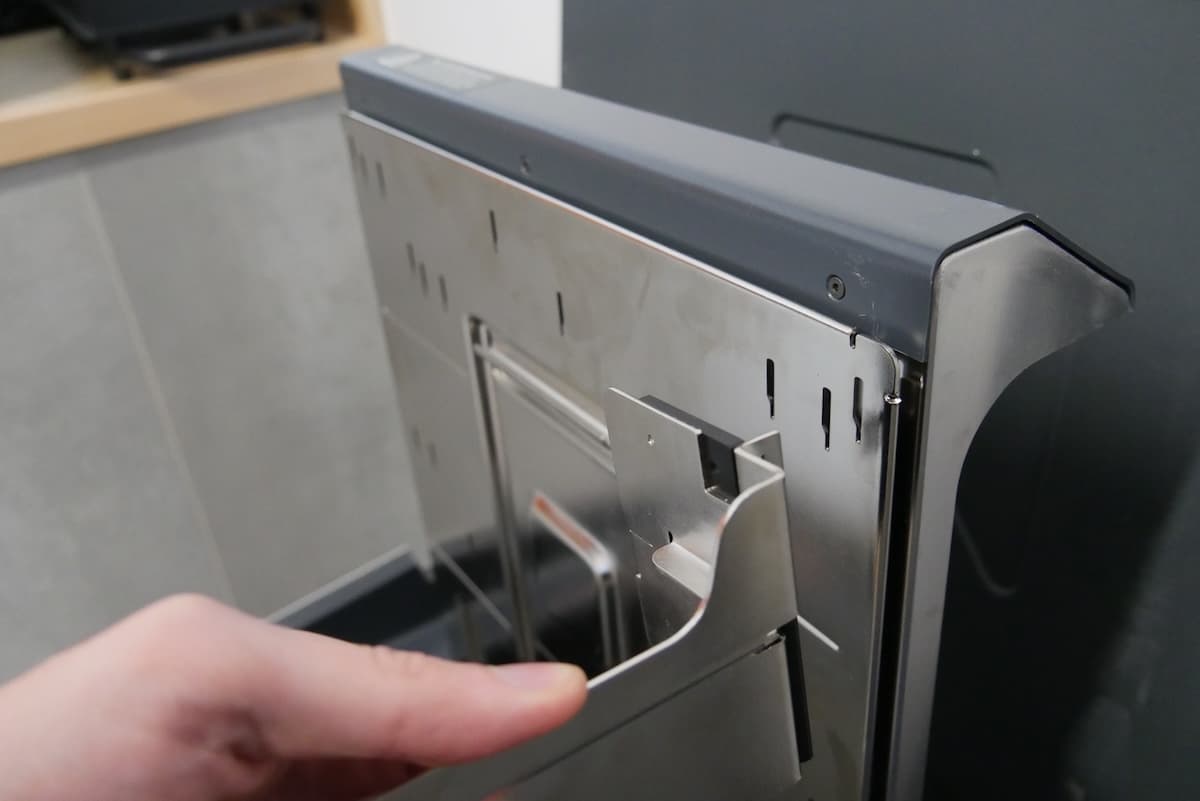
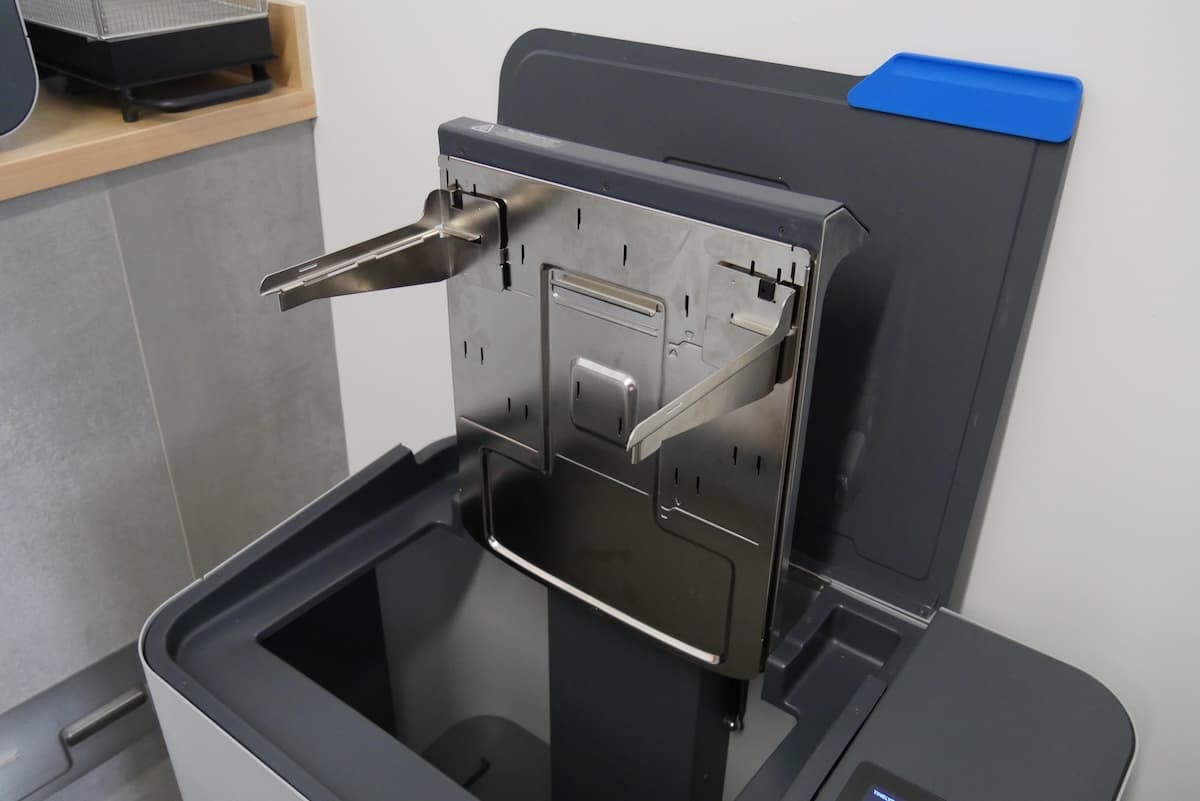
To install the build platform mount arms:

  1. Tap Raise on the Form Wash L touchscreen. The platform mount raises out of the bucket.
  2. Select the location to install the build platform mount arms that best suits your washing needs.
  3. Insert the tabs into the selected slots and slide the arms down to lock them in place.
Installing a build platform mount arm on the Universal Build Platform Adapter
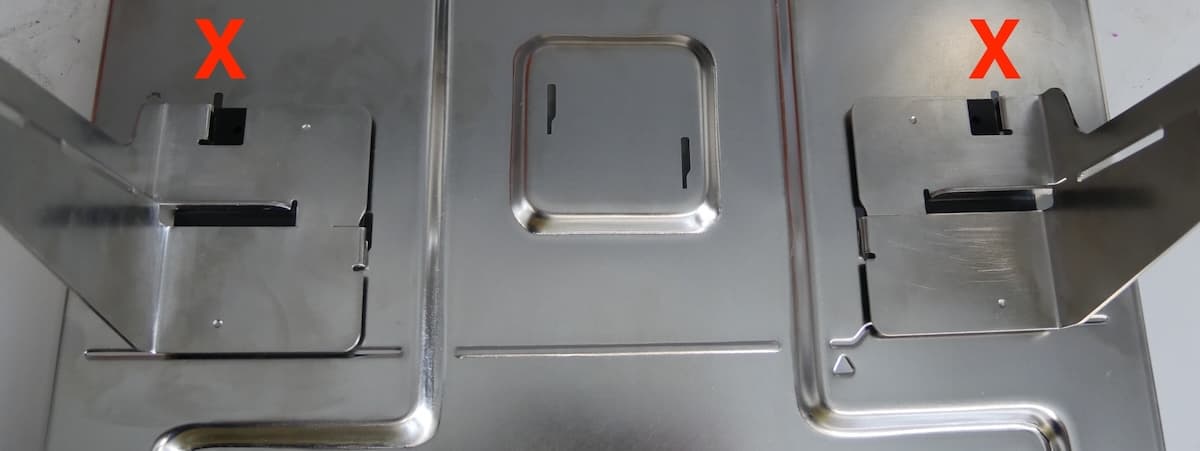
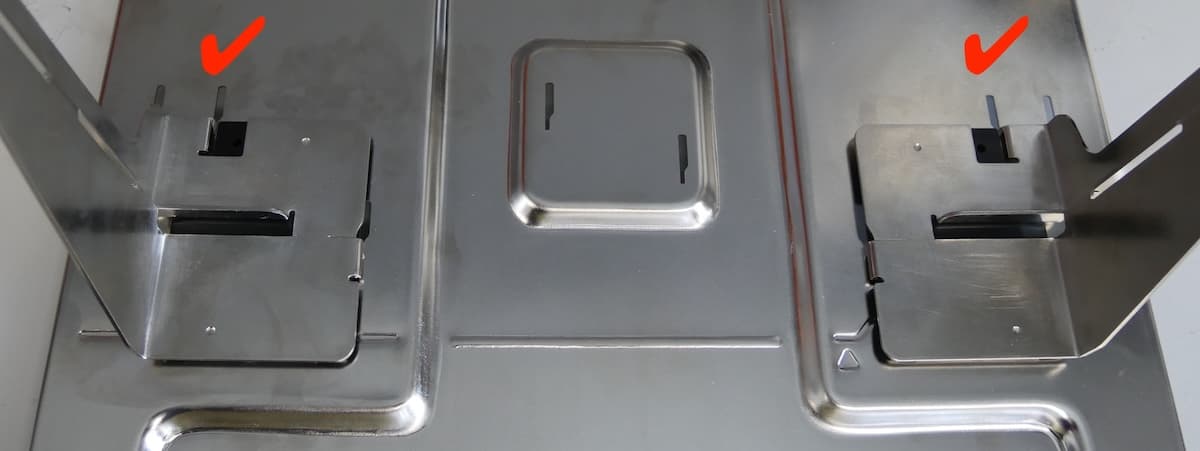
  1. Make sure the build platform mount arms are fully inserted into the slots. When an arm is fully inserted, the wide part of the slot is fully visible above the arm.
Incorrect build platform mount arm installation
Correct build platform mount arm installation
  1. Tap Lower on the Form Wash L touchscreen. The platform mount lowers into the bucket.