

Maintaining the Fuse Blast ionizer
Maintaining the Fuse Blast ionizer
The Fuse Blast has an inline ionizer on the blast gun that rinses abrasive dust and residual powder from printed parts. During regular use, the ionizer may become dirty and clogged. Inspect the ionizer tips regularly and clean as needed.
Inspecting the ionizer
The ionizer tips must be free from debris to clean parts. Inspect the ionizer after every 50 hours of blasting time or if your parts still have powder on them after blasting, whichever comes first.
To inspect the ionizer:
- Close and latch the blasting chamber door.
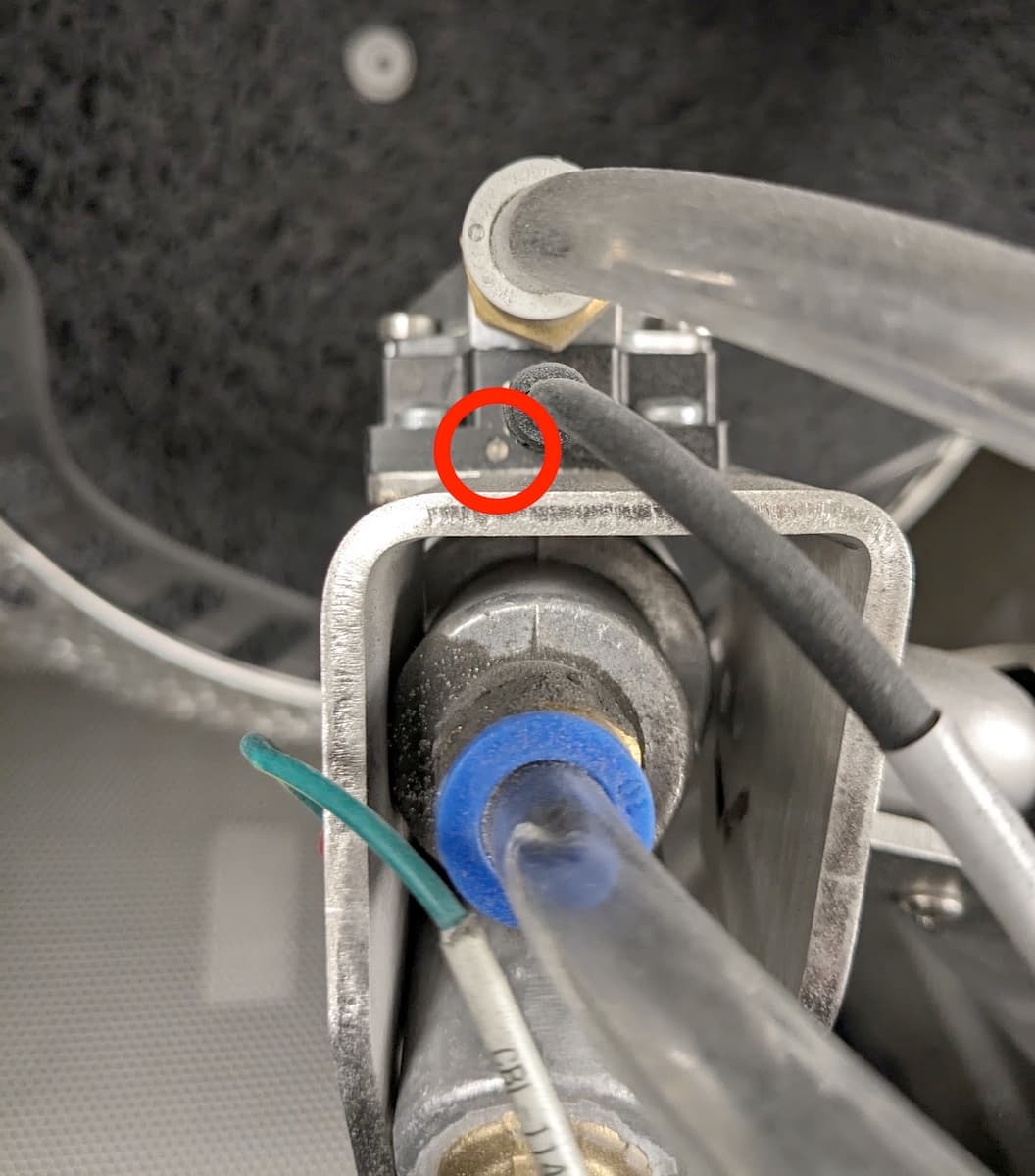
- Rotate the blast arm and blast gun so you can see the back of the ionizer. Locate the LED on the back of the ionizer.
- Step on the air rinse pedal to activate the ionizer.
- Check the LED.
- A green light indicates that the ionizer is functioning normally.
- A red light indicates that there is an issue with the ionizer or its tips.
- Step off the air rinse pedal to deactivate the ionizer.
- Open the blasting chamber door.
- Visually inspect the two ionizer tips for integrity and cleanliness.
Clean the ionizer tips if needed. If an ionizer tip appears to be broken, contact Formlabs Support or your certified service provider.
Cleaning the ionizer
The ionizer tips must be free from debris to produce clean parts. You can remove debris from the ionizer tips with a clean cotton swab.
To clean the ionizer tips:
- Open the blasting chamber door.
- Remove the blast gun from the blast arm.
- Inspect the ionizer tips.
- Clear any debris with a clean cotton swab.
- Place the blast gun back on the blast arm.