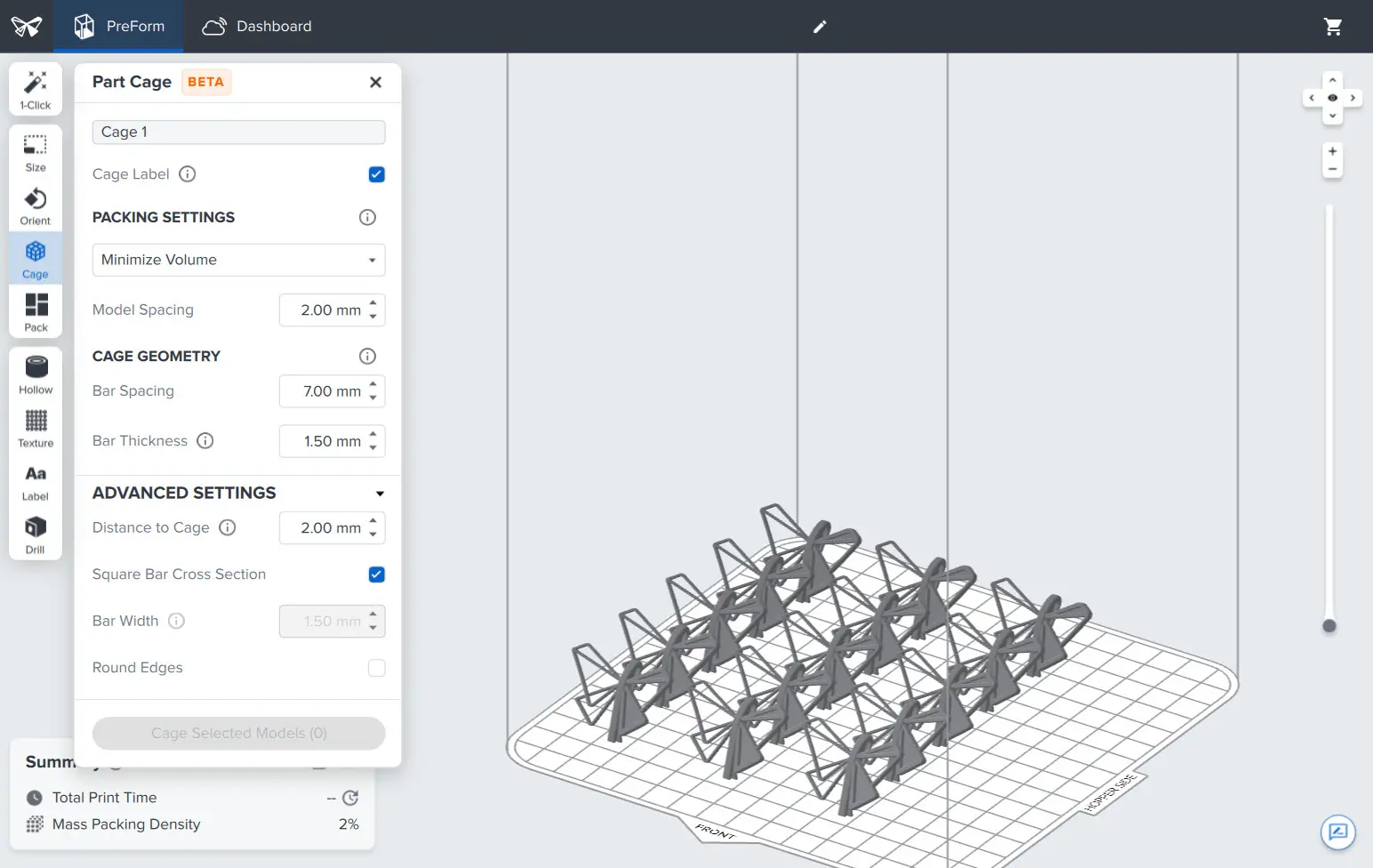
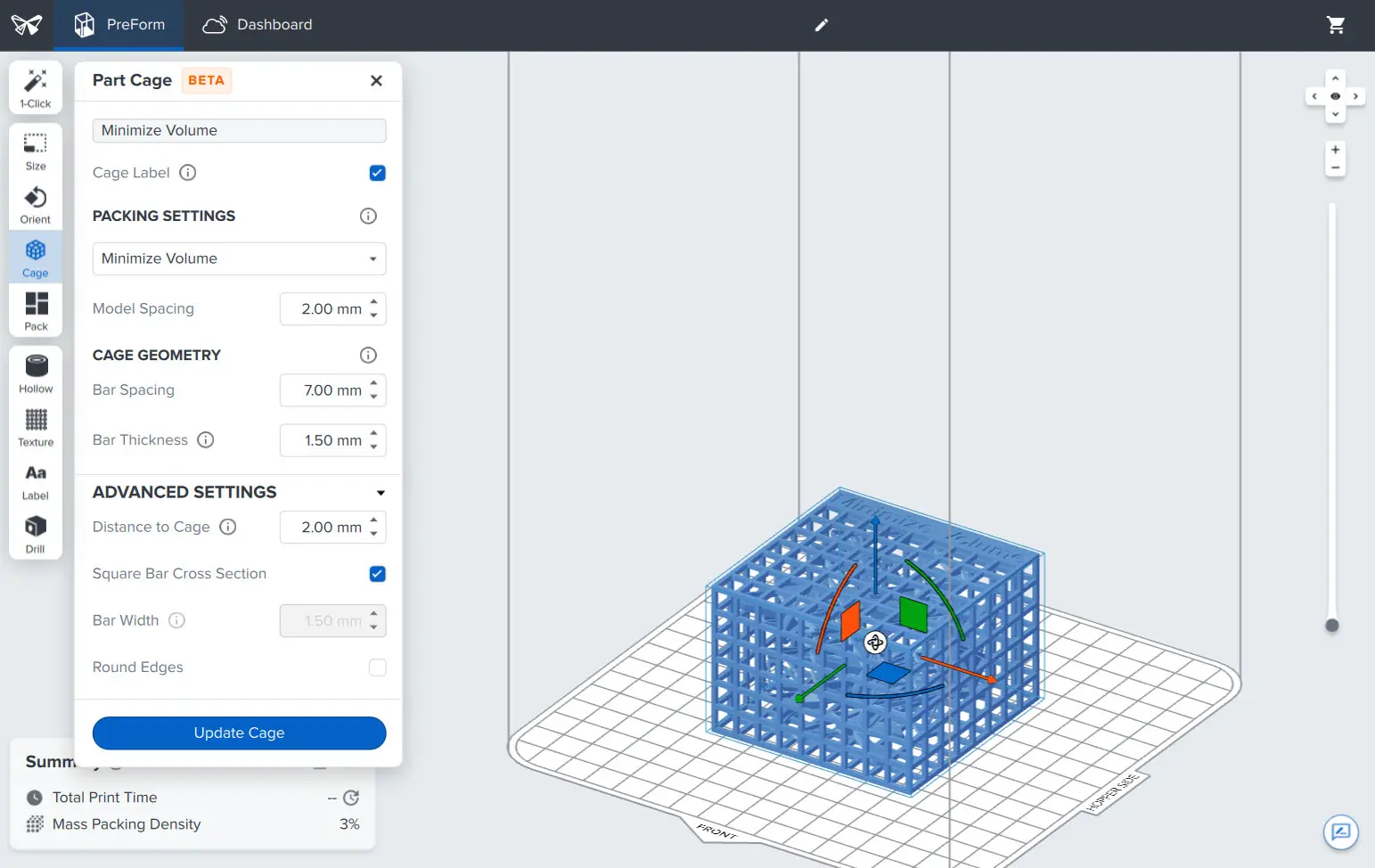
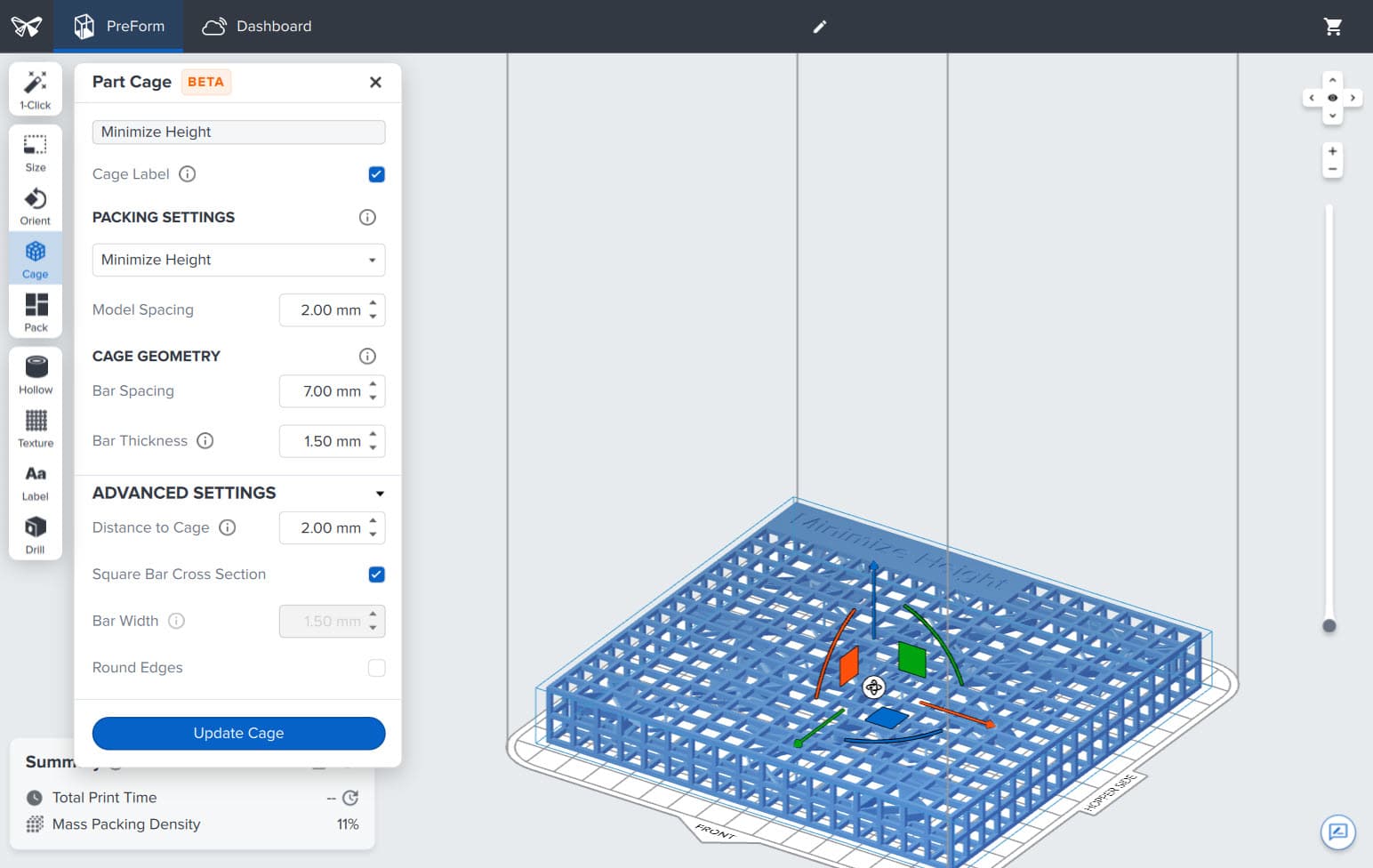
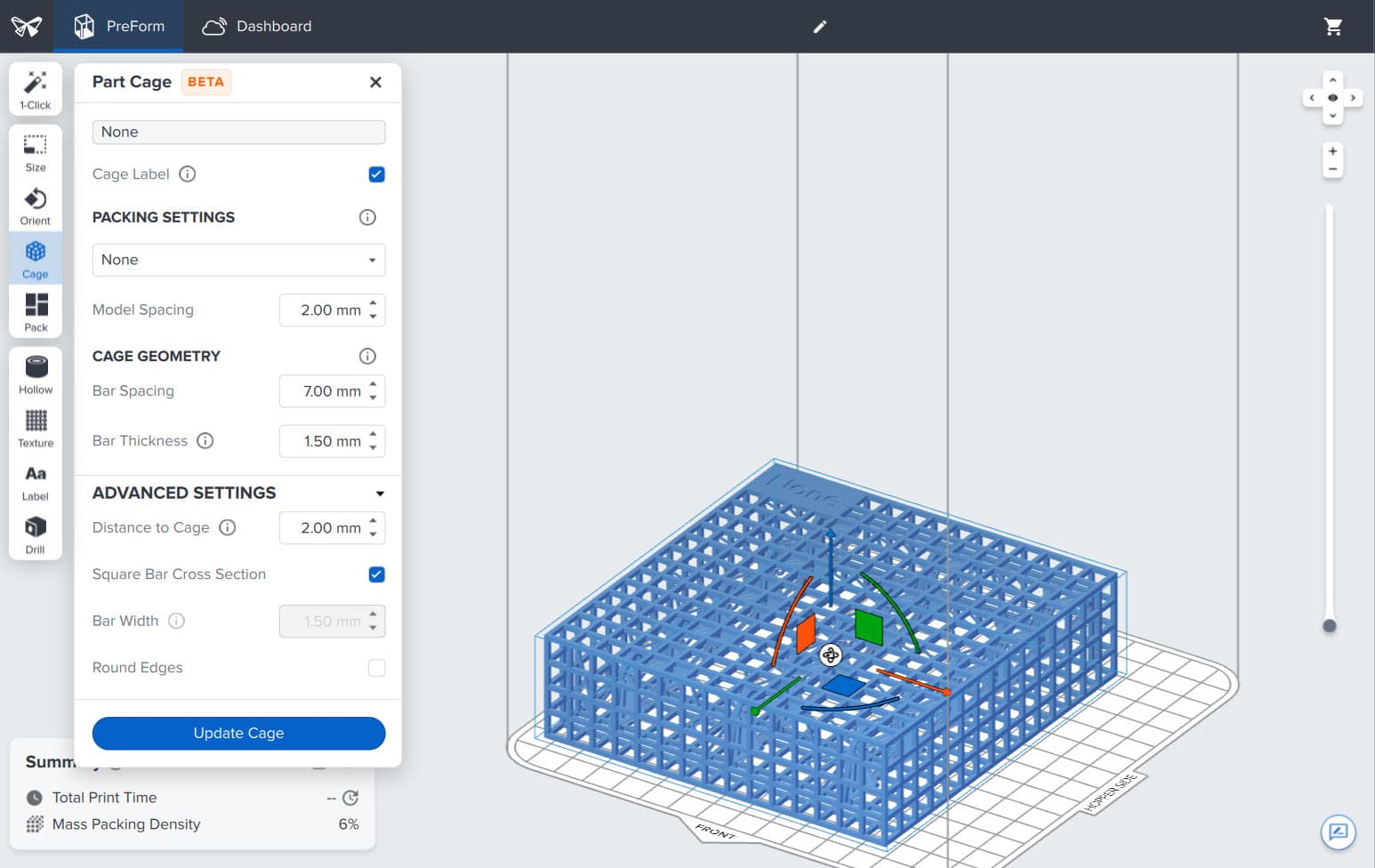
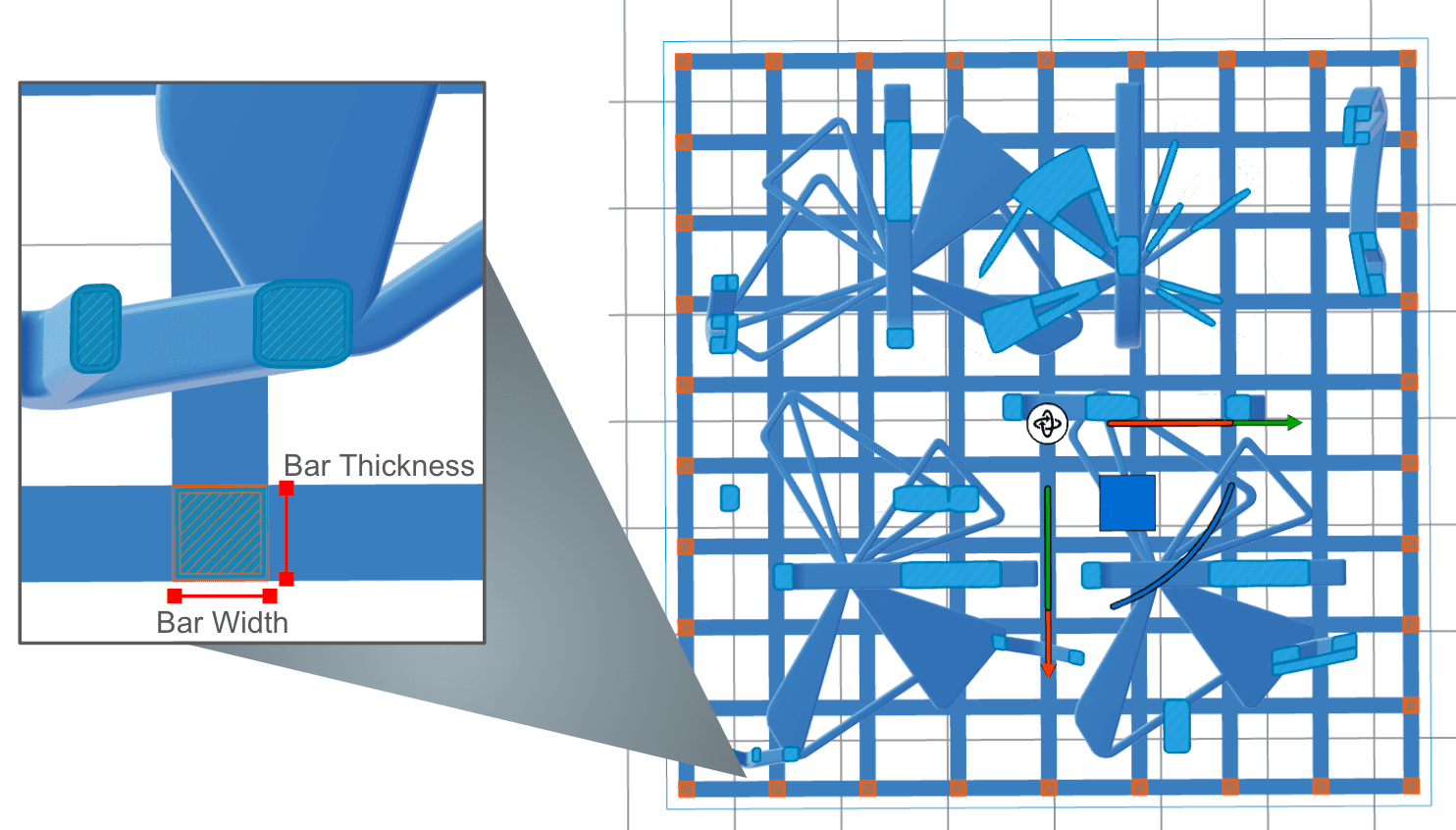
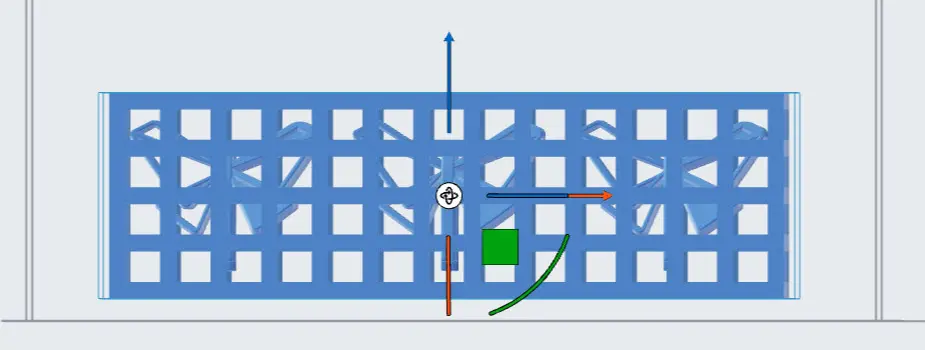
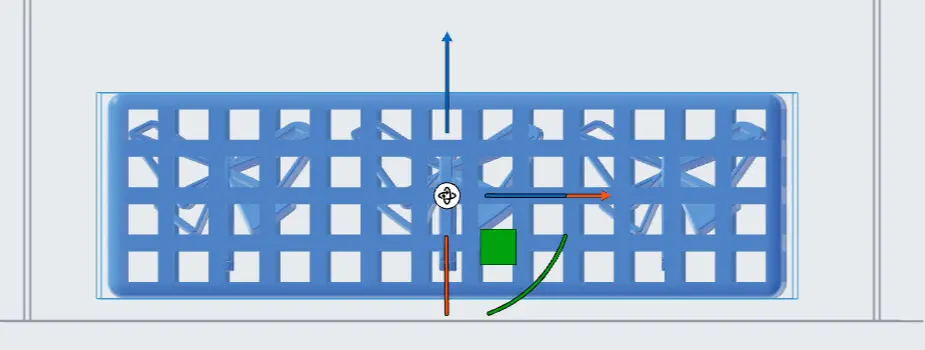
- Click Cage Selected Models. PreForm encloses, rotates, and translates your models to match the selected values. The selected models are collapsed into a single cage entry in the Model List.
Editing cages
Cages can be renamed or deleted by selecting them from the Model List.
- Select the cage in the 3D scene.
- Click Cage on the toolbar to the left of the 3D scene. The Cage panel appears.
- Edit the cage values.
- Click Update Cage. PreForm updates the cage according to the selected changes.
Removing parts from a printed cage
To remove parts from a printed cage, wait for the build chamber to cool before extracting the printed cage from the powder cake.
Clean and media blast the printed parts while still in the cage with the Fuse Blast or Fuse Blast Polishing System. Once the parts are clean, break open the cage with pliers or a small saw, taking care to avoid shards. Continue to post-process parts as needed.