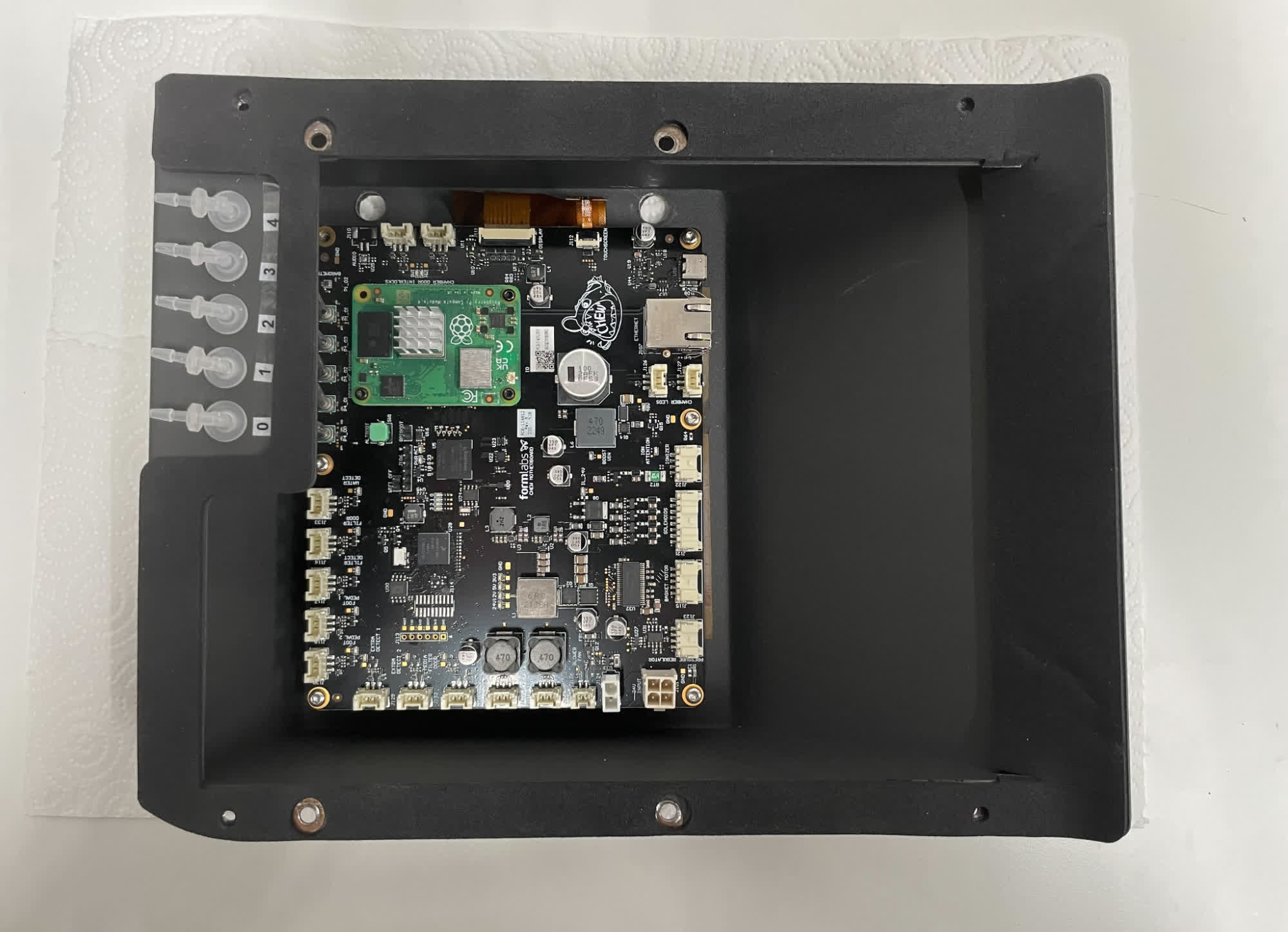
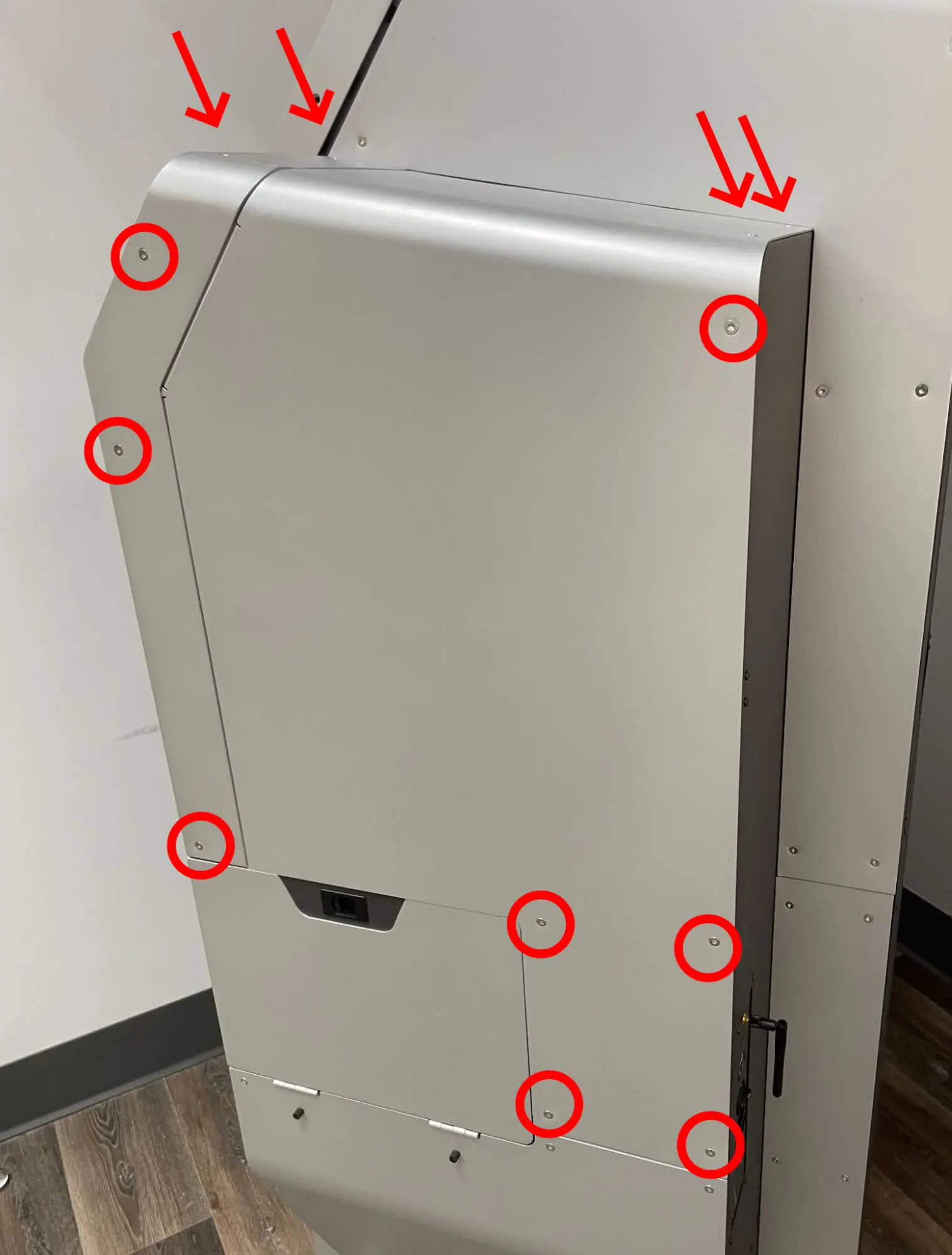
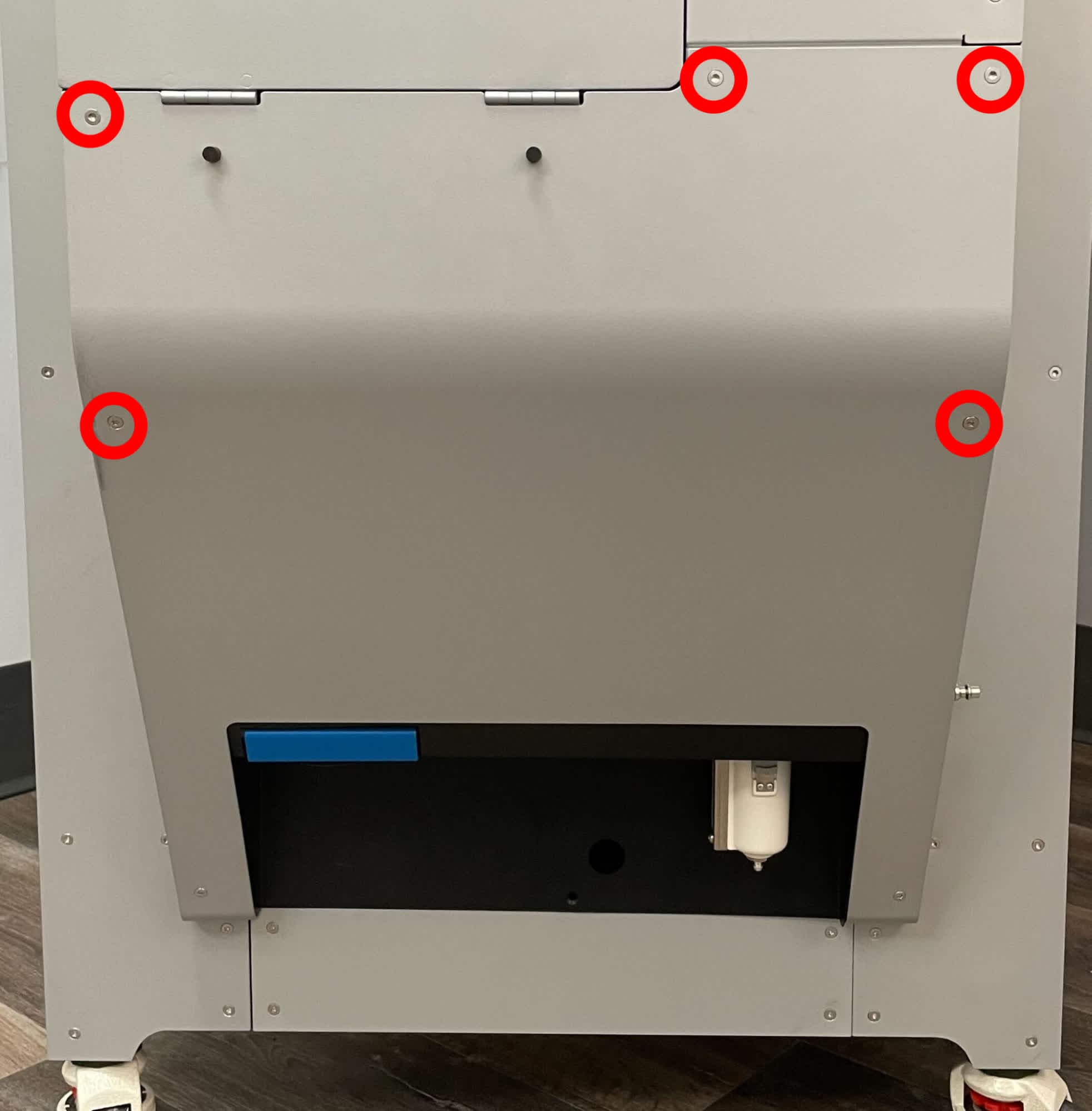
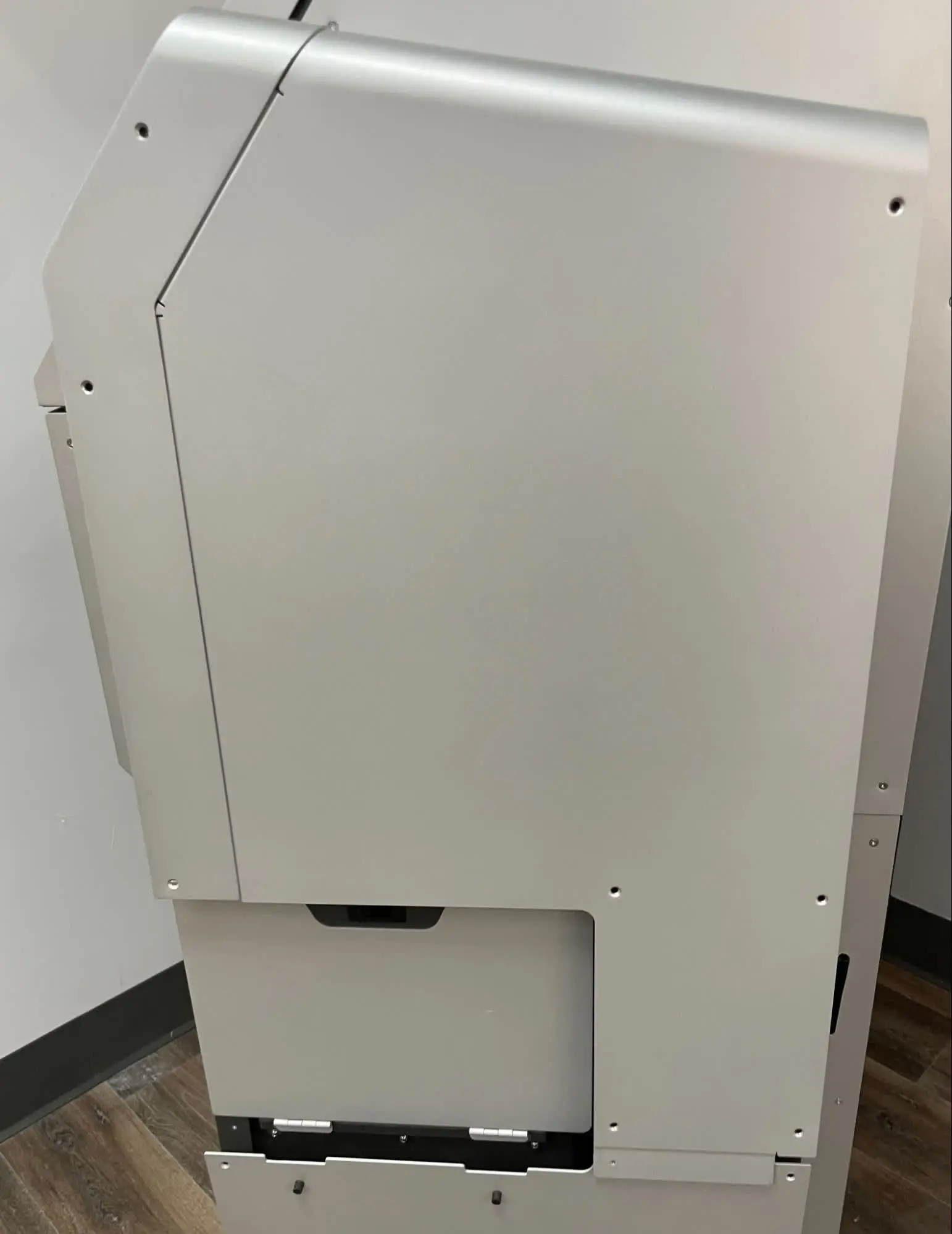
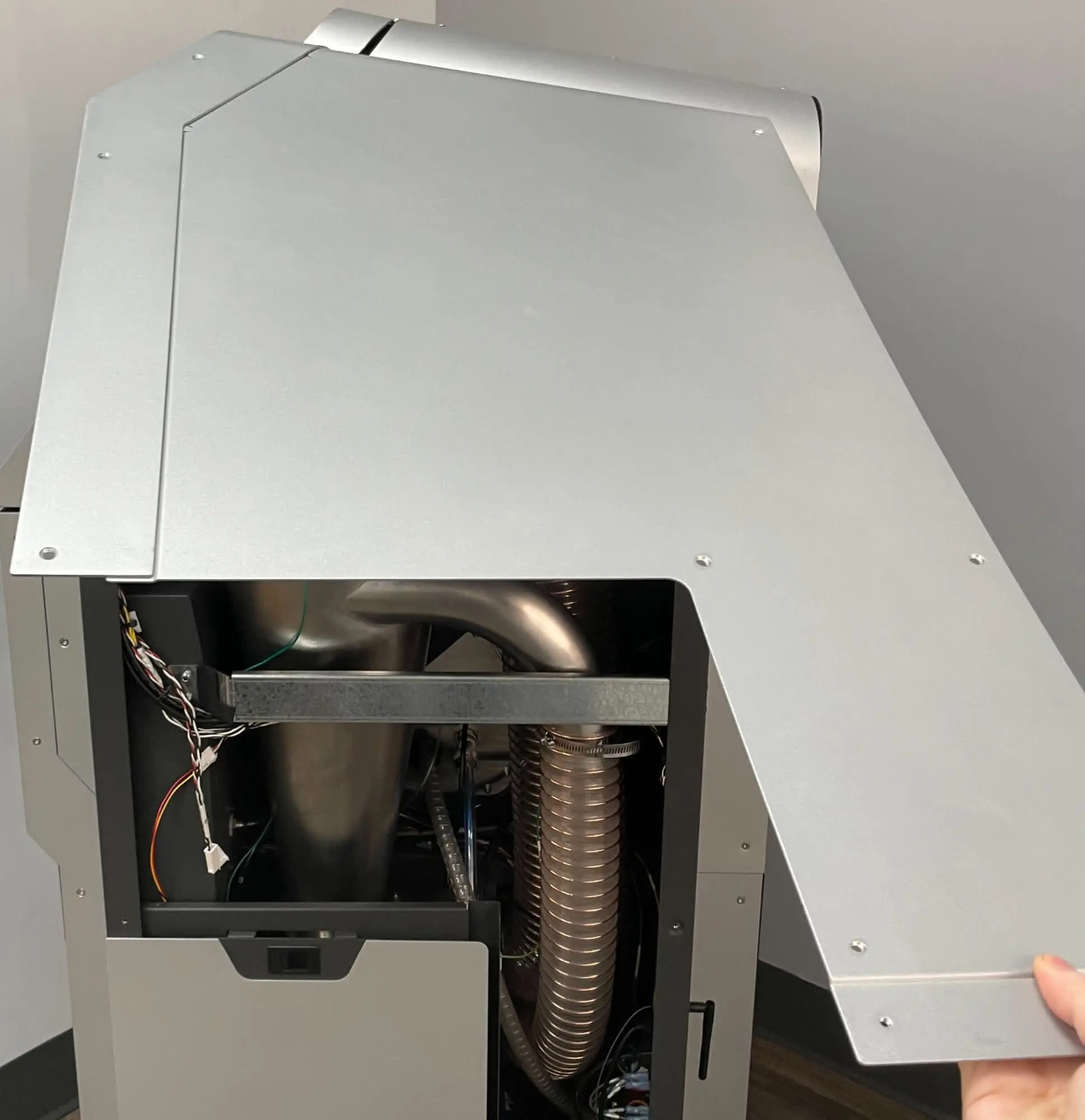
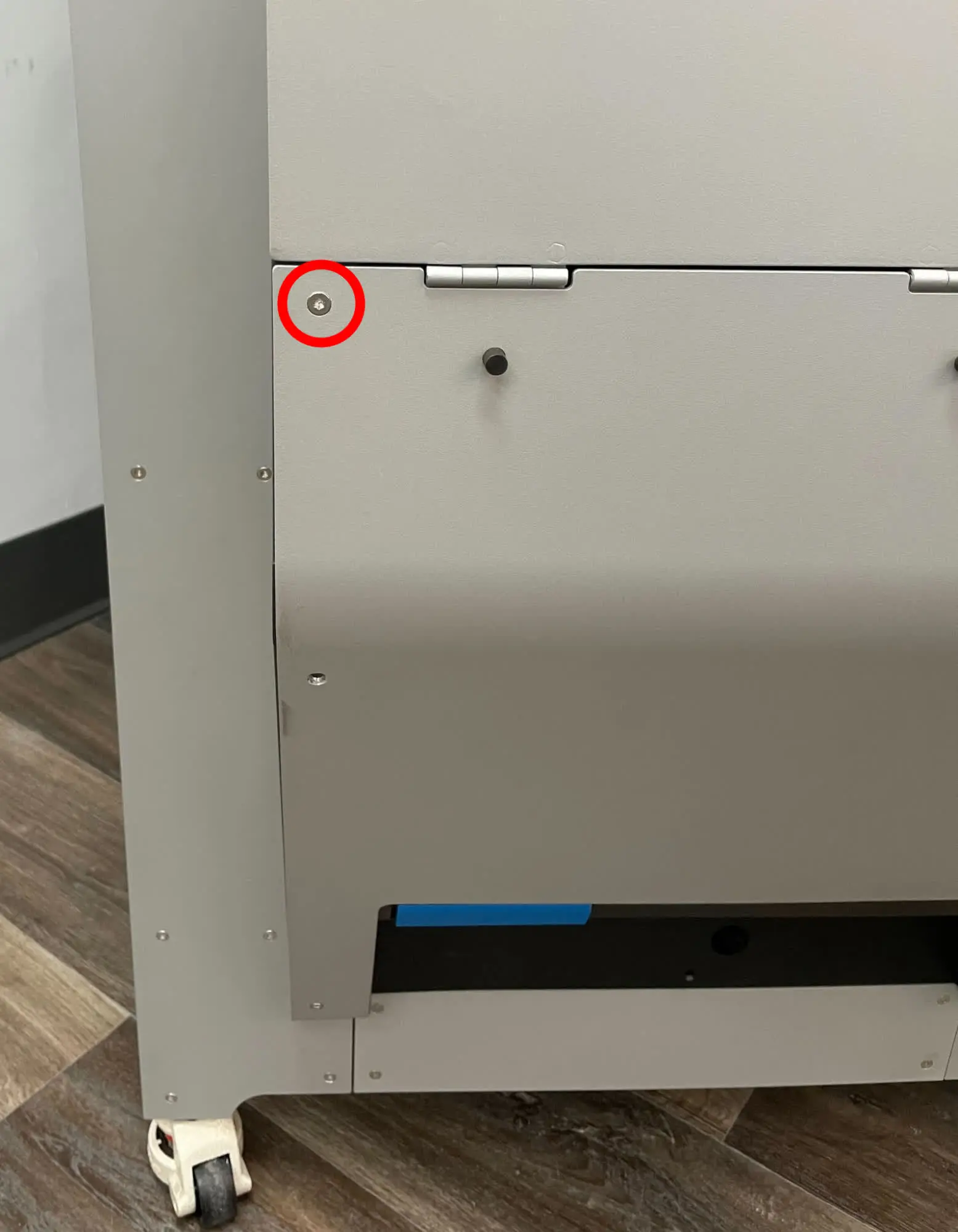
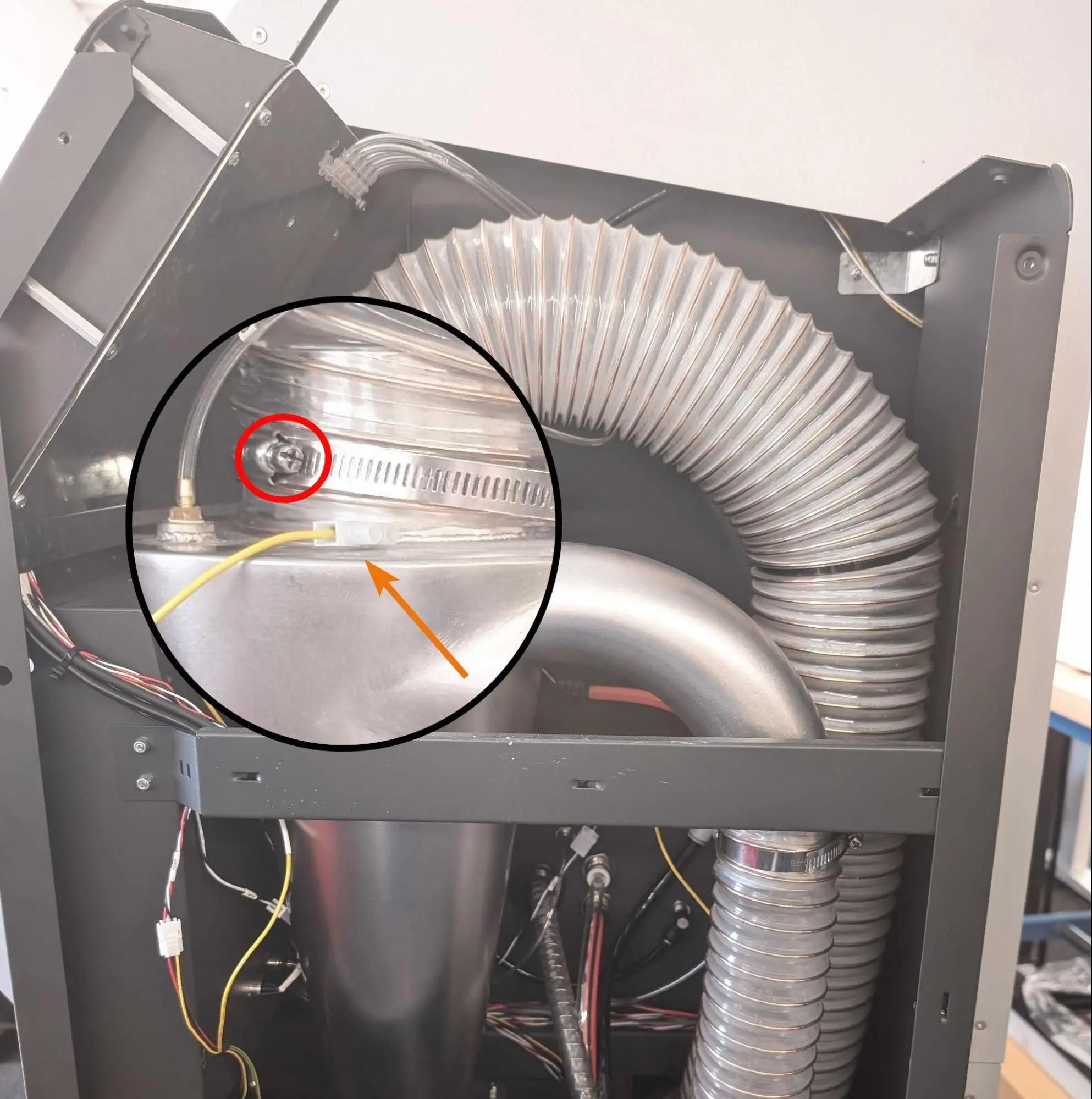
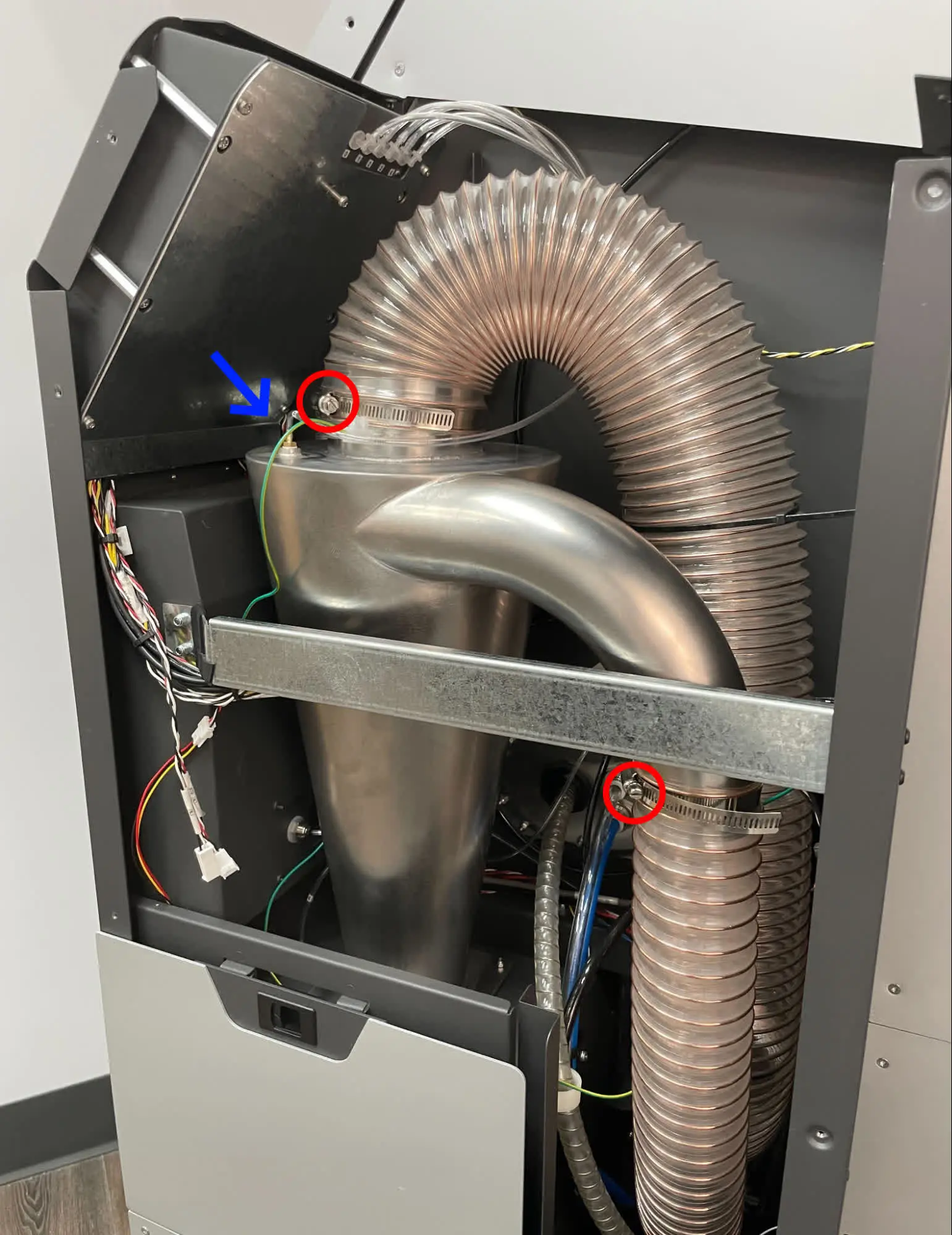
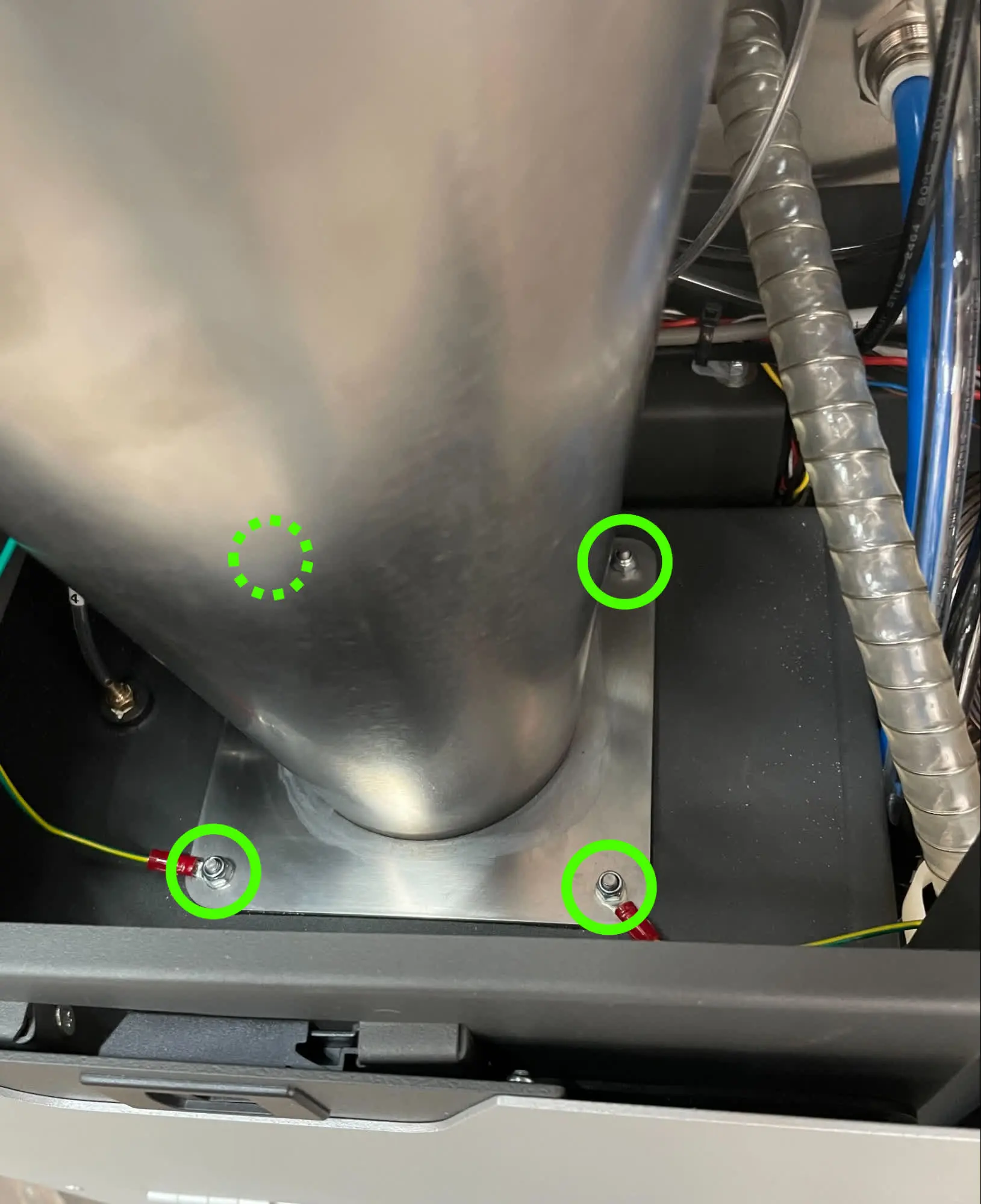
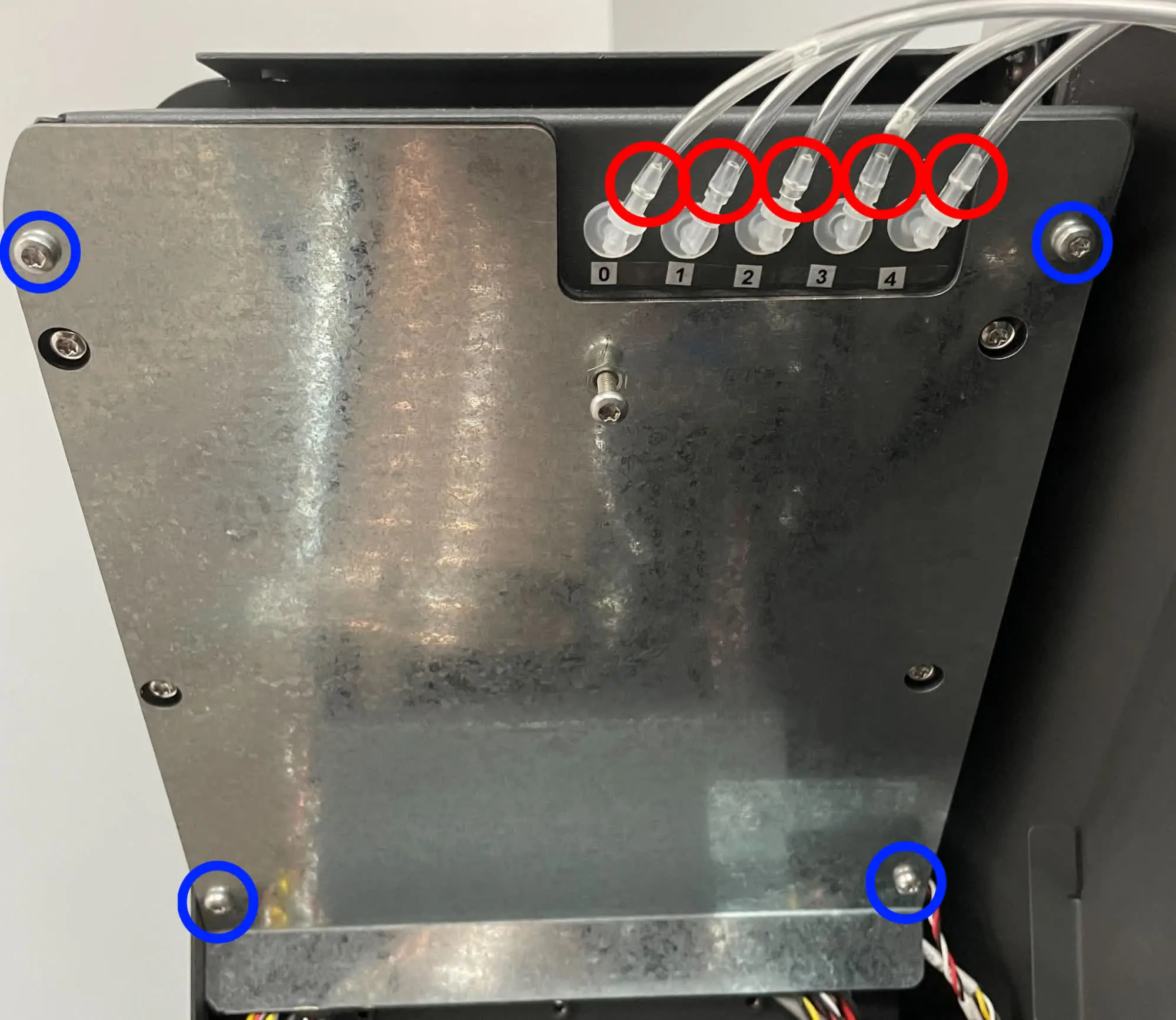
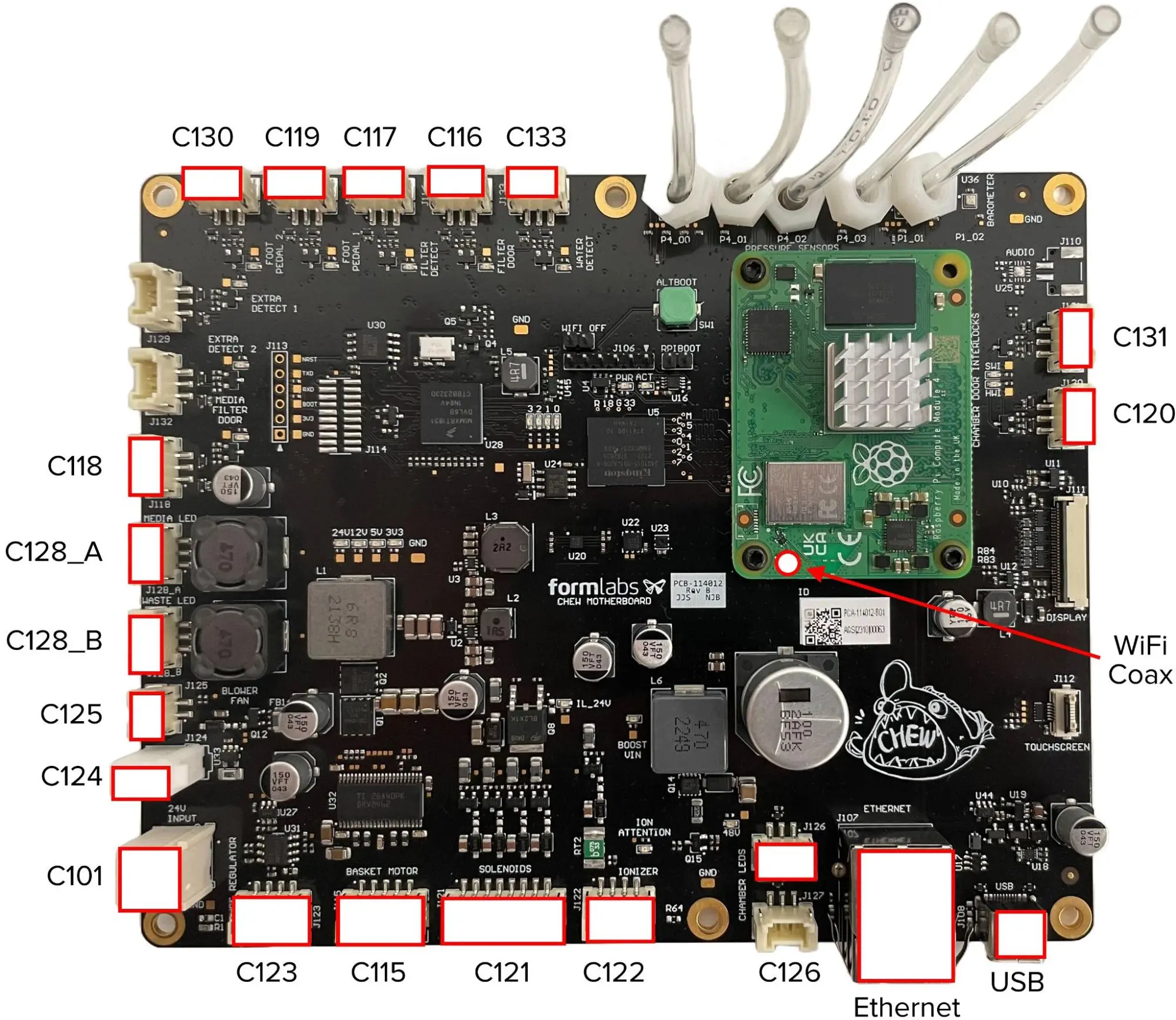
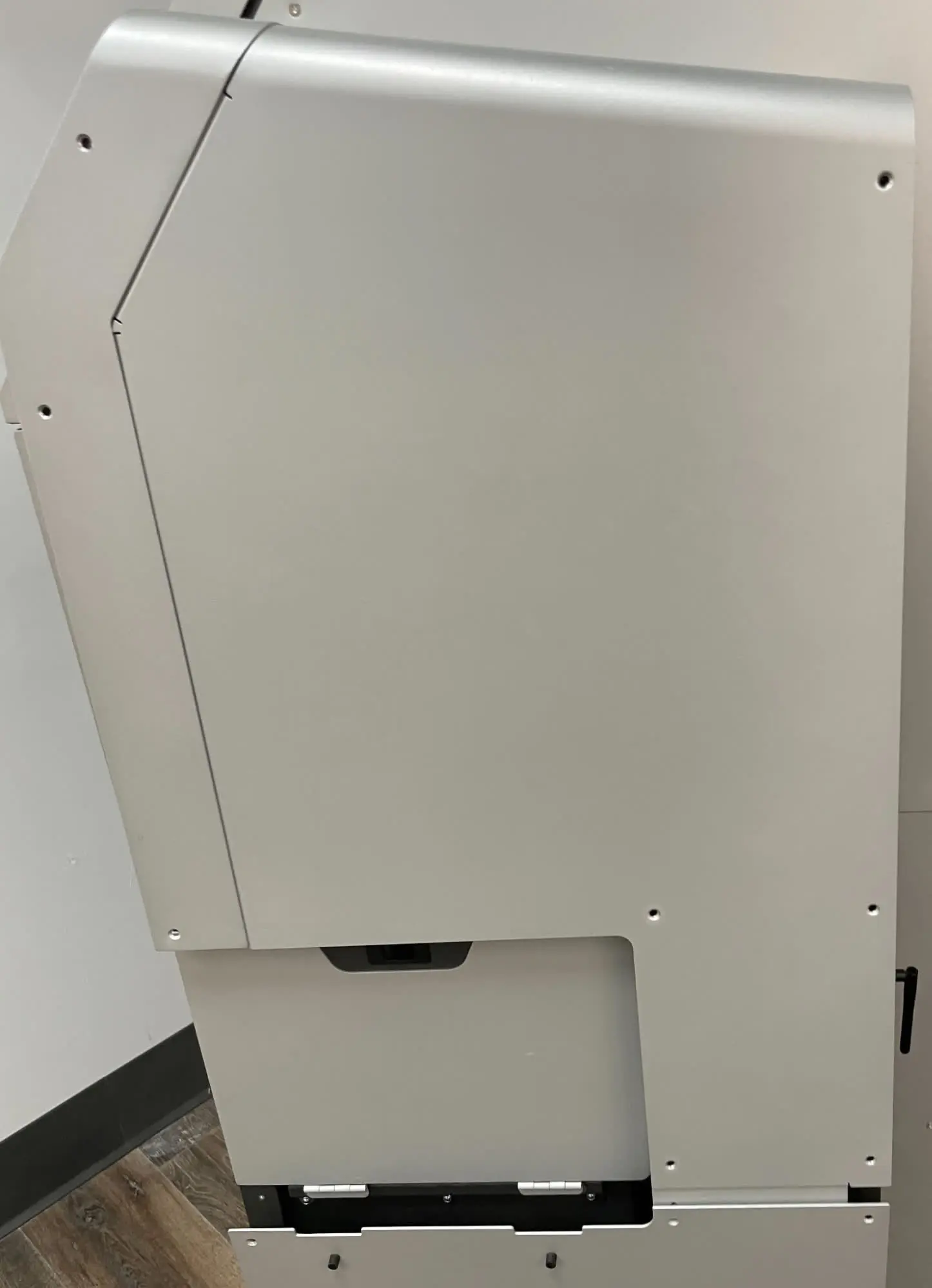
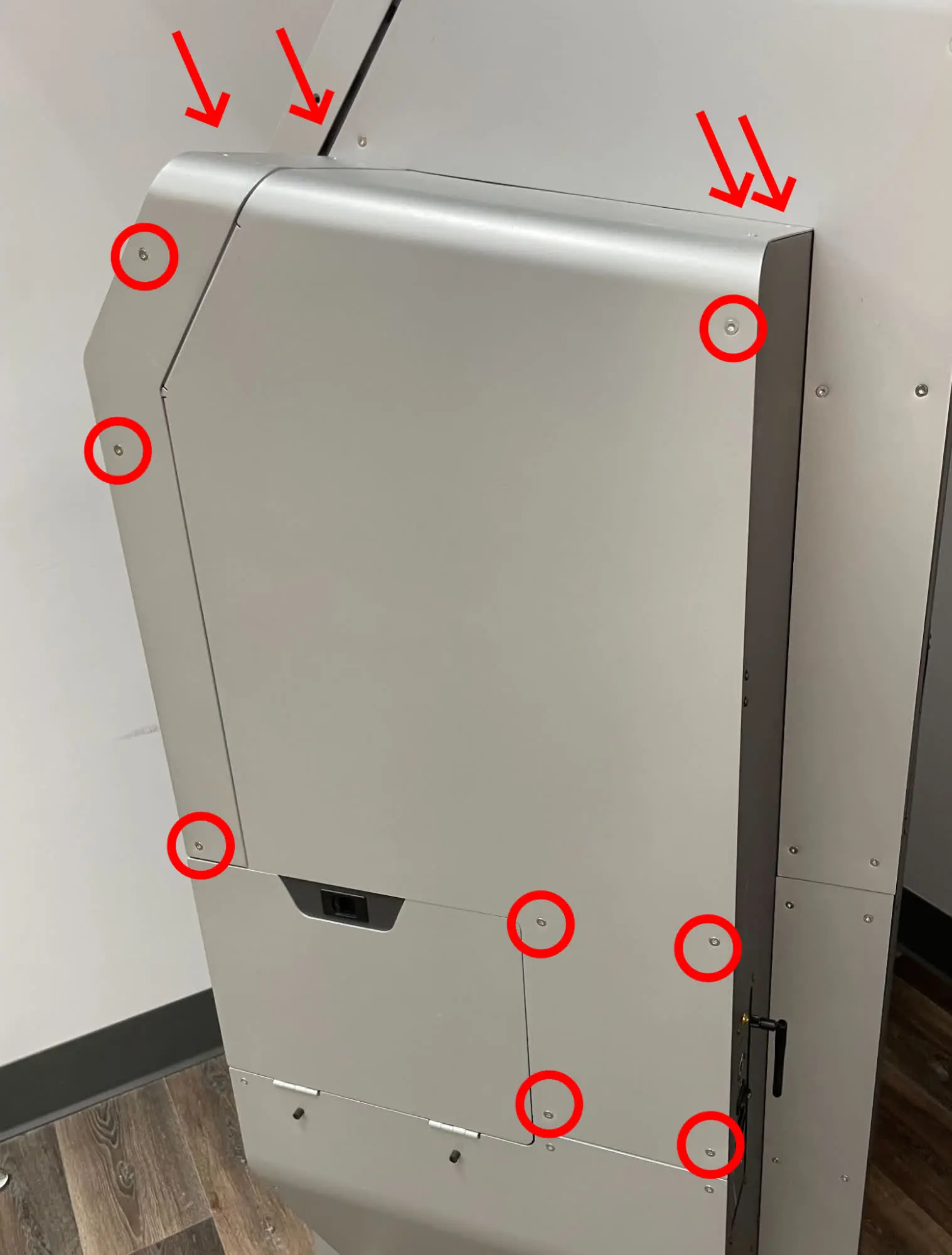
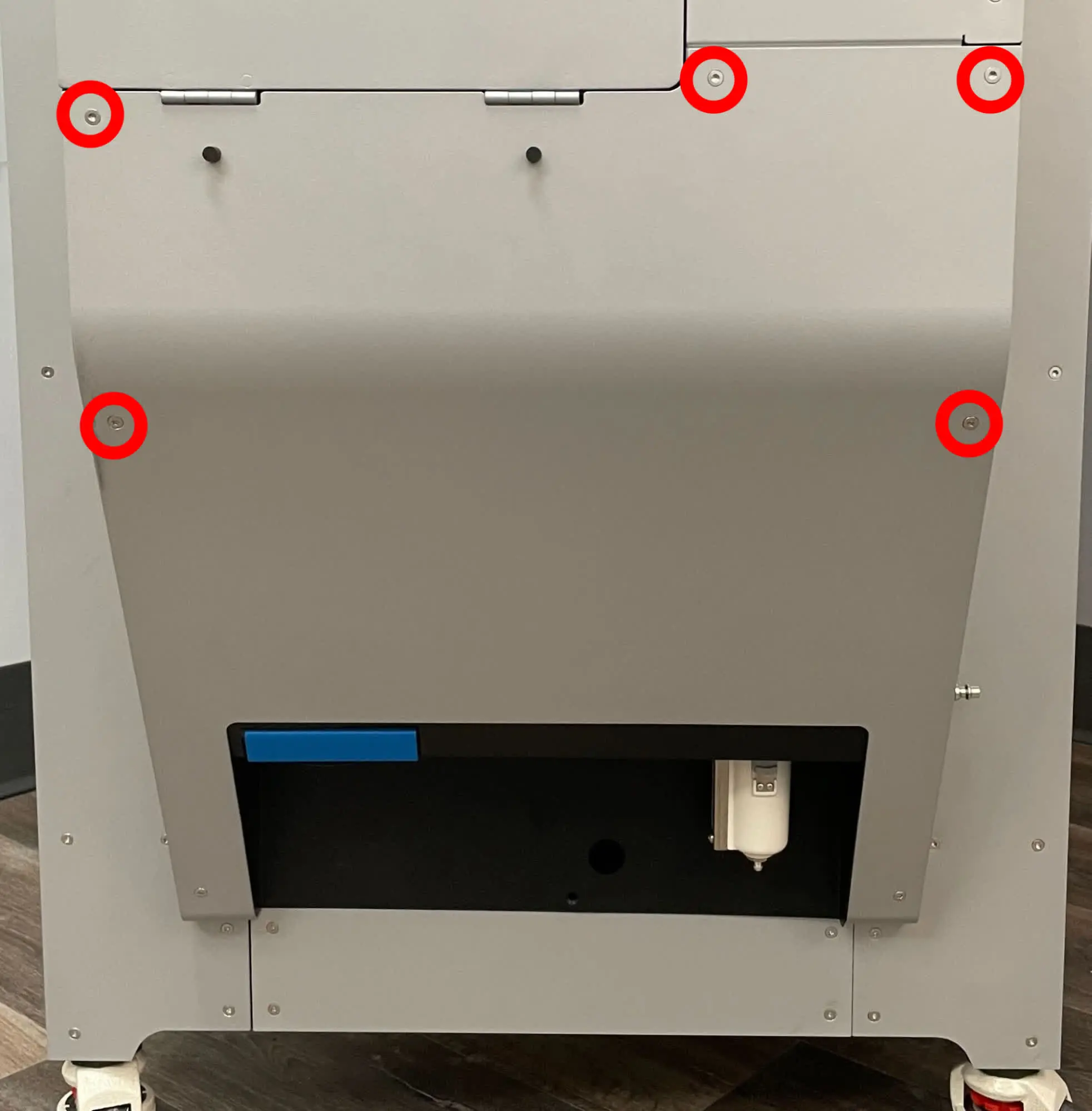
Overview: After replacing the motherboard and display assembly, power on the machine and perform final checks.
Step 1: Power on the machine
Connect the power cable to the machine and the power supply. Flip the power switch on the back of the machine to the ON position. The machine initializes. Test the machine to ensure that it operates normally.
Step 2: Confirm the new serial name
After replacing the motherboard on the Fuse Blast, it will be assigned a new serial name. The new serial name can be seen on the display when the device is powered on. For warranty purposes, please contact Formlabs Support and provide both the original and new serial names of your Fuse Blast. The original serial name can be found on the back of the Fuse Blast under the power switch.