
Note:
The Form 3L/Form 3BL resin tank has an RFID chip that stores the tank’s resin type info and usage history.

Formlabs SLA printers feature a resin handling system that automates resin dispensing during a print and tracks resin consumption. When a print begins, the printer checks that the resin type in the cartridge and tank match each other and that these consumables match the current print settings. It also ensures that there is enough resin in the tank and cartridge to complete the current print. The result is a printing process that is cleaner, more consistent, and leads to fewer errors than refilling resin tanks manually.
Resin cartridges (Form 2, Form 3, and Form 3L generation)
Formlabs resins come in cartridges that allow the printer to track and dispense resin during a print without additional monitoring.
On the bottom of each resin cartridge is an ID chip with two rectangular silver pads. The ID chip is programmed with the resin type for the cartridge. The ID chip also contains information about how much resin remains inside.
When you insert a resin cartridge into a Formlabs SLA printer and start a print, the printer reads the ID chip to check that the resin in the cartridge matches the resin in the tank and the resin type of the FORM file.
When printing, the resin dispensing system writes data to the ID chip as it dispenses resin from the cartridge. This allows any printer that prints with the cartridge to know how much resin is left and whether there is enough to complete the print job.
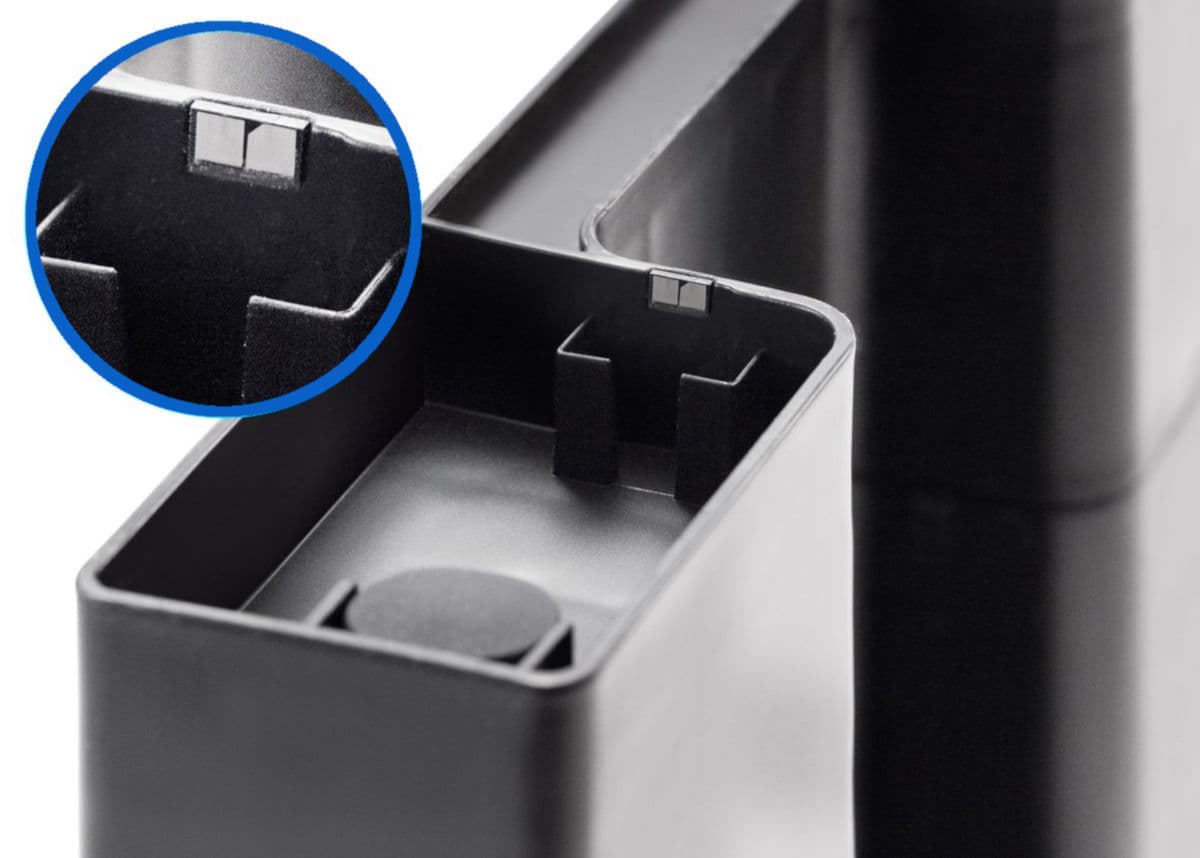
Adjacent to the ID chip is a bite valve. When compressed, the bite valve opens slightly. If the cartridge vent cap at the top of the cartridge is also open, resin flows from the cartridge into the tank.
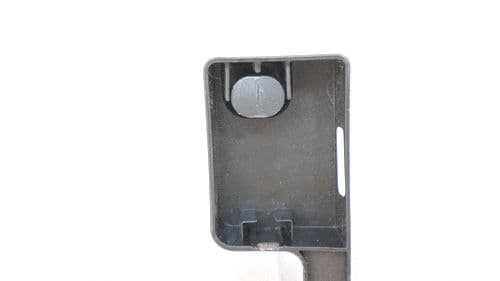
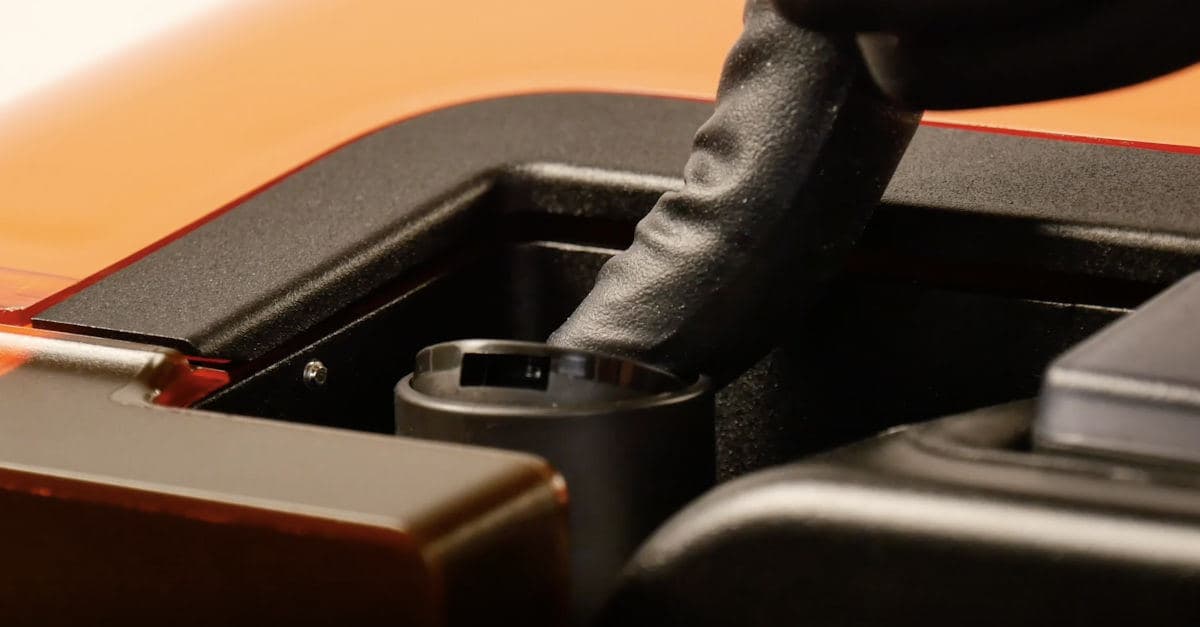
Maintain the ID chip and bite valve to ensure that the cartridge dispenses resin properly throughout its lifetime.
Resin cartridges (Form 4 and Form 4L generation)
Form 4 and Form 4L generation resin cartridges do not use ID chips, but contain RFID stickers that should not require maintenance. Contact Formlabs Support or your authorized reseller if the printer is unable to detect the cartridge.
When you insert a resin cartridge into a Formlabs SLA printer and start a print, the printer reads the sticker to check that the resin in the cartridge matches the resin in the tank and the resin type of the FORM file.
When printing, the resin dispensing system writes data to the RFID sticker as it dispenses resin from the cartridge. This allows any printer that prints with the cartridge to know how much resin is left and whether there is enough to complete the print job.
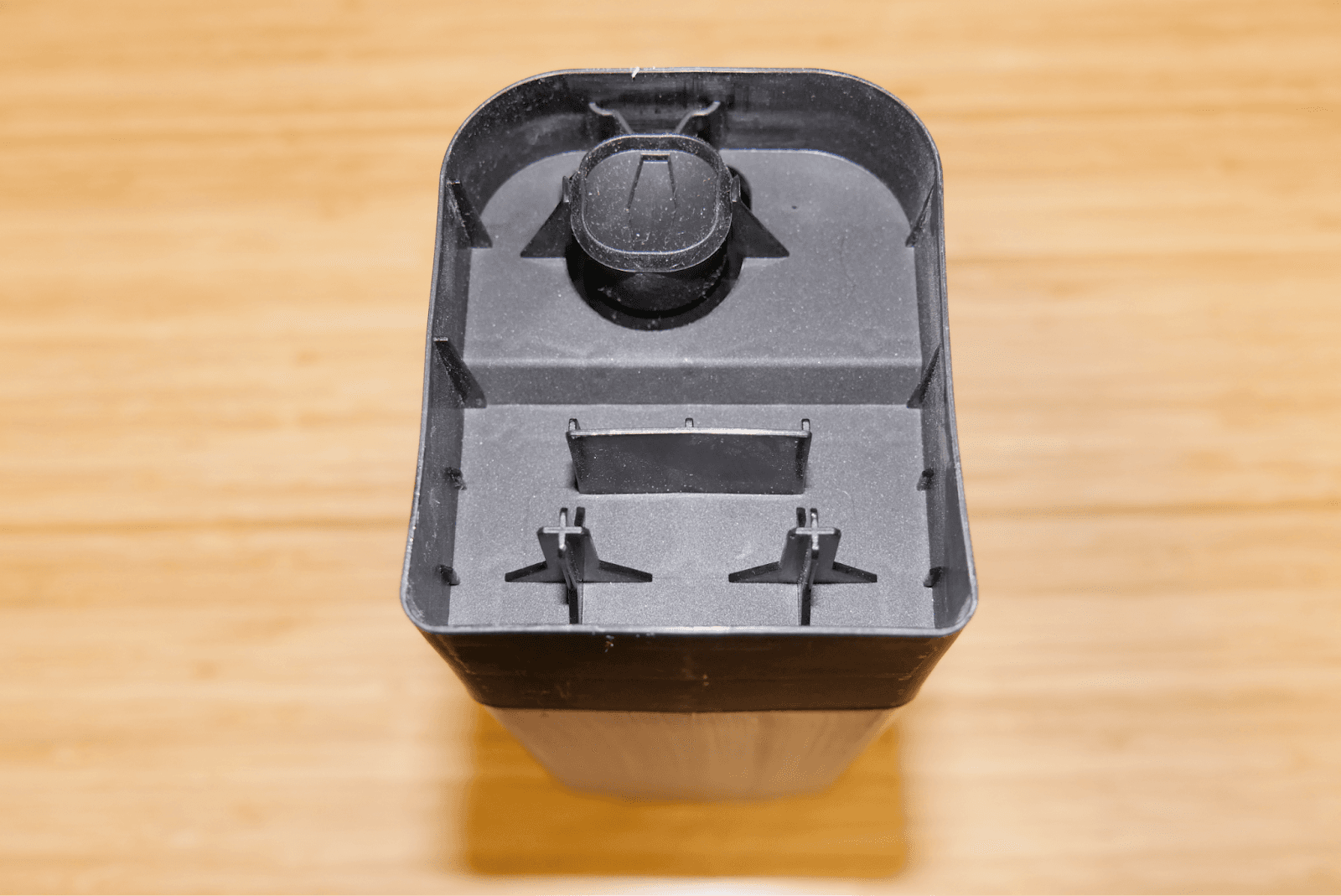
Adjacent to the ID chip is a bite valve. When compressed, the bite valve opens slightly. If the cartridge vent cap at the top of the cartridge is also open, resin flows from the cartridge into the tank.
Resin tanks
Resin tanks store resin to be used during a print. Each successive layer of a print uses up some of the resin in the tank. The printer refills the tank with resin dispensed from the resin cartridge.
Like resin cartridges, resin tanks have an ID chip that stores the tank’s resin type (if the tank has been used) and usage history. If the resin tank is new, the printer will program the ID chip with a resin type when the tank is used for the first time.
Note:
The Form 3L/Form 3BL resin tank has an RFID chip that stores the tank’s resin type info and usage history.
Form 2
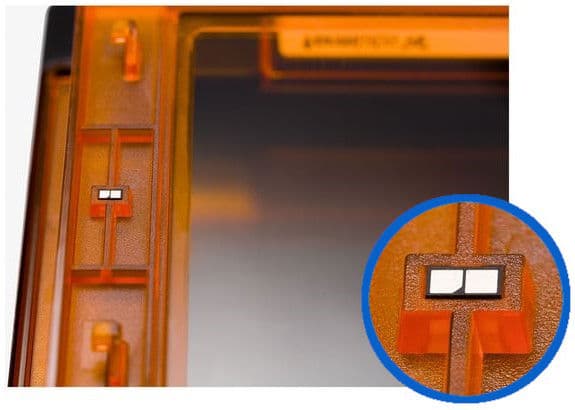
Maintain the Form 2 standard resin tank ID chip and Form 2 Resin Tank LT ID chips to ensure that the printer can recognize and interact with the resin tanks.
Form 3/Form 3B
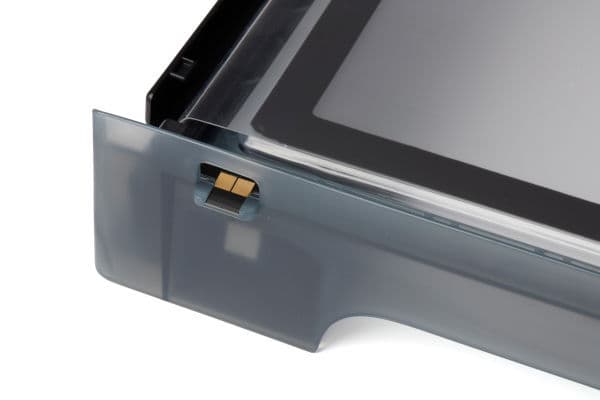
Maintain the Form 3 resin tank ID chip to ensure that the printer can recognize and interact with the resin tank.
Form 3L/Form 3BL
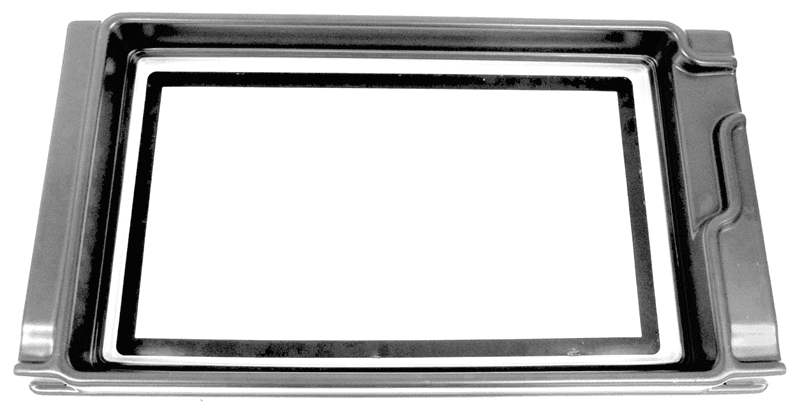
The Form 3L resin tank stores data on an RFID sticker. The RFID sticker does not need regular maintenance.
Form 4/Form 4B
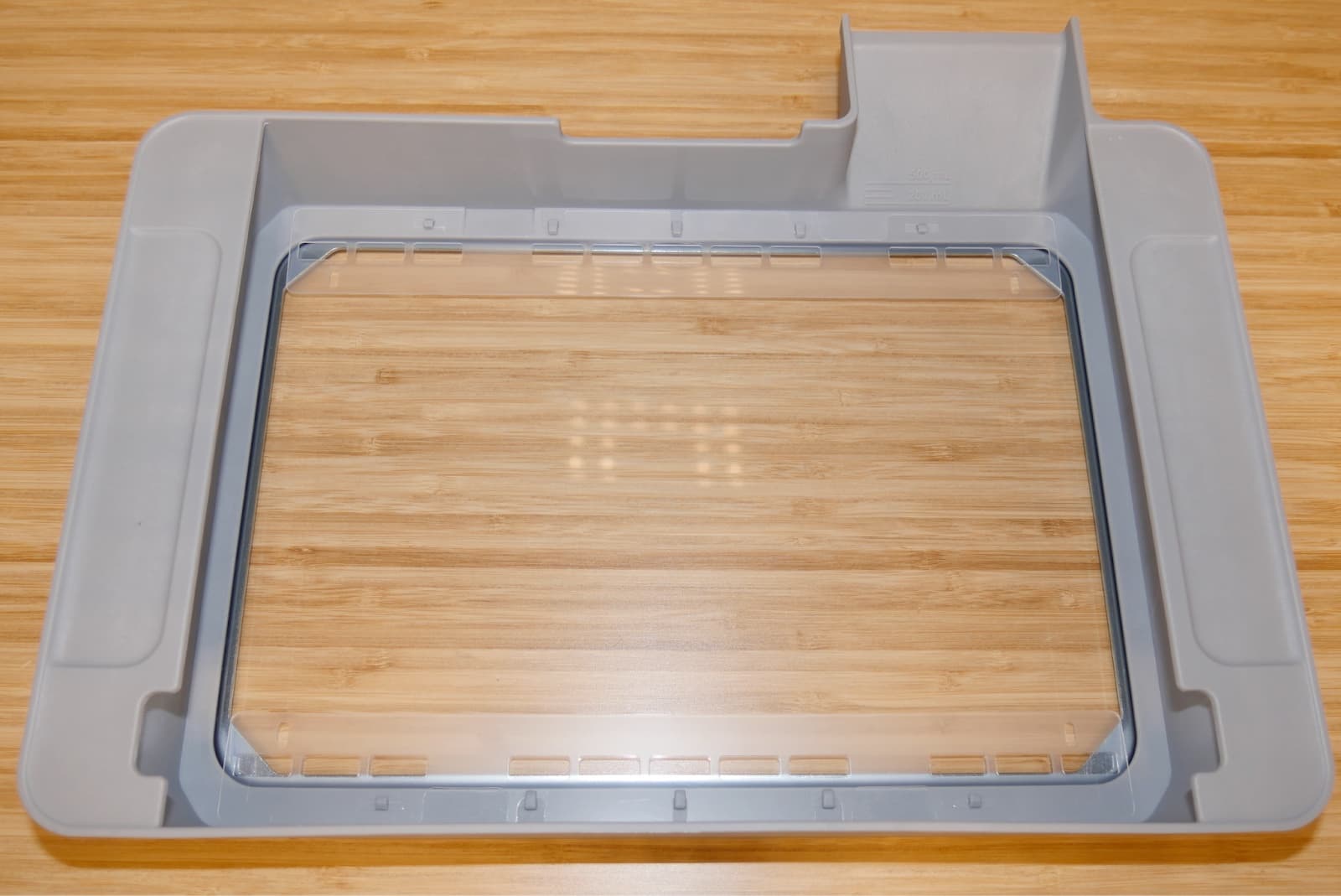
The Form 4 resin tank stores data on an RFID sticker. The RFID sticker does not need regular maintenance.
Form 4L/Form 4BL
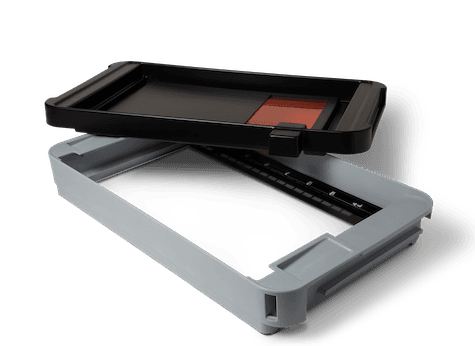
The Form 4L resin tank stores data on an RFID sticker. The RFID sticker does not need regular maintenance.
Resin sensing
Formlabs SLA printers have a component known as LevelSense, that measures the amount of resin in the resin tank during a print. By monitoring the resin level, the printer can automatically dispense resin from the cartridge into the tank whenever the resin in the tank begins to run low. As long as the cartridge isn’t empty, the print won’t pause or fail because there isn’t enough resin in the tank.
Form 2
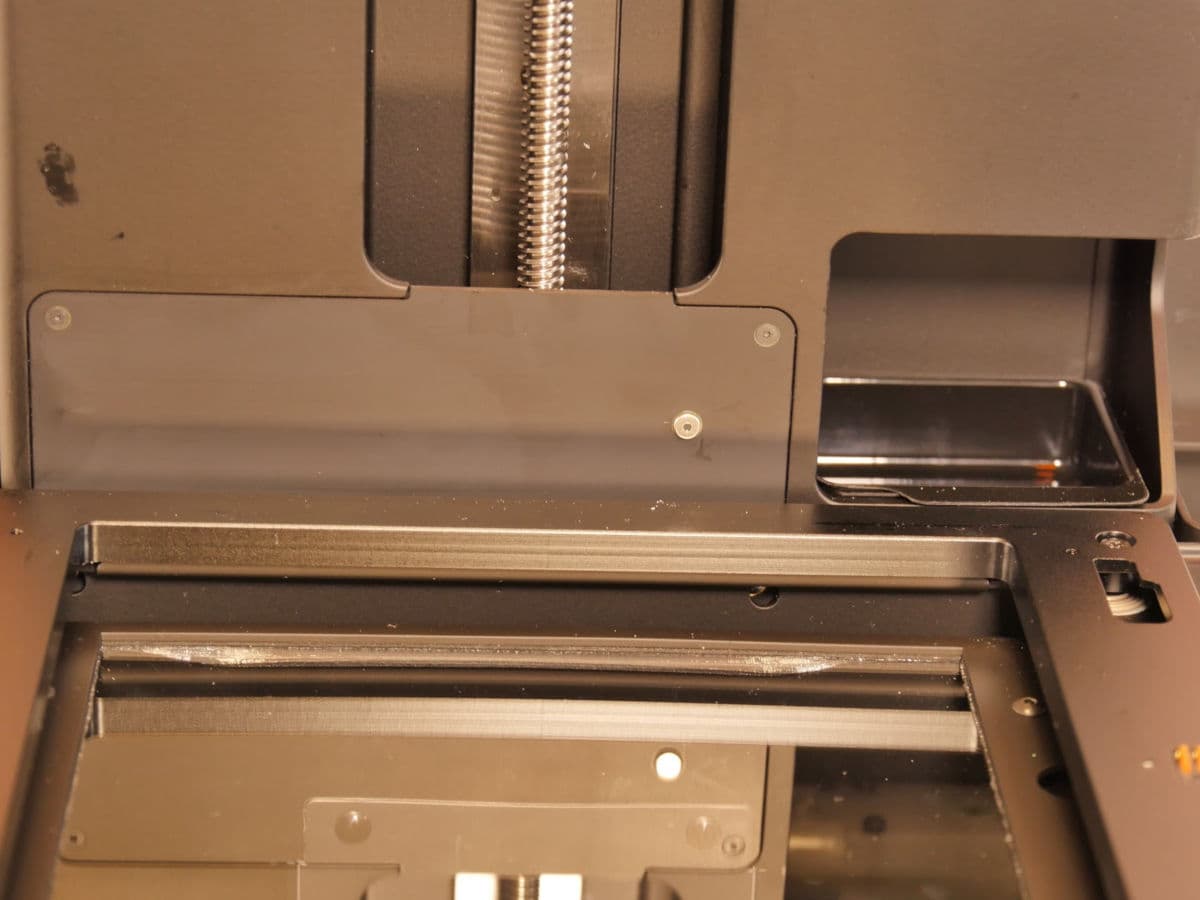
The LevelSense board in the Form 2 is located behind the resin tank, at the base of the Z-tower. It measures the height of the resin in the tank.
Form 3/Form 3B
The LevelSense board in the Form 3/Form 3B is located behind the resin tank, at the back-left of the printer.
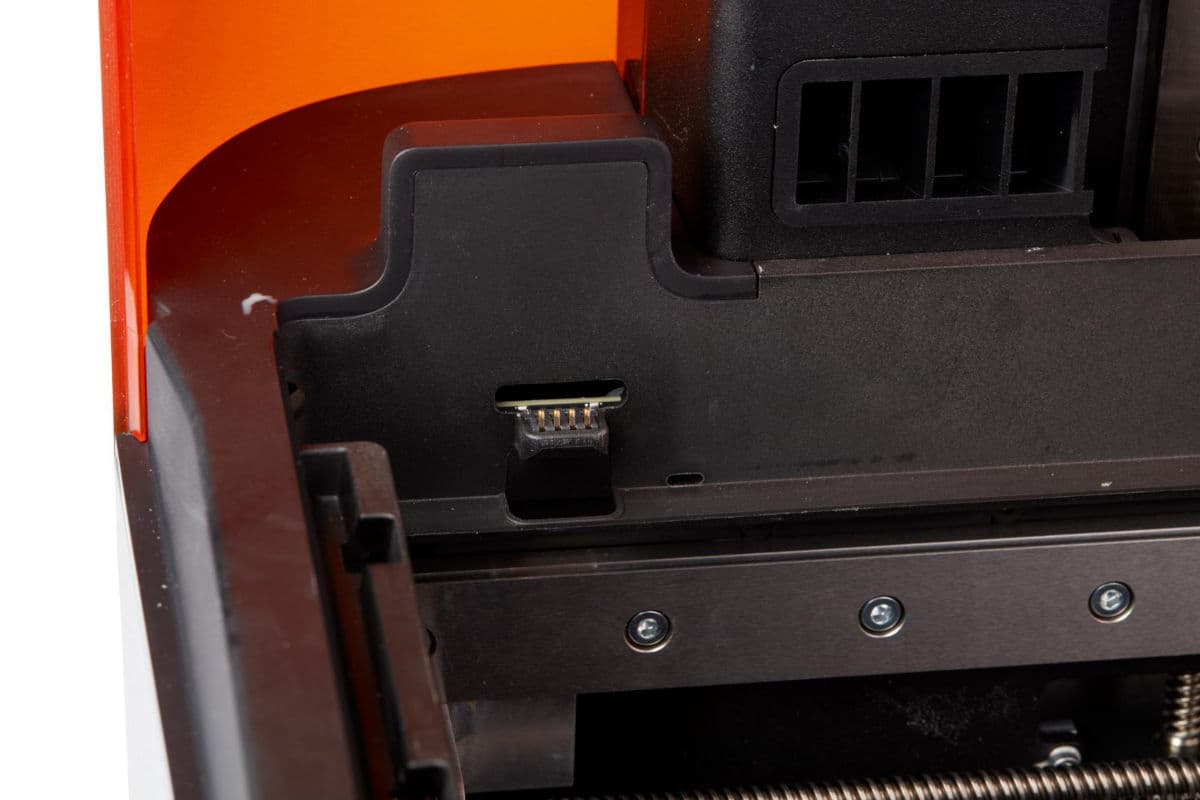
The LevelSense board tracks the height of the float, located in the mixer case on the left side of the resin tank.
Form 3L/Form 3BL
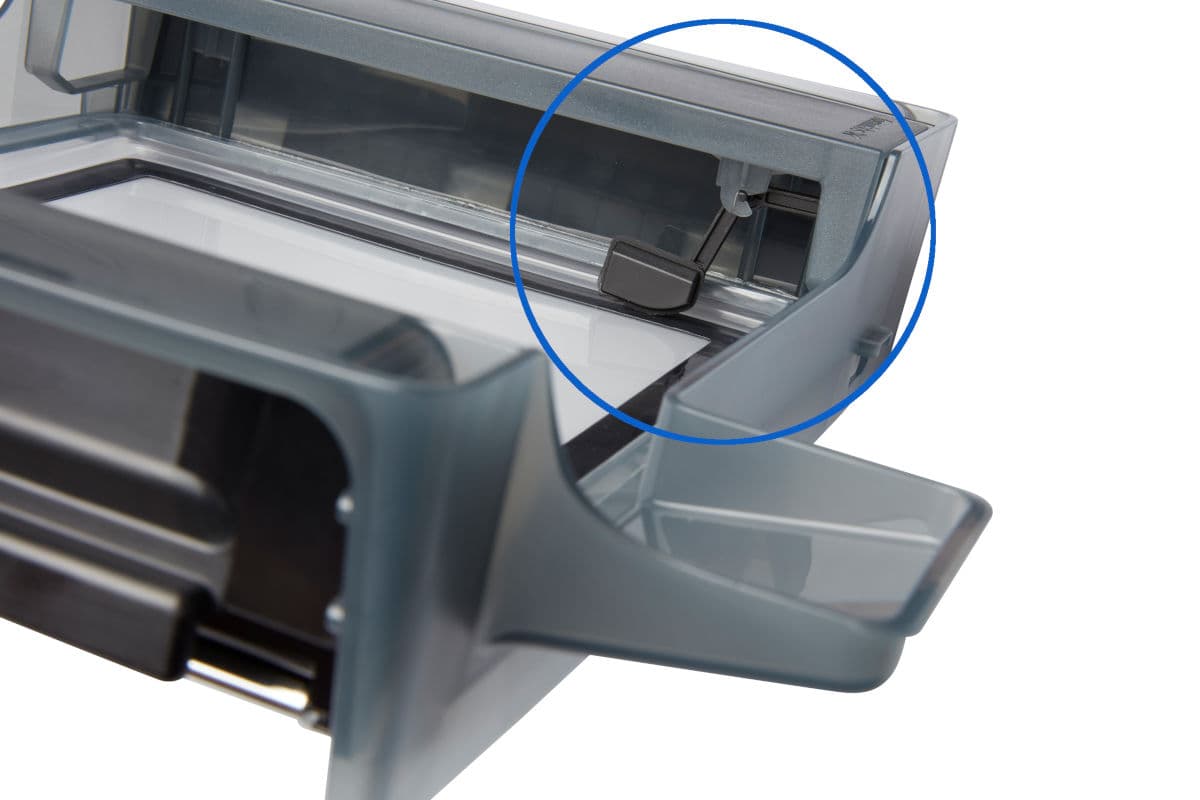
The LevelSense system in the Form 3L/Form 3BL is located above the rear right-hand corner of the resin tank. The LevelSense system points down into the resin tank to measure the amount of resin in the resin tank.
Form 4/Form 4B
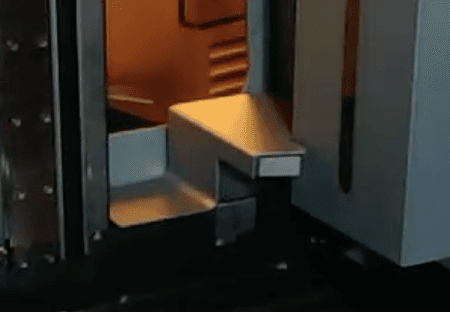
The LevelSense ultrasonic sensor is located above the rear left-hand corner of the resin tank.
Form 4L/4BL
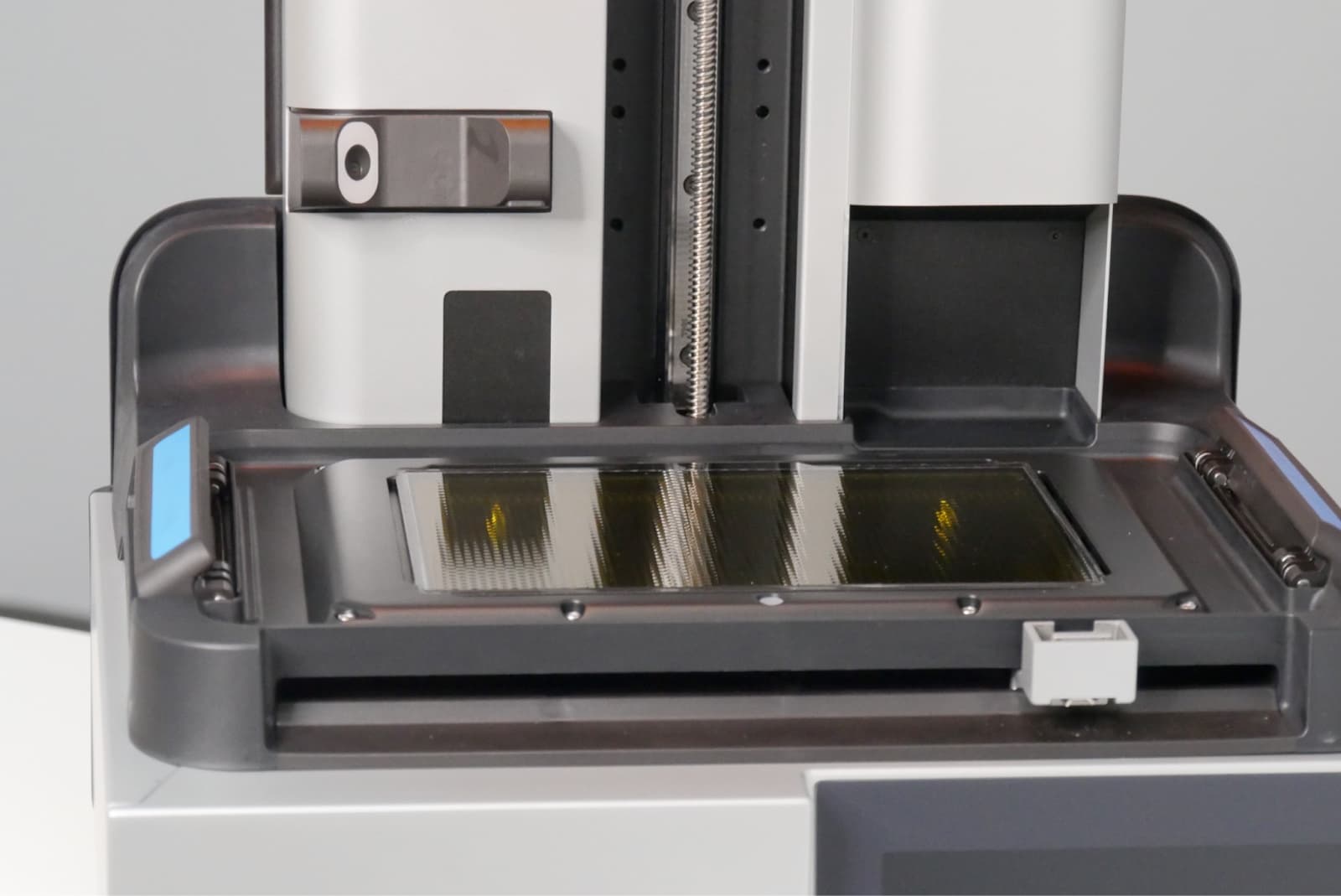
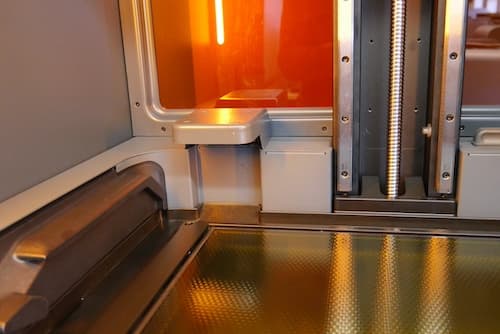
The LevelSense ultrasonic sensor is located above the rear left-hand corner of the resin tank.
Resin dispensing
The cartridge floor contains a set of spring fingers that read the cartridge ID chip and a motorized dispense arm attached to a spring.
Note:
The cartridge floor on Form 3L and Form 4L printers has two sets of spring fingers and dispense arms so that two cartridges can be inserted into the printer at the same time.
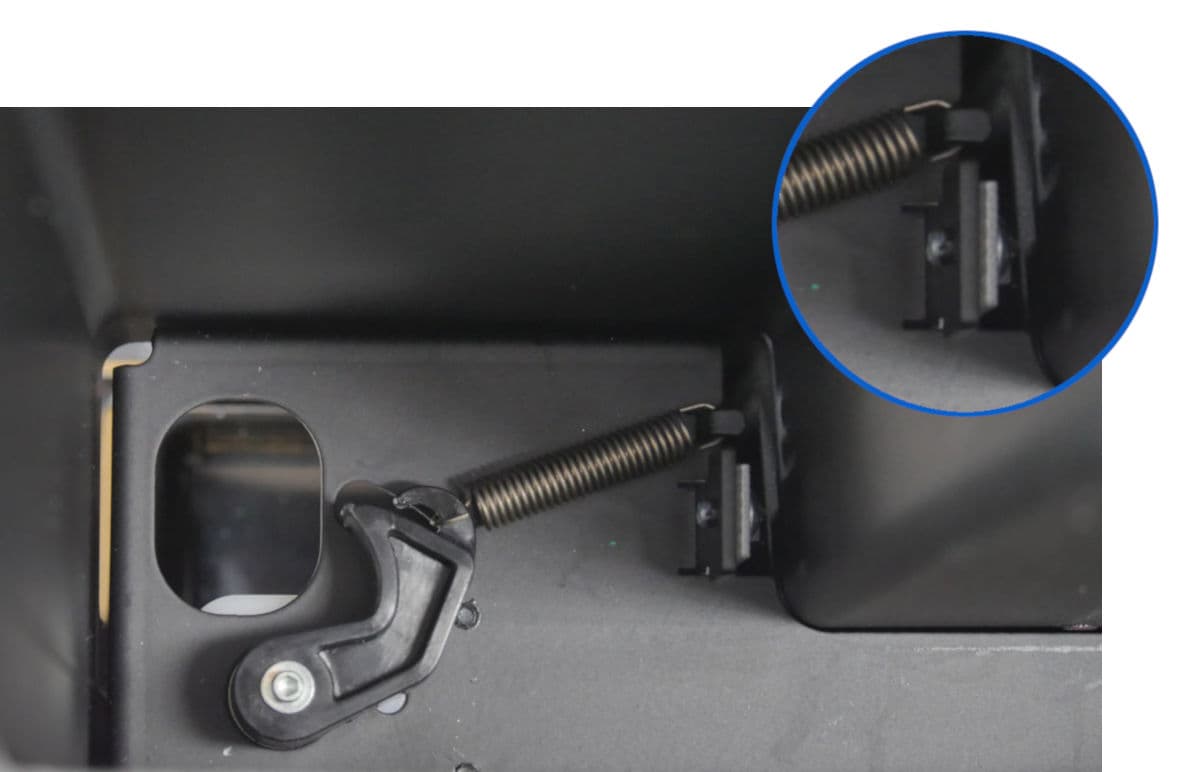
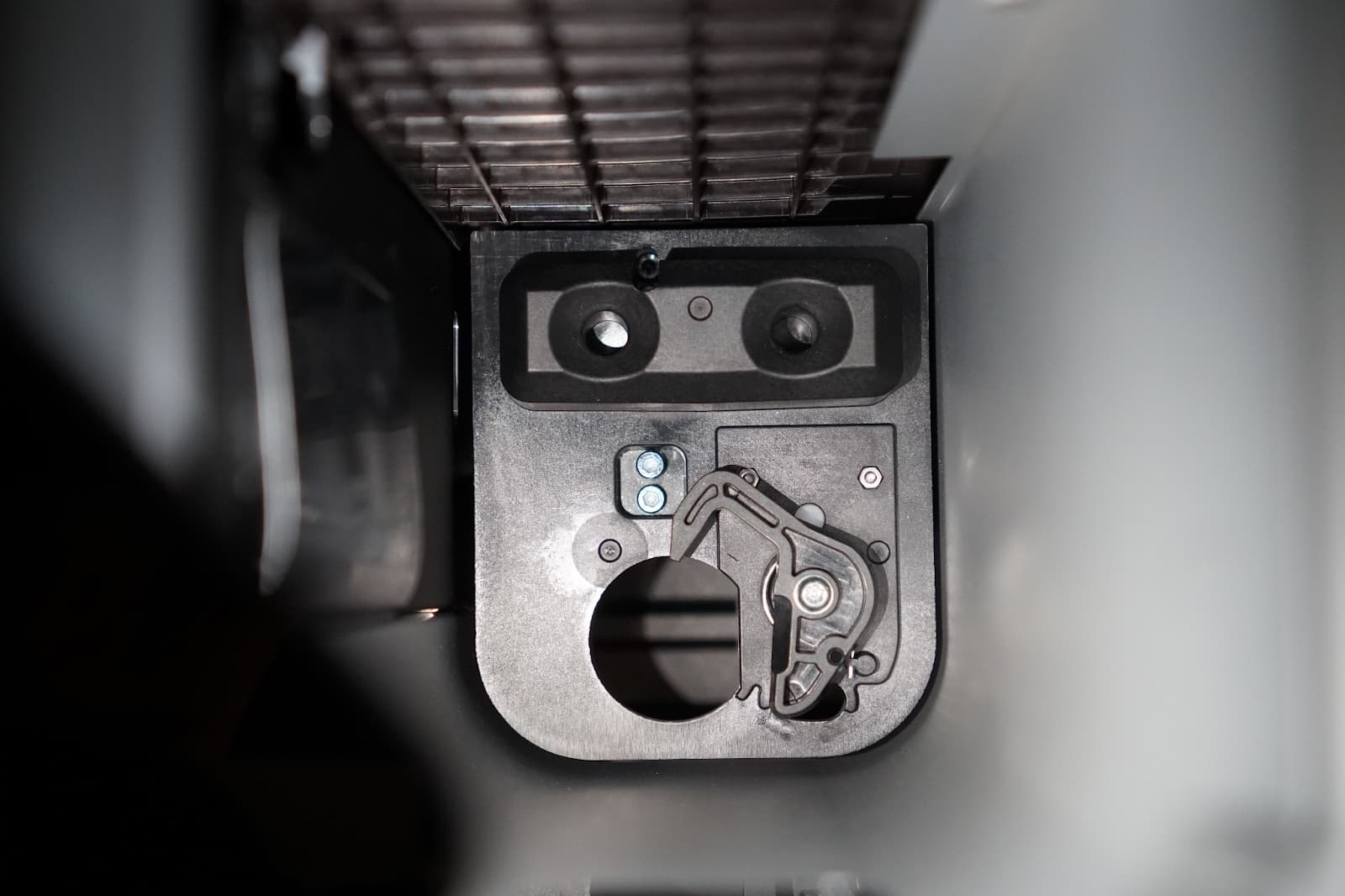
Using measurements from the LevelSense system, the printer determines if the resin tank needs to be refilled and activates the dispense arm underneath the resin cartridge.
The dispense arm, driven by a motor underneath the cartridge floor, squeezes the bite valve on the bottom of the resin cartridge. Once the tank is refilled, the spring attached to the dispense arm pulls it out of the way so that no resin is dispensed inadvertently.