

Cleaning the Fuse X1 print chamber exhaust tubing
Cleaning the Fuse X1 print chamber exhaust tubing
Contamination in the print chamber exhaust tubing can prevent the printer from maintaining the target pressure inside the print chamber.
Clean the print chamber exhaust tubing after every 480 hours of printing time (roughly monthly), or when indicated by the printer touchscreen.
To clean the print chamber exhaust tubing:
-
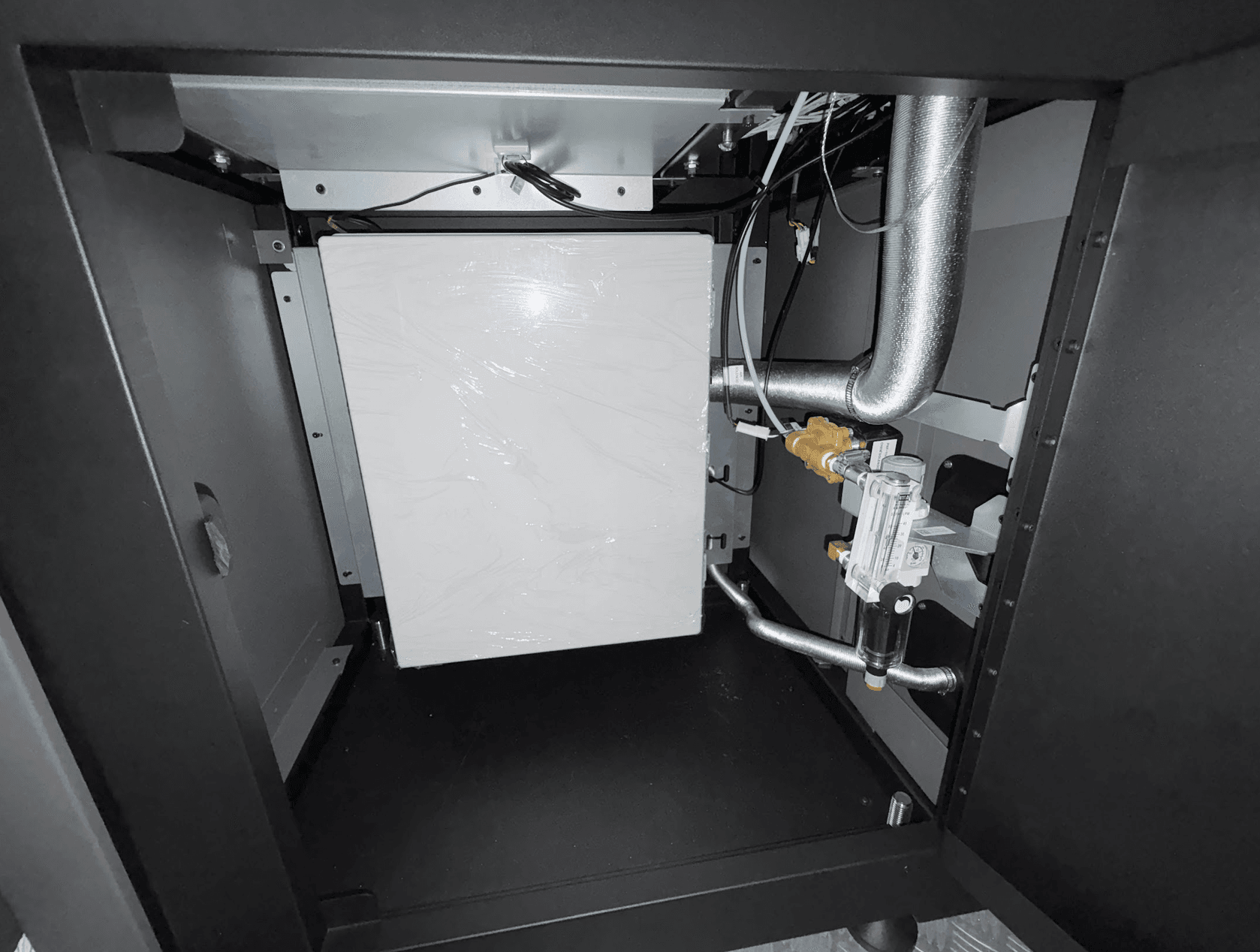
Using an 8 mm hex driver, unlatch and open the air handling access door, on the right side of the printer.
-
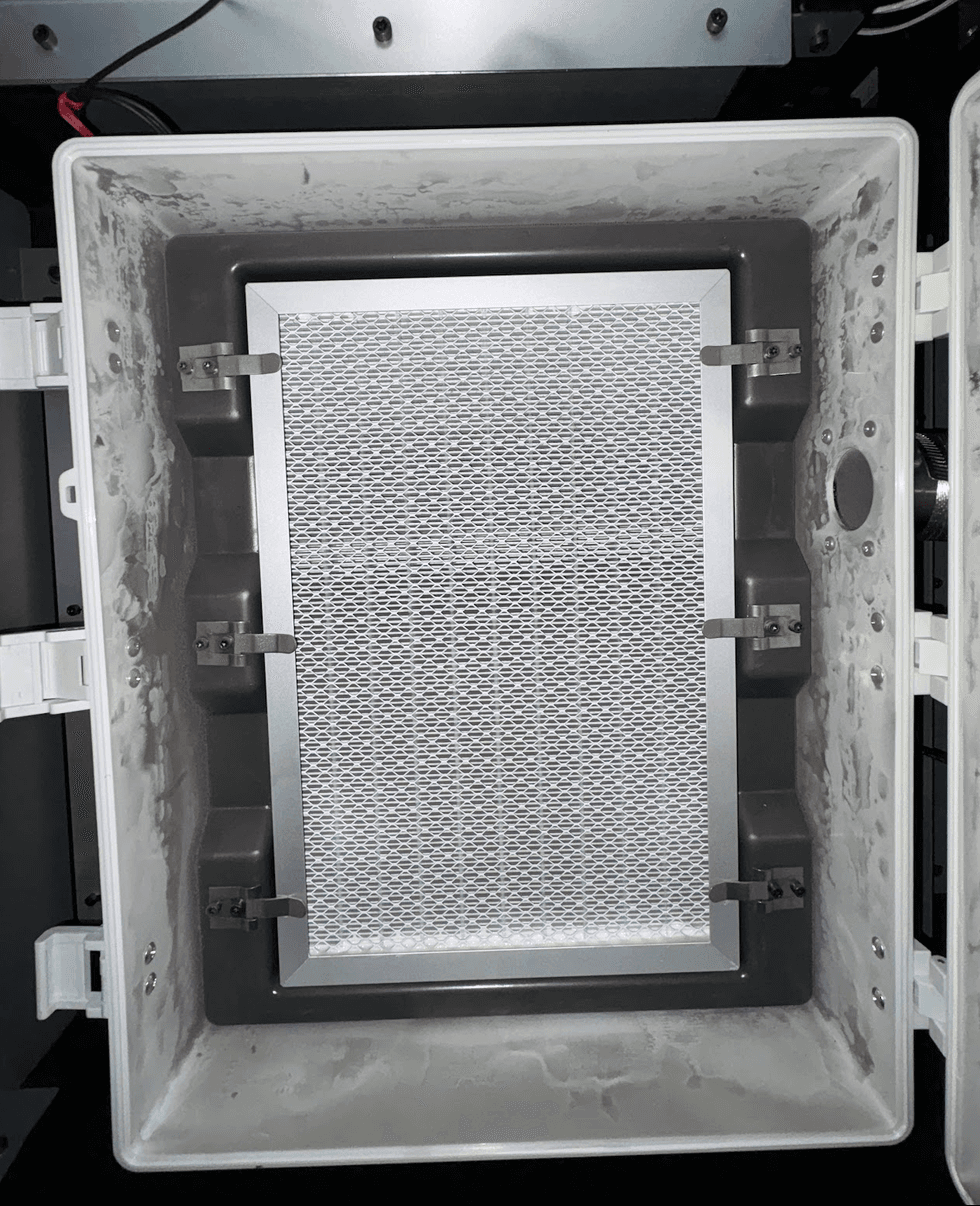
Unlatch and open the exhaust filter box.
-
Unlatch and remove the exhaust filter.
-
Remove the exhaust filter and set it aside.
-
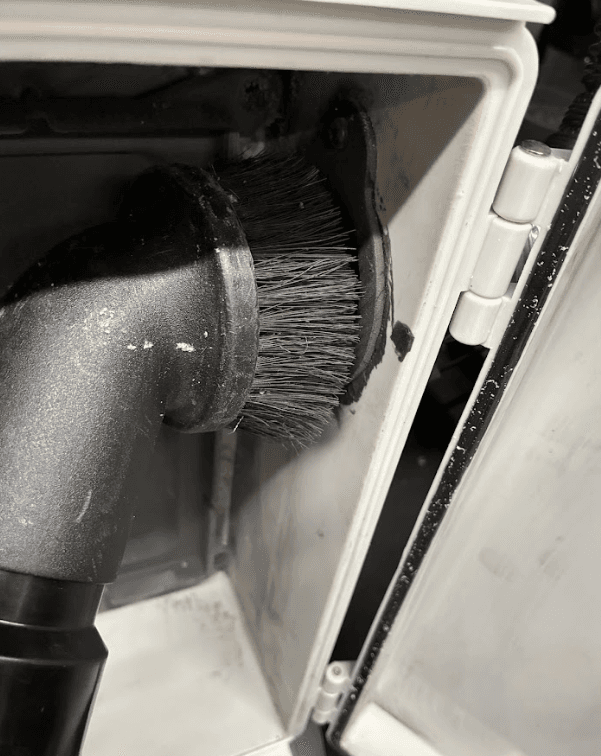
Turn on your vacuum and hold the inlet to the exhaust tube for at least 30 seconds.
-
Turn off the vacuum.
-
Reinstall the exhaust filter.
-
Close and latch the filter box.
-
Close the air handling access door. Latch it shut using an 8 mm hex driver.