

Cleaning the Fuse X1 purge filters
Cleaning the Fuse X1 purge filters
The Fuse X1 purges the region in front of the IR sensor and camera windows to keep them free of contamination and reduce the frequency at which you need to clean them. As part of that, the printer filters the purge gas. Dirty purge filters are less effective and could cause your printer to display an error message.
Clean the purge filters after every 240 hours of printing time (roughly every two weeks), or when indicated by the printer touchscreen.
To clean the IR sensor or camera purge filter:
-
Power off the printer. Cleaning the purge filters with the printer powered on could expose the printer's optical windows to contamination.
-
Using an 8 mm hex driver, unlatch and open the maintenance access door, above the print chamber door.
-
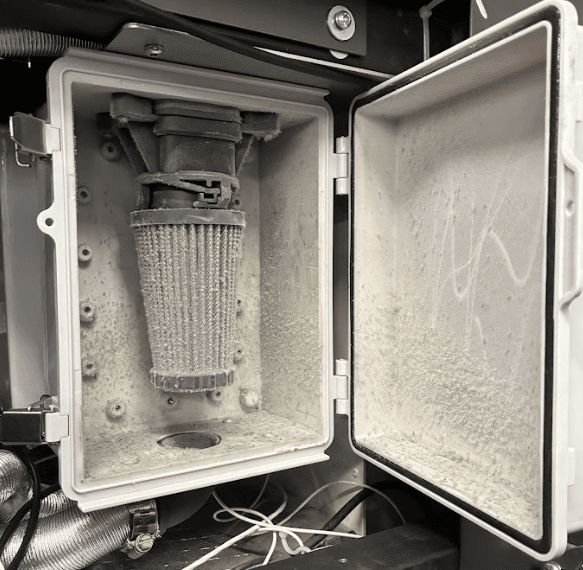
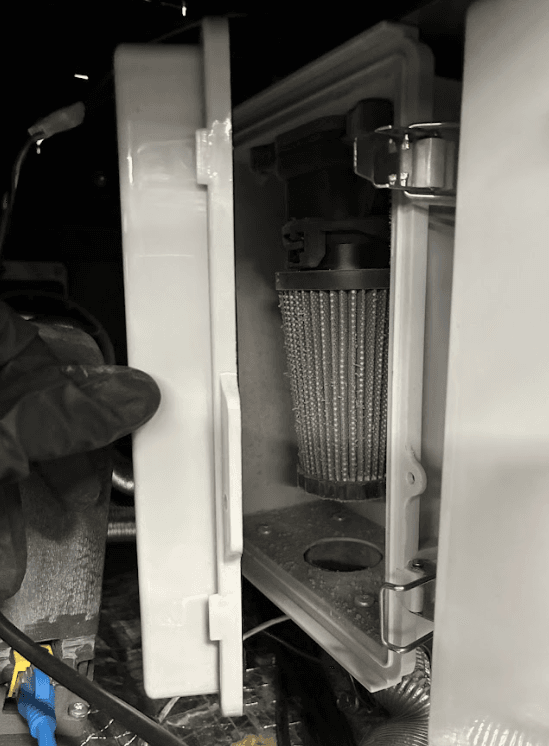
Unlatch and open the IR sensor or camera purge filter box.
-
Twist and pull downward to remove the cone filter
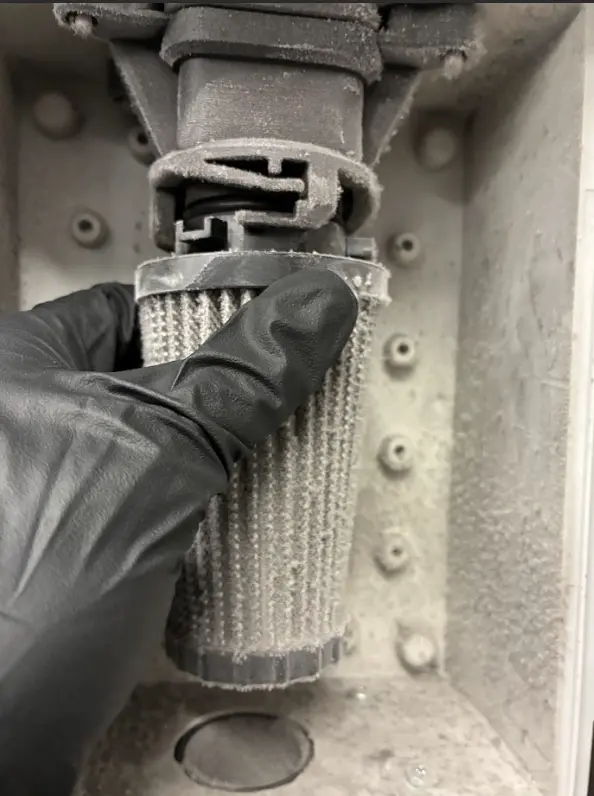
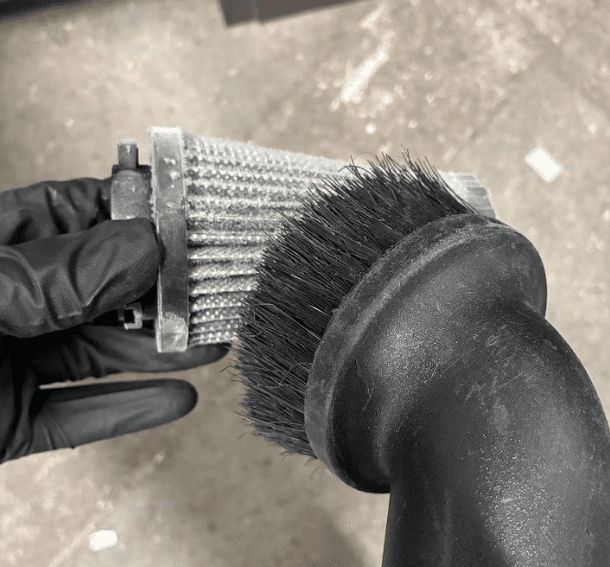
- Use a vacuum with a brush attachment to clean the pleats of the filter and the inside of the filter box.
-
Reinstall the filter.
-
Close and latch the filter box.
-
Close the maintenance access door. Latch it shut using an 8 mm hex driver.