

Tool caddy stuck in printer (Form Studio 1)
Tool caddy stuck in printer (Form Studio 1)
The Form Studio 1 tool caddy is stored in a spring-loaded slot on the left side of the printer. If the tool caddy door is not fully closed when it is inserted, it may get stuck the next time you try to remove it.
If the tool caddy gets stuck in the printer:
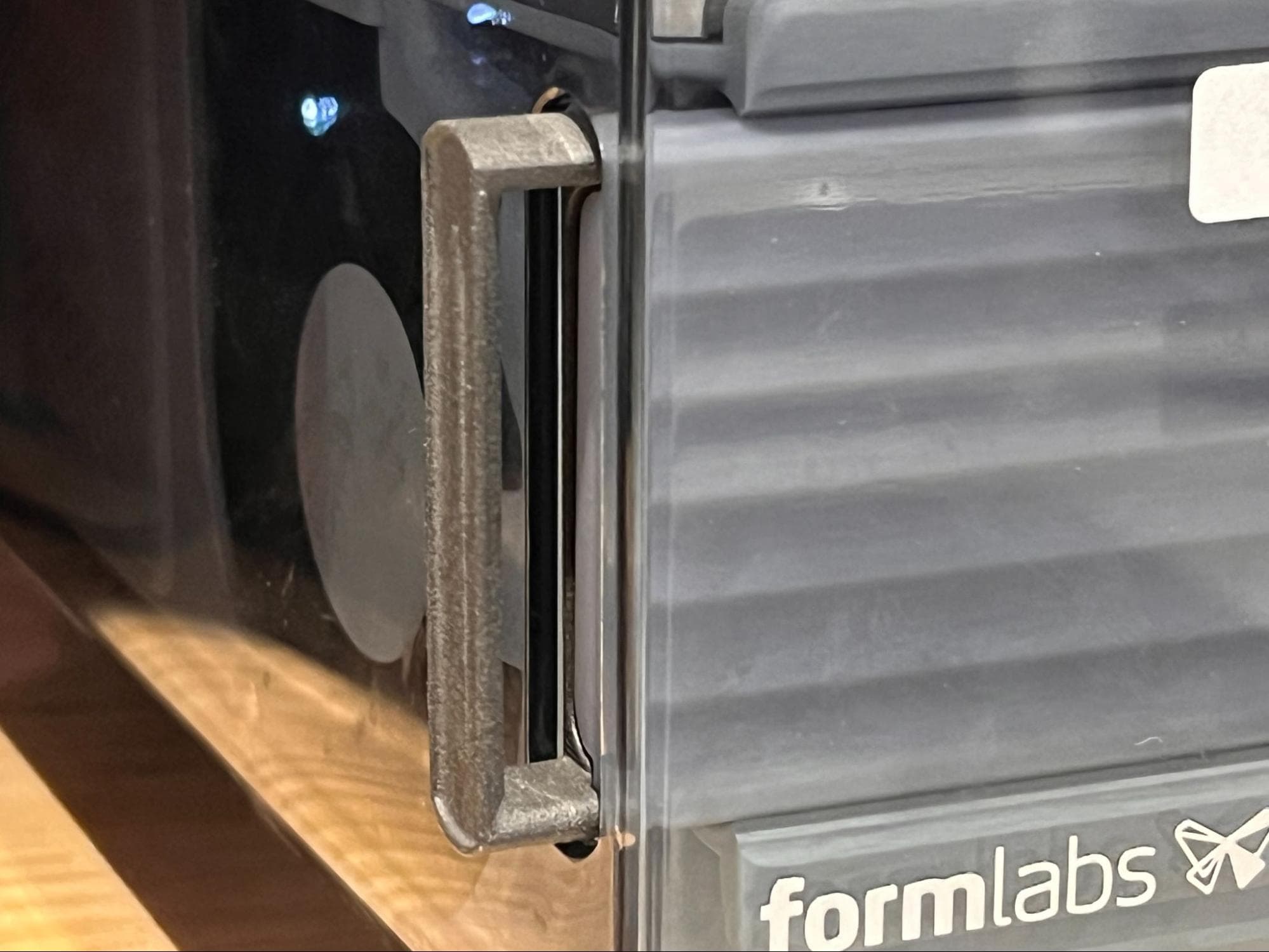
- Slide a thin, rigid card (such as a playing card or business card) between the front of the tool caddy and the printer shell. Insert it far enough in to cover and press down the partially-opened tool caddy cover. This prevents the cover from catching on the inside of the printer shell.
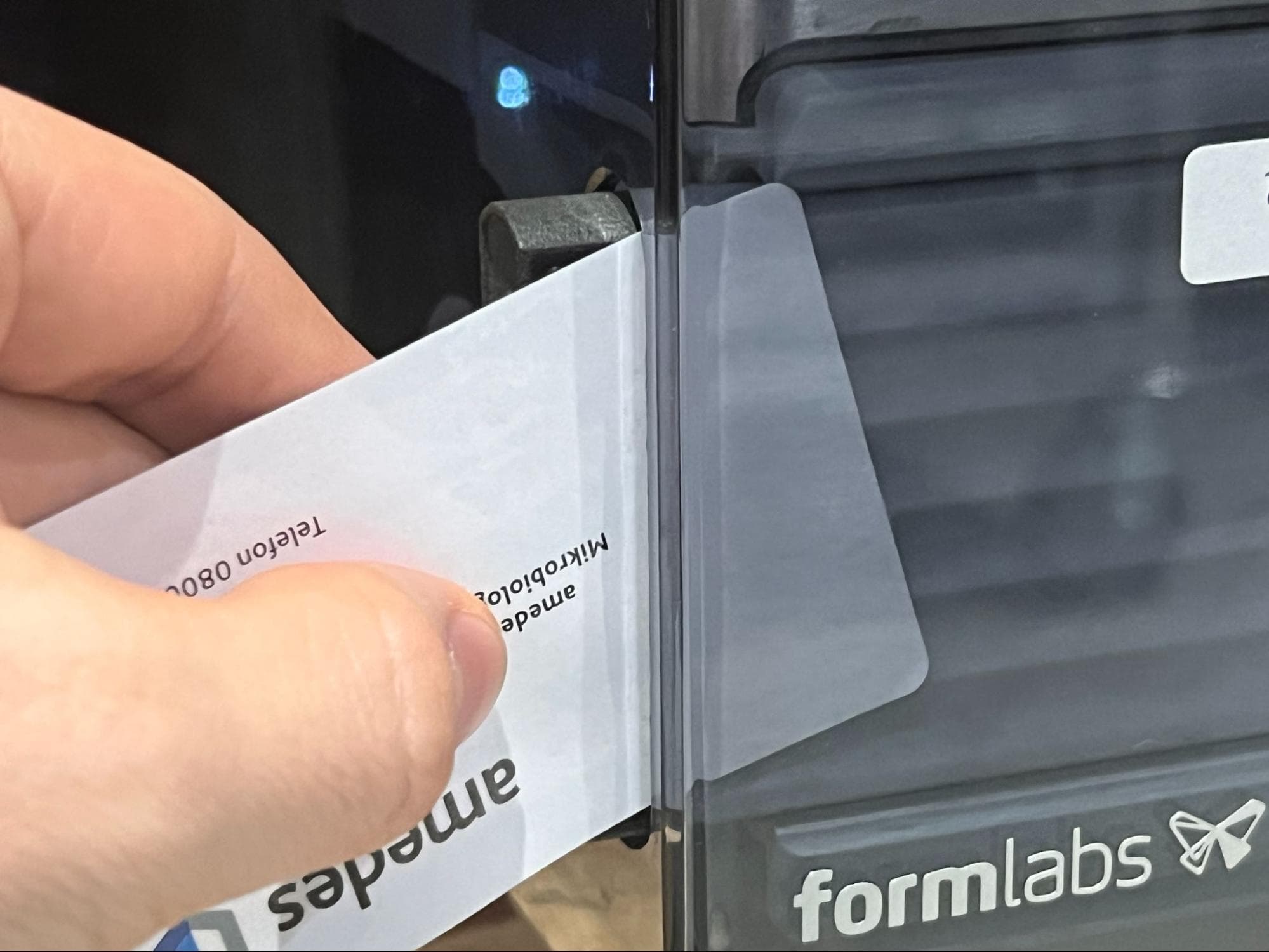
- While keeping the card in place, gently pull the tool caddy out of the slot.
