
Caution:
Removing the machine from its packaging requires at least two people that are comfortable lifting and moving large and heavy objects.

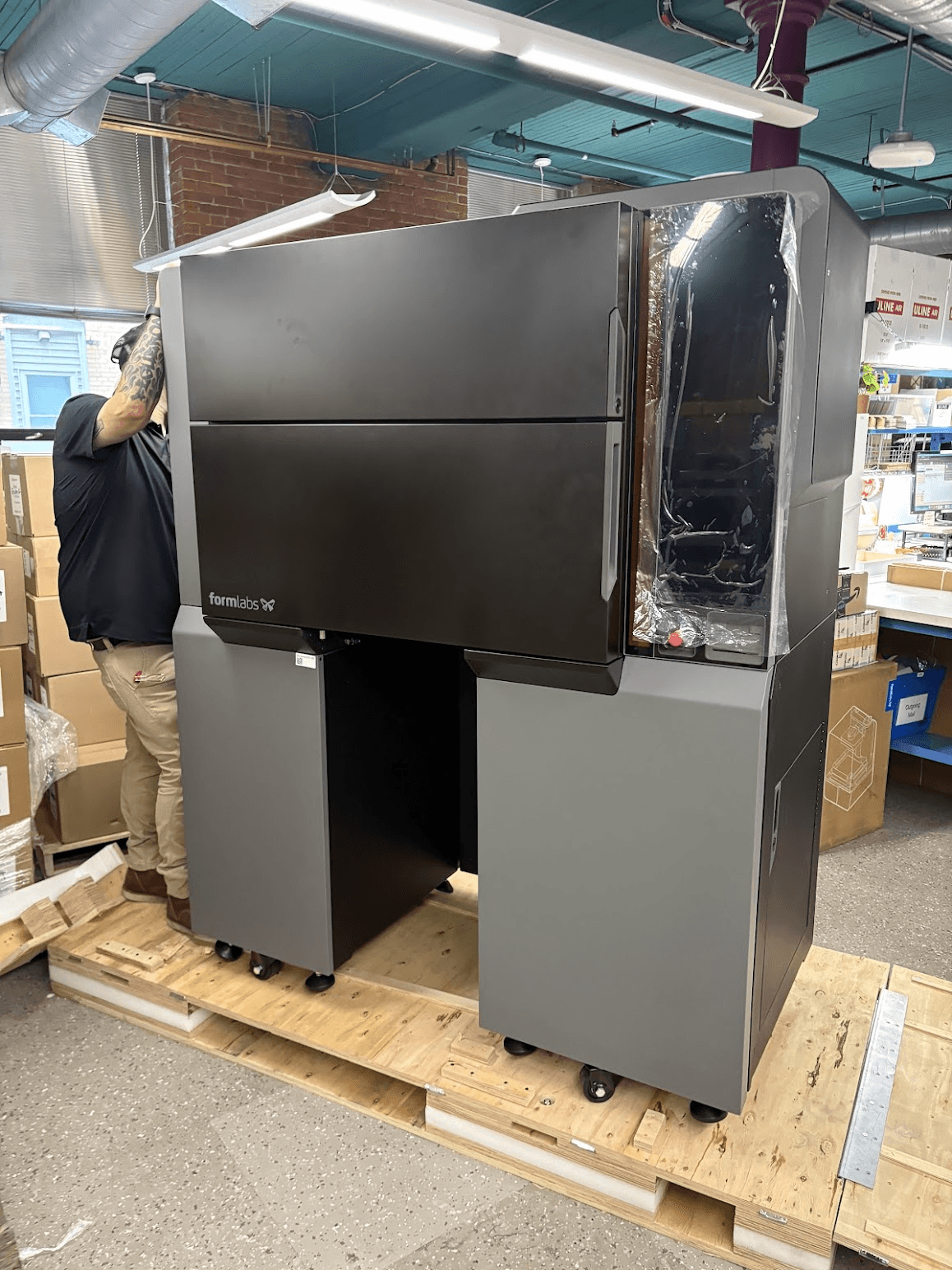
The Fuse X1, vacuum conveyor, and build unit are delivered in a single crate on a pallet. Other accessories and devices are packaged separately. The custom packaging the printer arrives in is specially designed to protect the machine during shipping. During unboxing, inspect the product for any damage or missing items. In the case of damage or missing items, contact Formlabs Support or a certified service provider.
Unboxing the printer
Caution:
Removing the machine from its packaging requires at least two people that are comfortable lifting and moving large and heavy objects.


Caution:
After this step, the printer is on wheels and can roll if the crate is not on a level surface.


Tip:
Formlabs recommends moving the Fuse X1 on its integrated wheels. If you come to a threshold that is too large for the printer wheels, use a pallet jack or pallet truck with long, narrow forks to help move the printer. For example, model H-2640 from Uline has a fork size of 72 × 21 in. Insert the forks under one of the short ends of the printer so they span the entire width of the machine.
Next steps
After unboxing the printer, proceed with installation.