Tip:
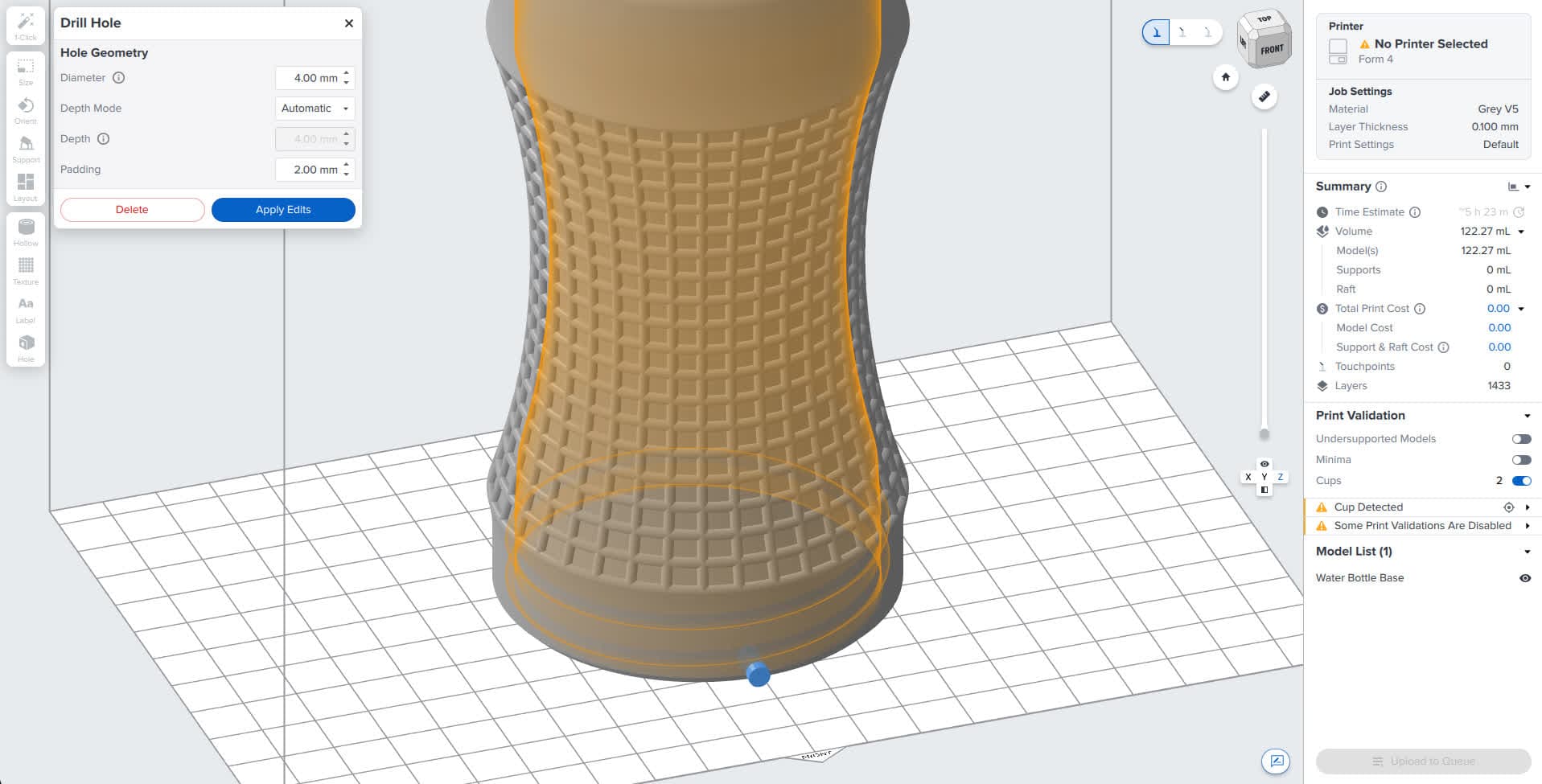
- Enable the Show Cups toggle to highlight potential cups in your model.
- Check the design specifications for 3D models for your printer to find requirements for minimum hole diameter and minimum drain hole diameter.

On SLA printers, a fully enclosed cavity traps air and resin during the printing process. The resulting suction cup may damage the resin tank or cause print failures. On SLS printers, cavities do not necessarily cause print failures but can still trap powder that could otherwise be reused. Add drainage holes to your model to allow air and material to escape.
Starting with PreForm 3.41.0, you can add holes to your models in PreForm.
Tip:
Adding a hole to a model
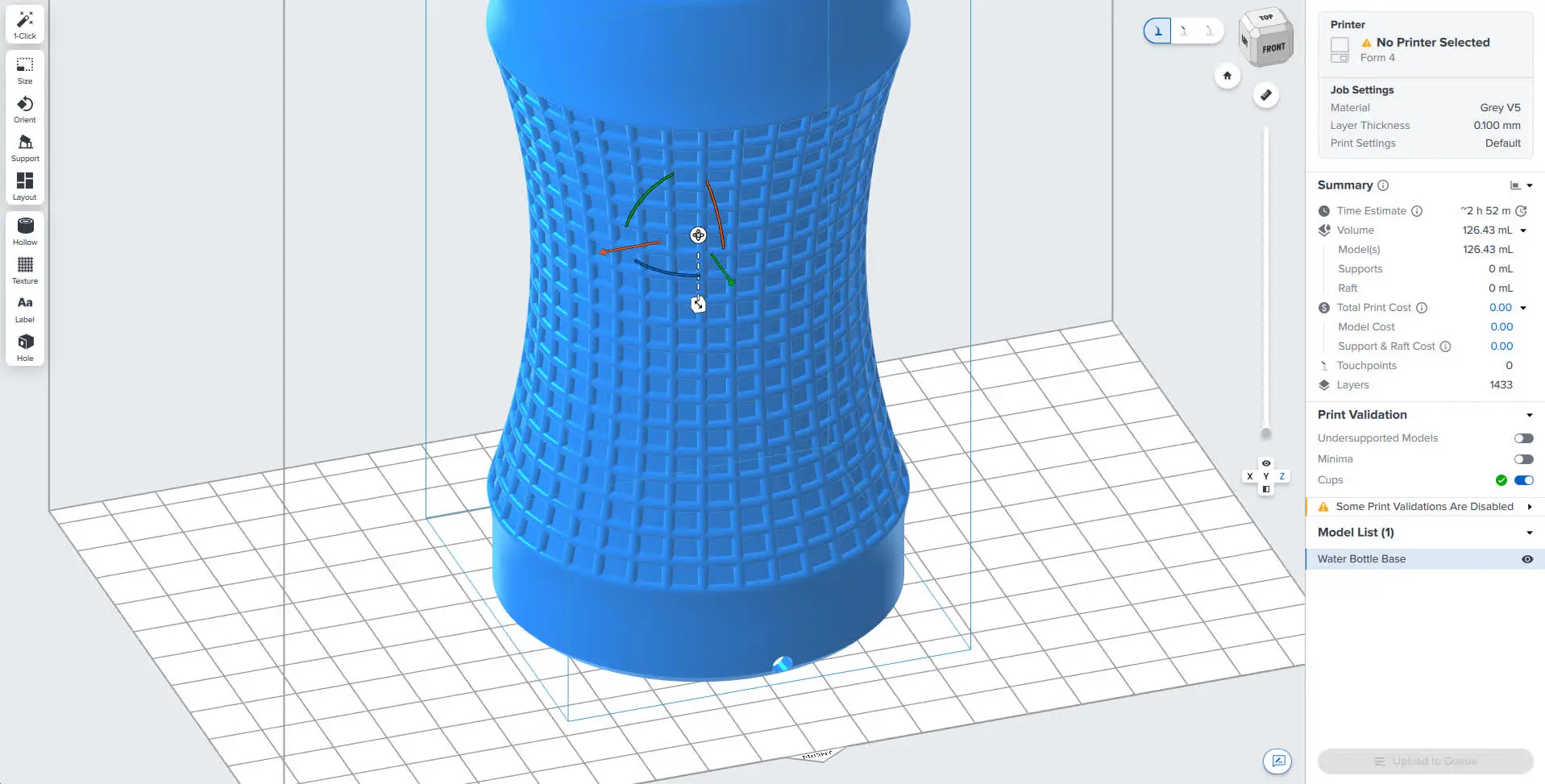
To add holes to your models with the Hole tool:
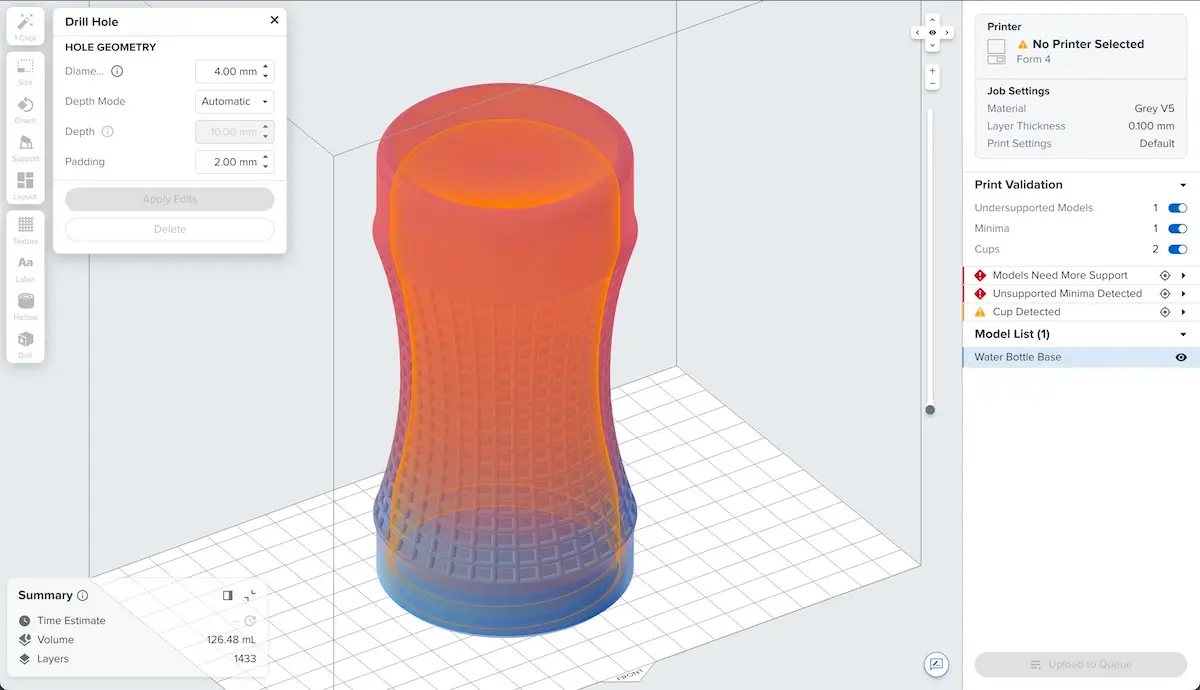
| Diameter | Sets the diameter of the drilled hole. |
|---|---|
| Depth Mode | Set to Automatic to have PreForm automatically drill through to the next face. Set to Explicit to set the hole depth manually. |
| Depth | If Depth Mode is set to Explicit, sets the depth of the hole. |
| Padding | PreForm adds padding on both ends of the hole to ensure that the hole fully passes through the model. Adjust the Padding parameter to set the amount of padding added to each hole. |