
Tip:
Your Formlabs account uses the same log-in credentials to access orders and saved addresses for the Formlabs store, as well as your newsletter and mailing preferences.

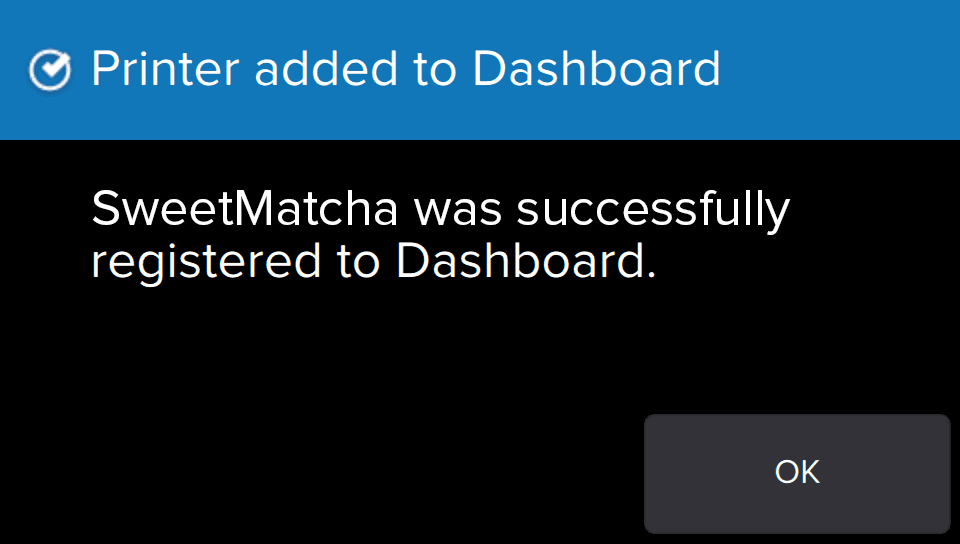
Register a Fuse 1 to Dashboard through the touchscreen on the machine. Once the Fuse 1 is registered to Dashboard and Dashboard logging is enabled on the machine, the printer can send data to Dashboard as long as the Wi-Fi or Ethernet connections are able to access the internet. Connecting only to a local area network is not sufficient for sending data to Dashboard.
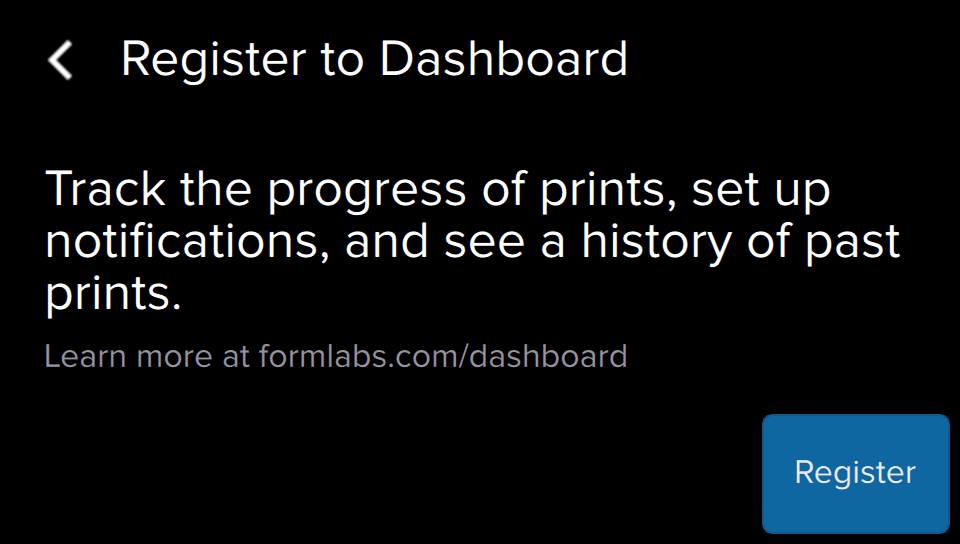
Registering through the touchscreen
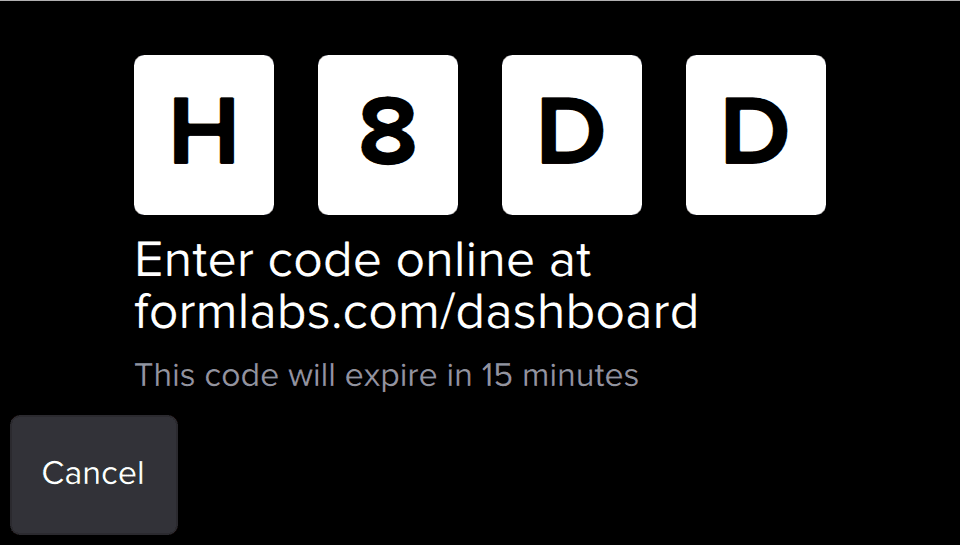
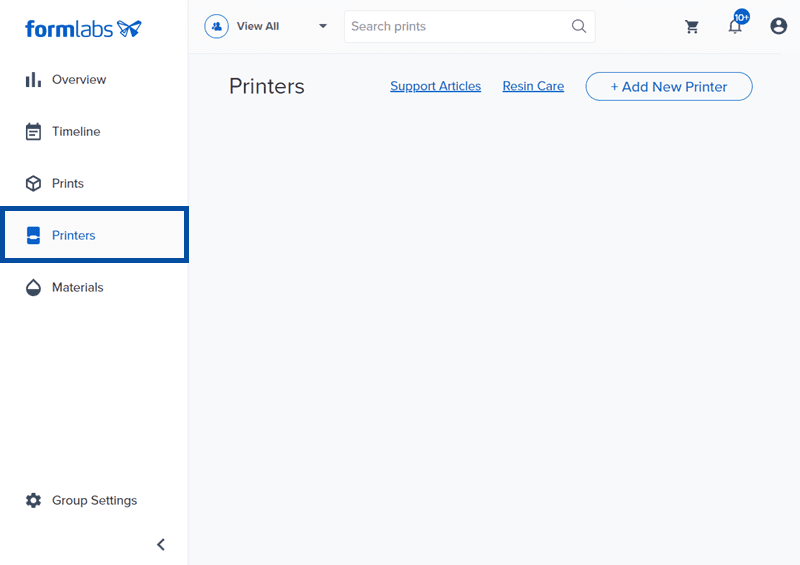
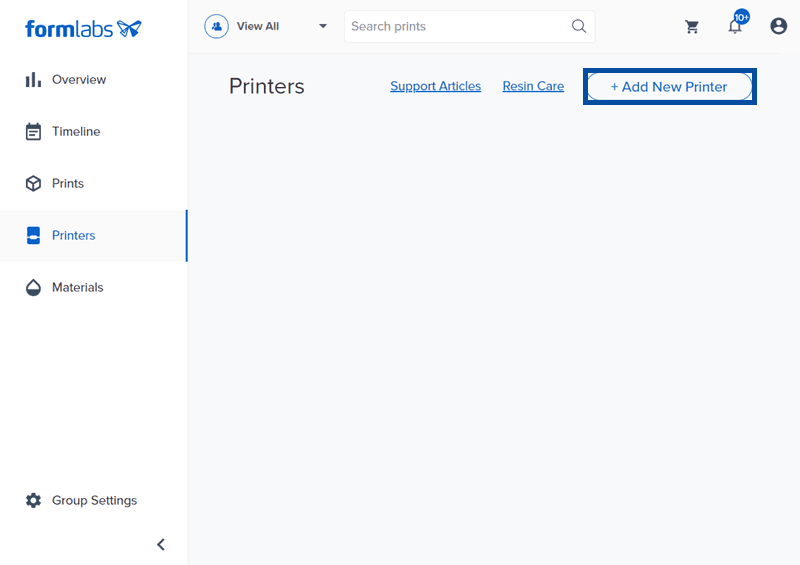
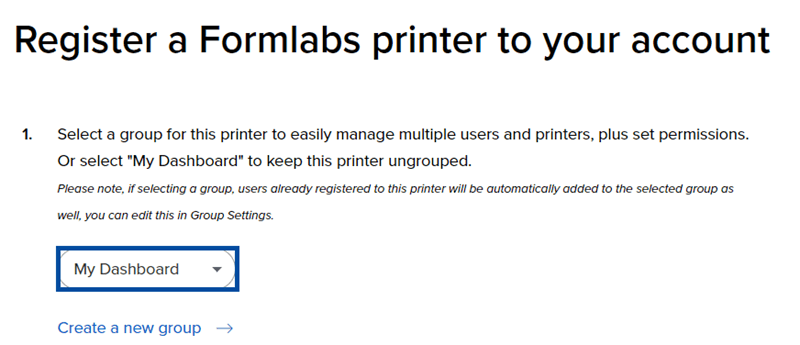
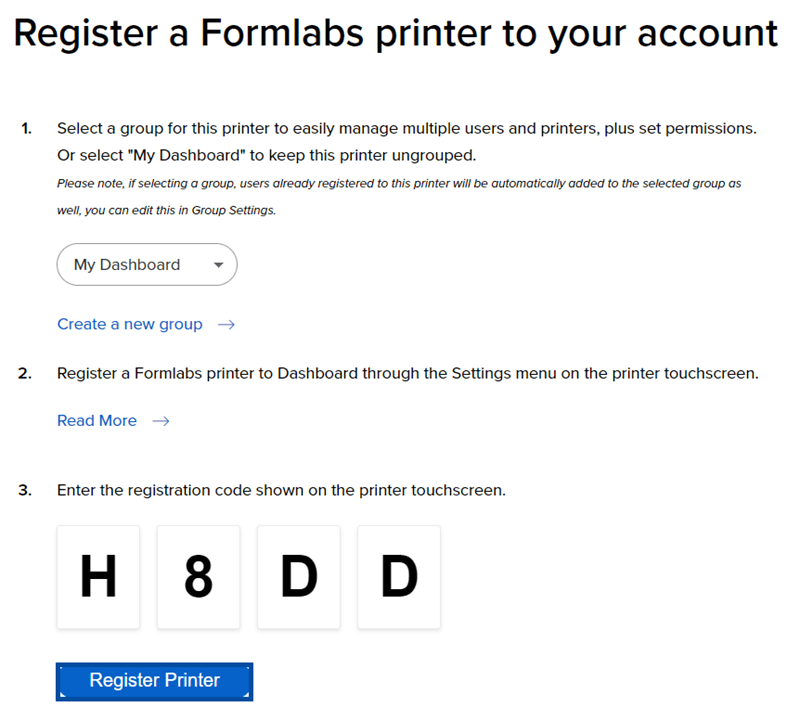
Connect a Fuse 1 to Dashboard by securing a personal registration code from the printer's Settings menu and inputting the code online in the Dashboard.
To register through the touchscreen:
Tip:
Your Formlabs account uses the same log-in credentials to access orders and saved addresses for the Formlabs store, as well as your newsletter and mailing preferences.