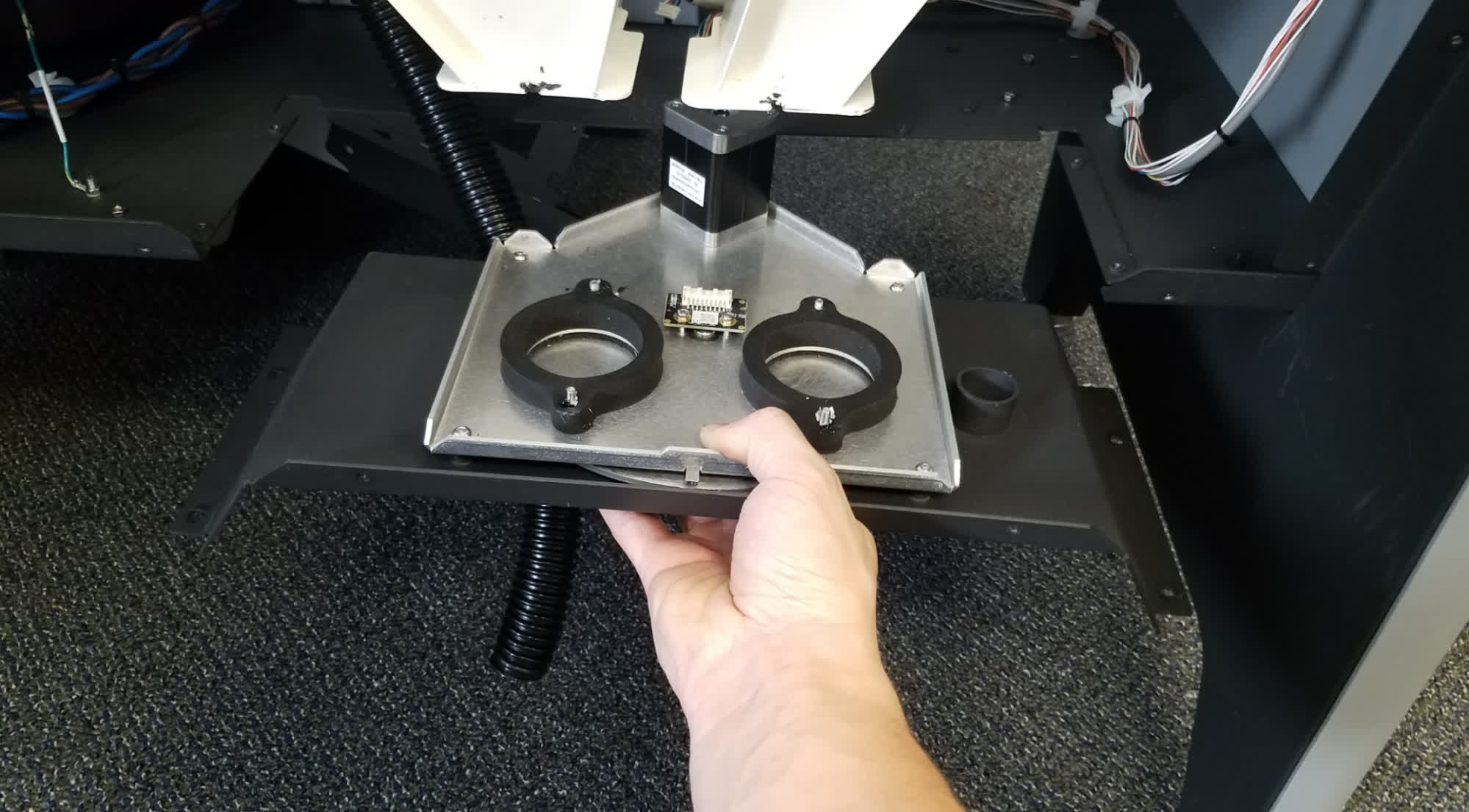
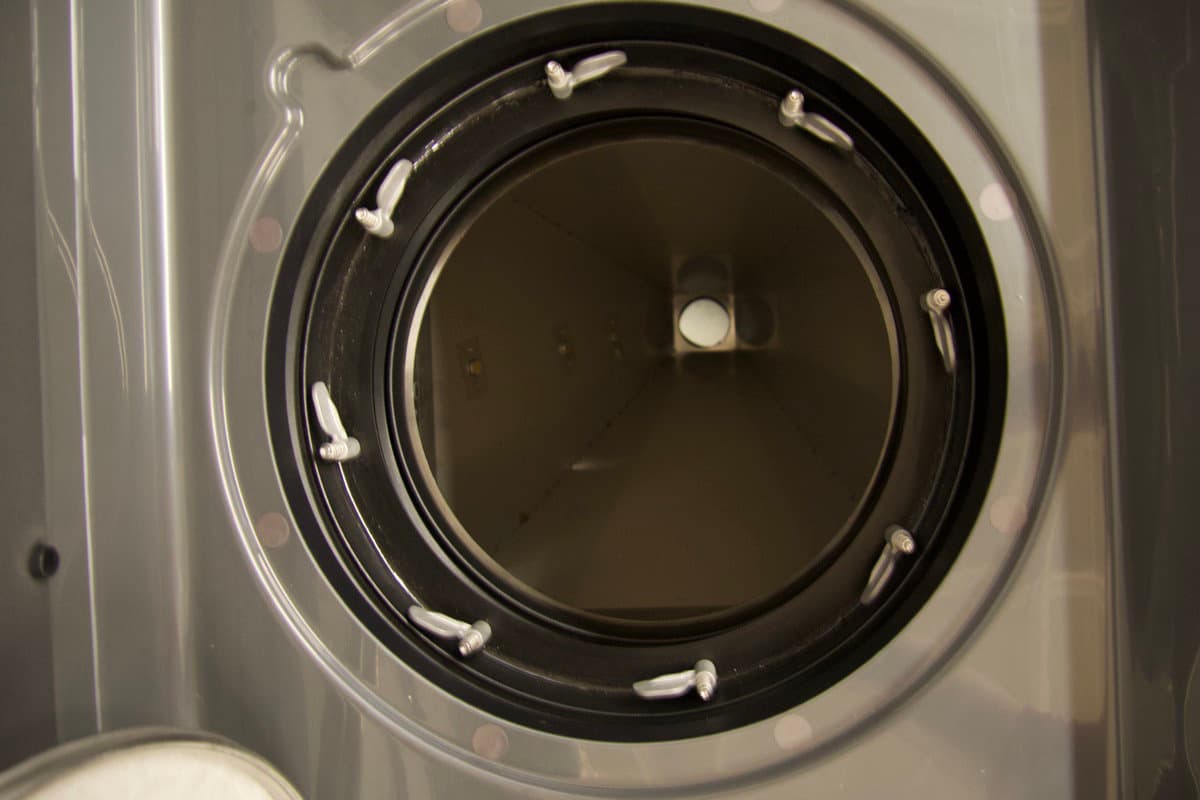
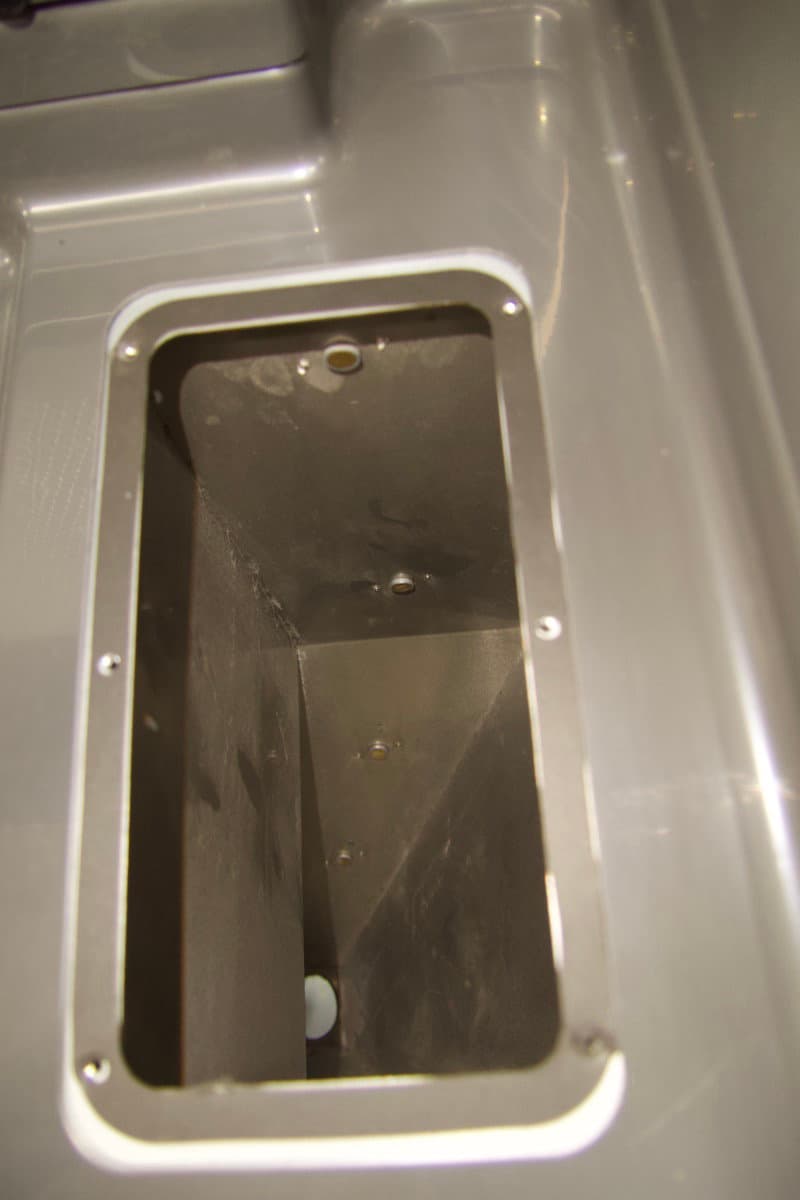
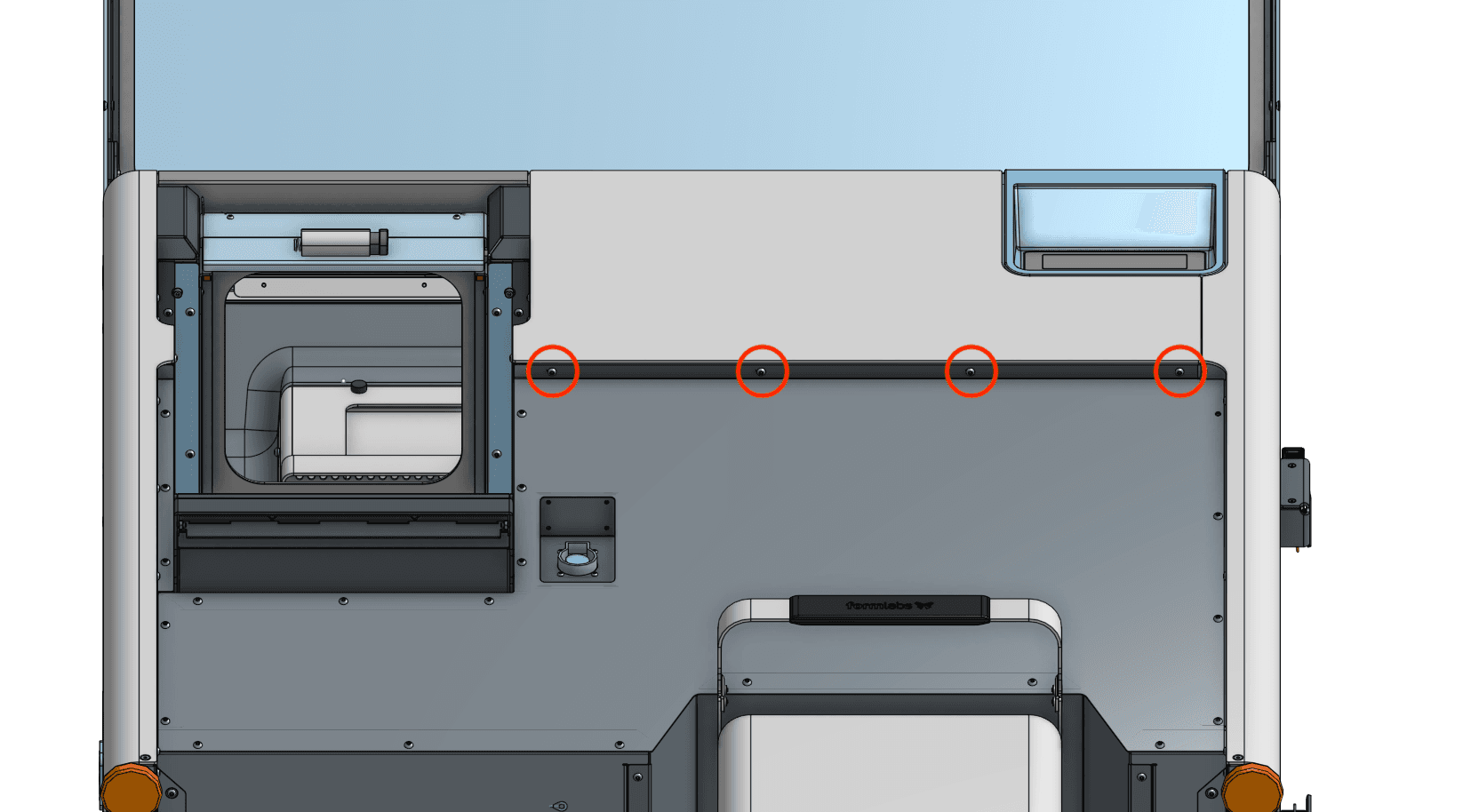
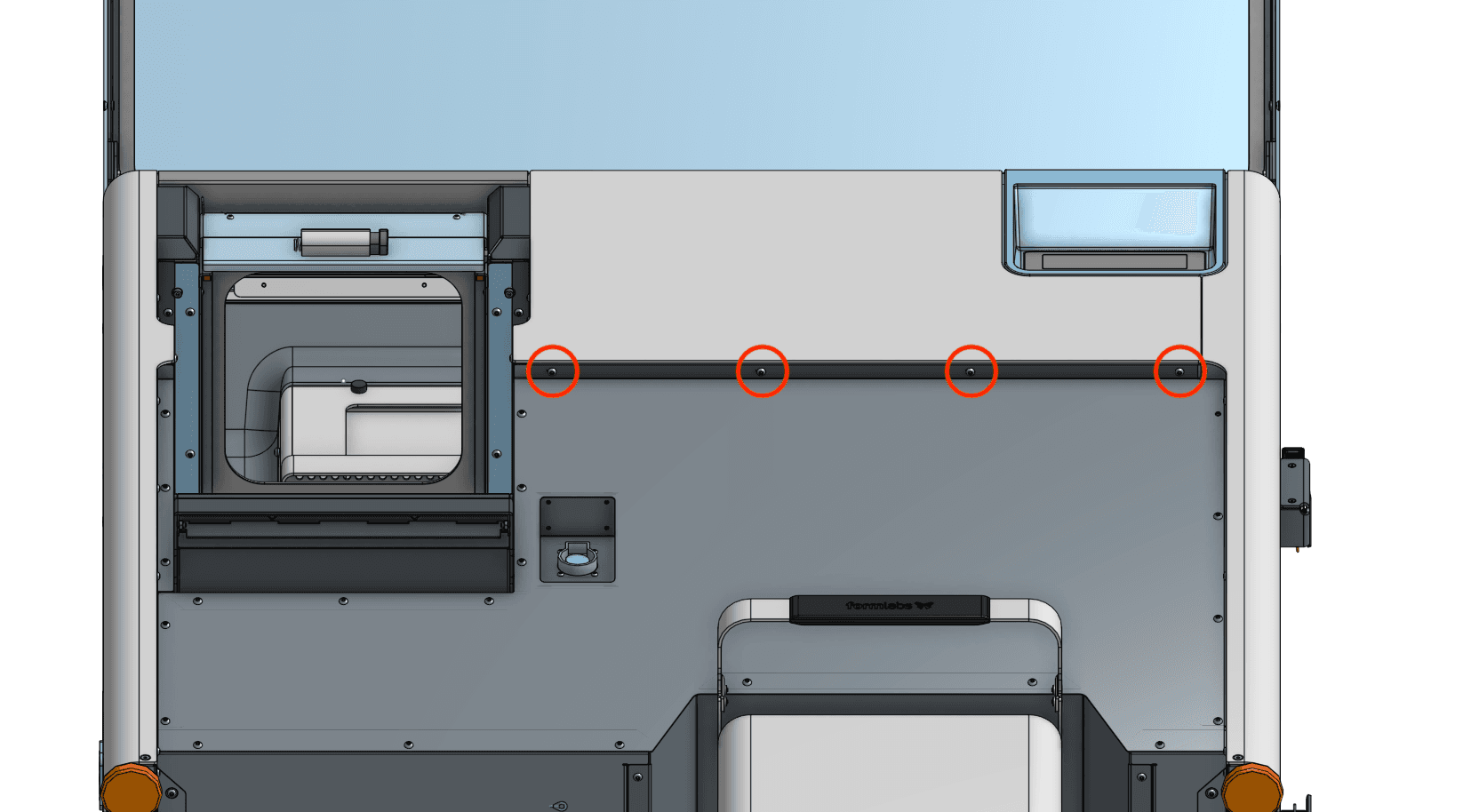
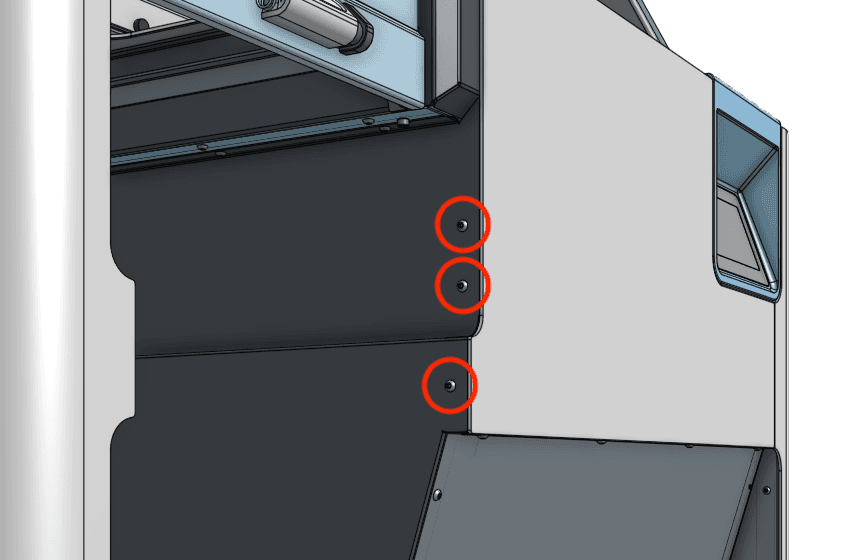
Overview: After installing the new mixer assembly, power on the Fuse Sift and calibrate the replacement part.
Step 1: Power on the Fuse Sift
Reconnect the Fuse Sift to its power source. Flip the power switch to the
ON
position.
Step 2: Calibrate the doser
On the touchscreen, tap Maintenance > Calibrate Doser. Follow the instructions on the UI to complete the calibration procedure.
For more details, see our support article on calibrating the Fuse Sift doser.
Step 3: Test the doser calibration
Add the fresh and used powder you previously removed from the Fuse Sift back into their respective hoppers. Try filling a powder cartridge to verify that the doser is functioning properly. If the fill cycle completes successfully and no powder flows from the doser after the cycle is complete, then the calibration was successful. If the doser encounters an obstruction error or if powder continues to flow from the doser after the fill cycle is complete, perform the calibration procedure again.
If you encounter issues with the doser calibration routine, contact Formlabs Support or your certified service provider.