WHITE PAPER
Formlabs Logo

Resin tank damage and wear (Form 4 generation)

Resin tank damage and wear (Form 4 generation)

The bottom of the Form 4 and Form 4L generation resin tank is made of a transparent film. Light shines upward through this film to cure the liquid resin in the tank. Damage to one or all film layers may affect print quality or lead to a resin spill.

Failed print stuck to tank film

A failed print may leave hard cured resin stuck to the film in the base of the tank. Remove debris from the tank film by hand or by printing a cleaning sheet. Each Form 4 and Form 4L generation printer comes with a plastic tank scraper, which can be used to remove individual pieces of cured resin from the resin tank.

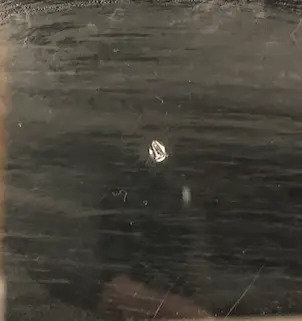
Denting

Denting may appear from the build platform pressing prints against past tank debris. Denting should not affect print quality. If a dent begins to affect the print quality and either use the Layout tool in PreForm to print around the affected print area or replace the tank.

alttext

Notice:

Form 4L generation only: If you leave the build platform on its mount and power off the printer, the build platform will slowly lower under its own weight. This includes power cycling during a firmware update. If the build platform has any sharp printed parts on it, this could damage the resin tank or Light Processing Unit. To prevent this, remove the build platform from the printer before turning it off, particularly if there are still any parts on the build platform.
Scraping from mixer

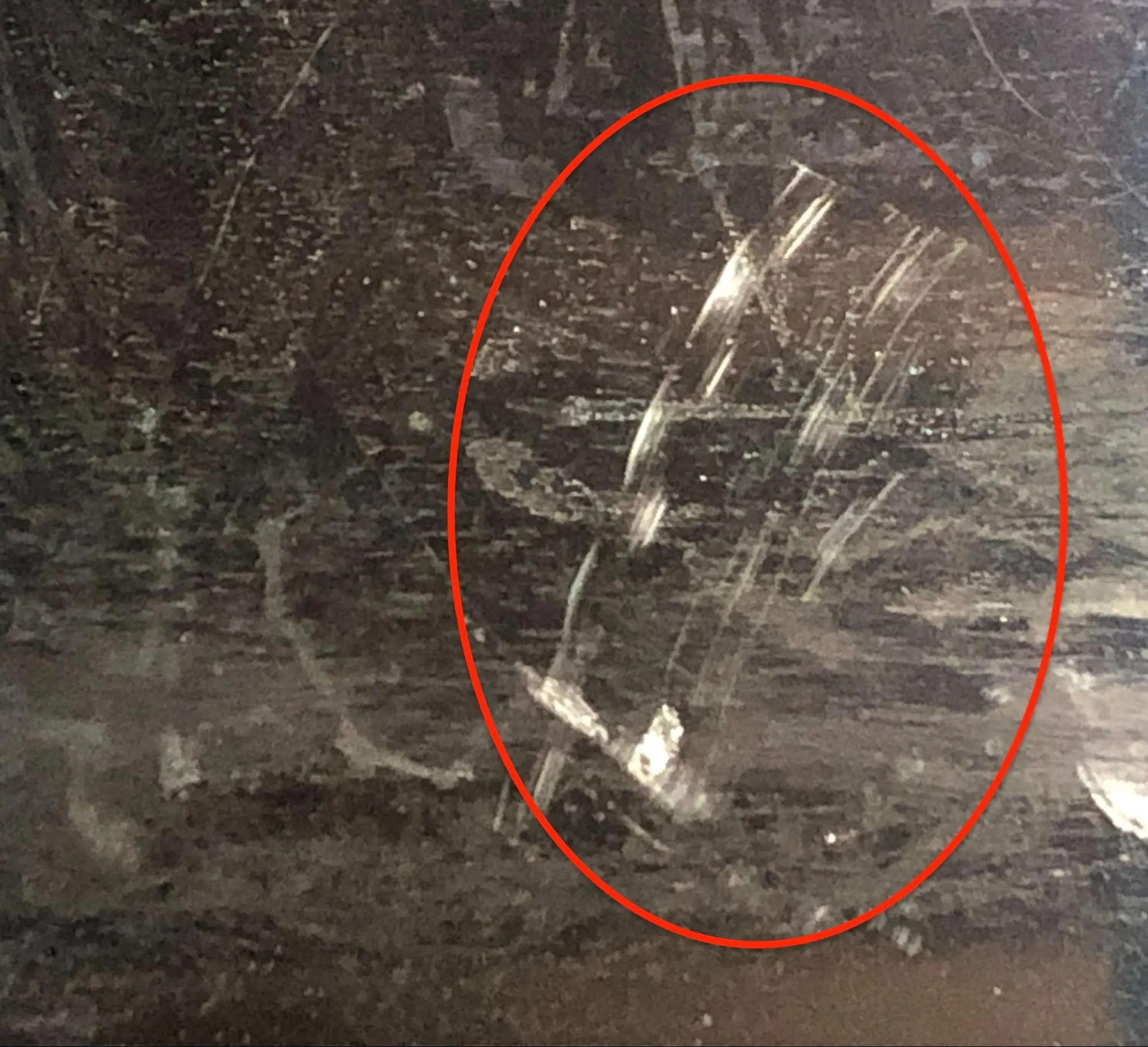
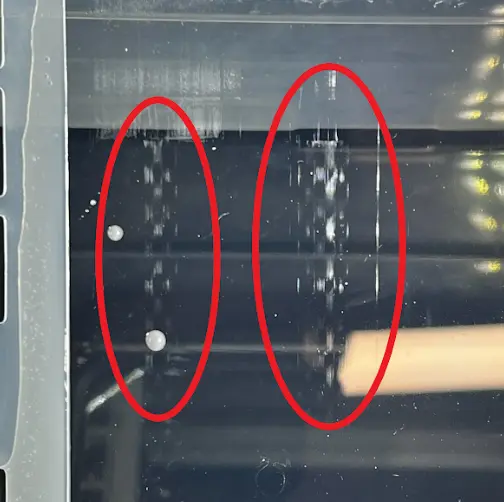
During normal operation, the mixer does not come in contact with the tank’s film. However, debris inside the tank or between the Light Processing Unit (LPU) and tank film can make the tank film less uniform. If the mixer comes directly in contact with the raised portion of the film, it can leave streaks across the tank. This is cosmetic damage that should not affect printing.

If a resin tank has scratched film, confirm that the wear strips are present and installed correctly. See our article on inspecting and cleaning resin tanks for wear strip cleaning and installation.

alttext

Gouges and punctures through film layer

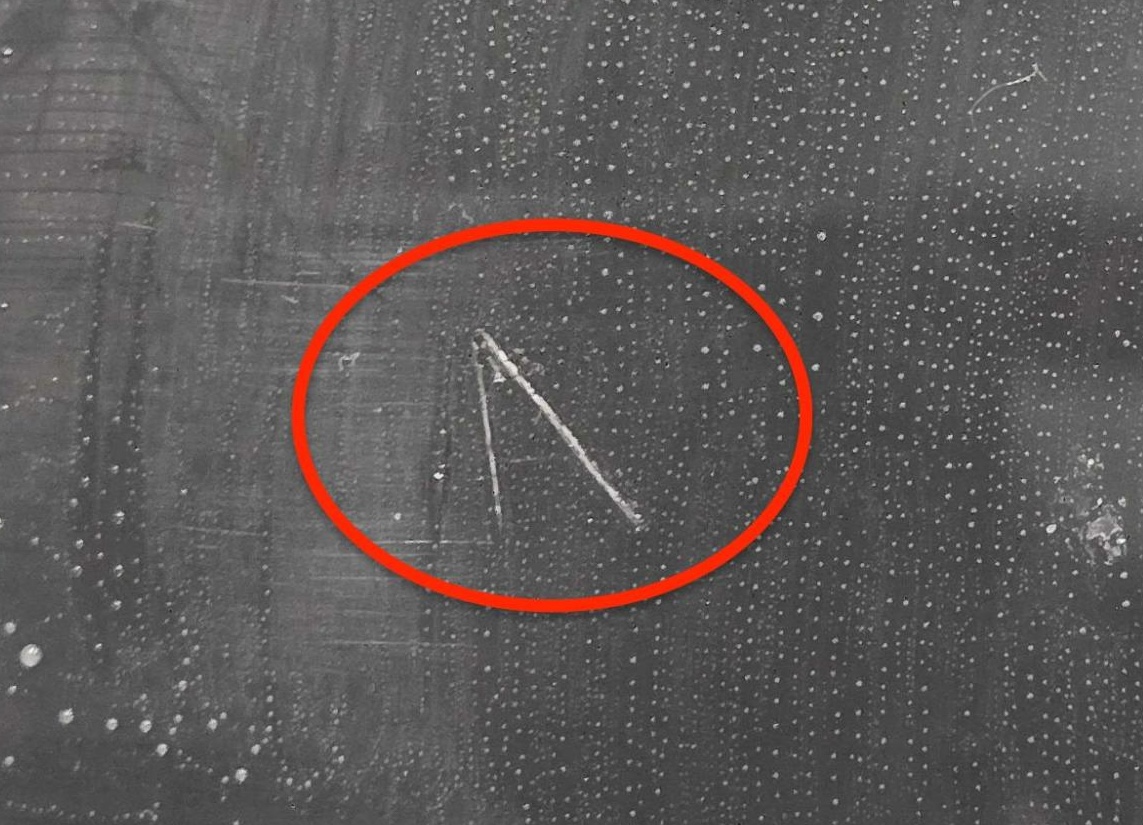
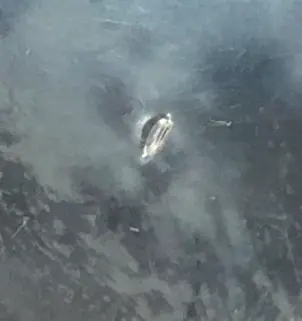
Gouges and punctures damage both layers of a resin tank’s film. A gouged or punctured tank requires immediate disposal and replacement. Gouges and punctures in the resin tank film not only bend light and prevent the LPU from curing resin properly during normal printing, but also present a leak risk. Resin may leak out of the tank, leading to damage to your printer. If you have any questions about the tank damage, please contact Formlabs Support.

alttext
alttext

Common causes for gouges and punctures include:

  • Using a sharp tool inside the tank
  • Using excessive force to scrape the tank
  • Print failures
  • Debris or chunks of cured resin in the tank or between the tank and LPU
  • Directly touching the bottom of the resin tank

Scratches on tank film

Scratches on the tank film occur when using other materials besides lint-free cloths when cleaning the tank film. Use clean IPA and a PEC*PAD to clean the tank film.
alttext

Cavitation

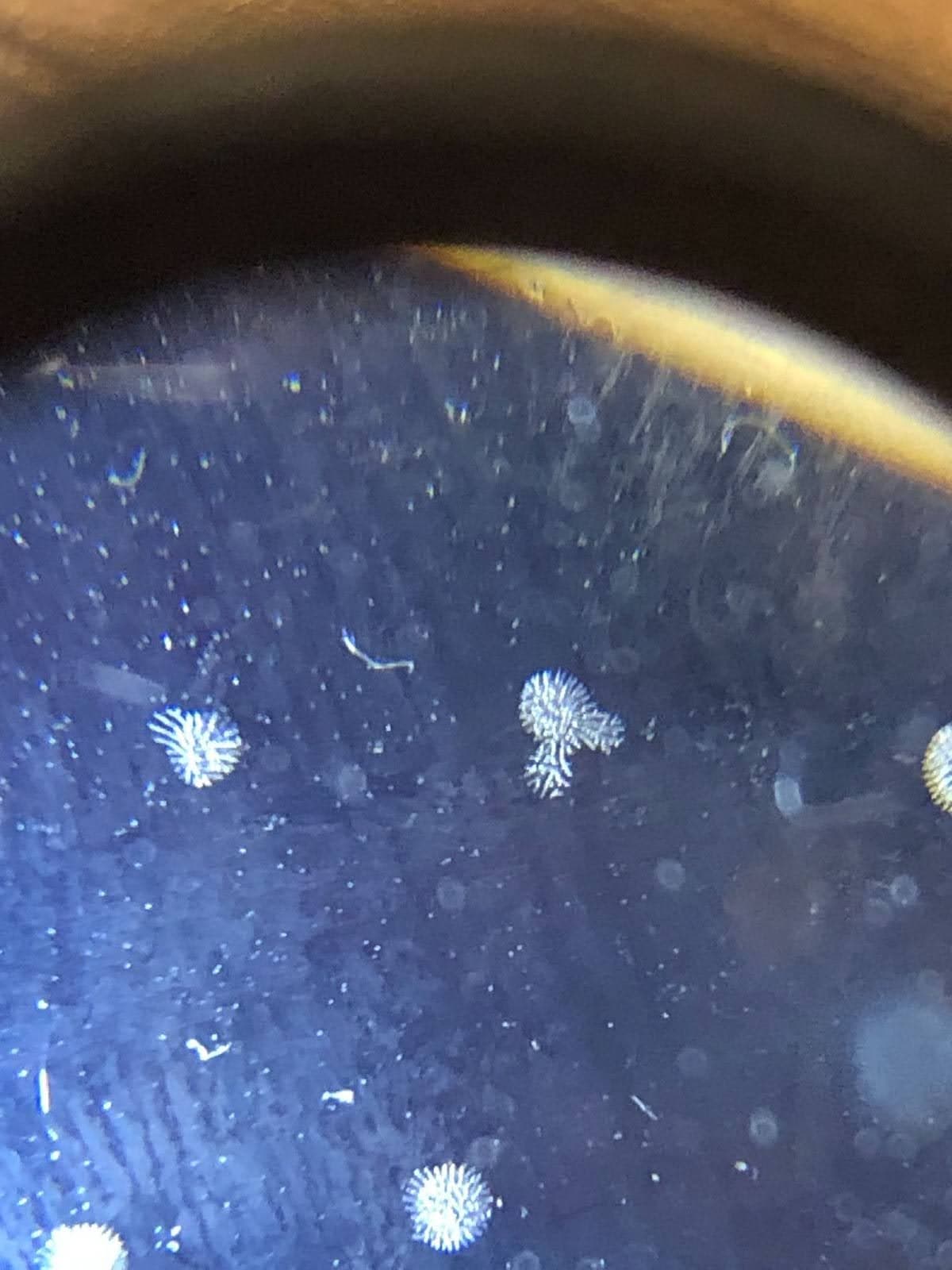
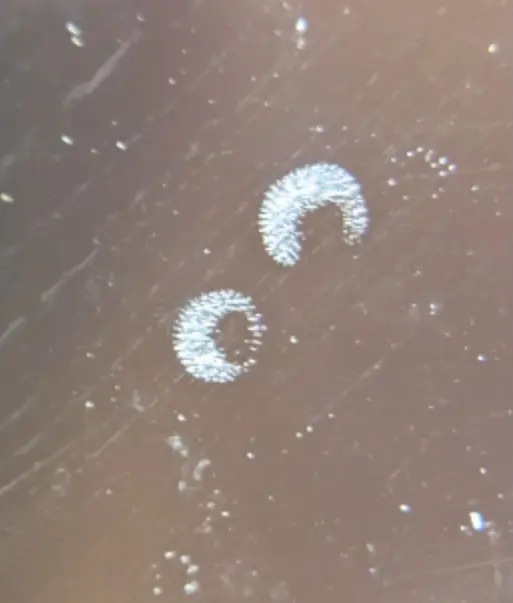
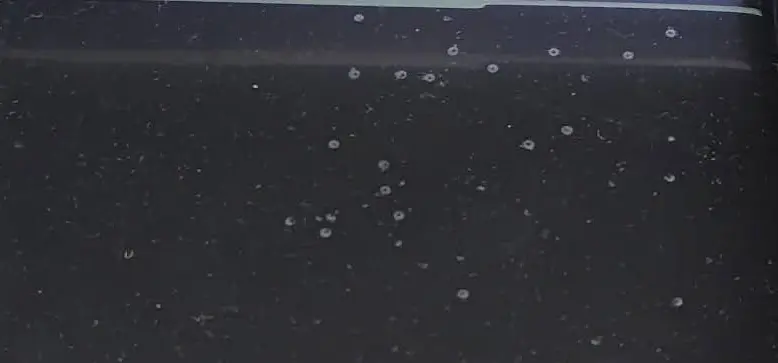
Film cavitation may occur as a result of repeatedly printing small cross-section features in the same area, such as support structures. It often looks like dots or snowflake shapes on the tank film, approximately 1 mm in diameter. Film cavitation most often impacts printed surface quality. If it is observable in finished prints, position your prints in a different region of the tank. Regularly print in different regions to prevent film cavitation from developing.
Example of film cavitation
example of cavitation