

Warping (SLS)
Warping (SLS)
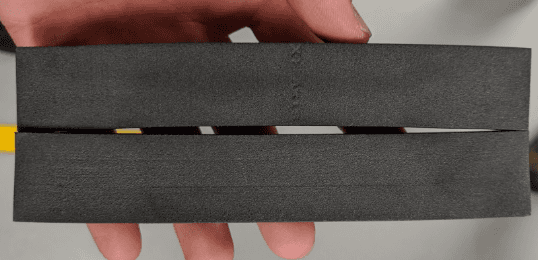
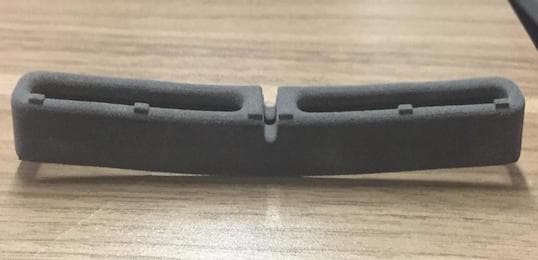
During a print, sintered parts are surrounded by a cake of unsintered powder. As parts cool, the material shrinks. If it shrinks unevenly, the parts may warp.
Symptoms
- Unexpected curvature on parts
- Deviation from expected model shape such as bends, twists, or a potato chip shape
Common causes
- Parts are unpacked while the build chamber is still hot (>45 ºC)
- Long, slender part geometry
- Non-uniform wall thickness
- Part located near the edge of the build volume (walls, top, or bottom)
- Printer bed temperature needs fine-tuning
Troubleshooting steps
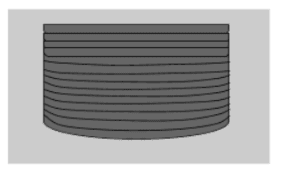
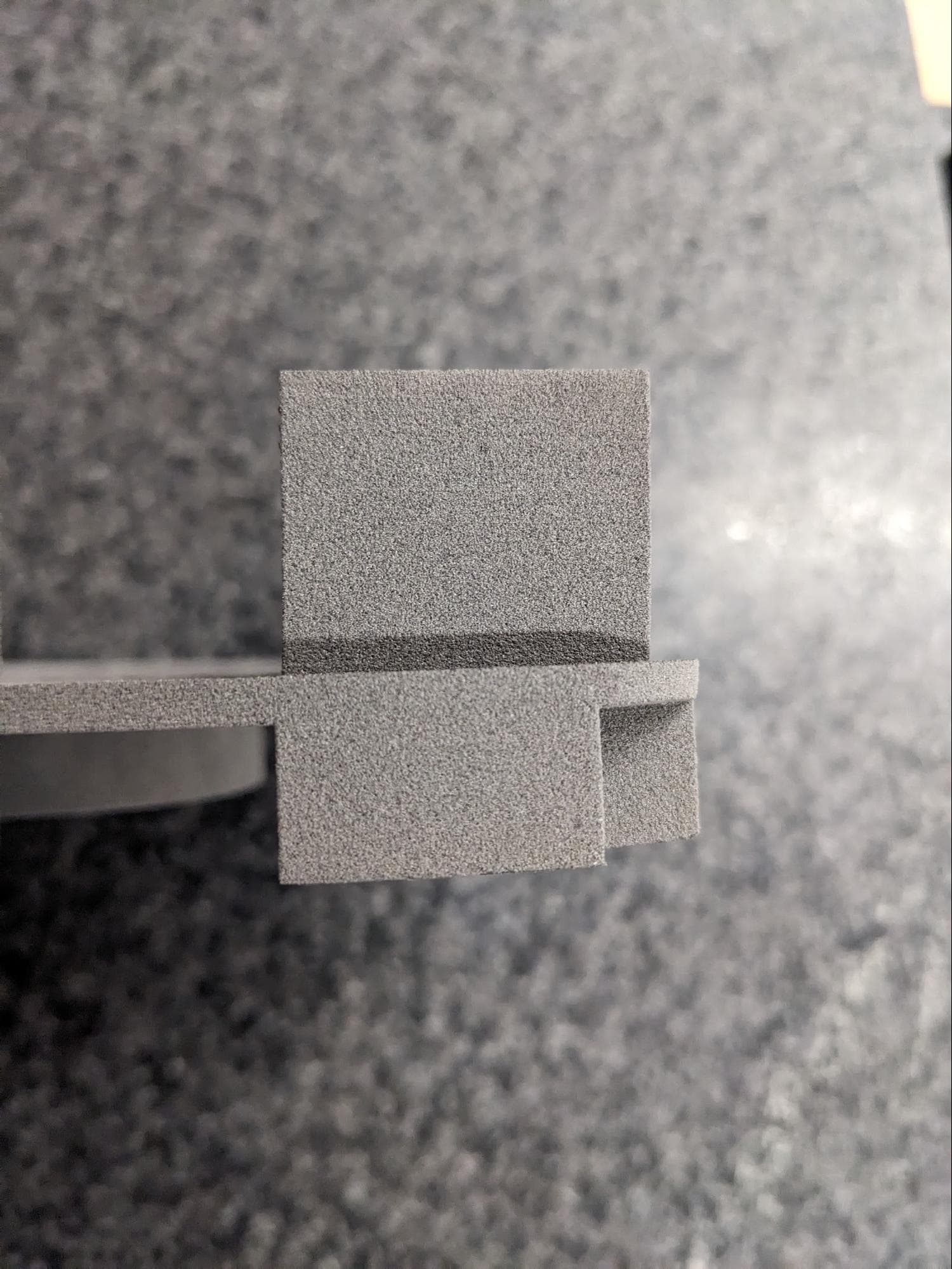
Check which regions of the part have warped
If only the lower sections of a part are curved while the rest of the part is unaffected, follow the troubleshooting steps for curling in the support article Fuse 1 generation error messages: PrinterWatcher aborts (Error 112, 113, 114, 216, 217).
Allow longer cooling time
The build chamber may be removed from the printer at 100 ºC, but wait for it to cool to below 30 ºC (86 °F) before unpacking parts.
Improve part orientation
Orient long and slender parts as close to the center of the build volume as possible. Long and slender parts near the edges of the build volume are most prone to warping.
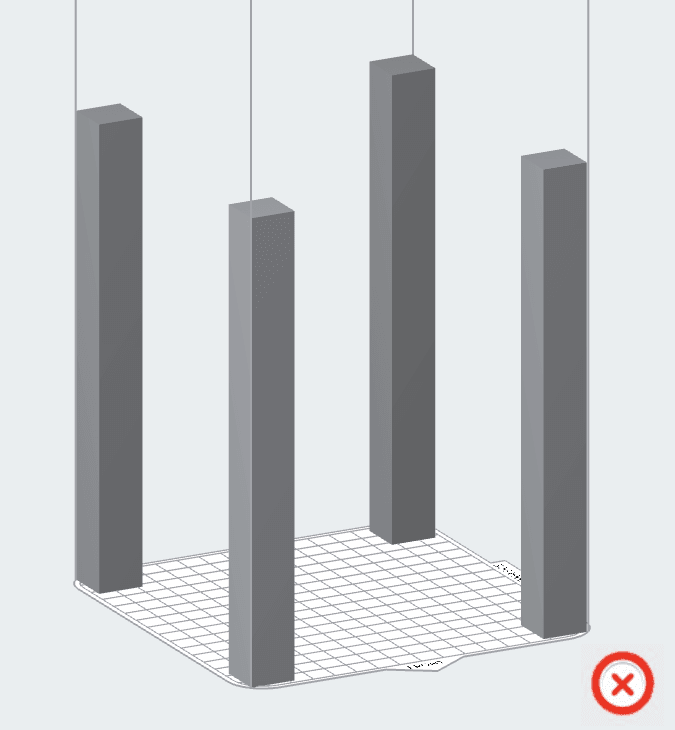
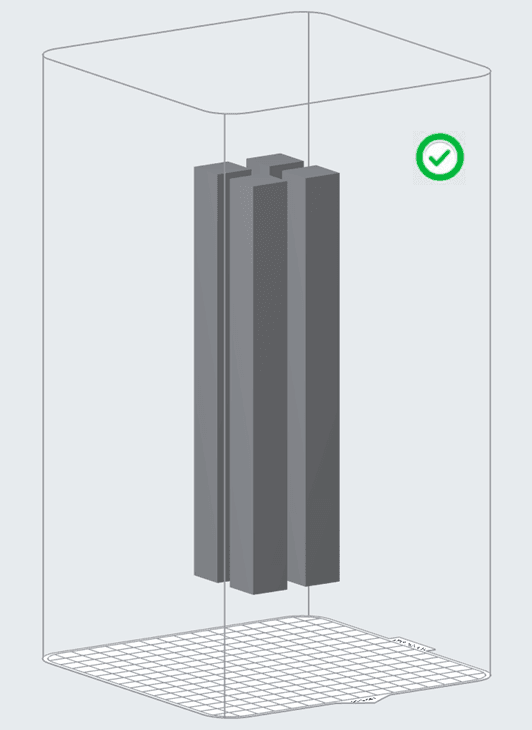
For more information, read the support articles Design specifications for 3D models and Model orientation best practices for SLS printing.
Fine tune printer bed temperature
Excessive warping may indicate that the bed temperature is too high, especially if print defects such as dimpling and pitting are also visible on the warped parts. Follow the instructions in the support article Adjusting the Bed Temperature Target on a Fuse 1 generation printer.
Choose optimal print settings for warping
Formlabs regularly releases updated print settings with improvements for print quality, speed, and reliability. Different print settings may be more effective at mitigating specific print defects than others. Check the support article Choosing the right print setting (SLS) for the current recommended print settings for reducing Z-axis warping when printing with Nylon 12 Powder.
If your parts continue to warp or you are printing with a different material type, contact Formlabs Support or a certified service provider and upload diagnostic logs.