Aviso:
Para evitar dañar el equipo, comprueba la tabla de compatibilidad de los tanques de resina en Elección del material adecuado para confirmar que estás utilizando un tanque de resina compatible con este material.


Aviso:
Para evitar dañar el equipo, comprueba la tabla de compatibilidad de los tanques de resina en Elección del material adecuado para confirmar que estás utilizando un tanque de resina compatible con este material.
La Dental LT Clear Resin es un material para aplicaciones biocompatibles de larga duración desarrollado para fabricar férulas dentales. Cuando imprimas estos elementos, sigue la guía de aplicación para la versión que uses (V1 o V2).
Dental LT Clear Resin V1
Nota:
Formlabs ha retirado la Dental LT Clear Resin V1 y ya no está disponible para su compra. Considera el uso de la Dental LT Clear Resin V2 o la Dental LT Comfort Resin para aplicaciones que requieran piezas biocompatibles de clase IIa para uso a largo plazo.
Dental LT Clear V2
La Dental LT Clear Resin se imprime a 100 micras.
Nota:
Para saber más sobre el rendimiento o las propiedades específicas de la Dental LT Clear Resin como material, consulta la ficha de datos de seguridad (FDS) y la ficha técnica. Consulta siempre las FDS como fuente principal de información para entender la seguridad y el manejo de los materiales de Formlabs.
Materiales necesarios
Fabricados por Formlabs
Fabricados por terceros
Resumen del proceso de trabajo
Aviso:
Esta es una versión abreviada de las instrucciones que aparecen en la guía de aplicación. Lee las instrucciones de uso y la guía de aplicación para conocer instrucciones detalladas sobre el diseño, los ajustes y la orientación de piezas impresas con la versión de la Dental LT Clear Resin que uses.
Escaneo
Para realizar la impresión 3D de una férula, usa un escáner para recopilar datos anatómicos de la dentición del paciente. Puedes escanear directamente el paciente con un escáner intraoral o usar un escáner óptico de sobremesa para escanear una impresión de polivinilsiloxano (PVS) o un modelo de yeso.
Diseño
Usa un software de diseño dental asistido por ordenador para procesar y diseñar la férula antes de imprimirla. Elige un software que ofrezca exportación de archivos STL/OBJ/3MF abierta. Los pasos exactos de diseño varían de un programa a otro, por lo que debes contactar con el proveedor del software para obtener más detalles sobre cómo generar una férula a partir de las imágenes por escáner de los pacientes.
Los pasos básicos a tener en cuenta para la impresión 3D de férulas con una impresora SLA de Formlabs son los siguientes:
Impresión
Instala o actualiza PreForm y, a continuación, configura la próxima impresión.
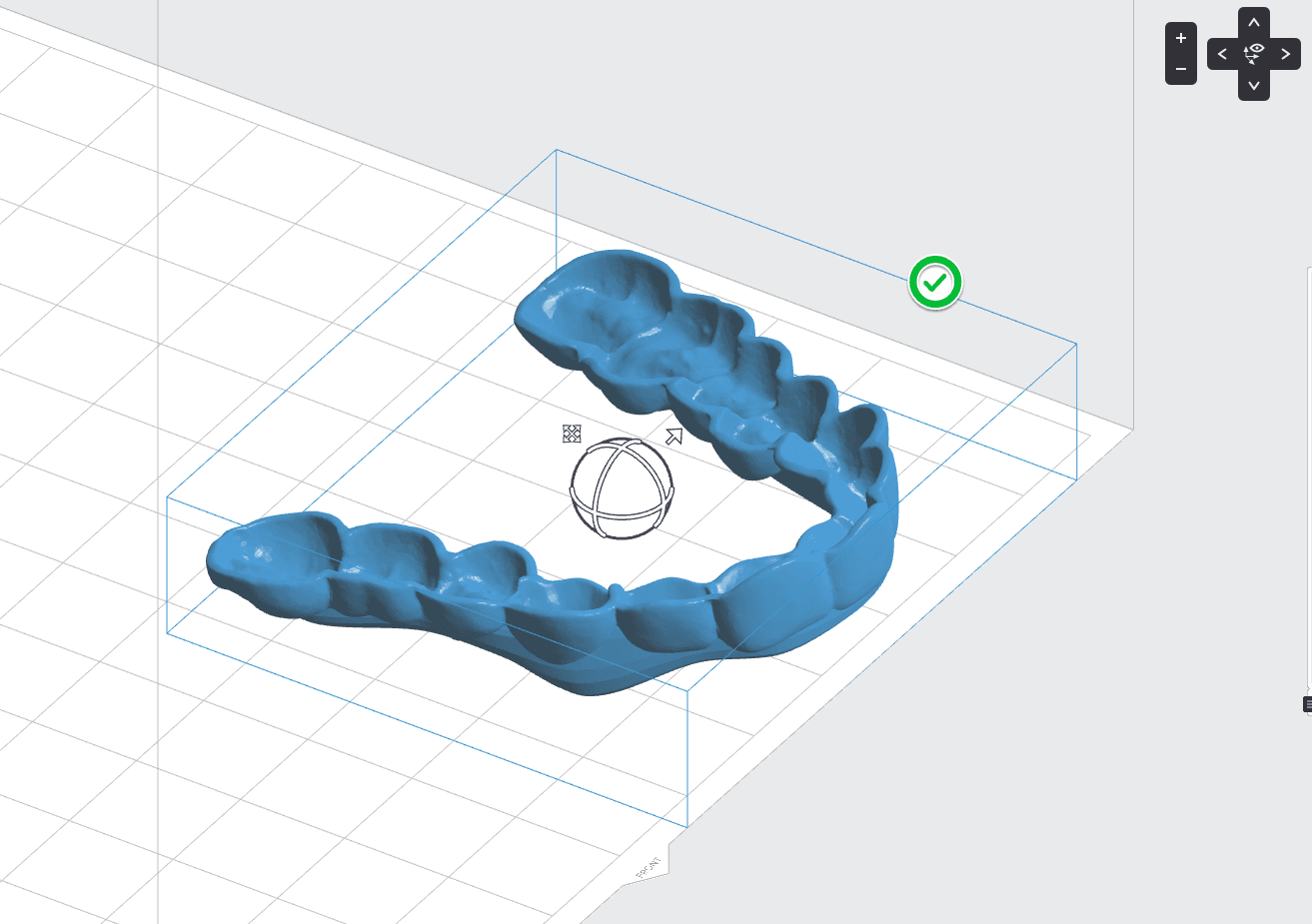
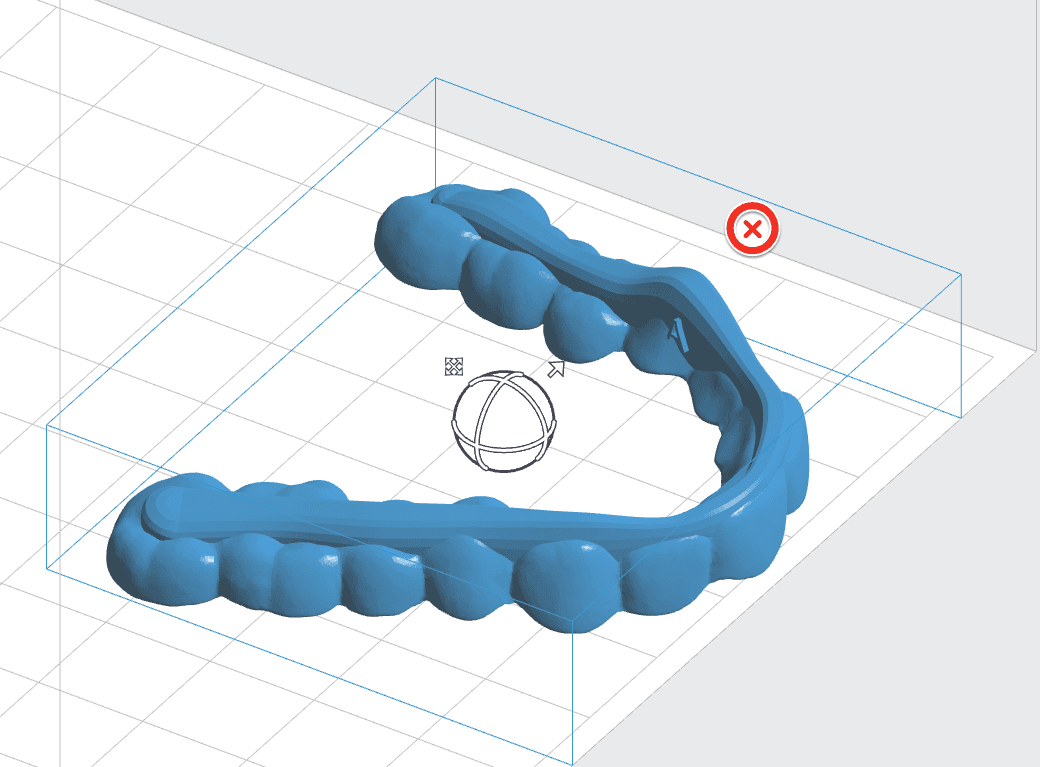
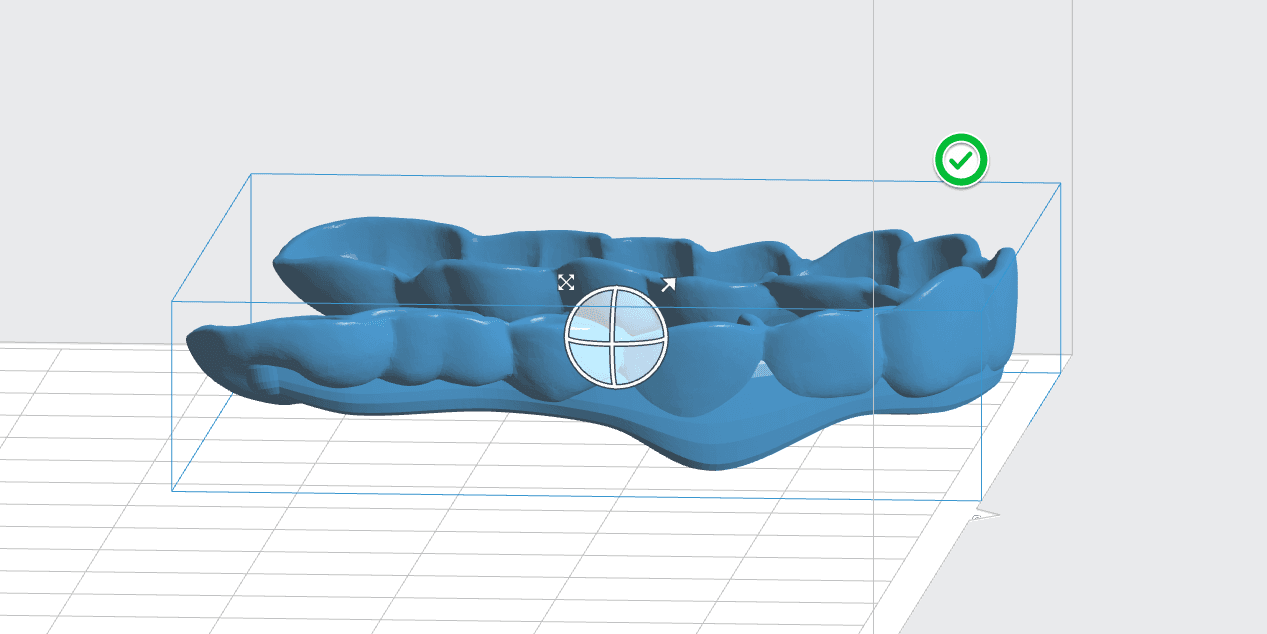
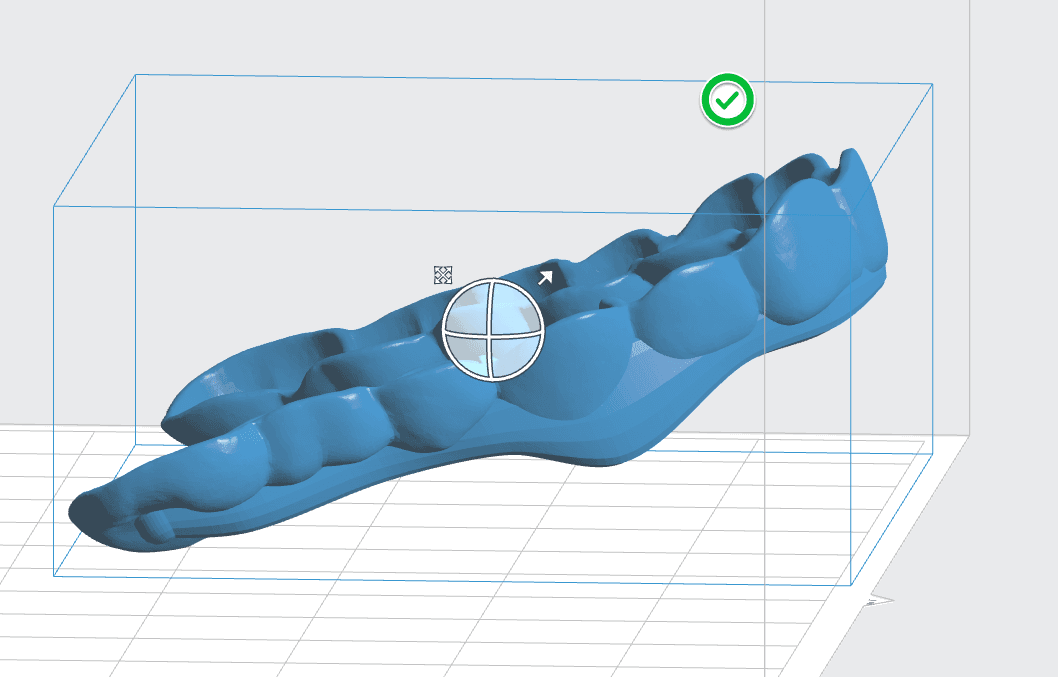
Cómo preparar un modelo para su impresión en PreForm:
Aviso:
Imprimir con ángulos superiores a 30° provocará que las férulas no encajen correctamente. A medida que el ángulo de inclinación de la pieza aumenta por encima de los 30°, las superficies interproximales se imprimen con menos precisión.
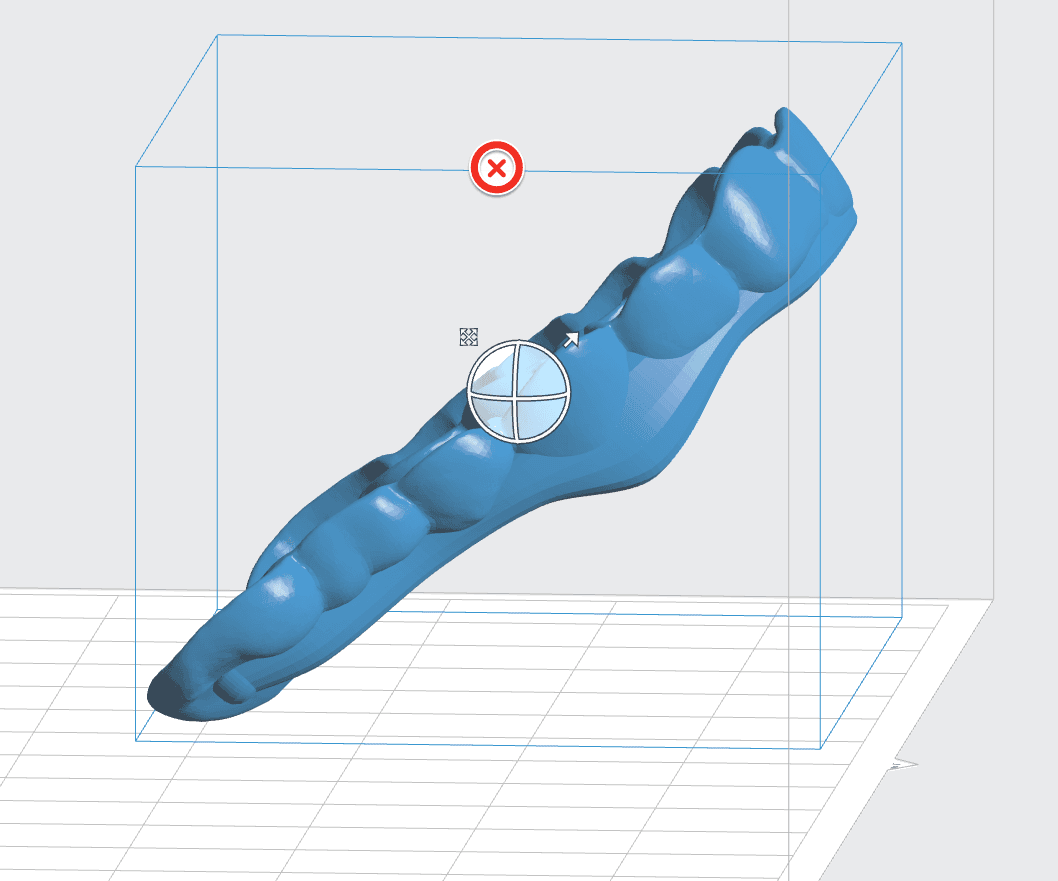
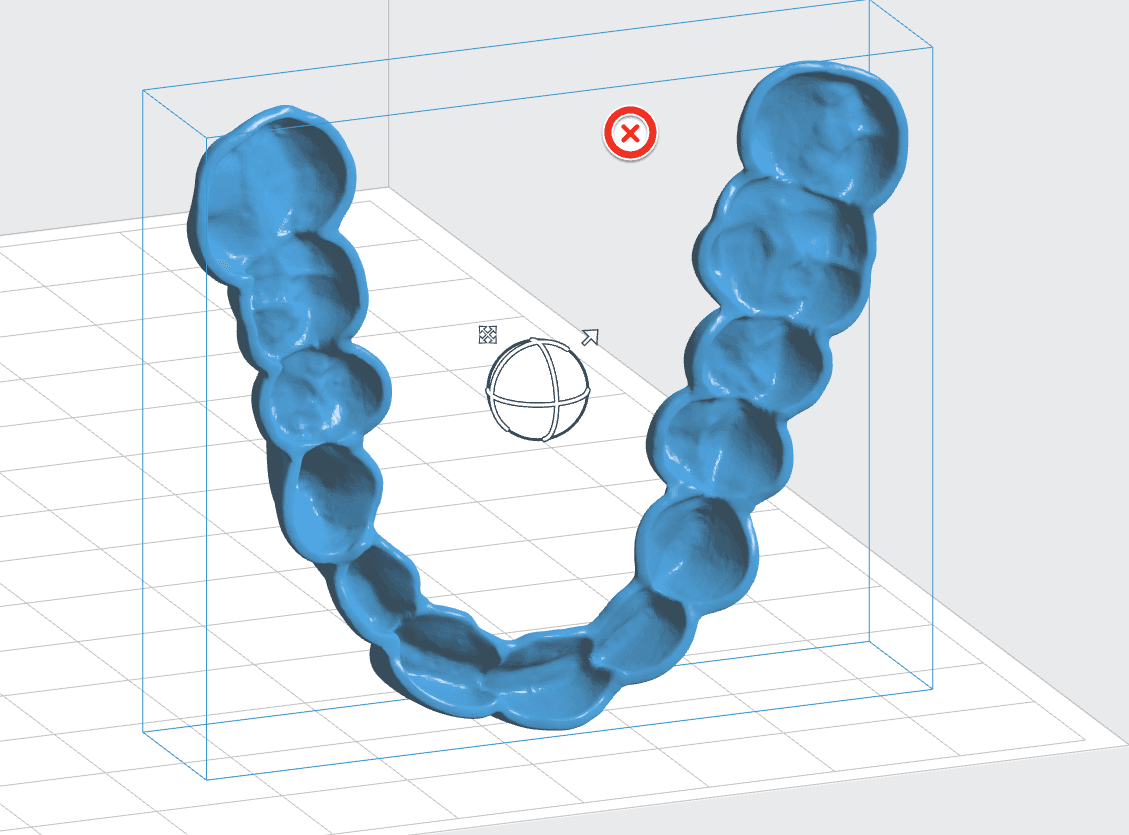
Aviso:
Para lograr la total conformidad y biocompatibilidad de la Dental LT Clear Resin es necesario utilizar un tanque de resina, una base de impresión y un kit de acabado específicos, que solo se deben utilizar con otras resinas de Formlabs para aplicaciones biocompatibles, como la Dental SG Resin.
Lavado
Sigue las recomendaciones de lavado de las piezas de la guía de fabricación para obtener los resultados más transparentes y óptimos posibles. Un lavado inadecuado puede provocar que las propiedades mecánicas y de biocompatibilidad no sean óptimas.
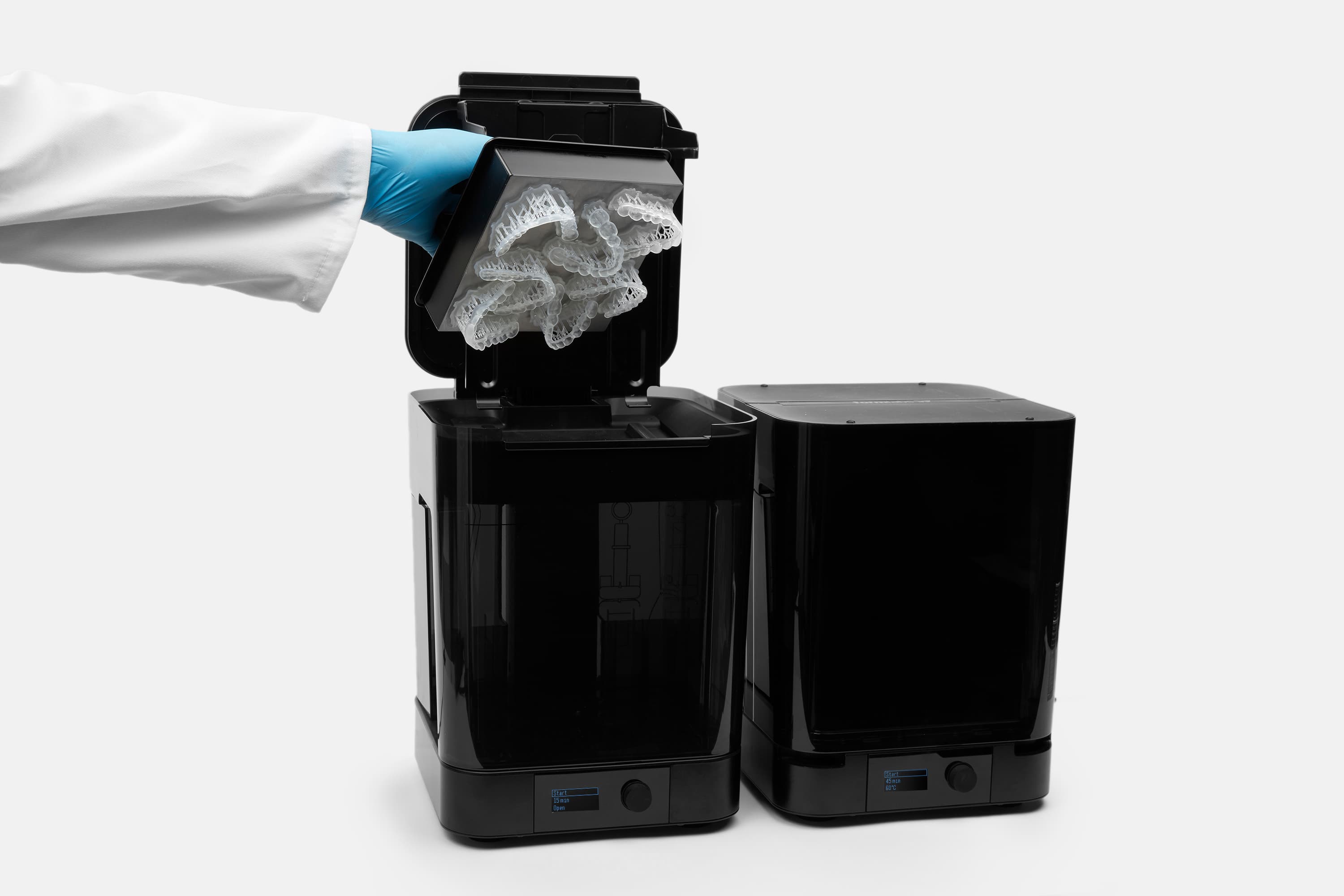
Requisitos de poscurado
Sigue las recomendaciones de poscurado de la guía de fabricación para obtener los resultados más transparentes y de mayor calidad posibles. Un poscurado inadecuado puede afectar a las propiedades mecánicas y de biocompatibilidad.
Aviso:
Utiliza los alicates de corte incluidos en el Finish Kit para cortar con cuidado los soportes en los puntos en los que se unen a la férula impresa. Ten cuidado al cortar los soportes, ya que el material poscurado puede ser un poco frágil. También se pueden retirar los soportes usando otras herramientas especializadas, como discos de corte o instrumentos de corte redondeados como fresas de carburo.
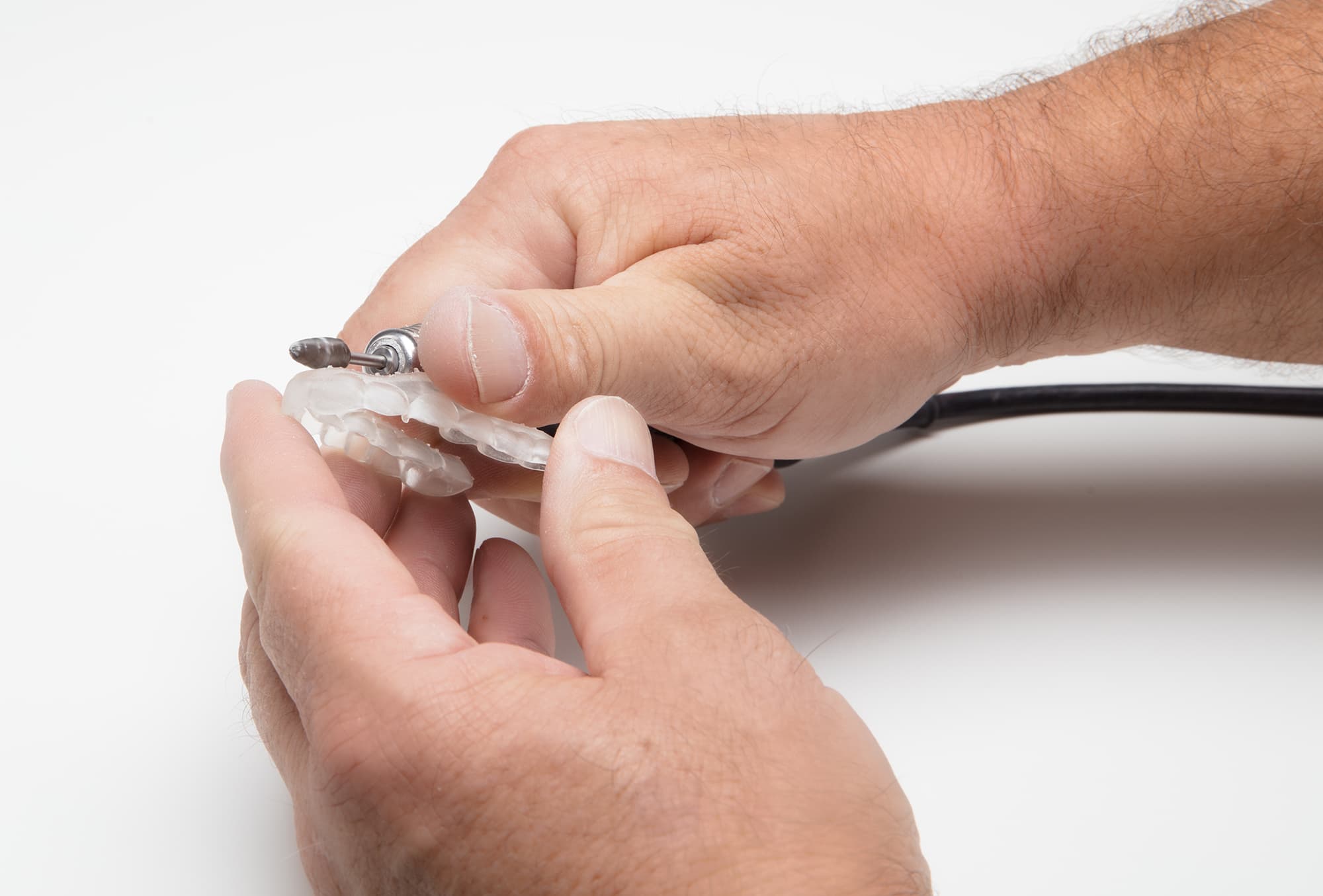
Biocompatibilidad
La Dental LT Clear Resin (V1) es una resina para aplicaciones biocompatibles de clase IIa que cumple los requisitos y disposiciones esenciales de la Directiva 93/42/CEE del Consejo relativa a los productos sanitarios, modificada por la Directiva 2007/47/CE, y cumple las siguientes normas:
La Dental LT Clear Resin (V2) se ha evaluado de acuerdo con la norma ISO 10993-1:2018, Evaluación biológica de productos sanitarios - Parte 1: Evaluación y ensayos dentro de un proceso de gestión de riesgos, y la norma ISO 7405:2018, Odontología - Evaluación de la biocompatibilidad de productos sanitarios utilizados en odontología, y ha superado los requisitos para los siguientes riesgos de biocompatibilidad:
Recursos adicionales