
Note:
The Fuse 1 hopper can hold up to 17.8 L / 9 kg / 19.8 lb of powder.
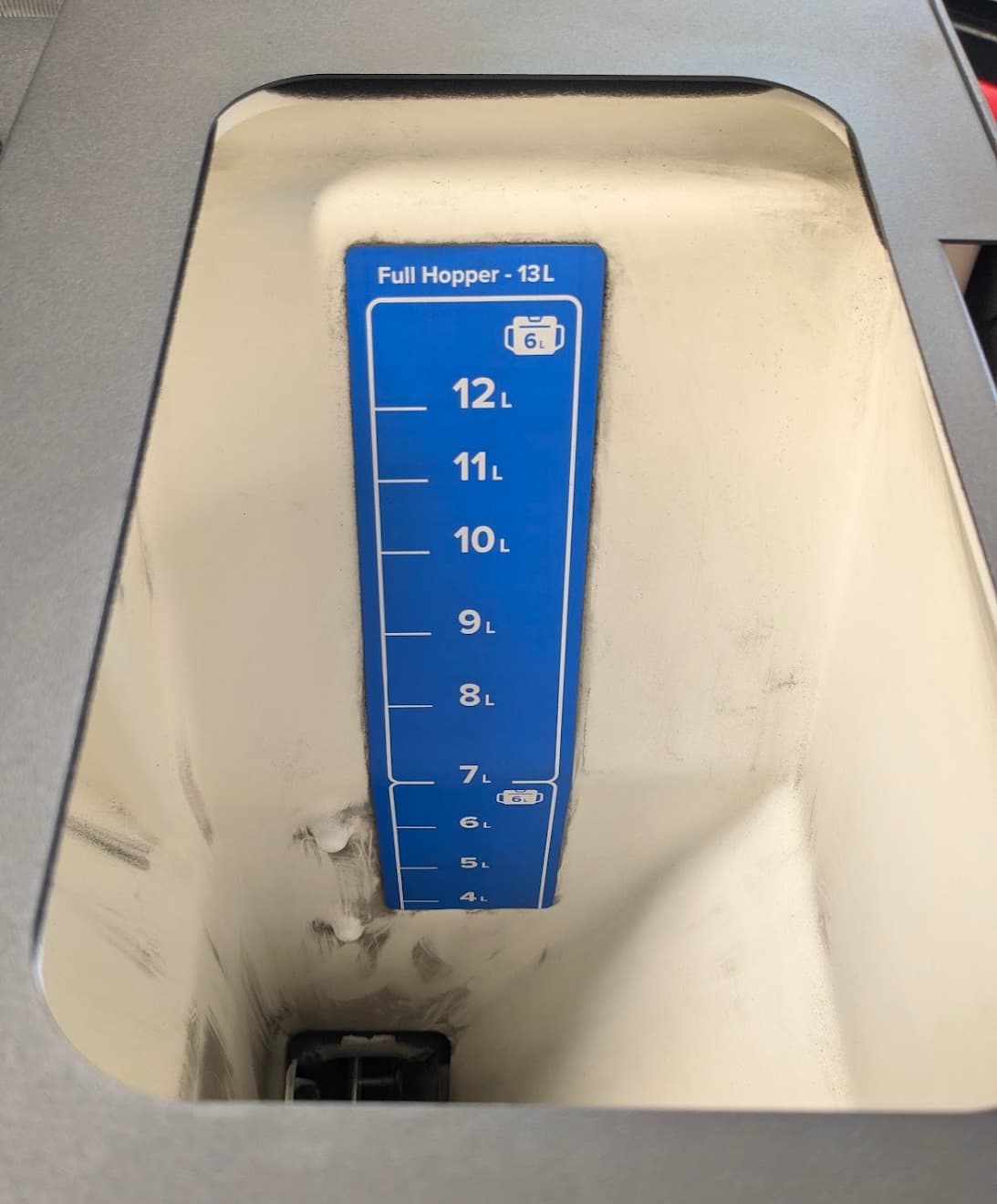
The Fuse 1+ 30W hopper can hold up to 14.5 L of powder.

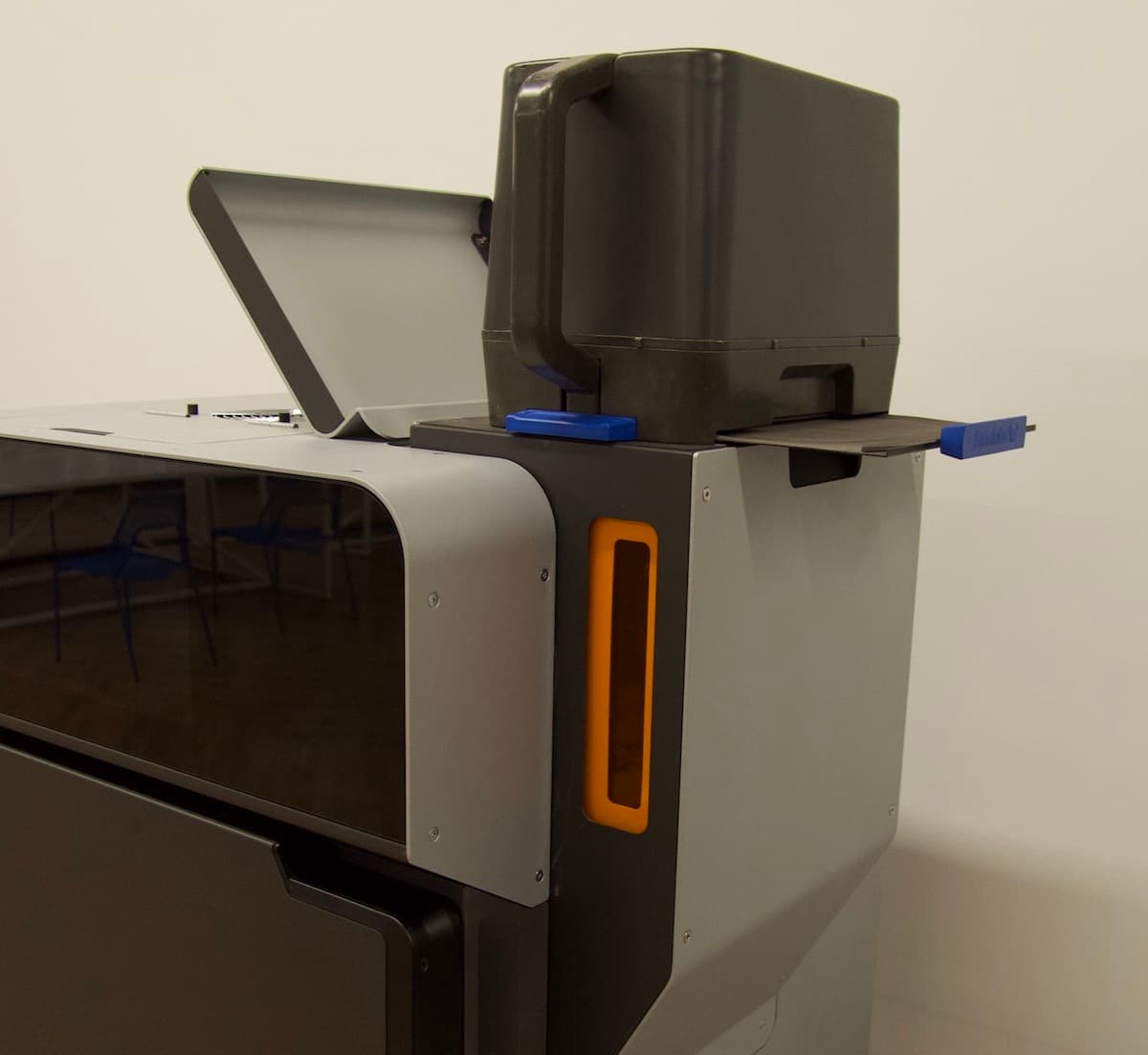
During a print, the Fuse 1 dispenses powder from the hopper at the top-right of the machine. Before you start a print, ensure that the hopper contains enough powder for the print to successfully complete. If the hopper empties during a print, the print fails. Sensors in the powder hopper are used to prevent prints from being started without enough powder, but Formlabs recommends a visual check.
Checking the amount of available powder
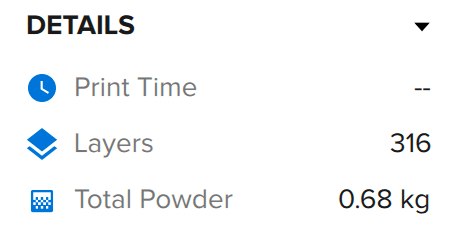
Before starting a print, check how much powder credit is registered to your printer and in the printer hopper. If you do not have enough powder credit registered to your printer to complete the print, order additional powder (or register additional powder if you have unregistered powder on hand). If the hopper does not contain enough powder to complete the print, fill the hopper with more powder, or you will not be able to start your print.
Checking how much powder credit is registered
The amount of powder that has been registered to a Fuse 1 is available on the printer’s touchscreen.
To check how much powder is registered:
Checking the powder level in the hopper
Once powder credit has been registered to the printer, sufficient powder must be loaded into the printer’s hopper before starting a print.
To check the powder level in the hopper:
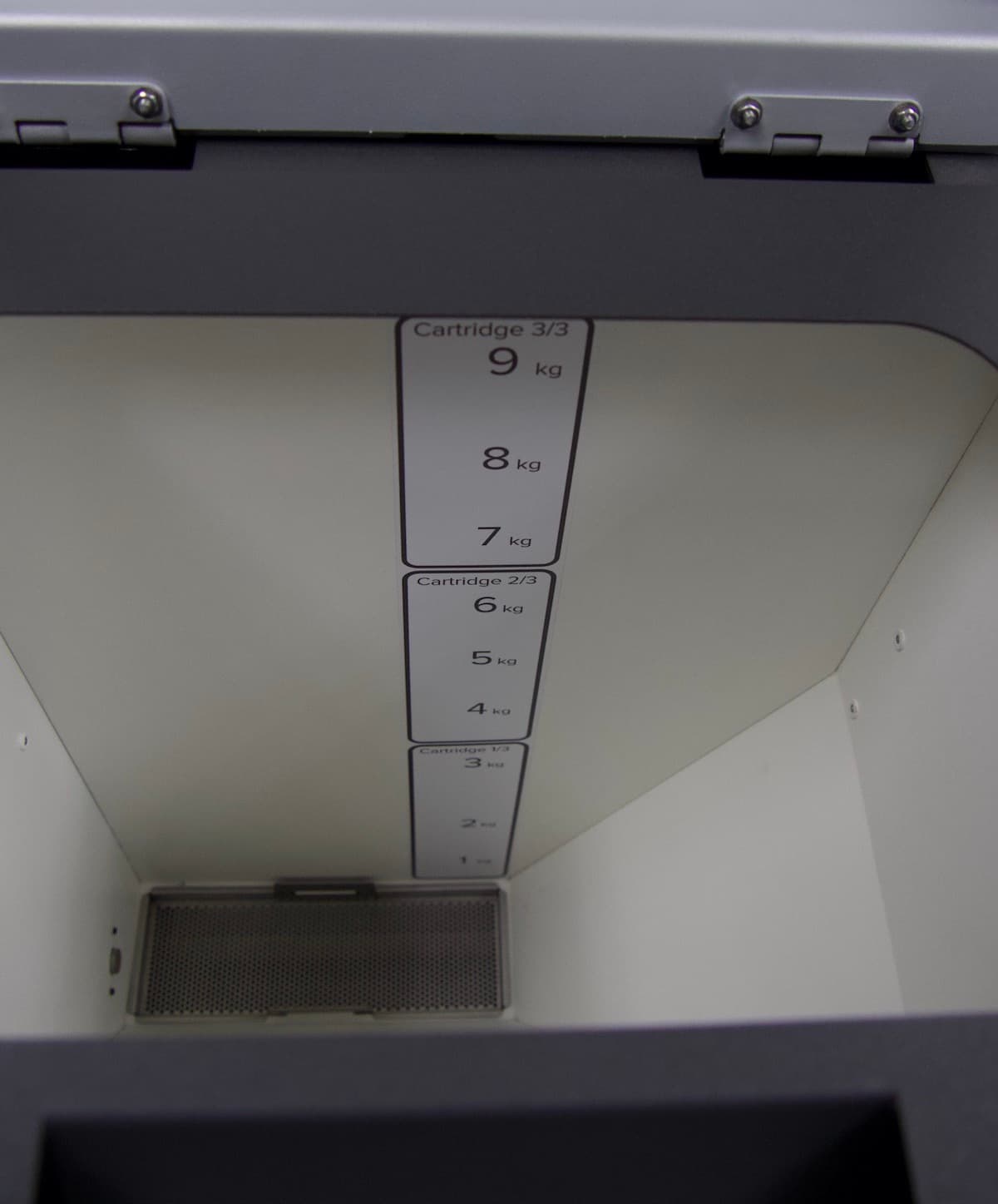
Fuse 1 powder hopper with powder measured in kg. The capacity of the hopper is 9 kg.
Fuse 1+ 30W powder hopper with powder measured in liters. The capacity of the hopper is 14.5 L.
Note:
The Fuse 1 hopper can hold up to 17.8 L / 9 kg / 19.8 lb of powder.
The Fuse 1+ 30W hopper can hold up to 14.5 L of powder.
Filling the hopper with powder
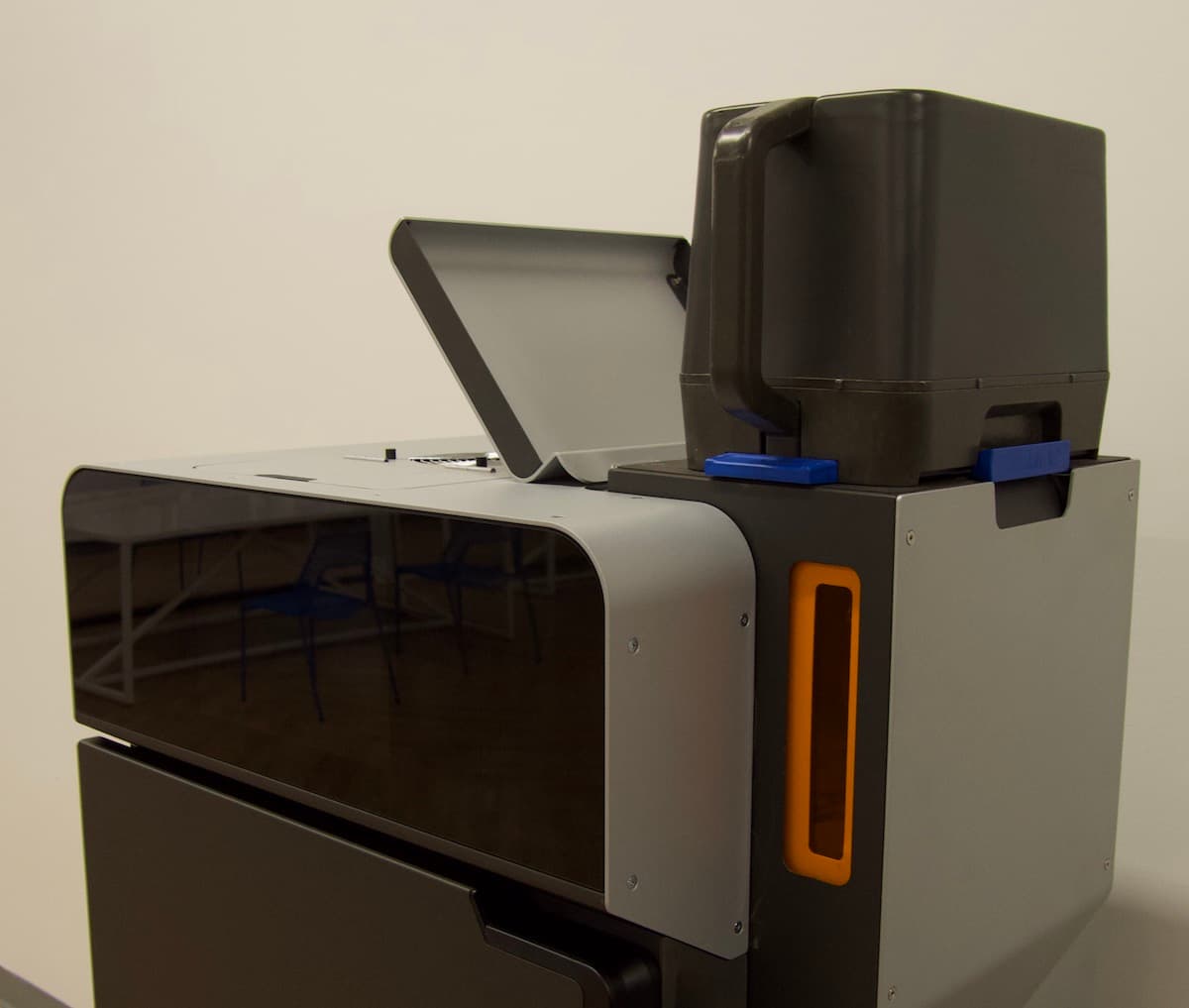
When preparing a print, fill the hopper with powder from a cartridge.
Notice:
Do not mix different materials in the hopper. Formlabs recommends using a single material type with each Formlabs SLS printer.
To fill the hopper with powder:
Tip:
Continue setting up the printer while waiting for the powder plume to settle.