

Calibrating the mixer (Fuse Sift)
Calibrating the mixer (Fuse Sift)
After replacing the mixer assembly on the Fuse Sift, its home position needs to be calibrated.
Replacing the mixer assembly
To replace the Fuse Sift mixer, follow the instructions in Fuse Sift - Replacing the Mixer Assembly [EN]. It is not recommended to perform this repair unless instructed to do so by Formlabs Support or your certified service provider.
Calibrating the mixer
The mixer calibration routine is only available in Fuse Sift firmware 1.7.0 and later. If necessary, update your machine’s firmware to access this feature.
- Ensure that the mixer is oriented so that the blue plastic clips are pointing upwards. Rotate the mixer if necessary.


Correct orientation of Fuse Sift mixer before calibration
Incorrect orientation of Fuse Sift mixer before calibration
- On the touchscreen, tap Maintenance > Calibrate Mixer.
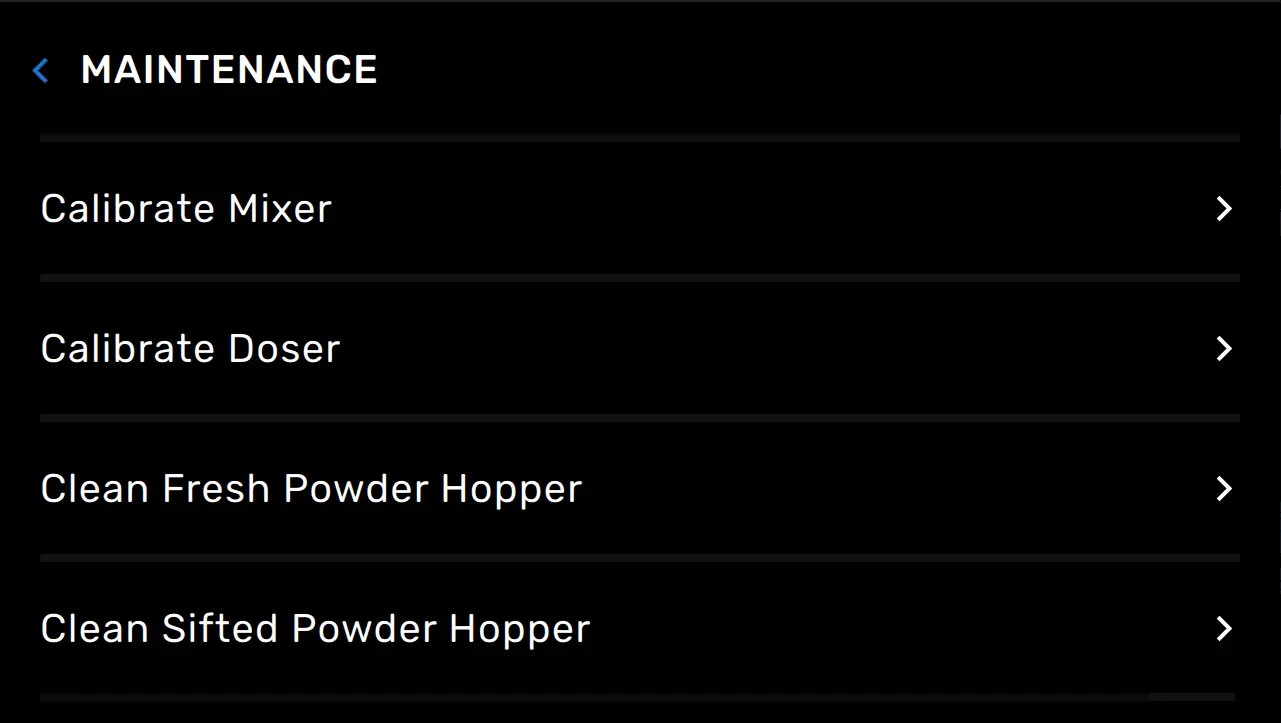
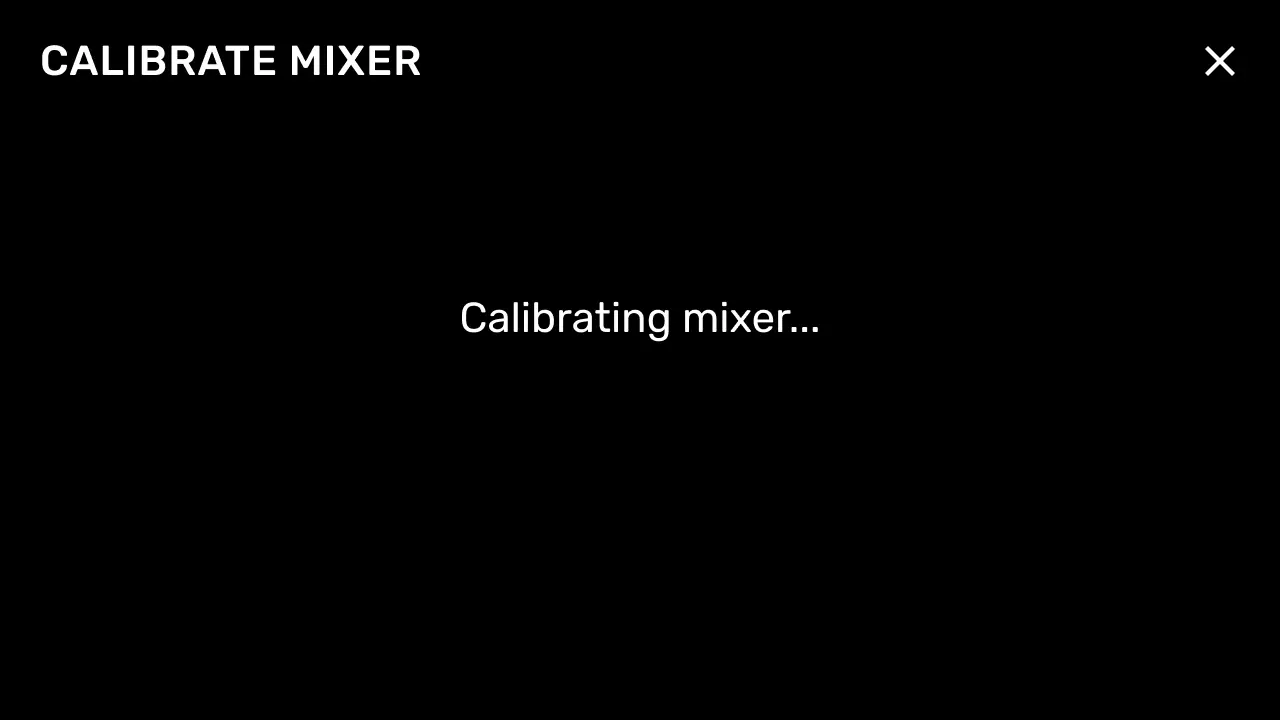
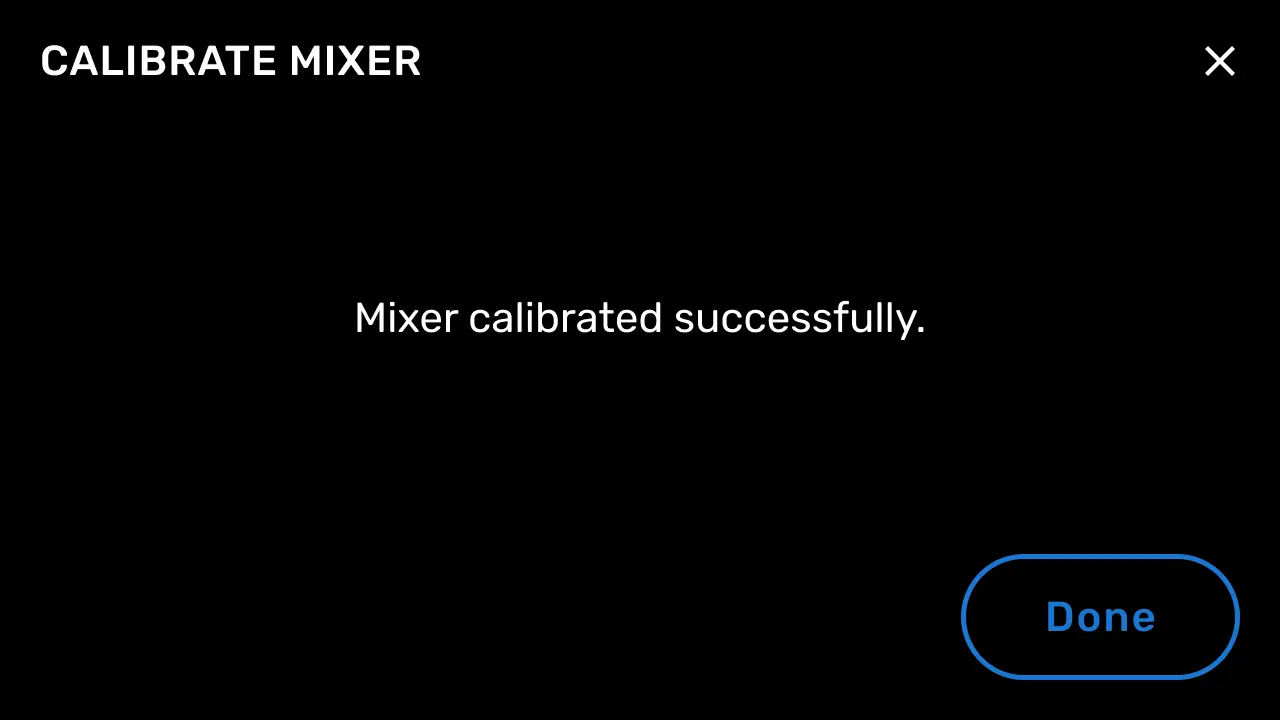
- Follow the instructions on the UI to complete the calibration procedure.
Checking the new mixer home position
Insert a powder cartridge into the mixer and start a mix cycle. If the mixer stops with the cartridge in a horizontal position at the end of the cycle, the calibration was successful. If it stops at an angle, perform the mixer calibration procedure again.
If you encounter issues with the mixer calibration routine, contact Formlabs Support or your certified service provider.