Reorient the model in PreForm
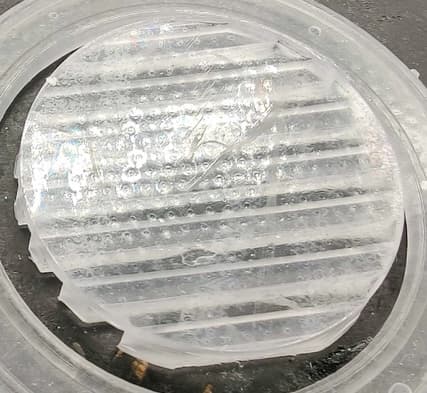
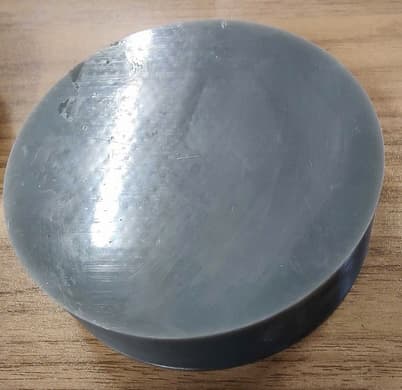
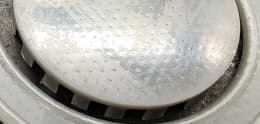
Review the model’s orientation in PreForm. Models whose top surfaces are parallel to the build platform, especially those with large surface areas, are susceptible to this print defect. If possible, reorient your model so that the top surfaces are no longer parallel to the build platform.
Print with a higher layer thickness setting
If the model cannot be reoriented, try printing at a higher layer thickness setting. Top surface defects can be worsened by printing at smaller layer heights.
Print with a different resin
This type of texture imprinting is most apparent on viscous materials with high specularity or sheen. If it is appropriate for your parts and you have one available, try printing with a less viscous resin or one with a matte finish.