

What are Supports V2?
What are Supports V2?
Supports are the cornerstone of a successful SLA print—they hold the model in place throughout the entire printing process. They can also leave marks, take time to remove, and force you to choose between surface finish, print speed, and post-processing effort. Supports V2, first introduced in PreForm 3.54.0, is an alternative support touchpoint placement and structure generation algorithm that uses smaller and more densely packed touch points than Supports V1.
Compared to Supports V1, settings with Supports V2 should have:
- Better dimensional accuracy on large flat parts
- Sharper corners on angular parts
- Dynamic touchpoints sizes to preserve finer features
- Smaller touchpoints that leave less residue on part surfaces
- A lattice structure that is more crushable and easier to remove
Supports V2 structures are intended to be used with automatically placed touchpoint locations. Formlabs does not recommend manually reducing the touch point size, density, or count when using Supports V2. Compared to Supports V1, settings with Supports V2 are more sensitive to changes in touch point size and reductions in touch point density.
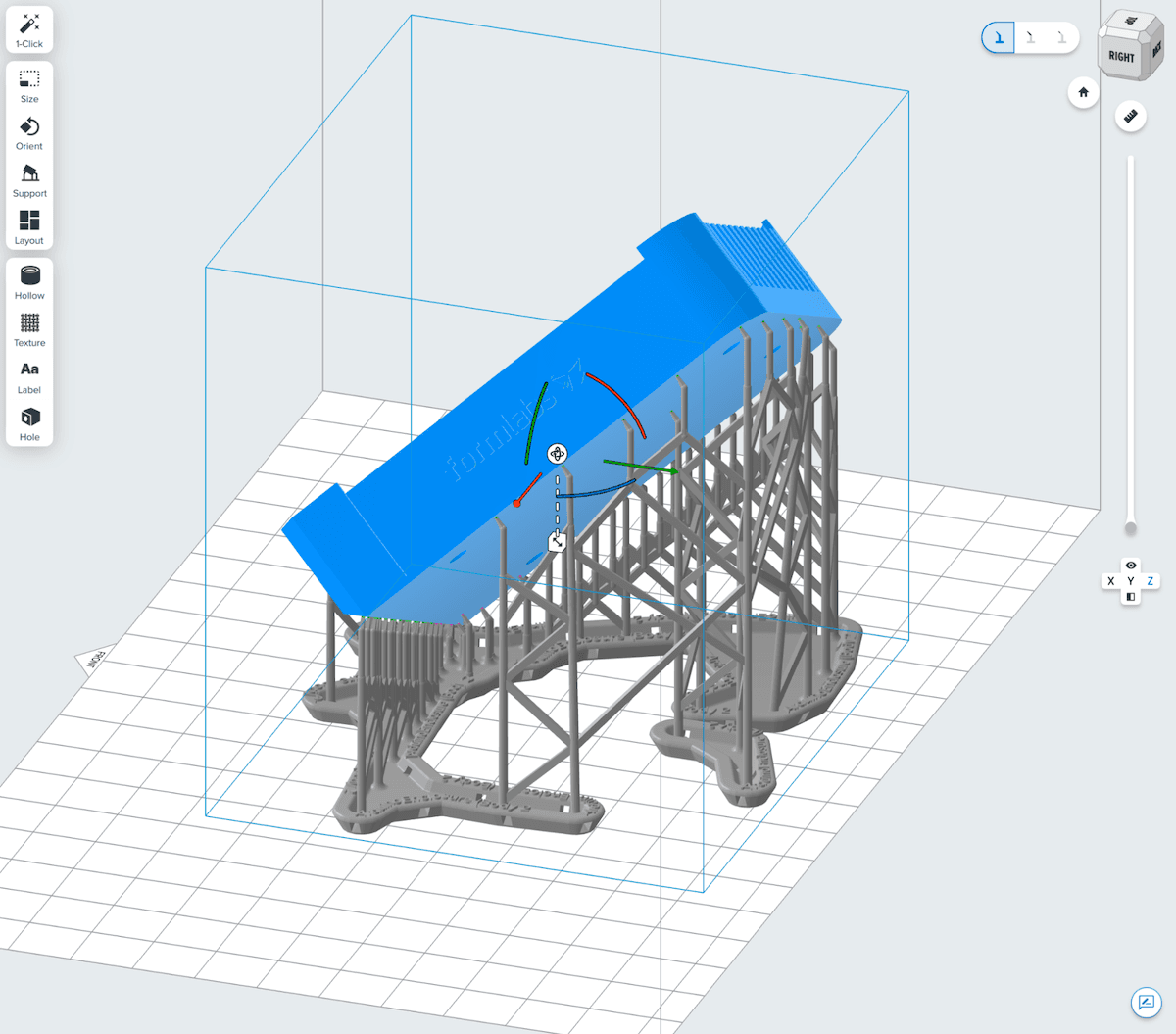
Model supported using Supports V1
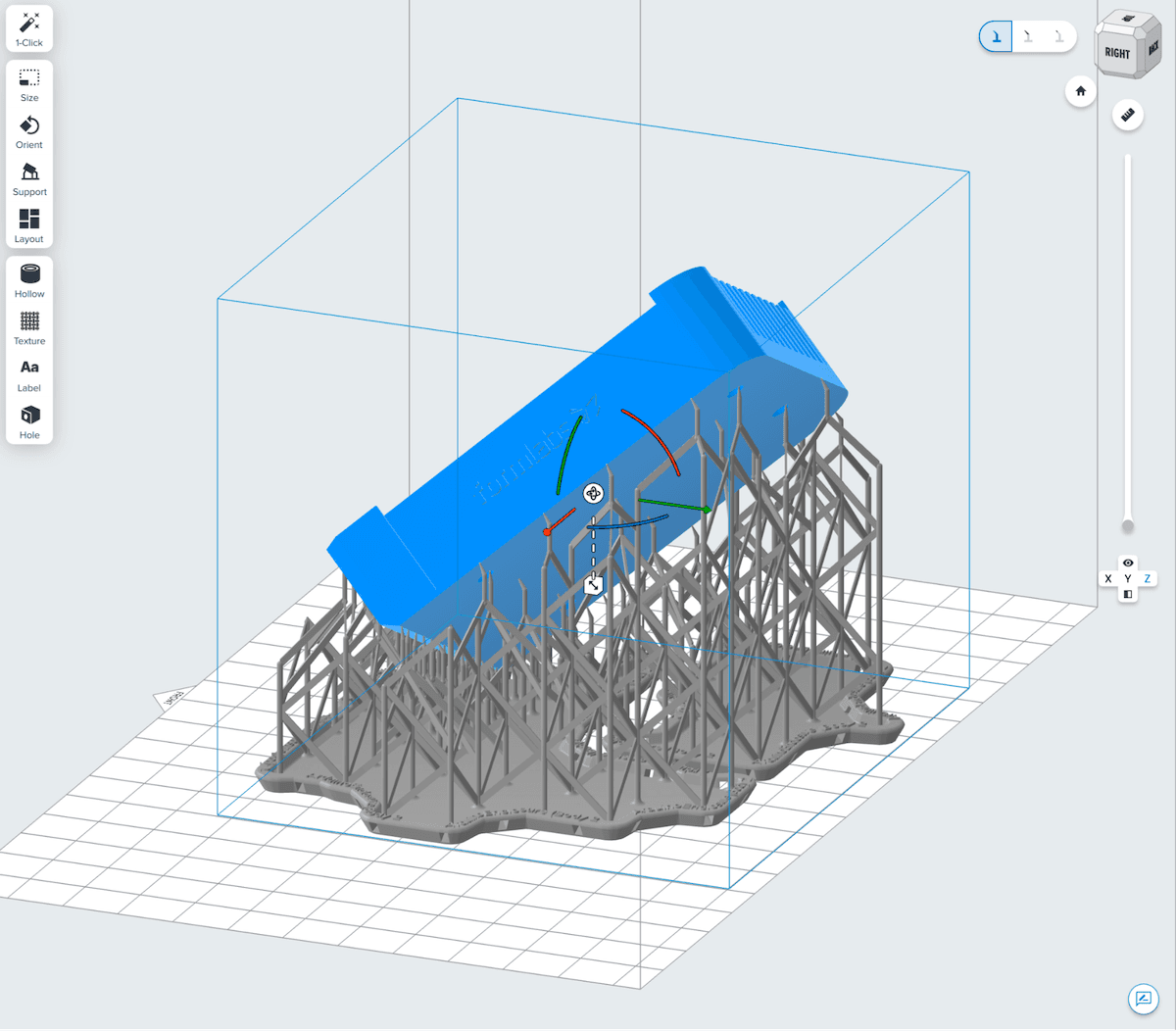
Model supported using Supports V2
If your selected material can be used with Supports V2, it will have a Supports V2 print setting available on the Job Setup screen.
Supports V2 touchpoint placement parameters
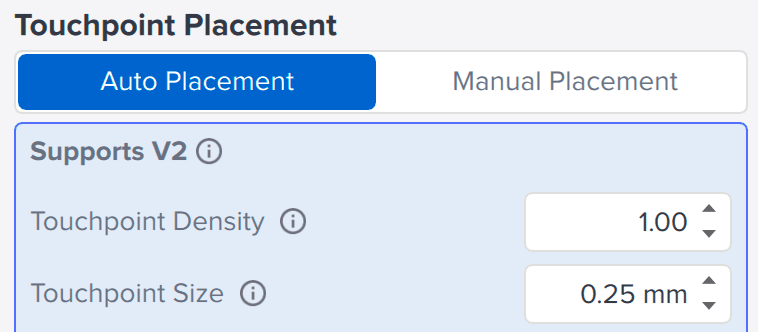
Supports V2 has alternative settings for touchpoint placement, which can be accessed in the Supports tool when a compatible print setting is selected on the Job Setup screen.
- Touchpoint Density: Now a global setting across the part, this can be lowered to have fewer touchpoints or increased to have more on the same part.
- Touchpoint Size: Now a global setting across the part, with a lower default value. Formlabs does not recommend reducing Touchpoint Size when using Supports V2.
Materials with Supports V2 print settings
Supports V2 settings are currently available as print settings on the Job Setup screen. To check if your material can be printed using Supports V2, look for a Supports V2 print setting when first setting up your build. Note that Supports V2 may only be available for specific layer thicknesses. Be sure to keep PreForm updated to the latest version—Formlabs is working on rolling out Supports V2 for more resins and layer thicknesses.
Additional resources