
WHITE PAPER
Warping (SLA)
Warping (SLA)
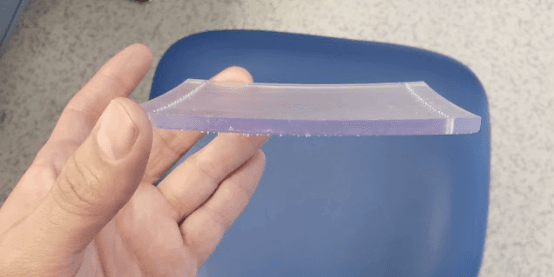
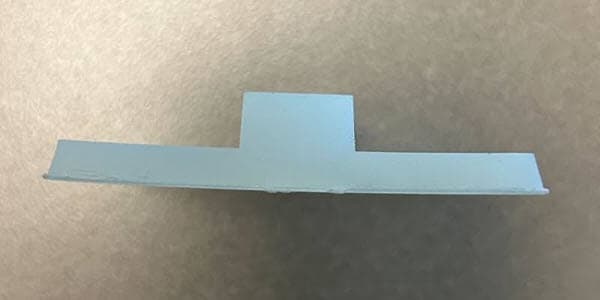
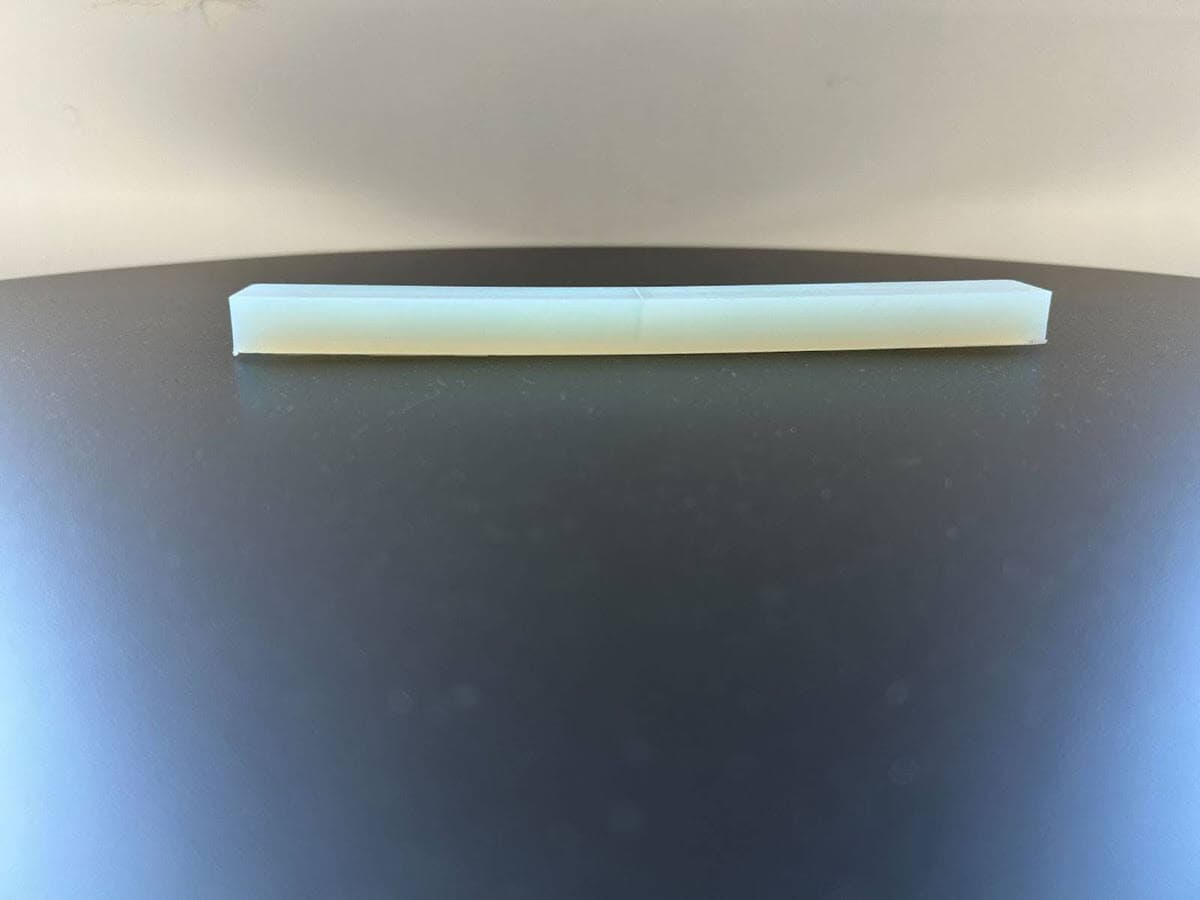
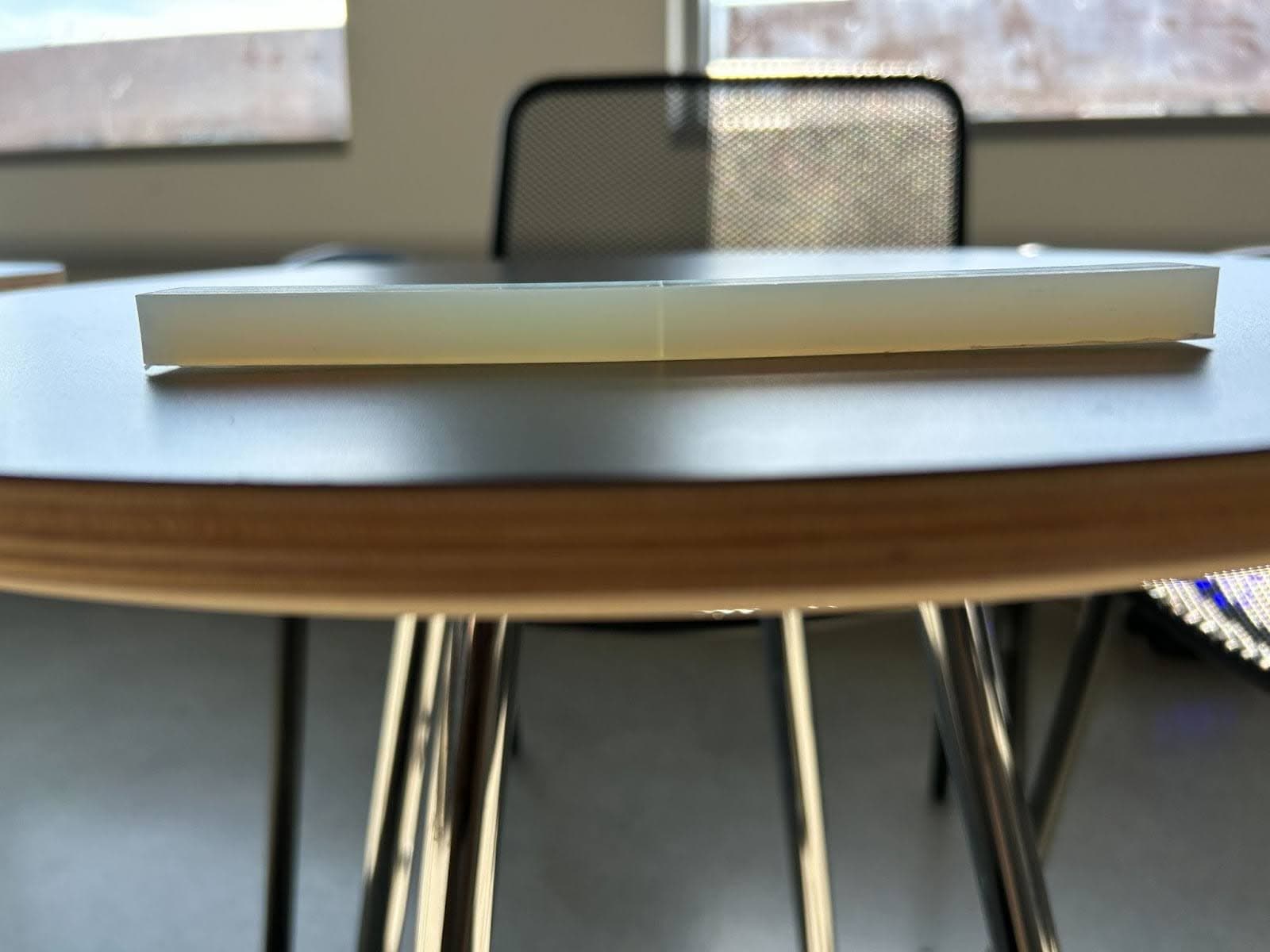
Warping refers to the process through which printed parts turn out with a different shape than intended. Warping affects the entire printed part and may occur during printing, washing, or post-curing.
Undersupported parts can warp and sag during printing. The layers of resin are not strong enough to support their own weight, causing the layers to fall away from the build platform and warping the part.
While washing parts, long wash times allow the printed part to absorb solvent, causing the outer edges to expand and warp the part.
Heat and light cause the part to shrink during post-curing. If one side of the part cures and not the other or the part is undersupported, the part warps.
Symptoms
- Unexpected curvature on parts
Causes
- Unevenly cured resin
- Liquid absorption during washing
- Undersupported part during printing or post-curing
Troubleshooting steps
- Different resins have different design specifications. Consult the materials overview for resin design specifications, printing requirements, and the Technical Data Sheet (TDS).
- Check the FORM file for undersupported areas.
- Ensure all minima are adequately supported and add supports as needed.
- Verify the touchpoint size is large enough to support the part.
- Follow model orientation best practices for SLA printing. Some orientations, such as printing a part parallel to the build platform on supports, are more likely to cause warping during printing.
- Follow Formlabs best practices for washing prints. Avoid washing parts for extended lengths of time or leaving parts to soak in a solvent.
- Follow Formlabs best practices for post-curing:
- Allow parts to fully dry before post-curing.
- Leave parts on supports while post-curing.
- When post-curing with heat, allow the part to preheat with the post-curing unit.
- Modify the post-curing process for parts that are large, long, or thick, have dense support structures or thin features.
- If your parts continue to warp, contact Formlabs Support or a certified service provider with photos of the affected parts.