

Rapid tooling
Rapid tooling
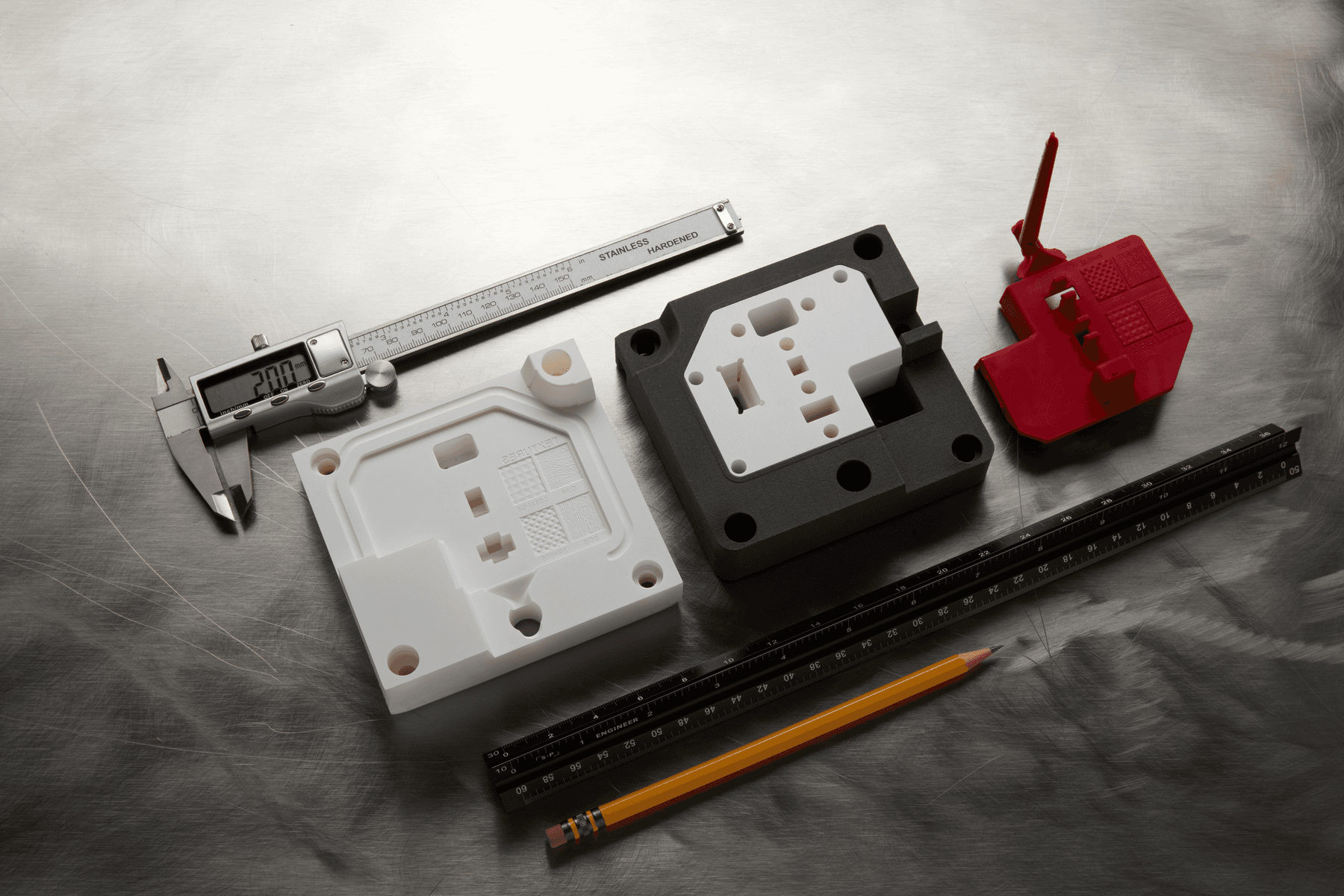
Rapid tooling is the group of techniques used to fabricate tooling fast, at low cost, and efficiently for traditional manufacturing processes to create parts on a slim timeline or in lower quantities. Rapid tooling doesn’t create the parts directly, but instead the tooling such as molds, dies, or patterns, which are then used in traditional manufacturing processes to produce the final parts, bridging the gap between (rapid) prototyping and production, and enabling the manufacturing of end-use parts.
Rapid tooling enables manufacturers to validate design and material choices prior to transitioning to mass production to accelerate product development, iterate quickly, and bring better products to market. Rapid tooling empowers engineers to use the actual production-grade materials to evaluate how the parts will perform in real-world applications and produce limited volumes of products for beta and validation testing. Rapid tooling can also help troubleshoot the manufacturing process before investing in expensive production tooling.
Rapid tooling can be used to support a variety of traditional manufacturing processes to produce plastics, silicone or rubber parts, composites, and even metal parts.
Alternatively, rapid tooling also provides means to produce custom or limited series of end-use parts using traditional manufacturing processes that would be prohibitively expensive using conventional tooling. This allows manufacturers to test the market for new products, offer a wider range of products, or customize parts based on customer needs.
Formlabs recommended materials
Formlabs offers an expansive materials library that can be used to 3D print a wide variety of rapid tooling on Formlabs 3D printers. Choosing the right material depends on the application in question.
| Resin | Application | Details |
|---|---|---|
| High Temp Resin | Injection molding | Withstands up to 238 °C @ 0.45 MPa. Detailed, precise prototypes and end use parts that require high thermal stability, such as molds and inserts, parts exposed to hot air, gas, and fluid flow, as well as heat-resistant mounts, housings, and fixtures. |
| Clear Cast Resin | Investment casting | Produce parts with features like undercuts, channels, and thin walls that are difficult to pattern with traditional casting methods. Designed for larger models. |
| Fast Model Resin | Thermoforming | Formlabs’ fastest resin, capable of printing at speeds of over 100 mm per hour. Print dental models in minutes or large prototypes in less than two hours. |
| Rigid 10K Resin | Injection molding | Withstands up to 218 °C @ 0.45 MPa. High stiffness, strength, and resistance to heat and chemicals. |
| Tough 1500 Resin | Thermoforming | Produces stiff and pliable parts that bend and spring back quickly under repeated use. Ideal for functional prototypes, jigs and fixtures, and connectors undergoing temporary deflection or high impacts. |
| Nylon 12 Powder (SLS) | End-use applications Jigs, fixtures, and manufacturing aids | Impact-resistant jigs without supports. High stiffness and durability. |
Design considerations
Follow Formlabs best practices when designing a successful 3D model. Take the material type and printer generation into consideration, as they may have specific requirements for print success. Additionally, designing a tool may require process specific considerations. Refer to individual application articles for more information.
Printing considerations
Follow Formlabs best practices for model orientation.
Orient your parts on the build plate so that critical interior surfaces are free of support marks.
Maximize packing density for SLS printed parts with 3D Packing.
Post-processing considerations
Follow Formlabs best practices for washing and post-curing prints. Refer to the individual material articles for specific wash and cure instructions. Consider further post-processing for added strength, durability, and user experience, such as electroplating or coating for SLA printed parts or media blasting for SLS printed parts.
- Inspect the printed part against the original CAD model. Use a caliper, micrometer, or other metrology equipment to validate.
- Test the functional performance of the fixture. When the part is loaded onto the fixture, pay close attention to how well it is seated against locating surfaces and supports. A properly designed and built fixture will support the part, eliminating any movement once clamping force is applied.
- For processes with higher operating forces, like milling or drilling, calculate clamping requirements based on feeds and speeds, the power of the machine, and the selected material, as well as safety.
To extend the life of the 3D printed part, Formlabs recommends:
- Loosen any bolts and relieve clamping forces after completing secondary operations to prevent continuous load.
- Augment 3D printed parts with common stock parts for increased functionality.
- Use springs, ramped slides, or levers to raise the part up from the fixture surface.
End-use recommendations and limitations
3D printing is a powerful solution to fabricate tools rapidly and at a low cost in-house. Key benefits include speed, reductions in costs, design freedom, material choice, and flexibility. It is particularly recommended for:
- Prototyping
- Product validation testing
- Custom production
- Short-run or on-demand production
- Bridge production
Some limitations include:
- Materials may degrade if operated beyond stated temperature resistance.
- Printed parts may deform over time under high pressure or load; reinforcement may be necessary.
Additional resources
- Guide to Rapid Tooling white paper