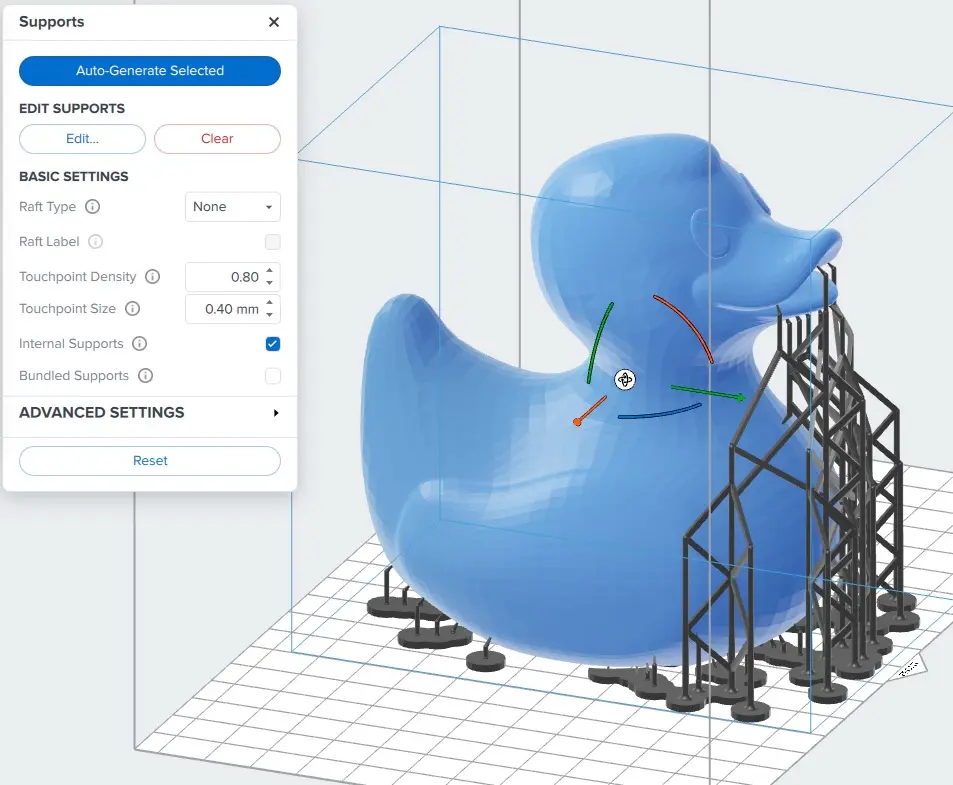
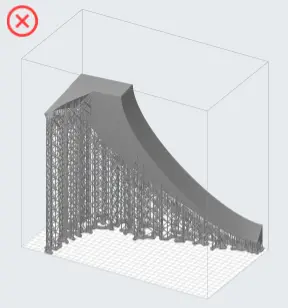
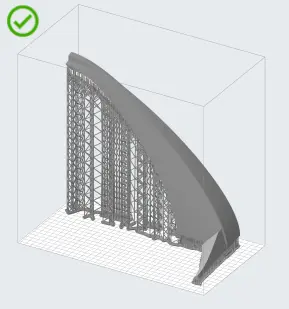
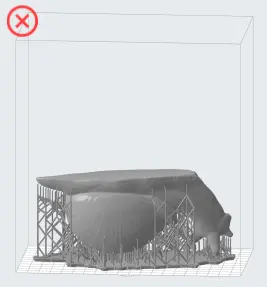
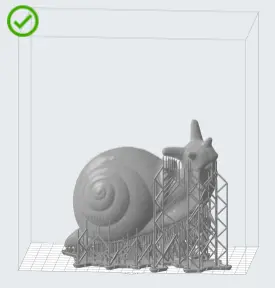
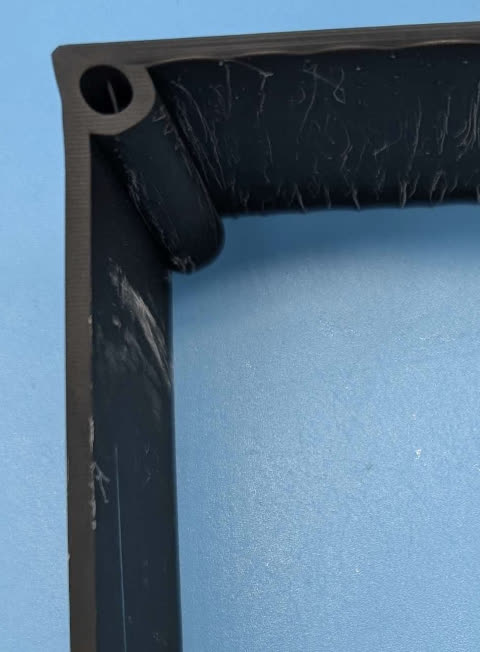
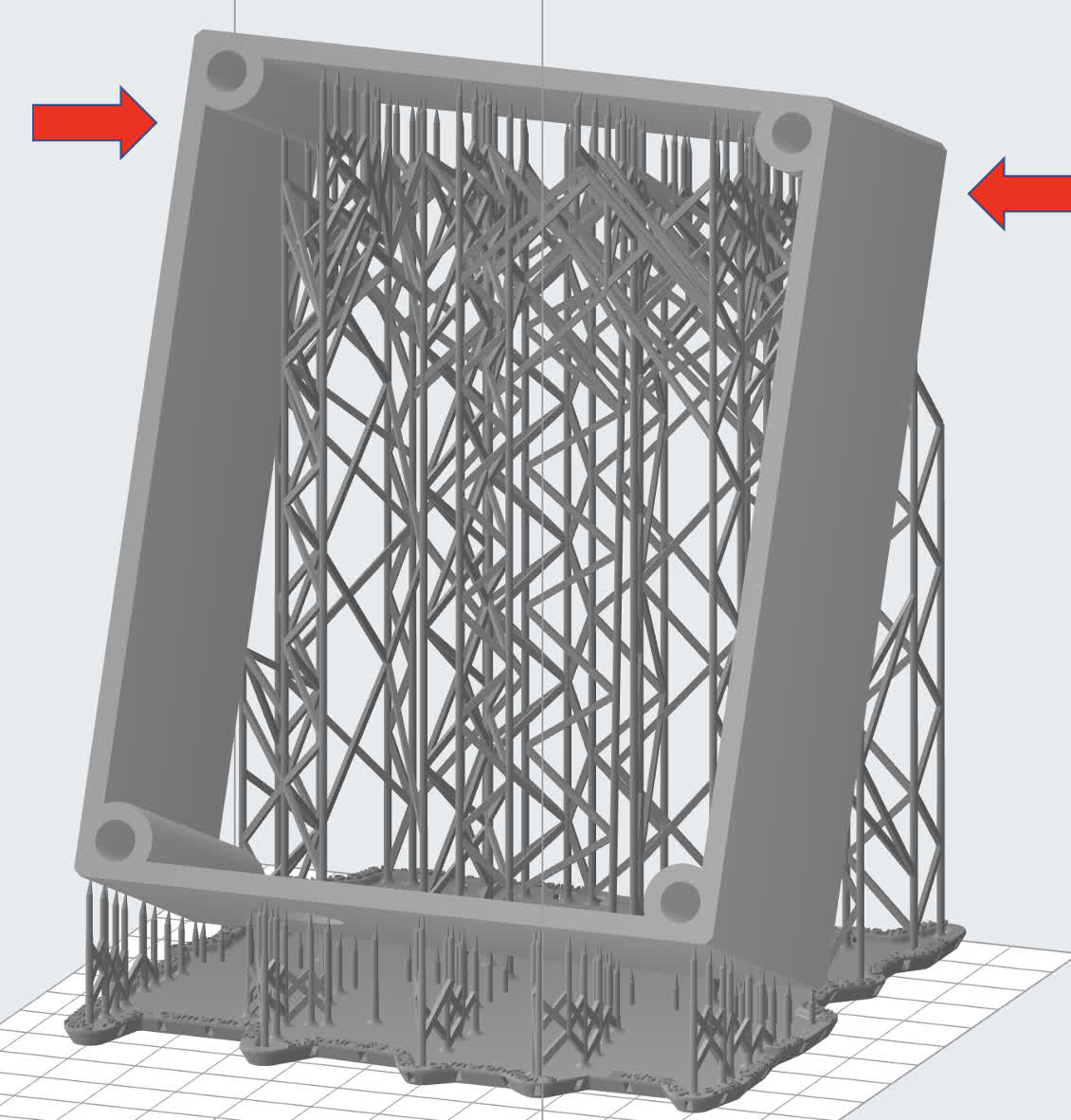
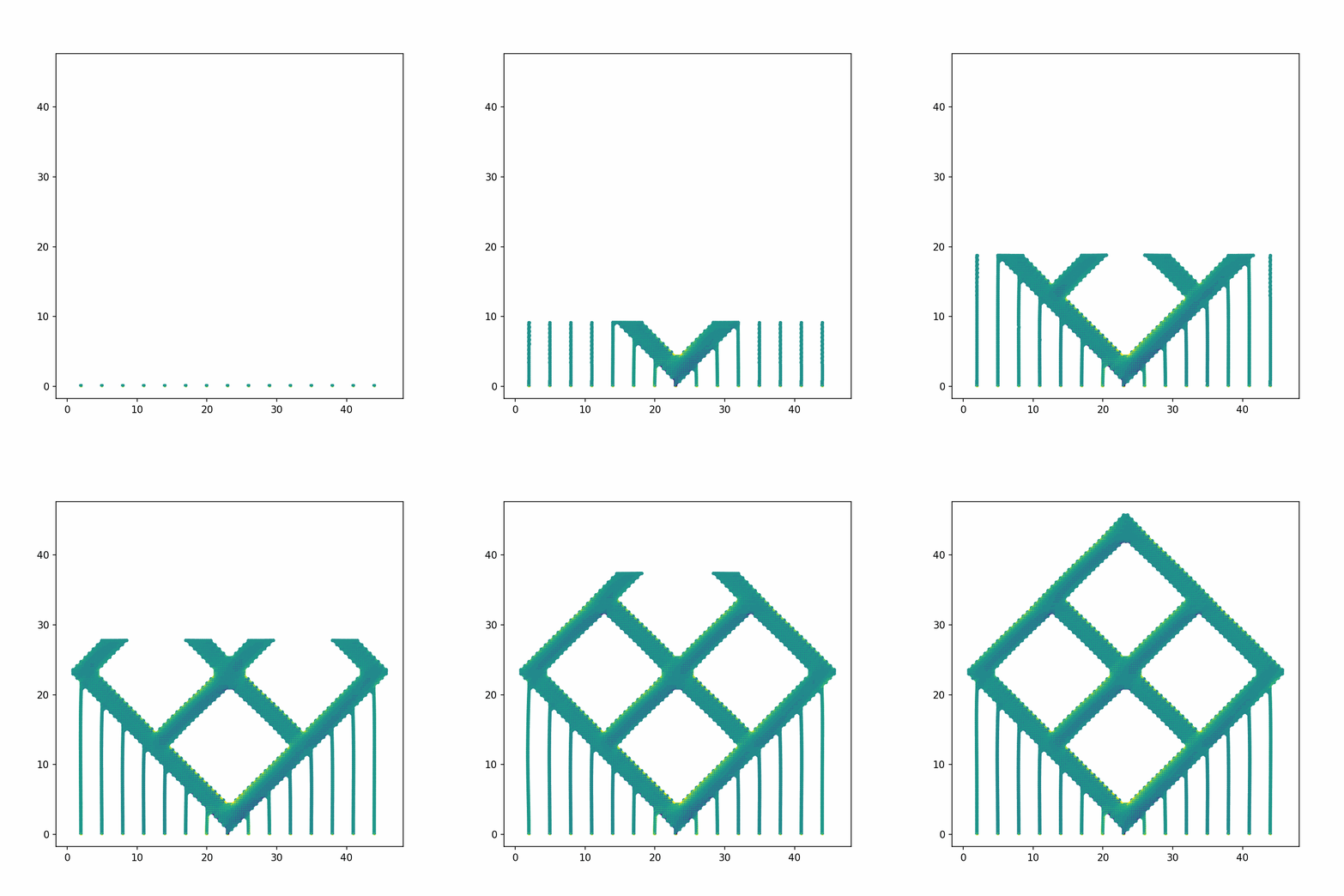
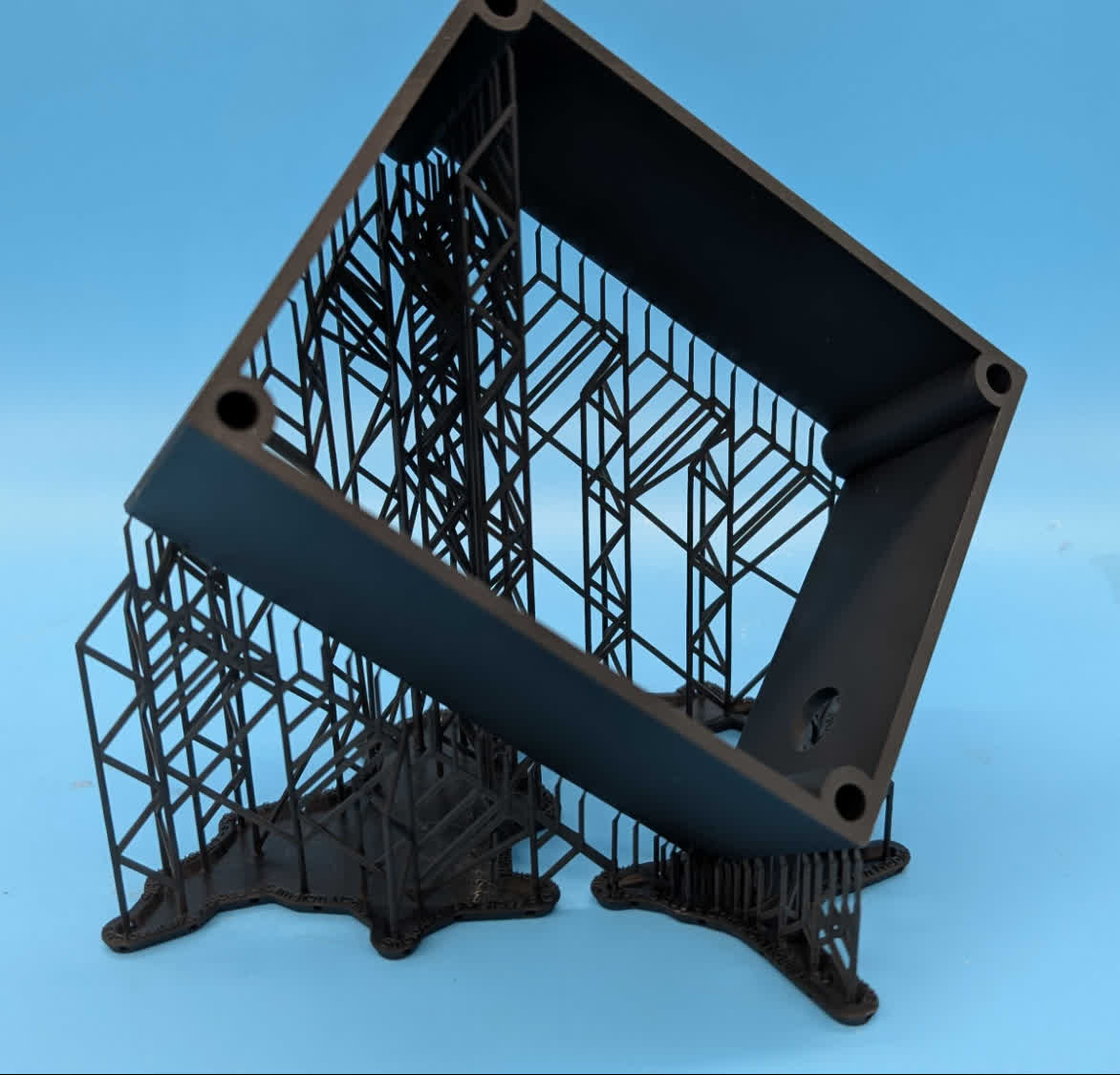
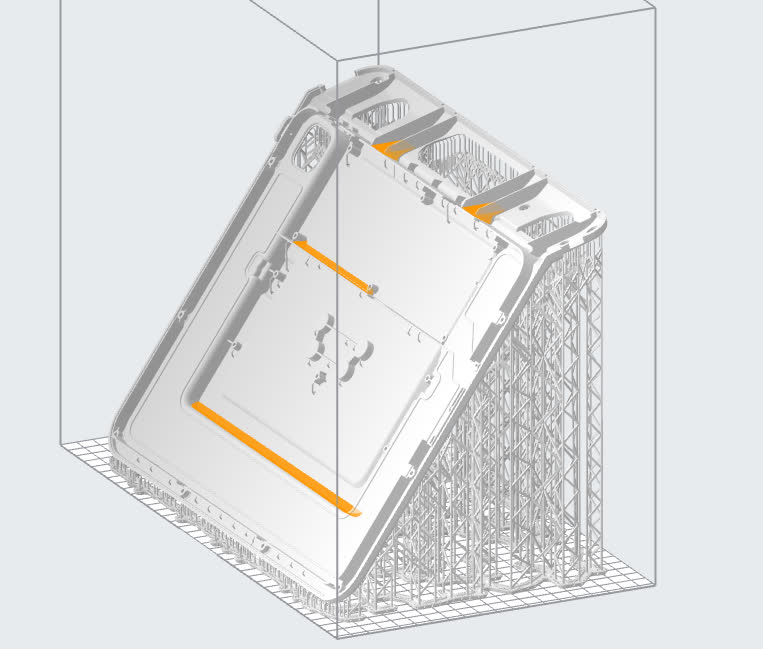
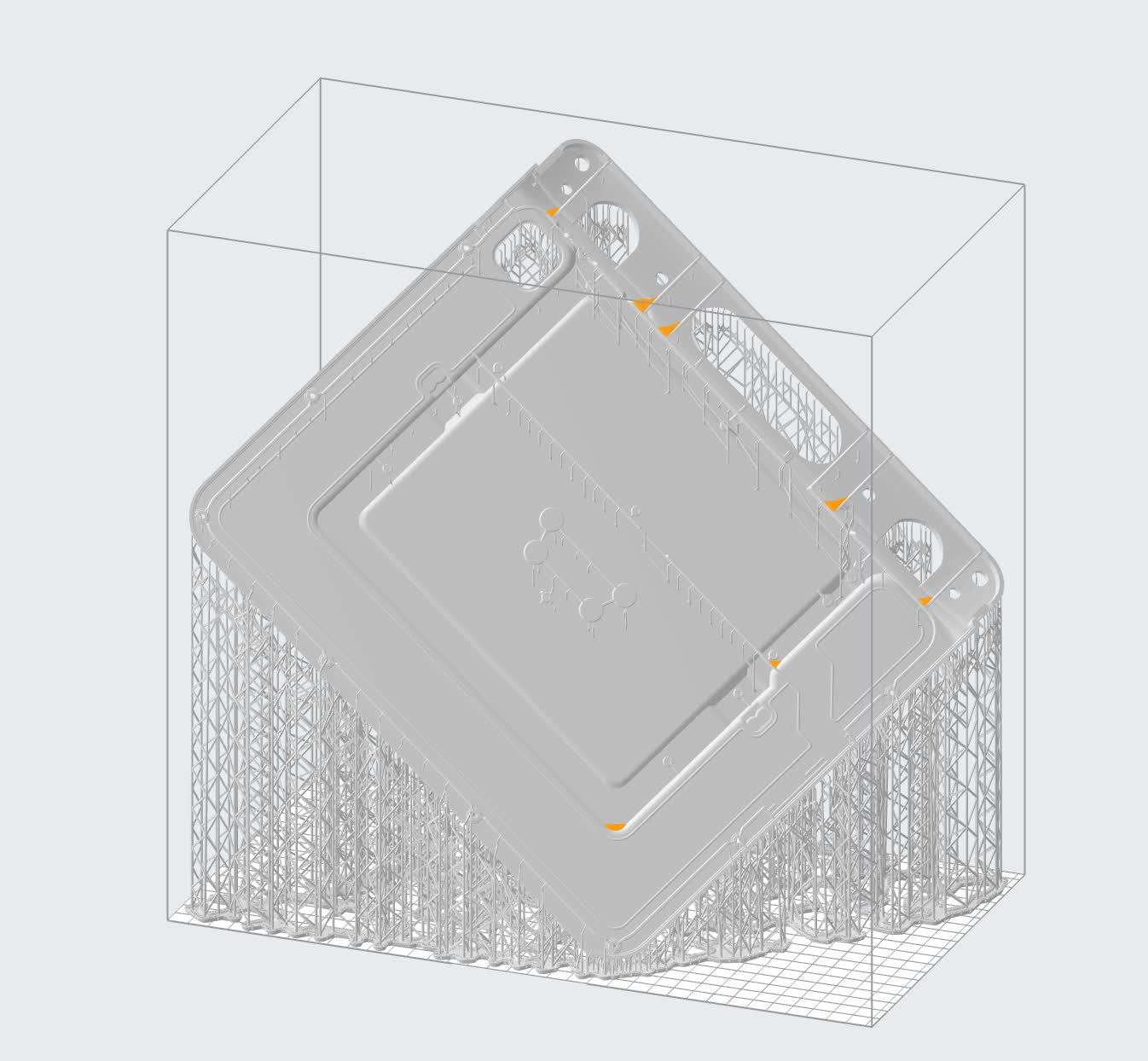
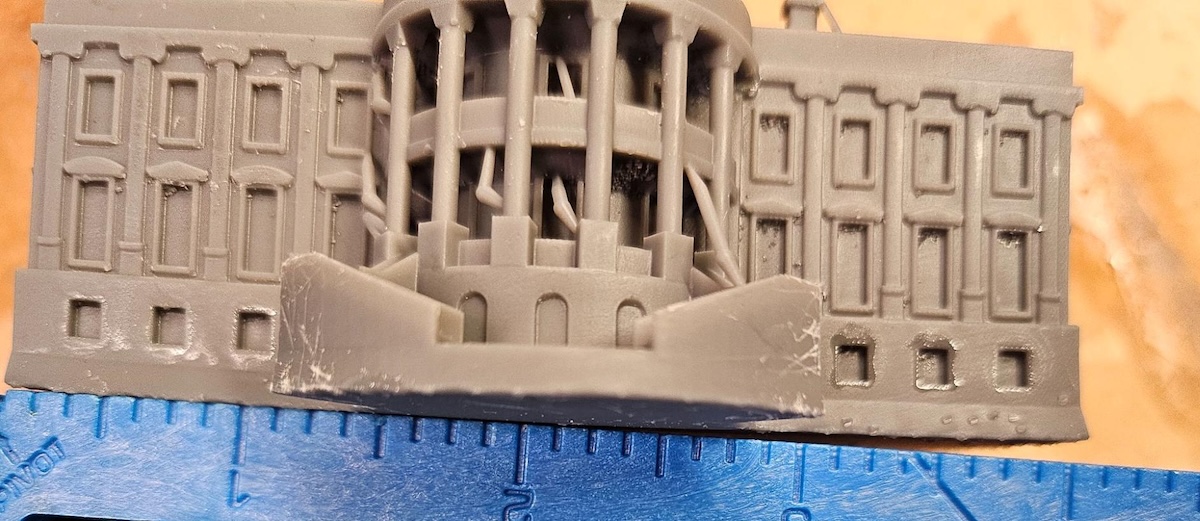
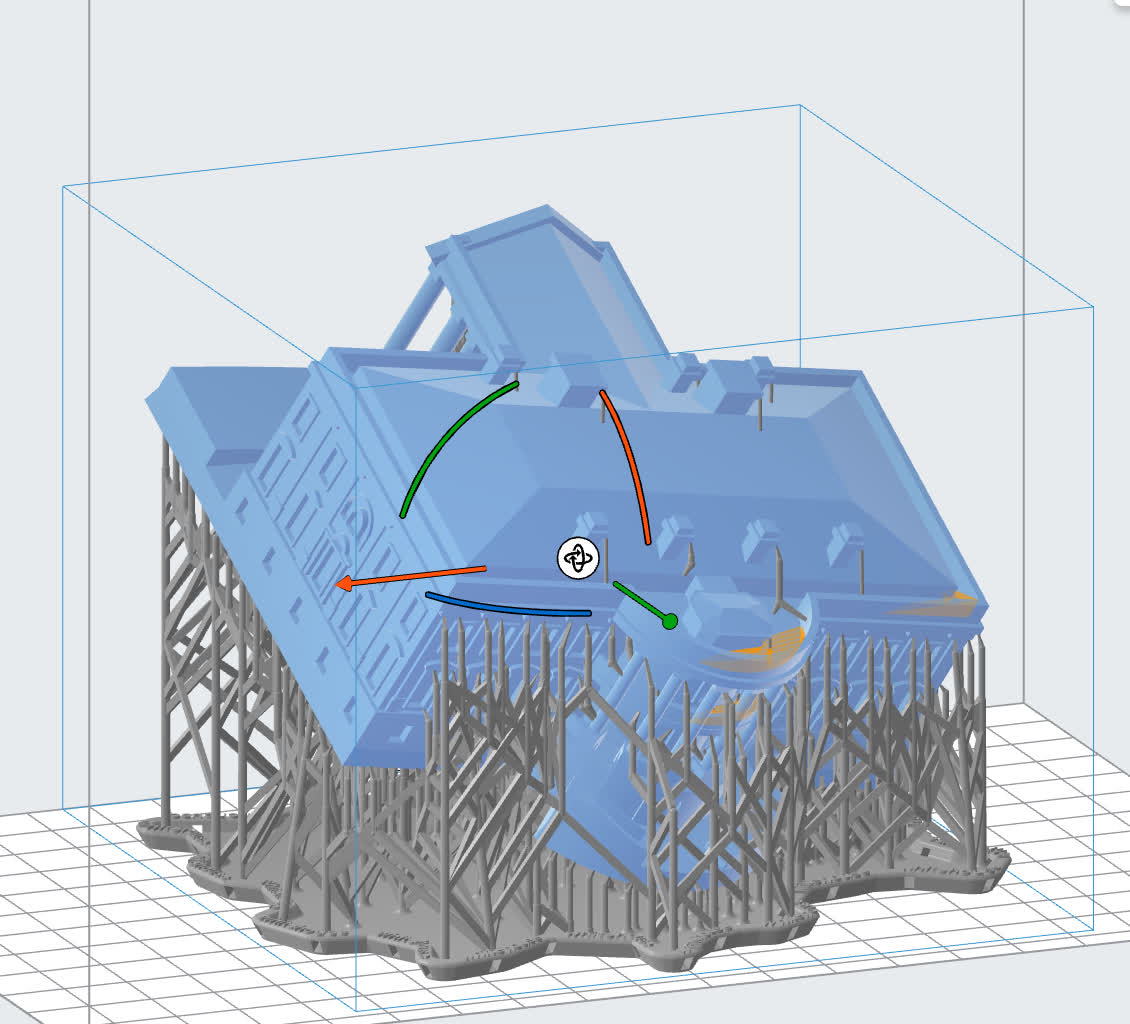
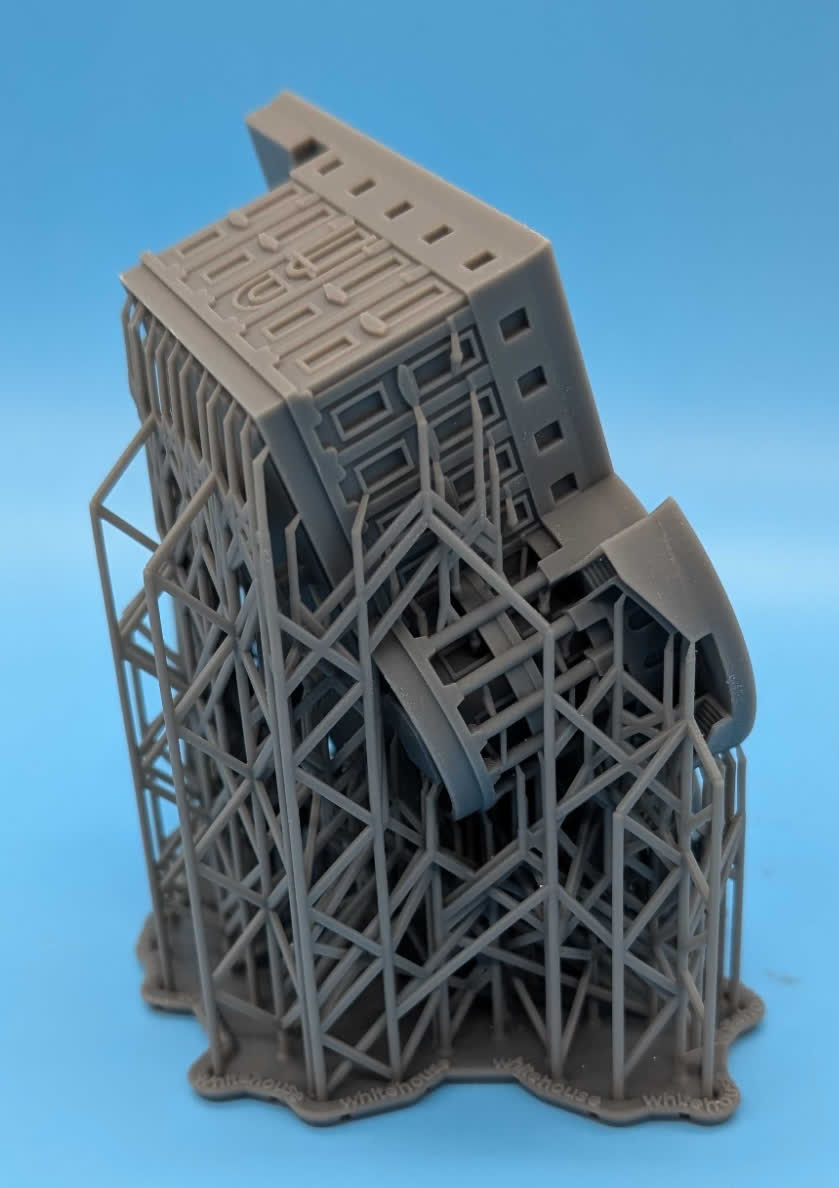
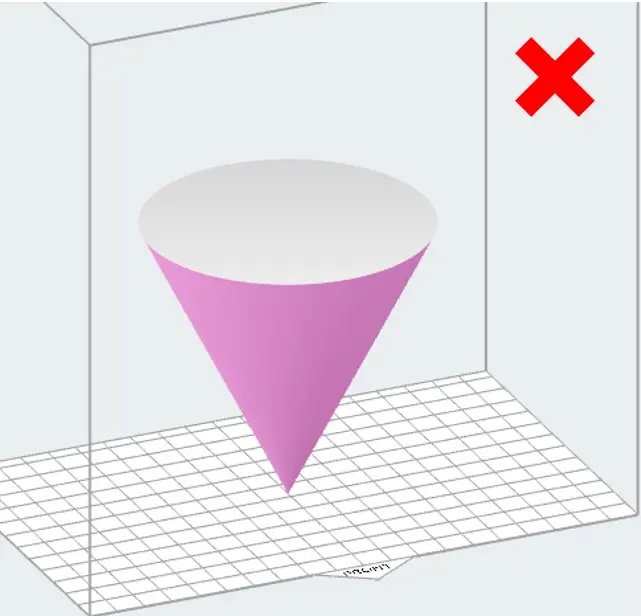
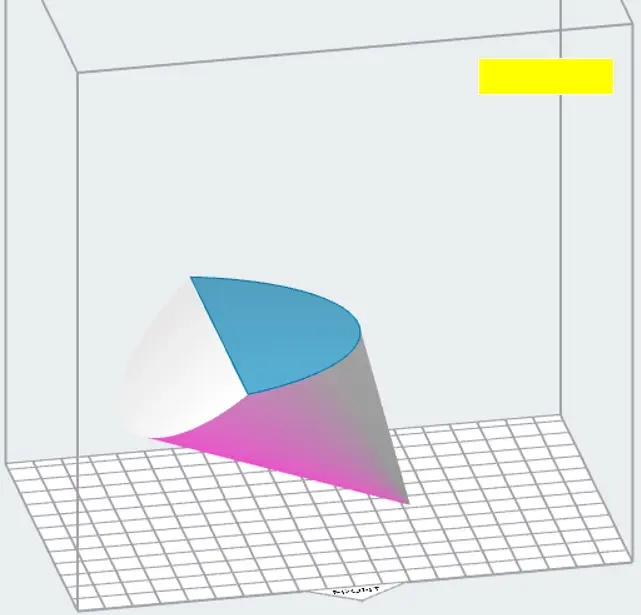
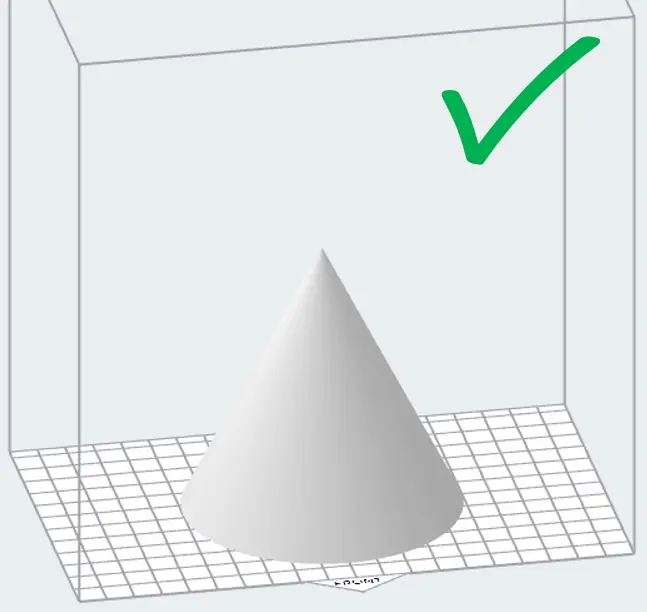
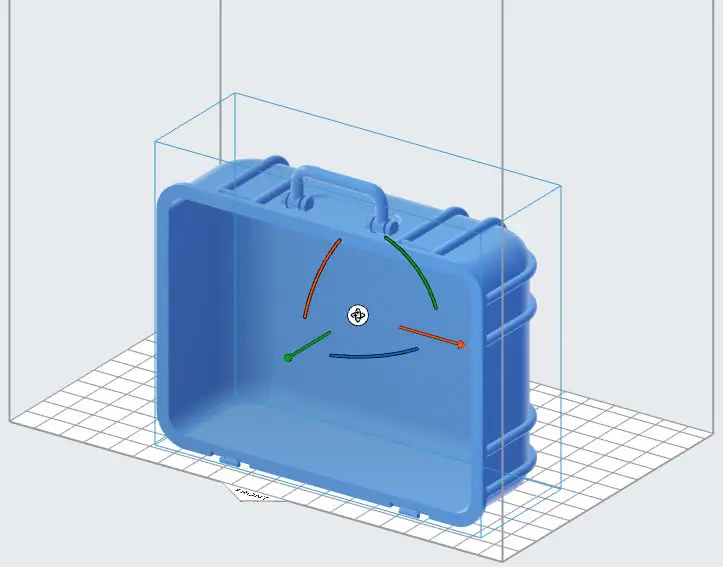
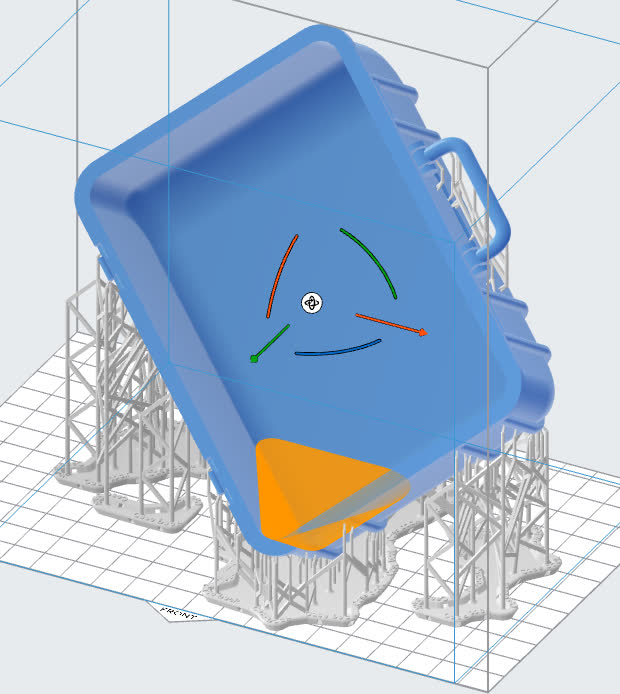
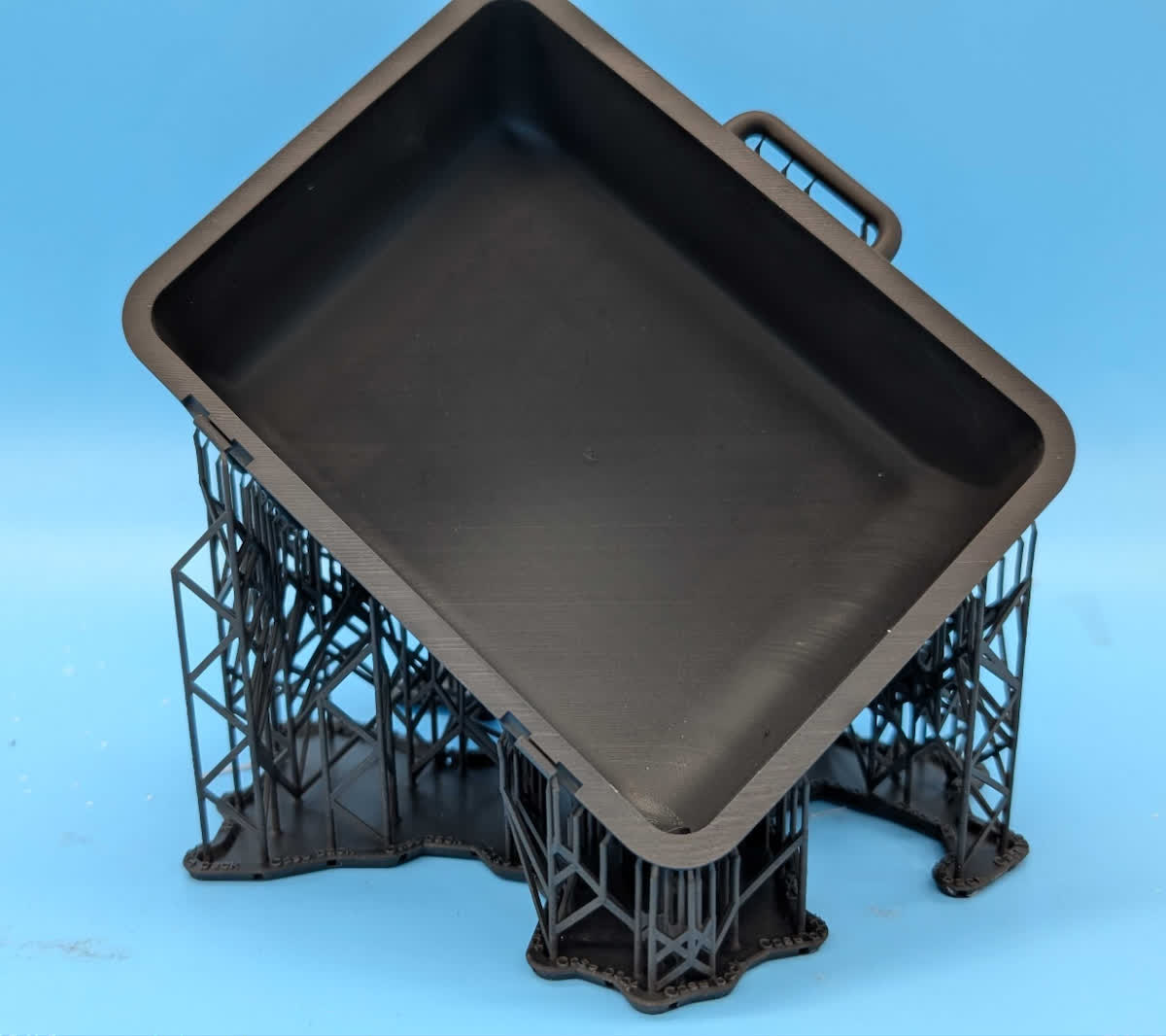
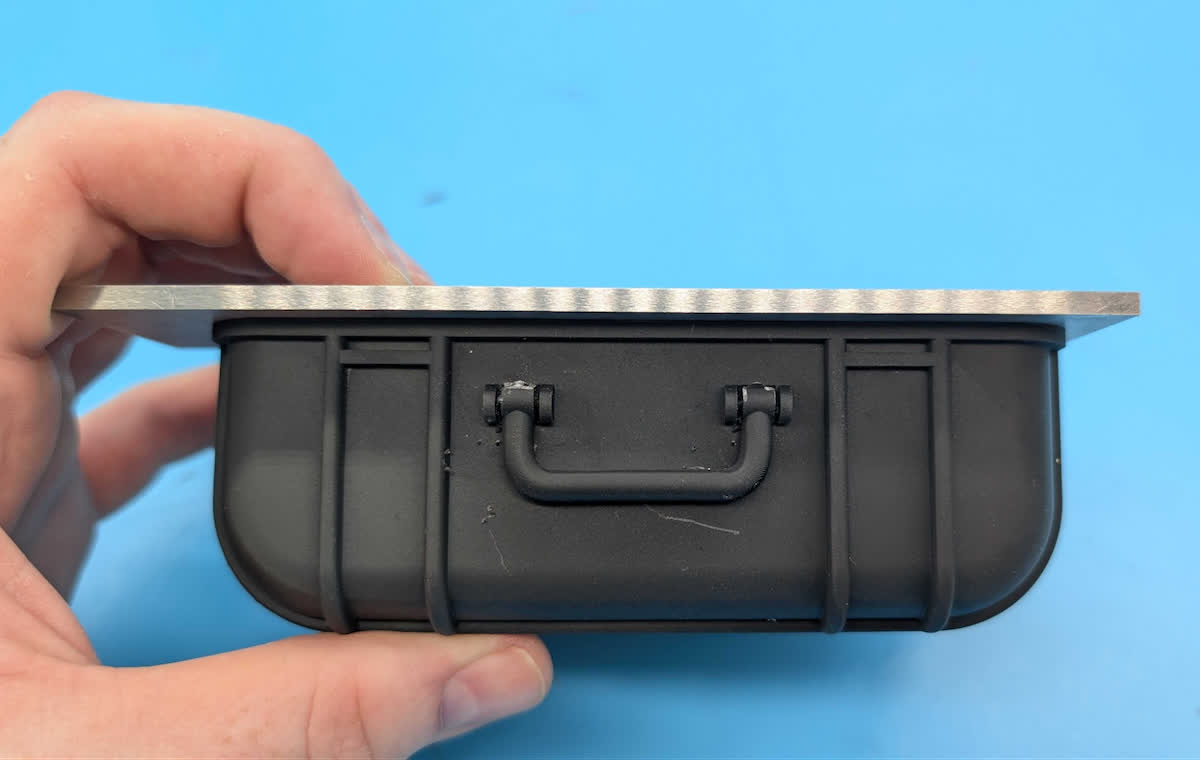
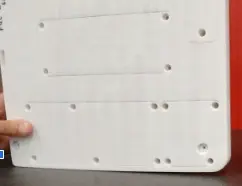
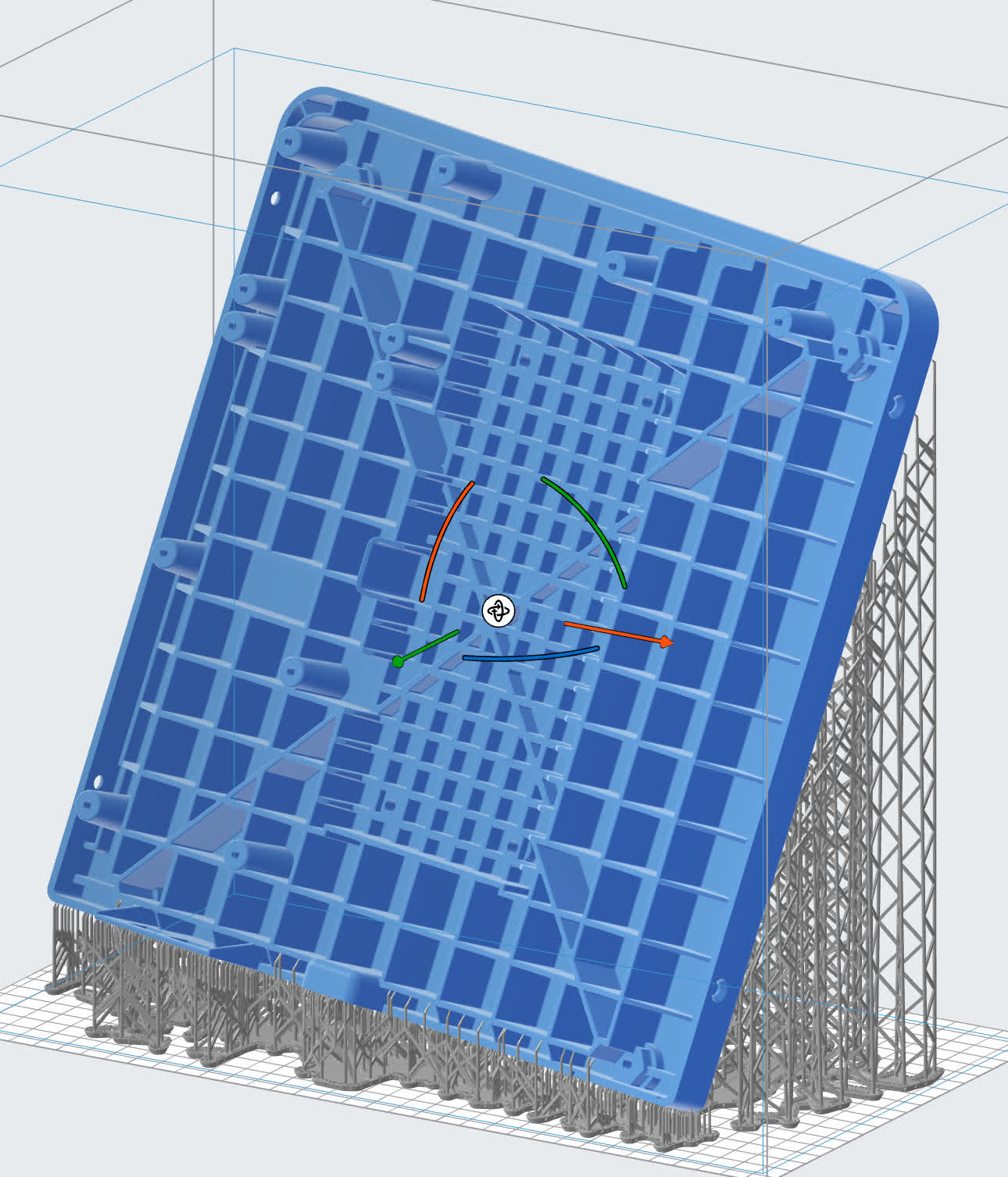
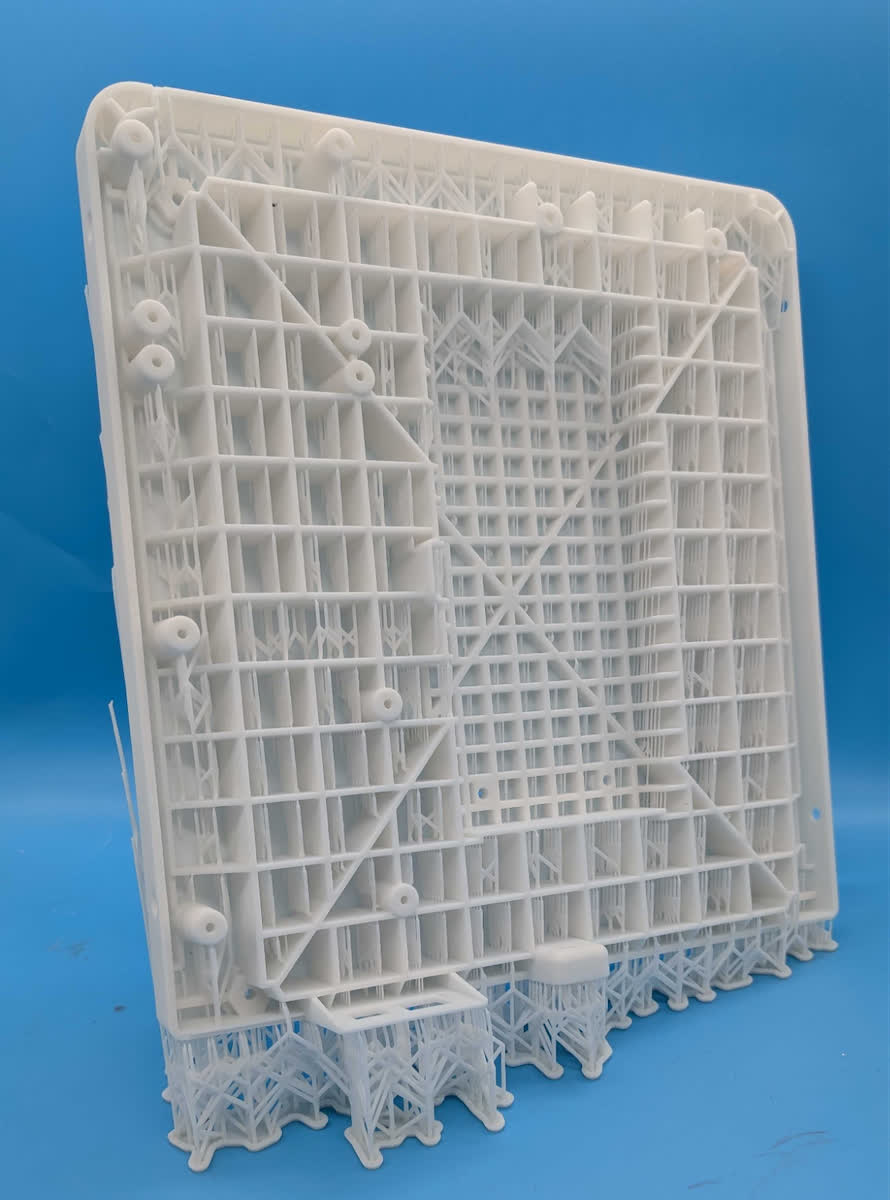
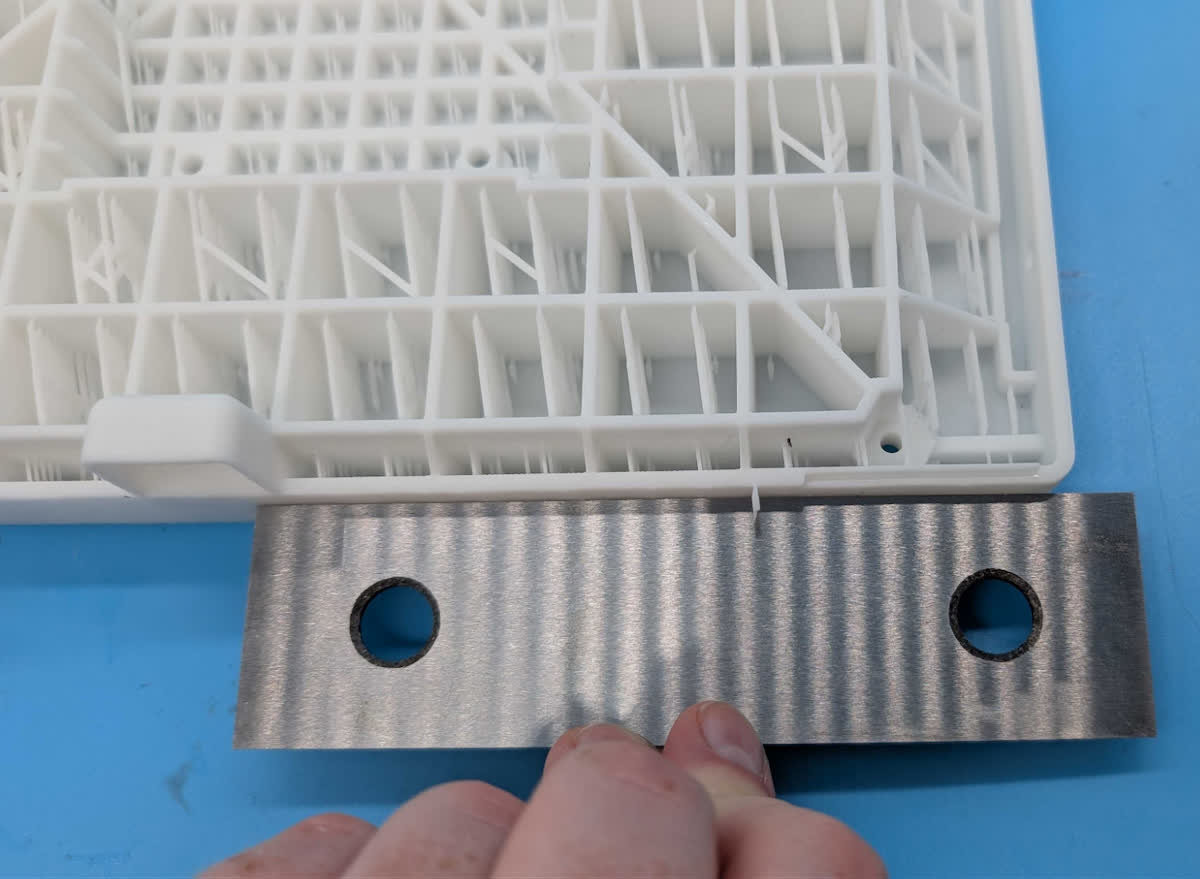
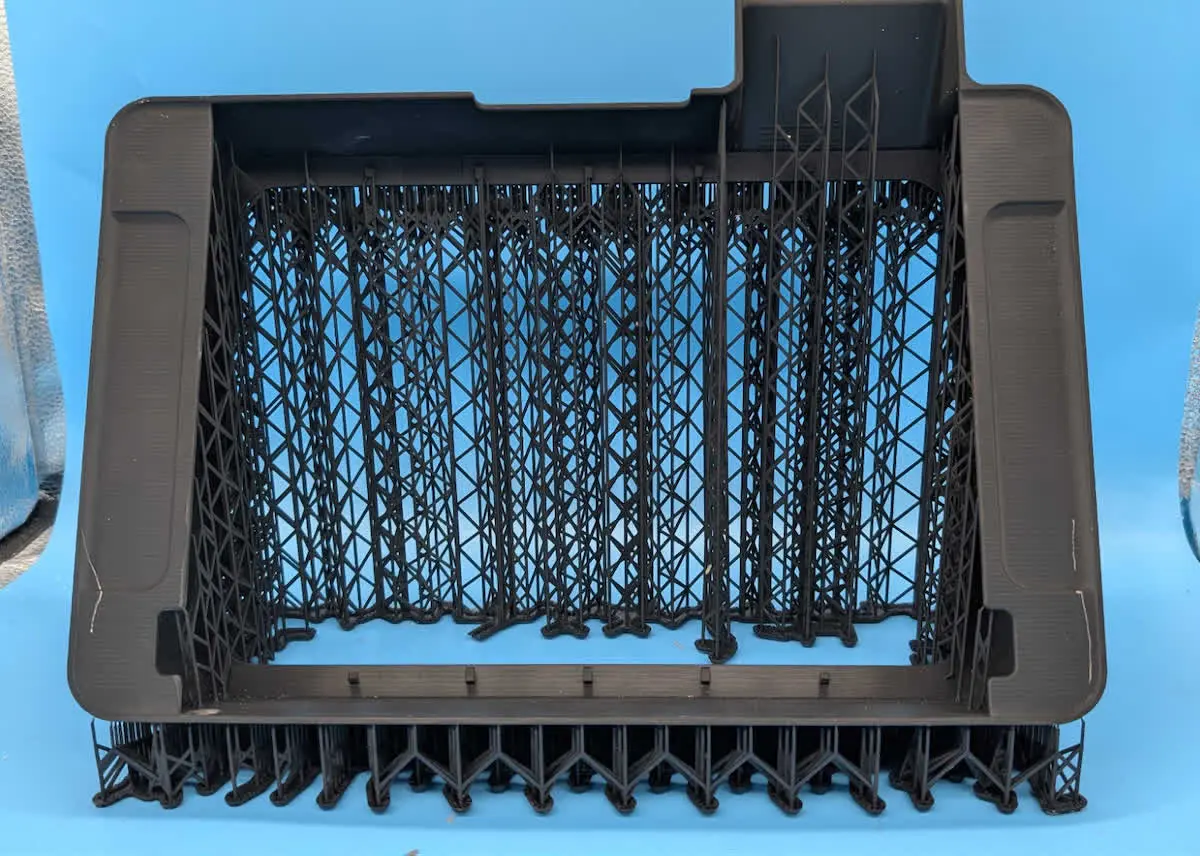
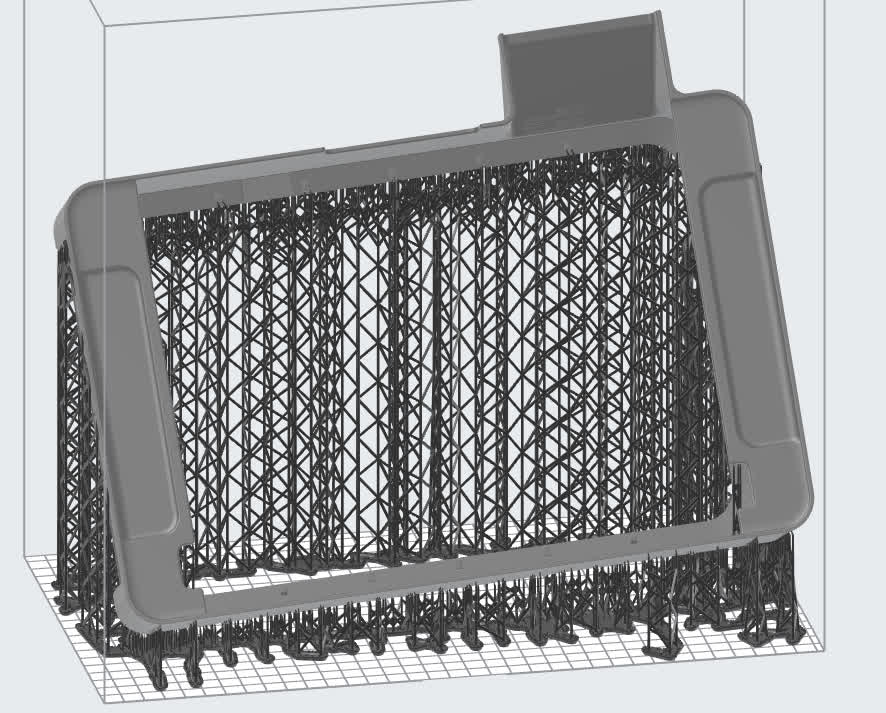
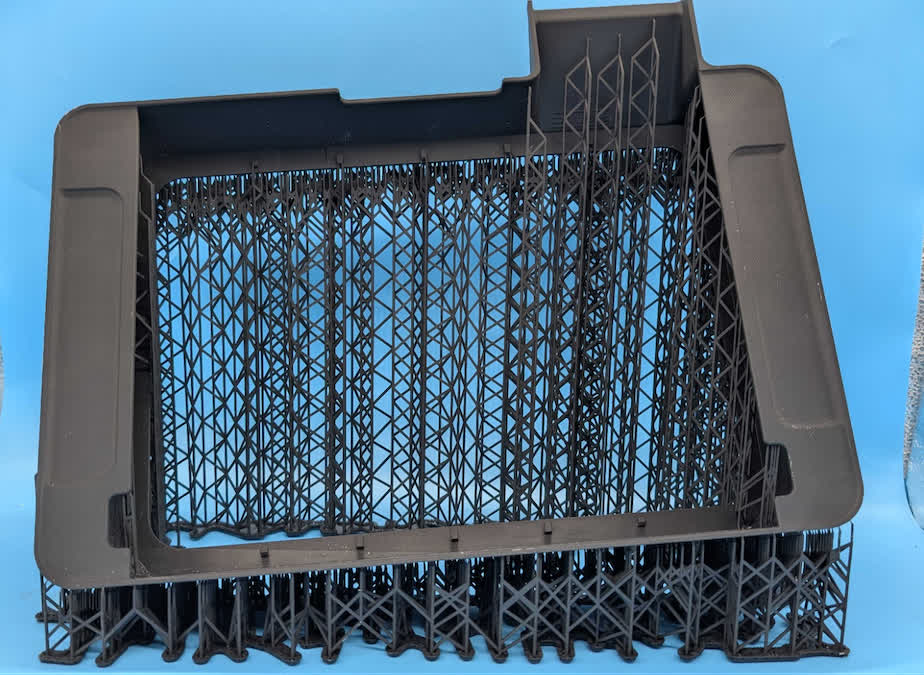
When setting up a print job, carefully consider how your model is oriented. Printing the same model in different orientations can lead to notably different results in surface finish, print time, and dimensional accuracy. In some cases the orientation of a model can even make the difference between a successful print and a print failure. See Moving and rotating a model in PreForm for more information on how to manipulate models in PreForm.
This section describes some general recommendations for model orientation when printing with Form 4 and Form 4L generation printers, but not every recommendation applies to every model or print job.
In summary:
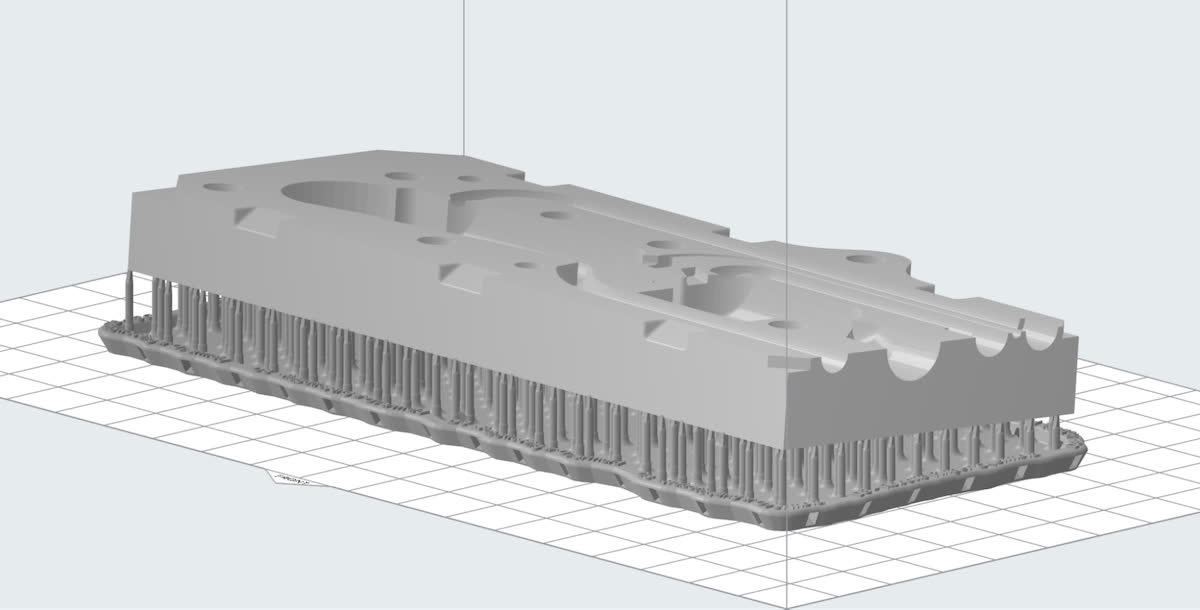
- Print larger sections of the part closer to the build platform. If possible, print directly on the build platform to better constrain the part and prevent warping.
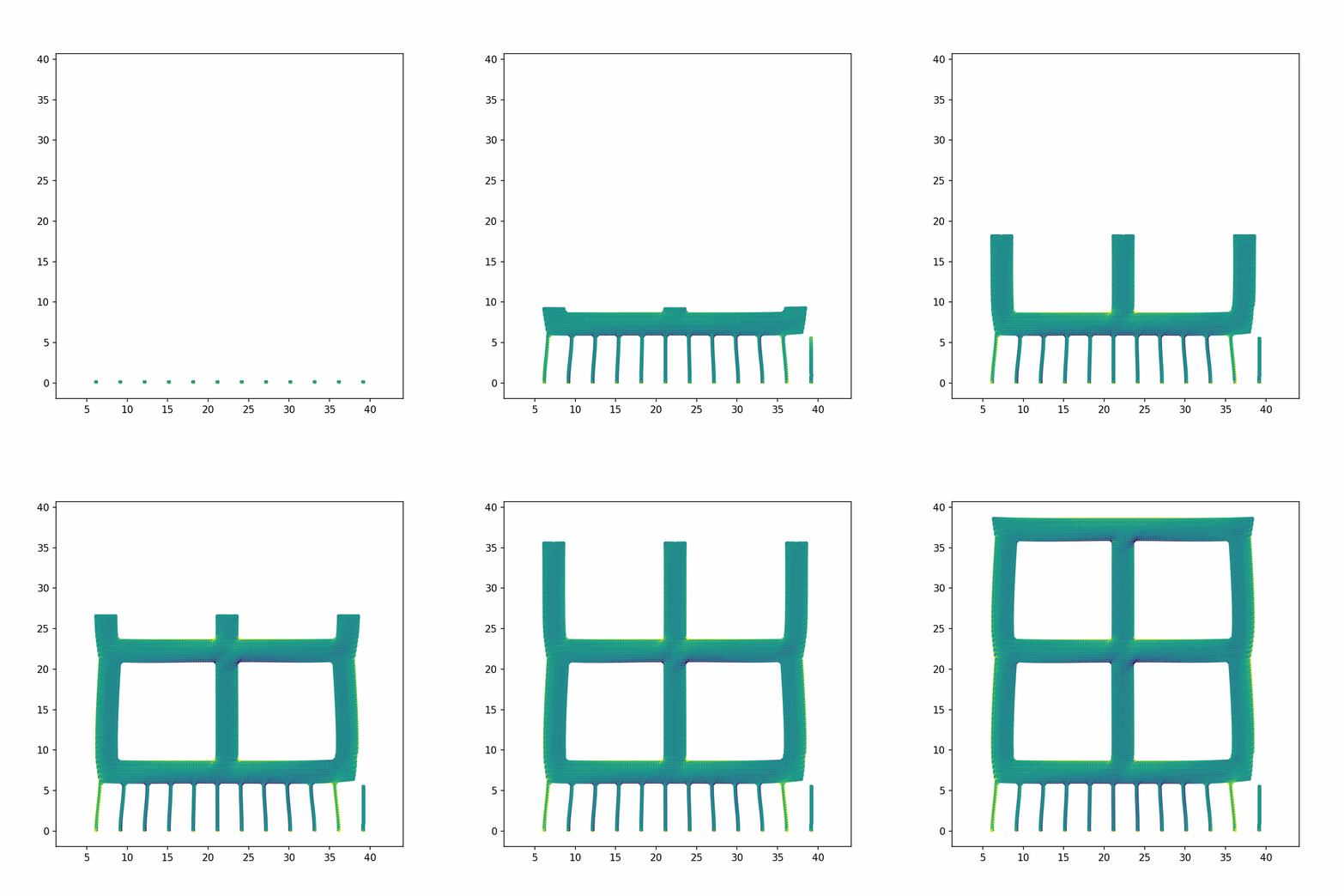
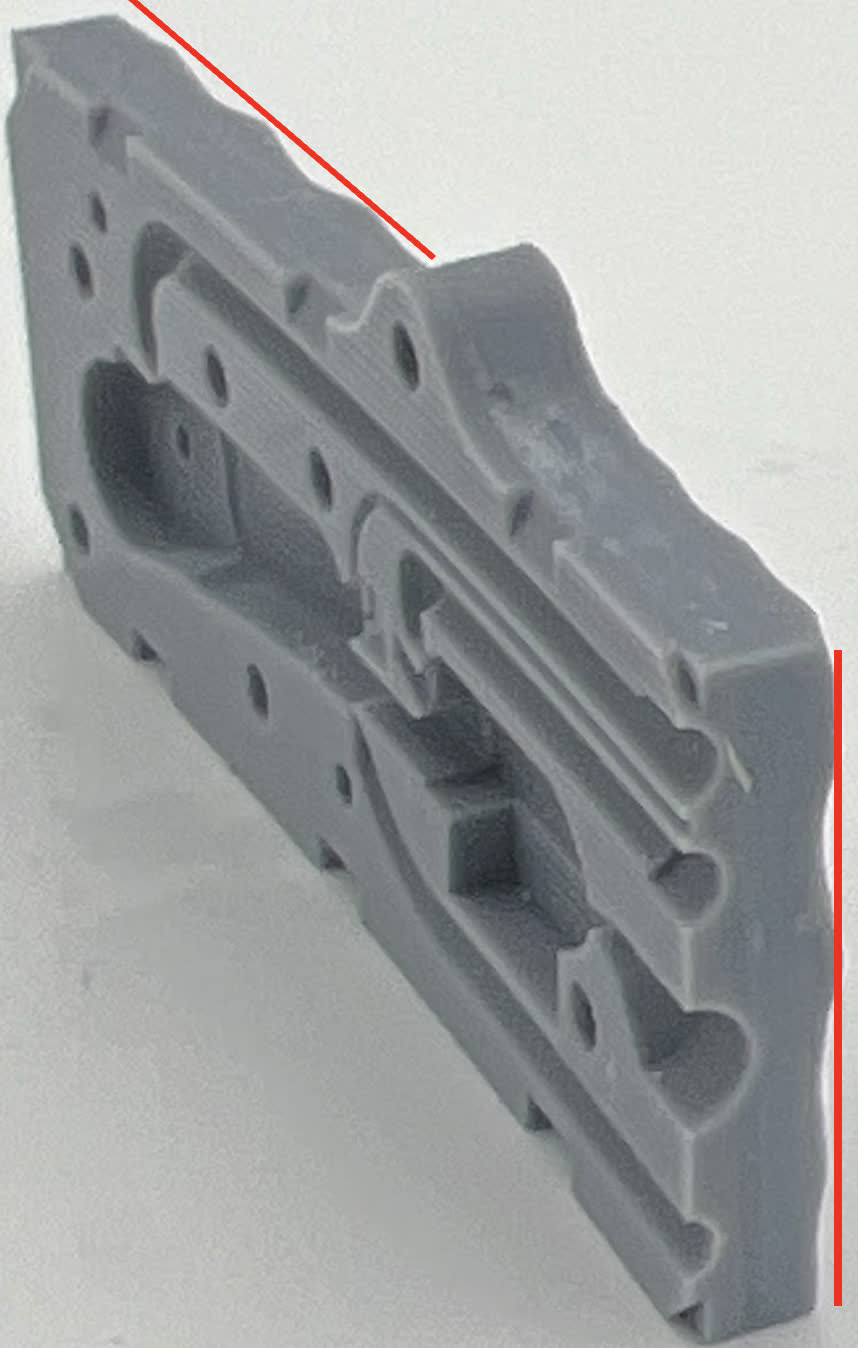
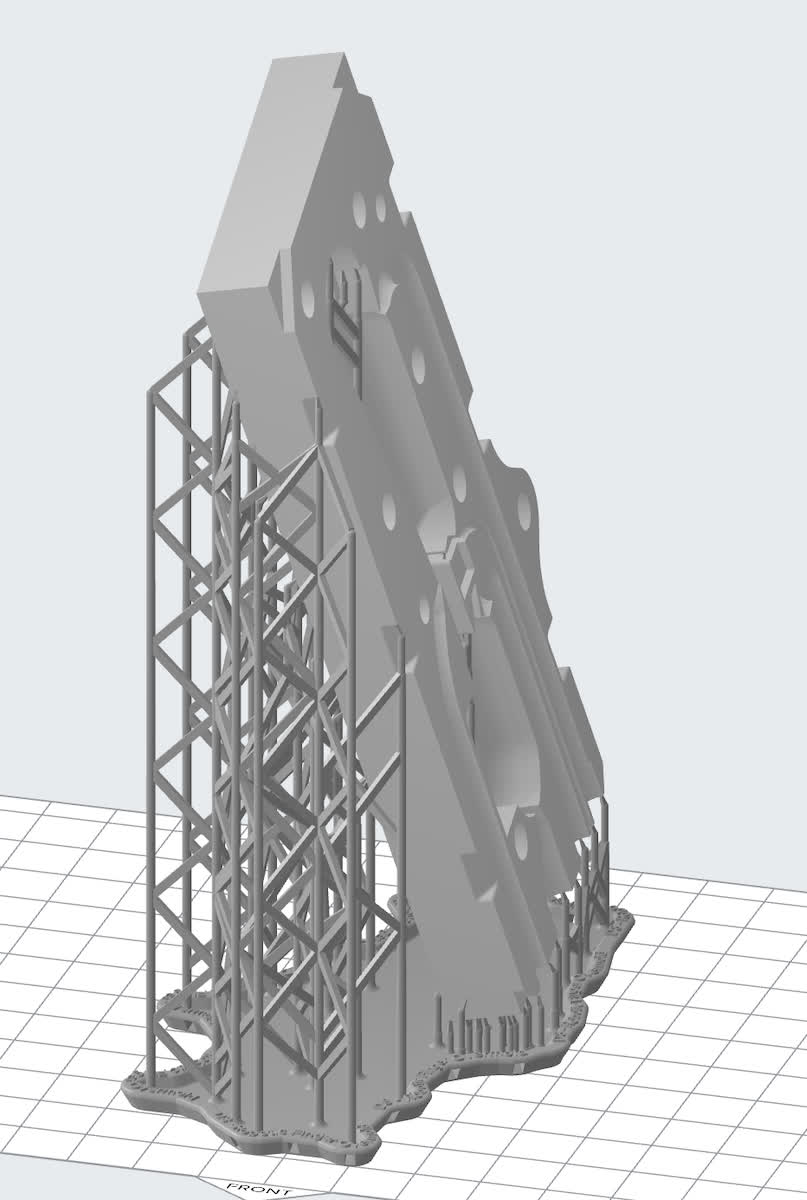
- Minimize the XY cross sectional area of your model’s layers and orient parts vertically along the longest dimension to help mitigate curling. Similarly, minimize the change in area between layers.
- Parts can be self supporting when the material is stiff and rigid if the angle to the horizontal is greater than 45°.
- Orient models so that features branch off of a common base during printing rather than merge.
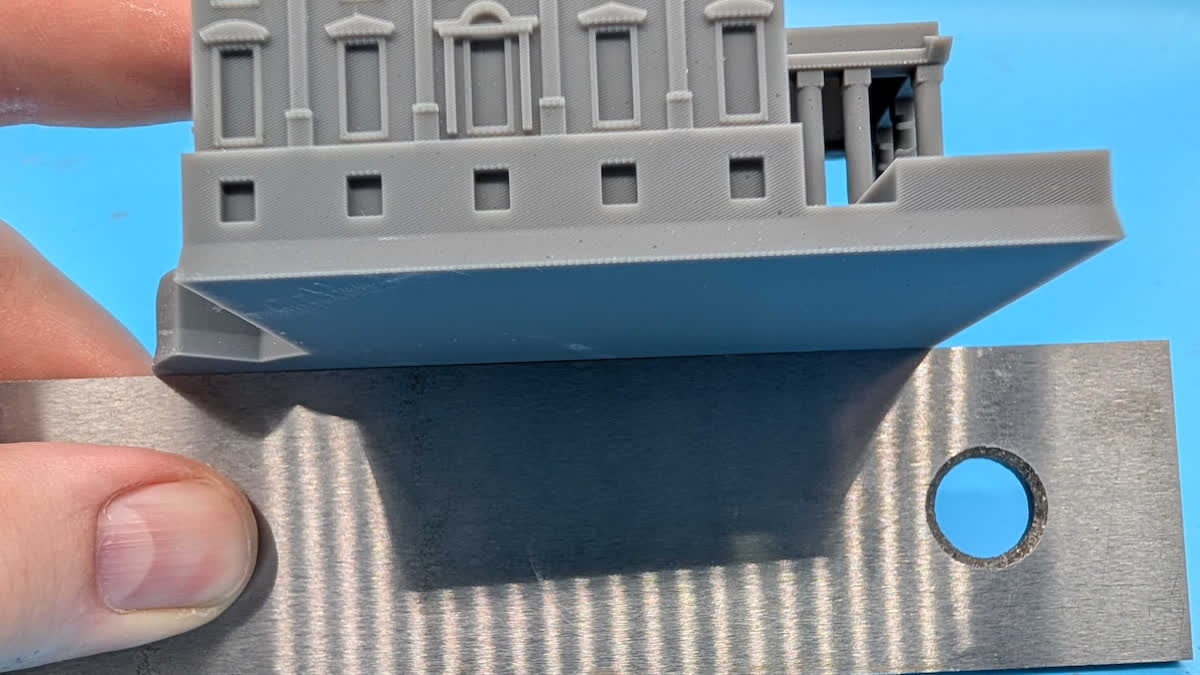
Print directly on the build platform
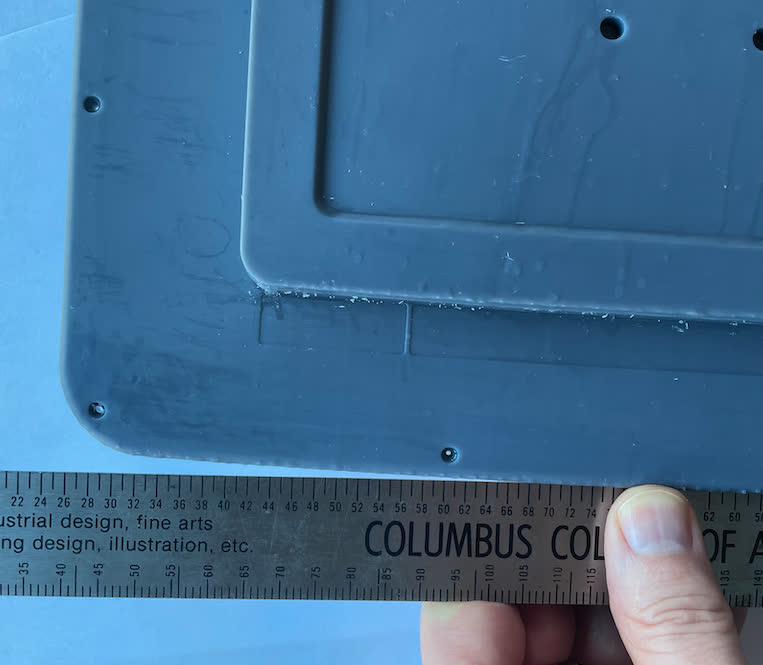
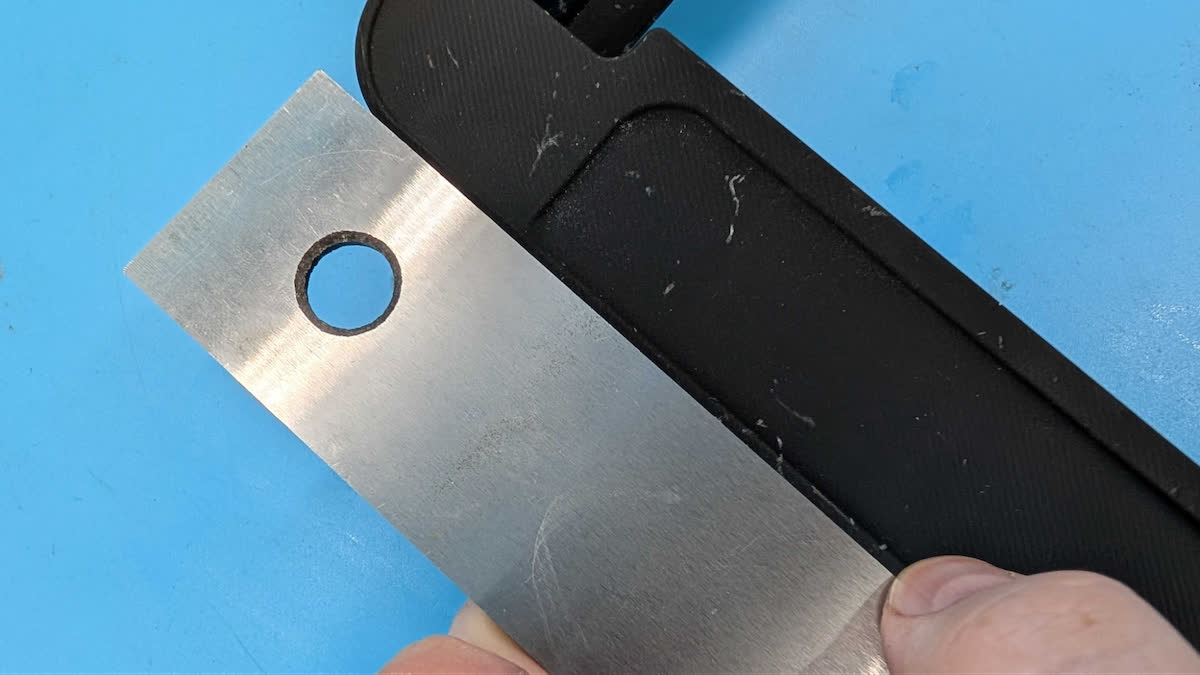
Print parts directly on the build platform whenever possible. This requires at least one flat face, though having small chamfers around the edges of that face may help for part removal. Parts printed directly to the build platform will generally have the least amount of warpage and shrinkage, in addition to using fewer supports.