
WHITE PAPER
Brittle or fragile parts (SLS)
Brittle or fragile parts (SLS)
Contaminated optics can reduce laser power and cause insufficient sintering of powder, causing printed parts to be weaker and more brittle or fragile than expected.
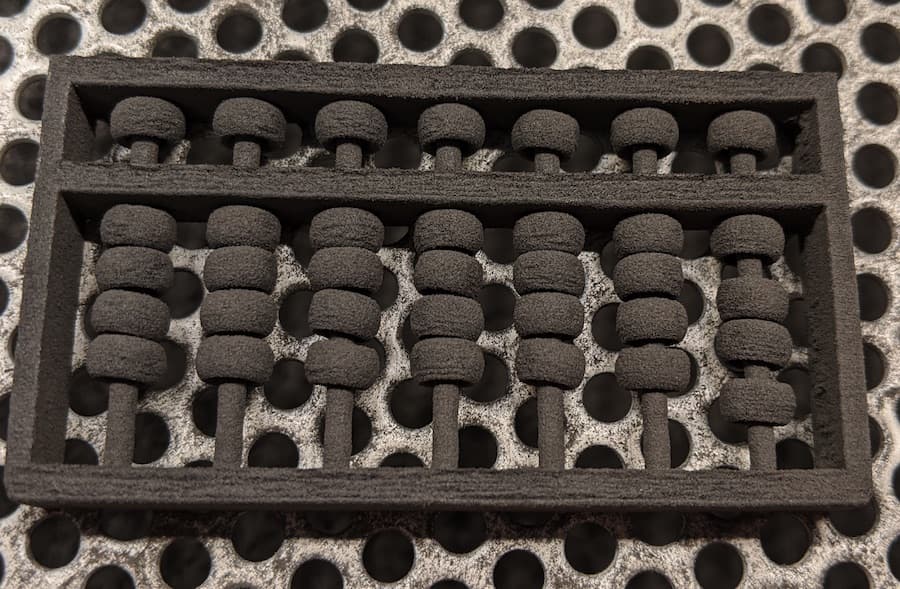
Visual symptoms
- Parts with lower than expected strength
- Parts break easily
- Parts with lower than expected flexural modulus
- Parts with a lighter color than normal
- Parts with a surface texture that is more granular than expected
Common causes
- Insufficient sintering due to dirty optics
- Insufficient sintering due to an underperforming laser or air heater
- Incorrect print settings
- Lower-than-recommended refresh rate
Troubleshooting steps
- Confirm that your firmware and PreForm versions are up to date and you are using the latest print settings for your material.
- Determine whether the print defect occurs on a particular model, a particular area, or across the entirety of the build volume.
- Clean the optical cassette, upper laser window, IR sensor, and IR sensor housing. If the print defect always occurs in a particular area, that may signal that one specific spot on the optical cassette or upper laser window is dirty.
- Check that you are using the recommended refresh rate for your material.
- Run the Bed Temperature Tuning print for your material, if one is available. Adjust the Bed Temperature Target based on the results of the test.
- If print defects persist, there may be an issue with the printer’s laser power, air heater, or both. Contact Formlabs Support or a certified service provider and upload diagnostic logs.