WHITE PAPER
Formlabs Logo

Tuning the bed temperature of your Fuse 1+ 30W printer for improved part yield with Nylon 12 GF Powder

Tuning the bed temperature of your Fuse 1+ 30W printer for improved part yield with Nylon 12 GF Powder

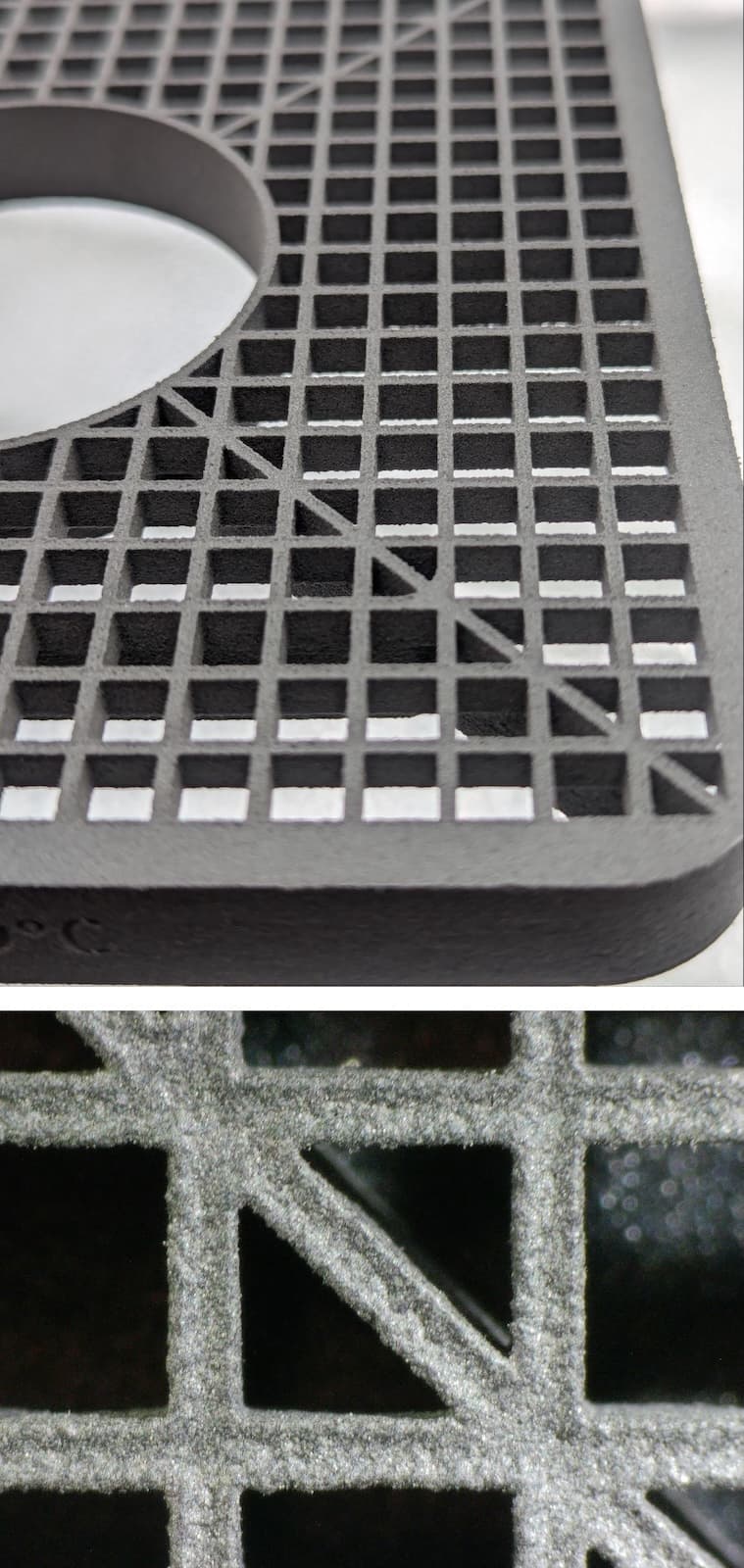
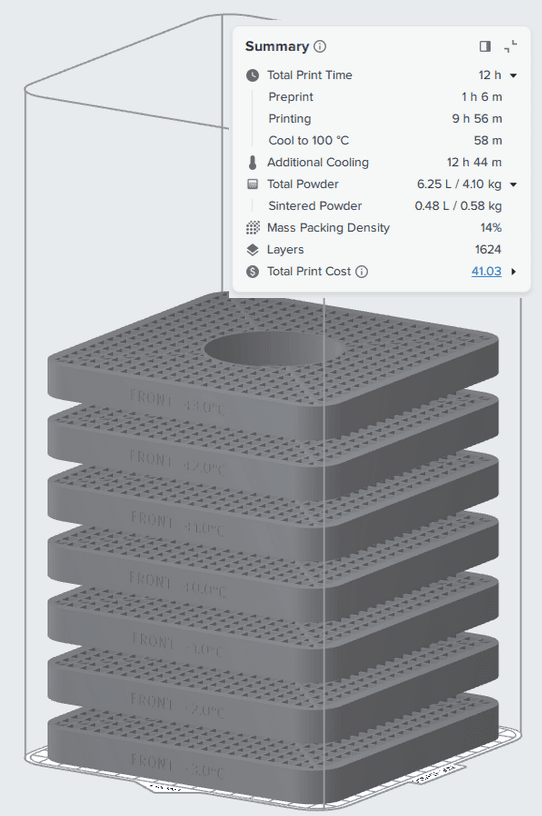
Bed Temperature Tuning print in PreForm

Note:

Every Fuse 1+ 30W printer should be fine-tuned when printing with Nylon 12 GF Powder for the first time. Printers next to each other may require different offsets. While Nylon 12 GF Powder can be printed with a Fuse 1 printer, Formlabs does not currently offer a bed temperature tuning print for the Fuse 1.
Run the Bed Temperature Tuning Print

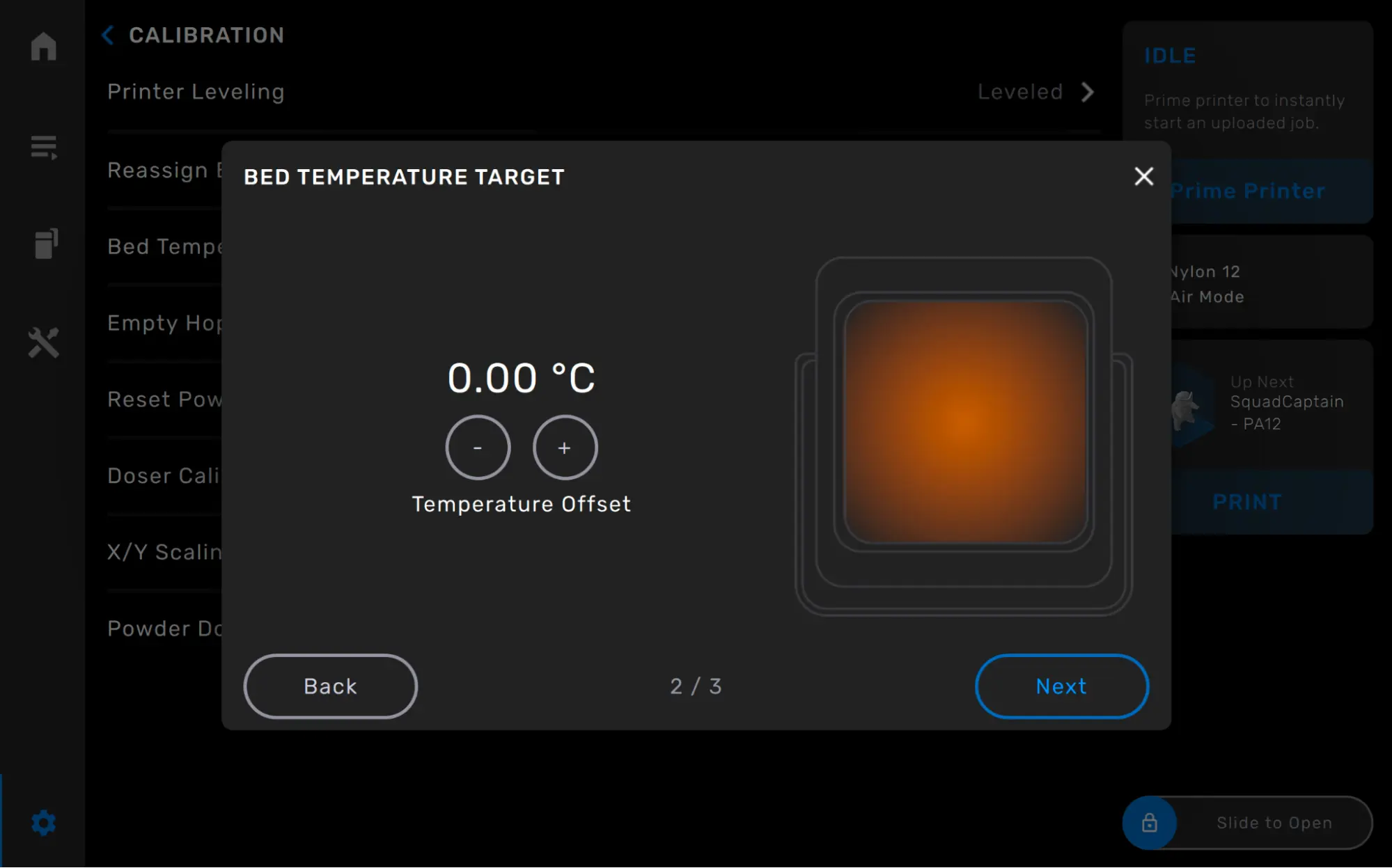
  1. If you have previously used the printer with an applied offset, reset the printer’s offset to 0 prior to beginning the fine-tuning process. This can be done by following the directions to Set the bed temperature offset, and setting the printer offset to 0.
  2. Update PreForm to its latest version.
  3. Download the Nyon 12 GF Bed Temperature Tuning Print.
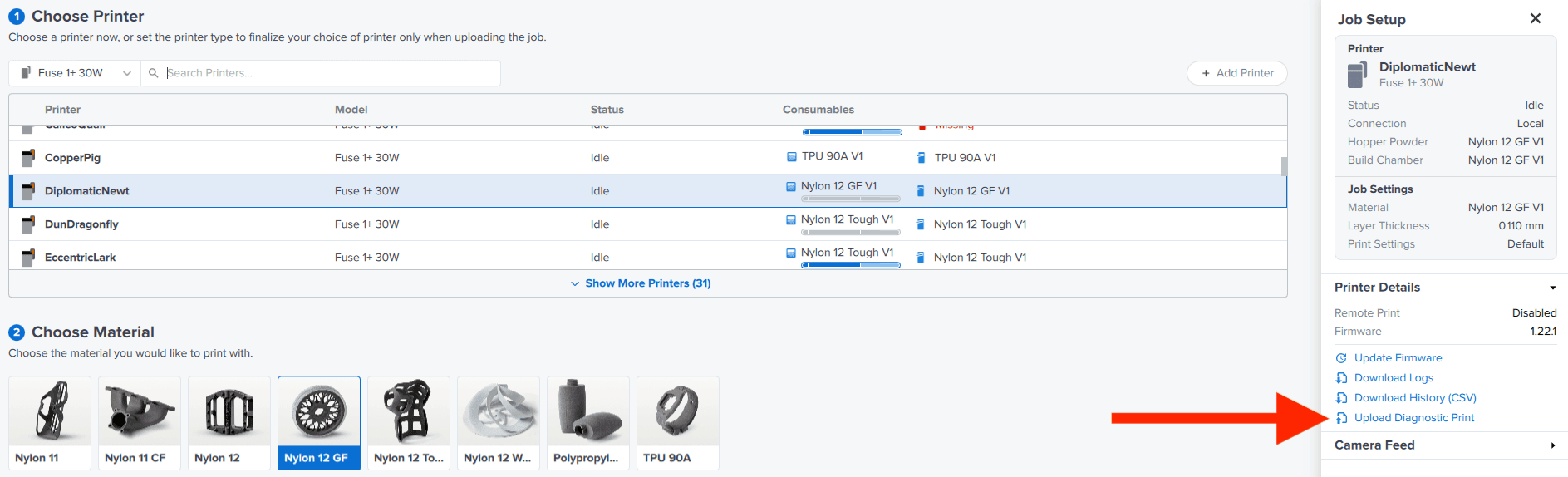
  4. Open PreForm and select Job Settings.
  5. In the Job Setup window, make sure the correct printer is selected, then select Upload Diagnostic Print.
alttext
  1. Select the file from your computer. Once the file has successfully uploaded, start the print from your printer.
  2. To run the print, 3 kg of powder is required, at a refresh rate of 50%. Age powder if needed to create the correct mix. To load the printer’s hopper with 3 kg of powder, fill the hopper to the 7 L mark.
  3. Allow the print to fully cool per Formlabs recommendations.

Clean the parts

Once the print completes, parts can be extracted from the build chamber by using the Fuse Sift or the Fuse Depowdering Kit. Excess powder can be sifted with fresh powder and re-used.

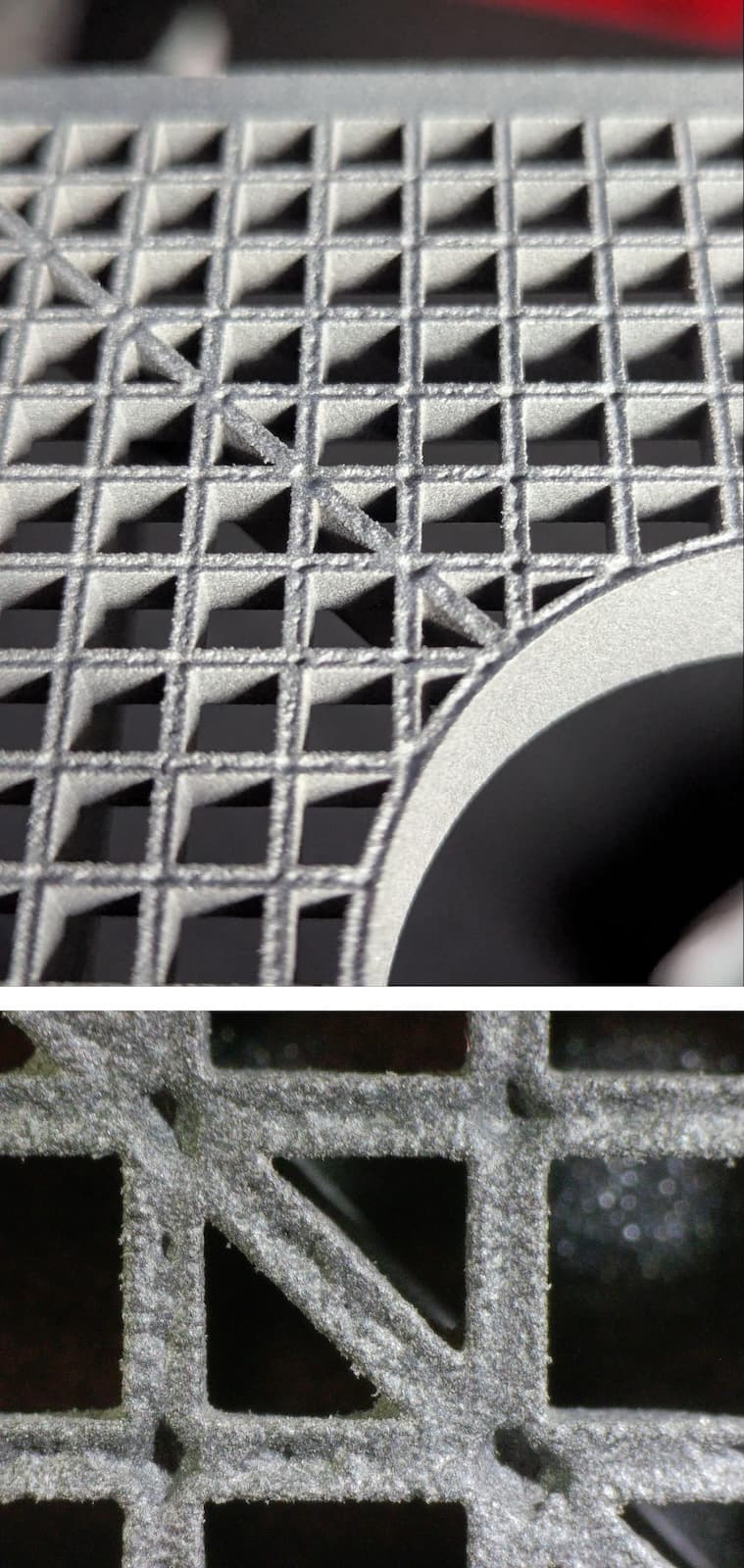
Parts should be fully cleaned of powder prior to inspection either by the Fuse Blast or other media blasting solutions. Extract the seven plaques and clean them before inspection.

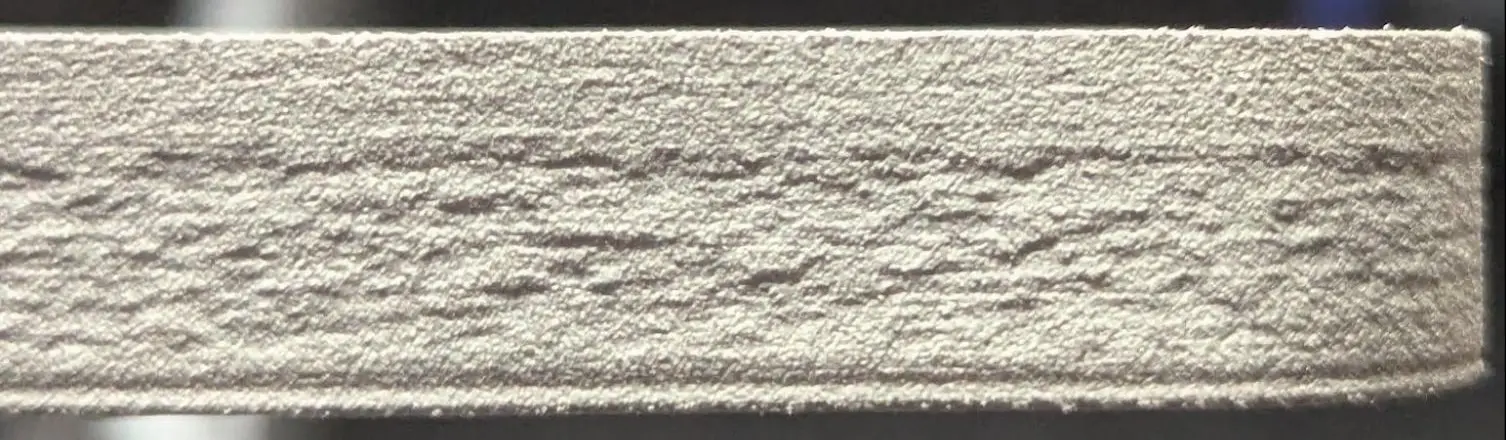
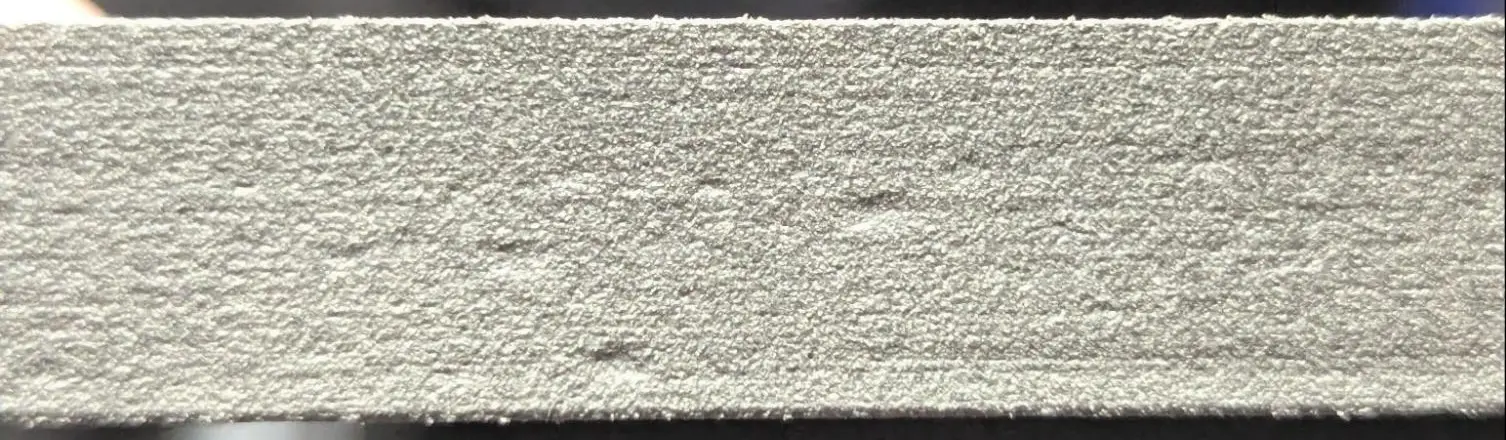
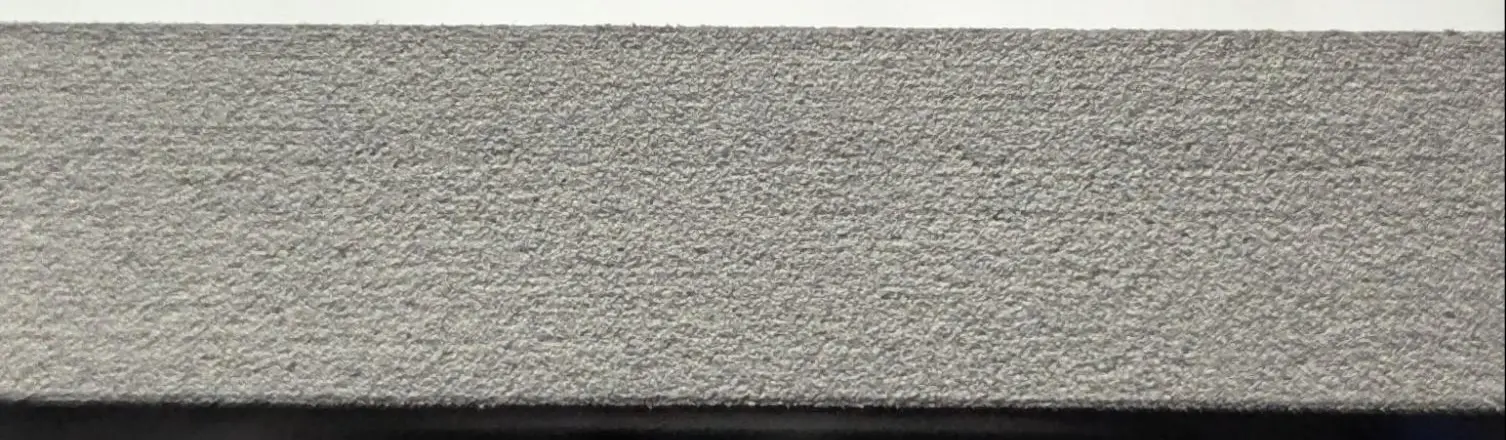
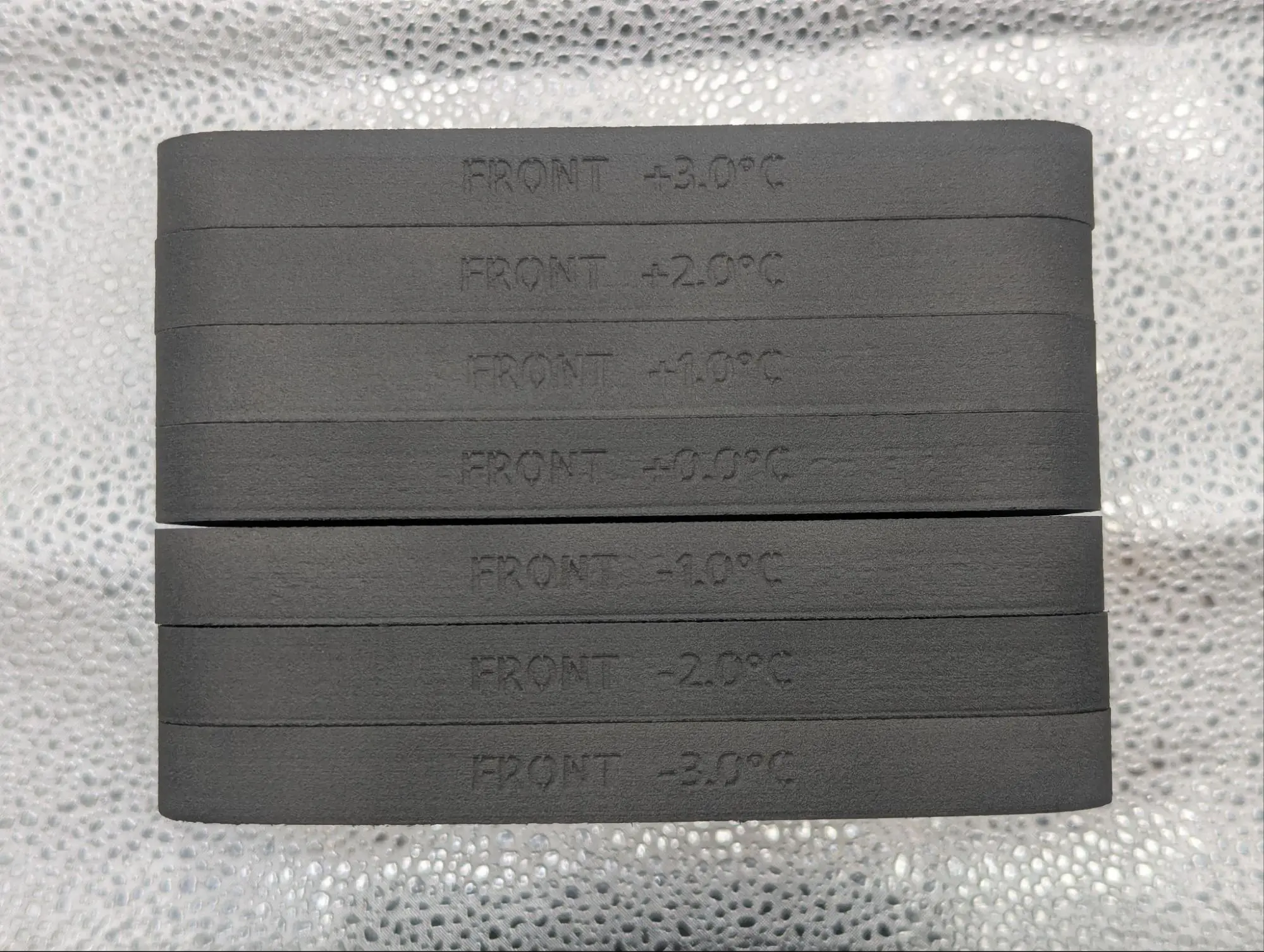
Each plaque is listed with the temperature offset it was printed with (-3 ºC, -2 ºC, -1 ºC, 0 ºC, +1 ºC, +2 ºC, +3 ºC). Line the plaques up from -3 ºC to +3 ºC to prepare for inspection.

Example of Nylon 12 GF plaques ready for inspection
Prior to printing with Nylon 12 GF Powder, fine-tune your Fuse 1+ 30W printer to set up your prints for success. Fine-tuning the bed temperature prior to printing your first build results in fewer surface defects on your parts caused by variable printer temperatures. This process is run as a diagnostic print, uploaded through PreForm to the printer. The print contains several parts that need to be cleaned and inspected to determine the necessary temperature offset for your printer.

Note:

Every Fuse 1+ 30W printer should be fine-tuned when printing with Nylon 12 GF Powder for the first time. Printers next to each other may require different offsets. While Nylon 12 GF Powder can be printed with a Fuse 1 printer, Formlabs does not currently offer a bed temperature tuning print for the Fuse 1.
Prior to printing with Nylon 12 GF Powder, fine-tune your Fuse 1+ 30W printer to set up your prints for success. Fine-tuning the bed temperature prior to printing your first build results in fewer surface defects on your parts caused by variable printer temperatures. This process is run as a diagnostic print, uploaded through PreForm to the printer. The print contains several parts that need to be cleaned and inspected to determine the necessary temperature offset for your printer.

Note:

Every Fuse 1+ 30W printer should be fine-tuned when printing with Nylon 12 GF Powder for the first time. Printers next to each other may require different offsets. While Nylon 12 GF Powder can be printed with a Fuse 1 printer, Formlabs does not currently offer a bed temperature tuning print for the Fuse 1.