

WHITE PAPER
Formlabs Logo

Using Color Kit

Using Color Kit

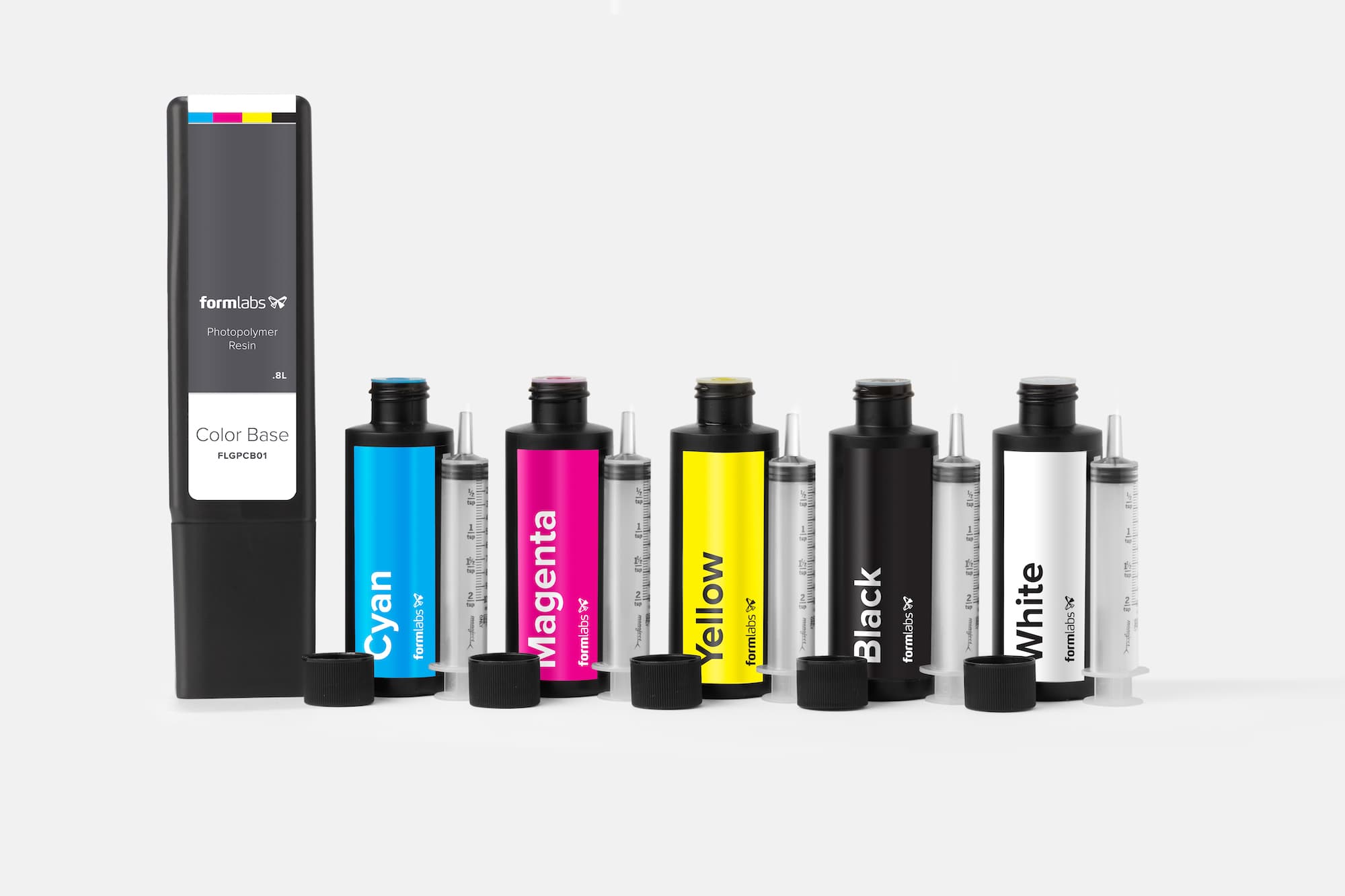
Print parts in color without painting with Formlabs Color Kit. Formlabs supports 16 colors and suggests recipes for other colors combining CMYKW pigments.

Color Kit prints at 25 microns, 50 microns, and 100 microns.

Note:

To learn more about the performance or specific material properties of Color Kit, please refer to the Safety Data Sheet (SDS) and Technical Data Sheet (TDS). Always consult the SDS as the primary source of information to understand safety and handling of Formlabs materials.
Required resources

Made by Formlabs:

  • Formlabs 3D printer with up-to-date firmware
  • PreForm software (most recent version)
  • Build platform
  • Resin tank
  • Form Wash or Finish Kit
  • Color Kit
    • Color Base cartridge with 800 mL of base material
    • 115 mL Color Pigment bottles
      • Cyan Pigment (C)
      • Magenta Pigment (M)
      • Yellow Pigment (Y)
      • Black Pigment (K)
      • White Pigment (W)
  • 10 mL syringe for each pigment
  • Recipe book
  • Storage bags for syringes and pigments

Additional supplies:

  • Gloves
  • A timer
  • A pen
  • A notepad

Notice:

Reference the Safety Data Sheet (SDS), and wear gloves when handling materials. Pigment and resin may stain clothing and surfaces.

Recipes

Each recipe requires exactly 100 mL of pigment. Tally pigment volume on A notepad between measurements to ensure a total of 100 mL. Shake the cartridge vigorously to combine pigments with the base material, and shake stored cartridges regularly to prevent pigment settling.

In addition to the color name, each supported color has an associated hexadecimal (hex) number to designate the matching web color. Pair the hex code with other color swatch libraries to match printed parts with other branded designs.

 Pigment Recipe, volume in mL
ColorCyan (C) Magenta (M) Yellow (Y) Black (K) White (W) 
Yellow #FFE800   100  
Apricot #EE7F4B  2080  
Cherry #DA5959  6535  
Magenta #D1428D  100   
Grape #944B96 1090   
Twilight #5E599B 5050   
Azure #235BA8 8020   
Ocean #3C5C78 7515 10 
Cyan #0083C3 100    
Forest #387469 651025  
Grass #129447 35 65  
Lime #83D346 10 90  
Coffee #775C50  355015 
Walnut #9B6A5E  3050515
Sand #DAAB9C 2810 80
Peach #F5C7B8  34 93

Note:

Other colors are possible by clicking Custom from under the recipe section, but Formlabs may not be able to assist with questions about experimental colors. Always use the syringes to measure pigment and add exactly 100 mL of Color Pigment to the Color Base.

Mixing instructions

Review the list of required and recommended supplies before getting started.

Measure and add the Color Pigment to the Color Base

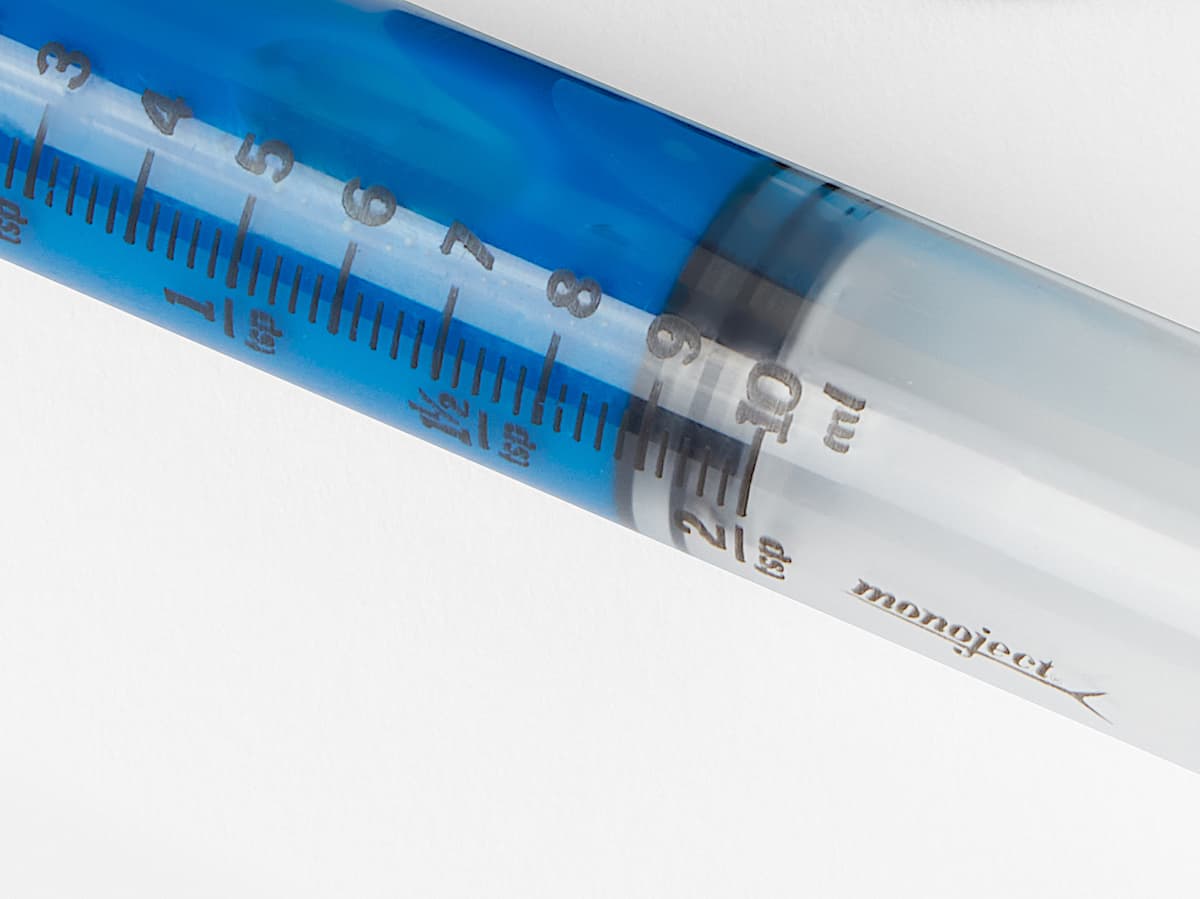
Review the recipe. Each recipe requires a total of 100 mL of pigment, and one syringe holds up to 10 mL.

Follow the recipe closely, and tally the pigment volume between measurements.

  1. Remove the caps from the resin cartridge, required pigment bottles, and syringes.
  2. Remove the sticker from the resin cartridge vent cap and the orange safety cover from the bottom of the cartridge.
  1. Insert the syringe tip into the pigment bottle.
  2. Turn the bottle and syringe upside down.
  3. Slowly pull the syringe plunger and hold the plunger in place once the pigment reaches the required fill line on the syringe.
  1. Adjust the syringe plunger to remove bubbles or excess pigment, as needed.