
Note:
At this time, the following printer types can be connected to Form Mobile:
- Form Studio 1
- Form 4 generation
- Form 4L generation

Form Mobile allows you to remotely monitor and control your prints and printers via your mobile device. To get started, download the app from the Apple App Store or Google Play Store. Open the app, tap Get started, and enter your email address and password for your Formlabs account.
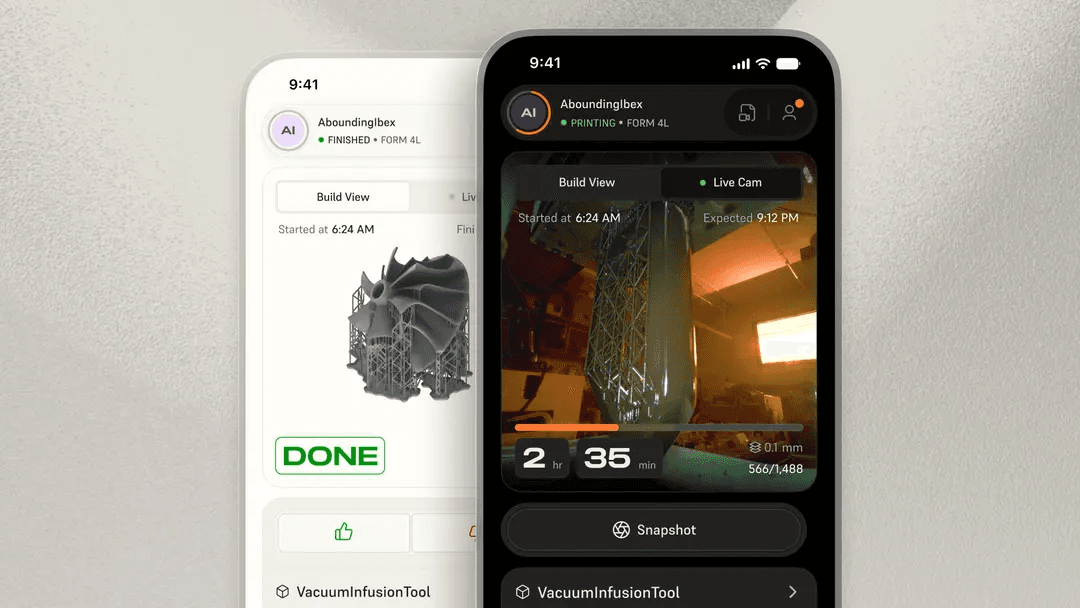
By registering your printer(s) to Form Mobile you can:
Form Mobile is frequently updated with new features. Keep your device updated and log in regularly to see the latest.
Note:
At this time, the following printer types can be connected to Form Mobile:
Creating an account
Creating an account with Formlabs is the first step to ordering through our web store, receiving product updates, and checking in with Form Mobile.
To create an account:
|
App |
Web |
|---|---|
|
|
Note:
In-app account creation was introduced in Form Mobile version 2.1.6. Earlier app versions required that you create an account via the Formlabs website.
Logging into your Formlabs account
After creating an account, log into the app:
Providing feedback
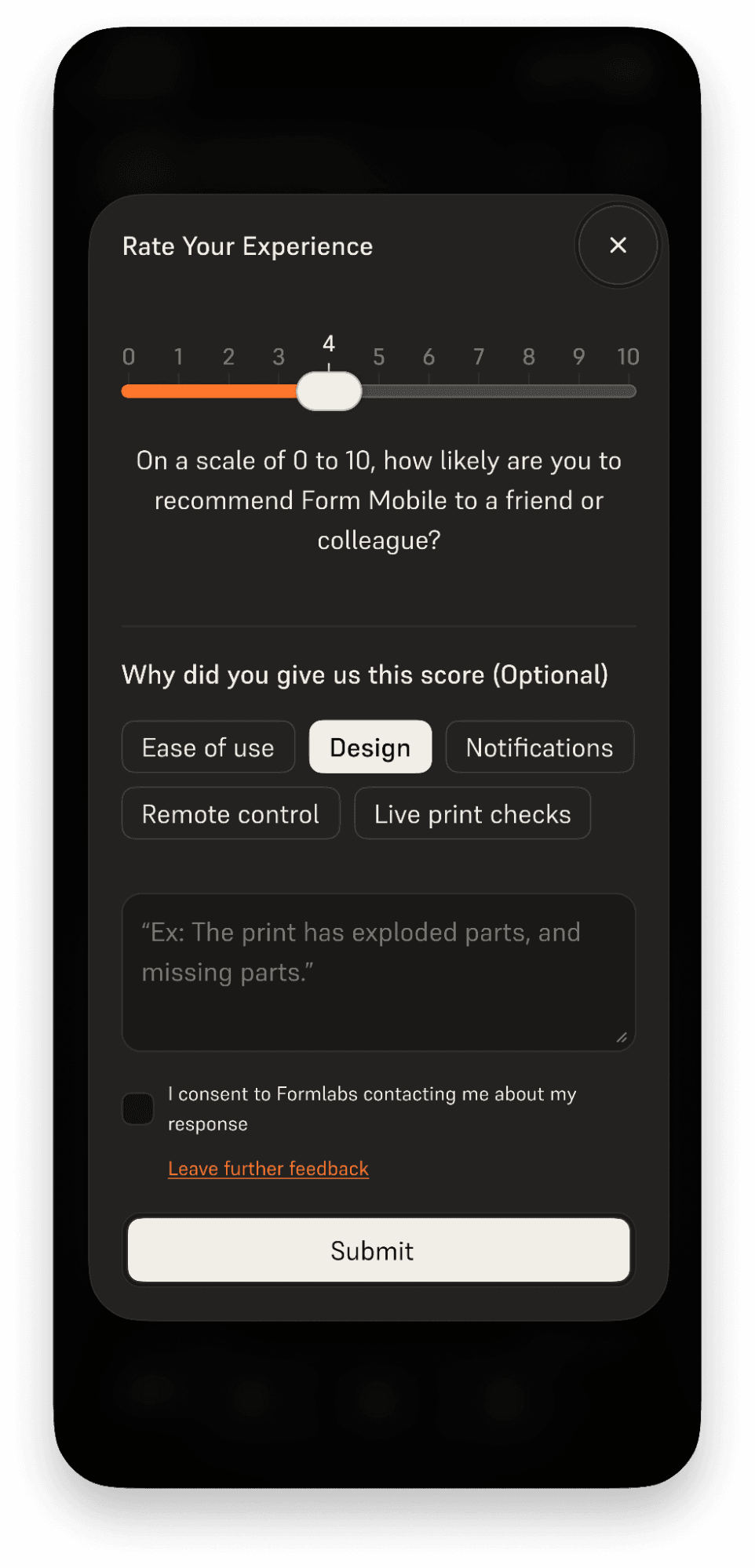
User feedback helps Formlabs continuously improve its products. To provide feedback about Form Mobile:
Next steps
To continue learning about Form Mobile, read the support article Adding and removing printers in Form Mobile.