Before starting a print, note that parts printed in Tough 1000 Resin may adhere strongly to the build platform, particularly if you have previously used that build platform with other resins or the print surface is heavily scratched. You may experience difficulty removing printed parts from the build platform or see strain whitening on the bottoms of parts or rafts. To prevent this:
- Before starting a print with Tough 1000 Resin, wipe the build platform with acetone.
- Consider dedicating a build platform to printing with Tough 1000 Resin if you print in multiple different materials on a regular basis.
- If you consistently experience difficulty removing printed parts from a particular build platform, consider sanding down the surface of that build platform or switching to a less scratched build platform.
Otherwise, Tough 1000 Resin does not require special preparation or processes to print. Install or update PreForm, then set up a print job.
To prepare a model for printing in PreForm:
- Open a model.
- Select the resin, resin version, and the desired layer thickness.
- Orient as desired.
- Generate supports.
- Send the print job to the printer.
Printing and installing a cartridge shim
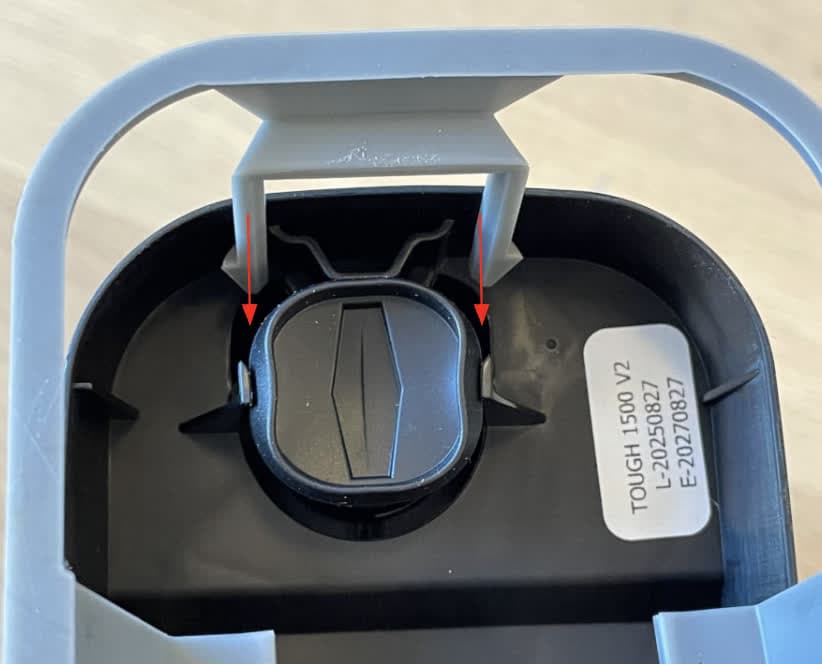
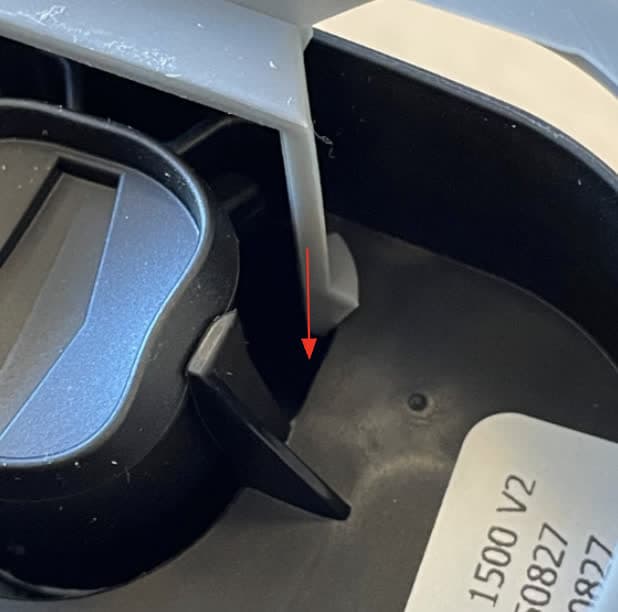
The newest Tough family of resins (Tough 1000 Resin V1, Tough 1500 Resin V2, and Tough 2000 Resin V2) cause the resin cartridge bite valve to swell over time. A swollen bite valve dispenses resin more slowly, especially towards the end of a cartridge’s life. In a limited and contained number of cases, the bite valve can ultimately fall off the resin cartridge entirely, leading to a significant resin spill.
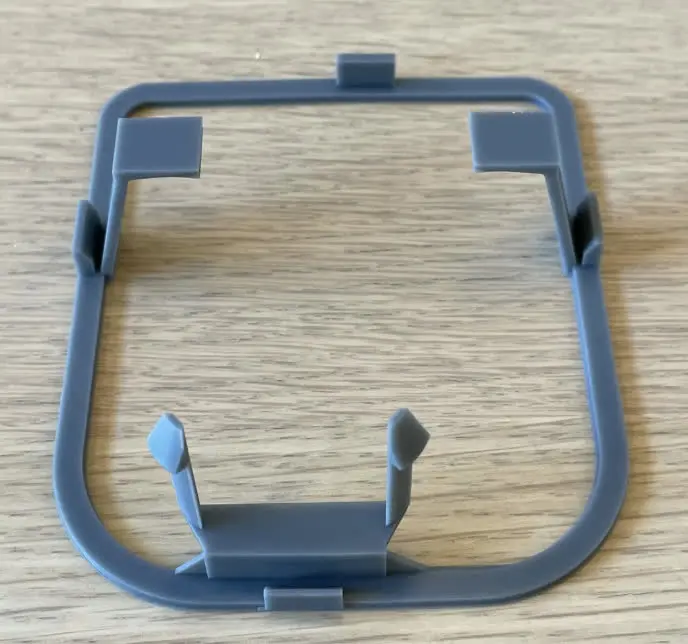
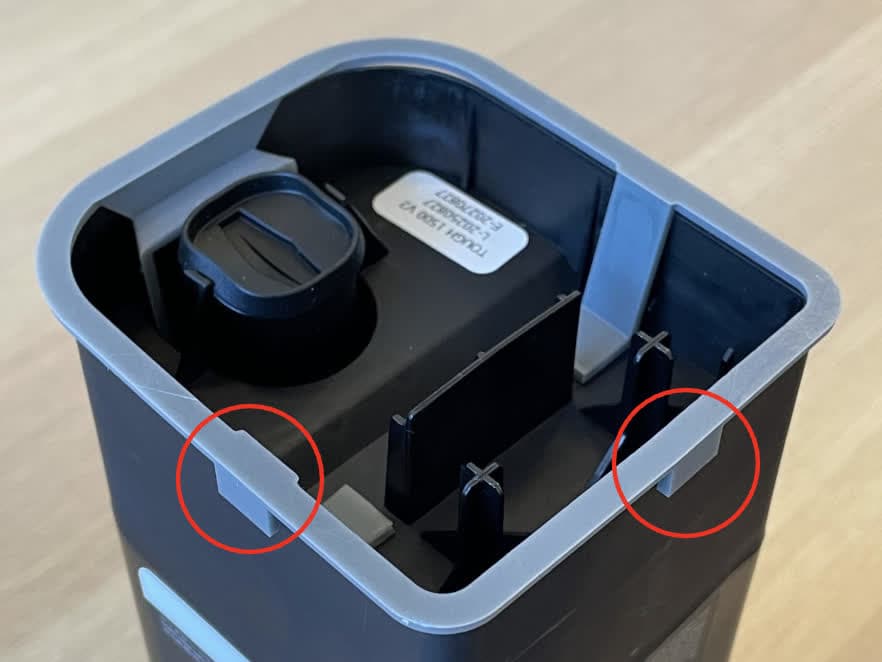
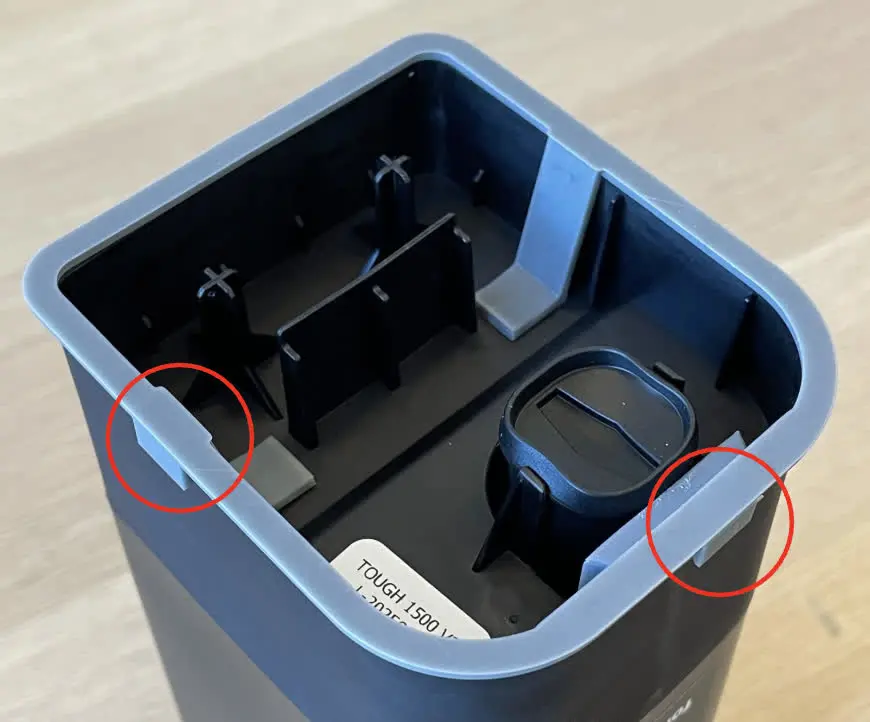
If your resin cartridge is from lot number 20251022 or later, it is not at risk for a resin spill, so you can print a shim that mitigates poor dispensing even if the valve swells. To prevent dispense interruptions caused by valve swelling, Formlabs recommends using this shim.