
Notice:
To avoid damage to equipment, check the resin tank compatibility table in Choosing the right material to confirm you are using a resin tank that is compatible with this material.

Notice:
To avoid damage to equipment, check the resin tank compatibility table in Choosing the right material to confirm you are using a resin tank that is compatible with this material.
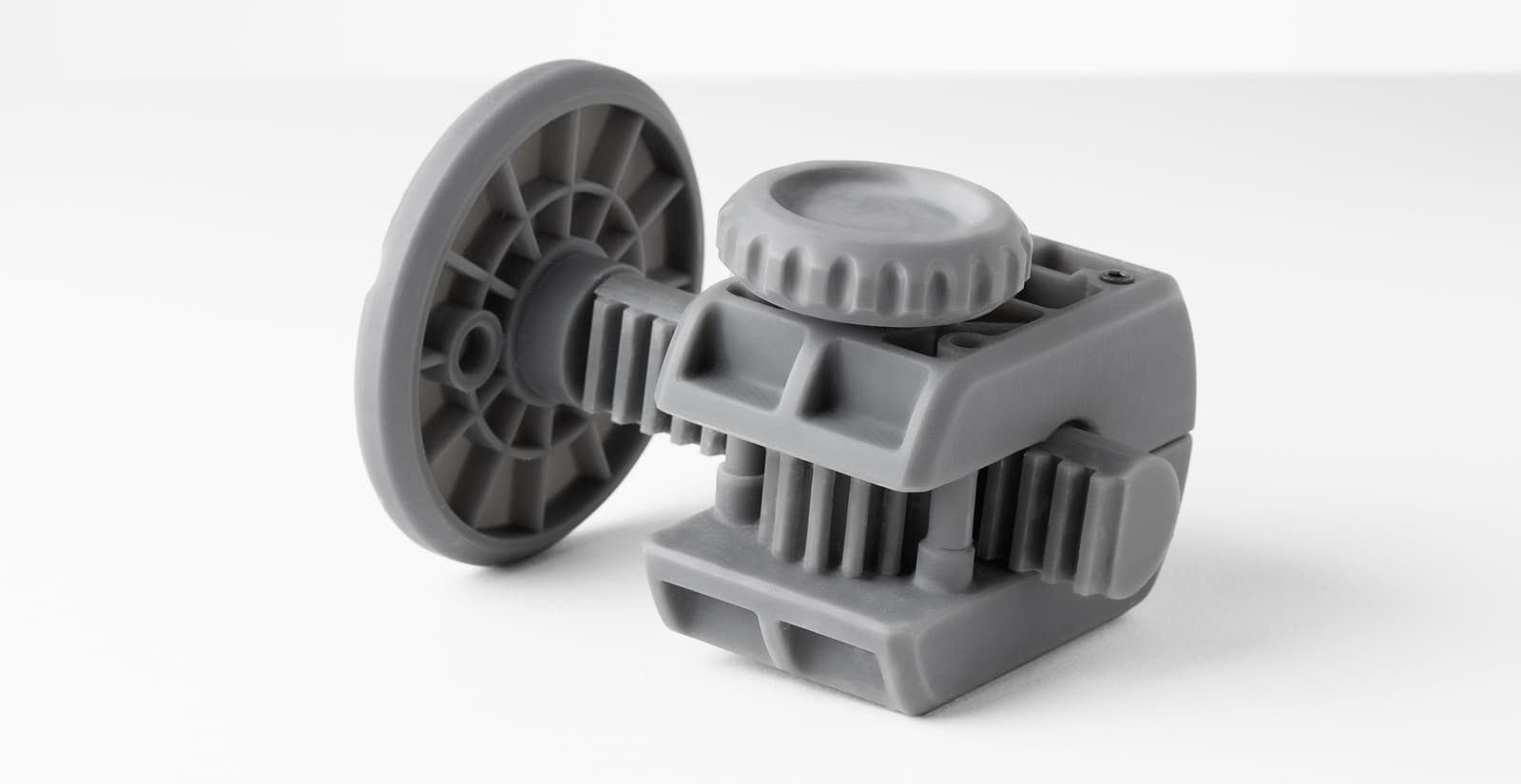
Grey Pro Resin is an Engineering Resin designed for high precision, moderate elongation, and low creep. These mechanical properties make Grey Pro Resin a versatile material for a wide range of engineering applications, including concept modeling and functional prototyping. Highly resistant to deformation over time, Grey Pro Resin is especially suitable for printing parts intended for repeated use or handling.
Grey Pro Resin prints at 50 microns and 100 microns.
Recommended for:
Not recommended for:
Note:
To learn more about the performance or specific material properties of Grey Pro Resin, please refer to the Safety Data Sheet (SDS) and Technical Data Sheet (TDS). Always consult the SDS as the primary source of information to understand safety and handling of Formlabs materials.
Comparison with other materials
Grey Pro Resin is a different material formulation from standard Grey Resin. Grey Pro Resin is an Engineering Resin that offers performance benefits including relatively higher elongation and lower creep. Grey Resin is a standard resin designed for aesthetic, looks-like, and conceptual modeling. In a visual comparison, parts printed with Grey Pro Resin are slightly darker in color and slightly less opaque than parts printed with standard Grey Resin.
The performance properties of Grey Pro Resin are comparable to the performance properties of other Formlabs Engineering Resins. Grey Pro Resin prints precise, stable parts. Other materials, like Formlabs Tough 2000 Resin and Durable Resin, absorb more impact than Grey Pro Resin.
See the table below to compare the material performance.
| Formlabs Grey Pro Resin | Formlabs Tough 2000 Resin | Formlabs Standard Resin | |
|---|---|---|---|
| Elongation at Break(%) | 13.0 | 48.0 | 6.2 |
| Ultimate Tensile Strength (MPa) | 61.0 | 46.0 | 65.0 |
| Modulus (GPa) | 2.2 | 1.9 | 2.2 |
| HDT (°C, 1.8 MPa) | 62.4 | 53.0 | 58.4 |
To learn more about the performance properties of each Formlabs resin, refer to the library of material properties datasheets.
Printing with Grey Pro Resin
Grey Pro Resin follows the same basic steps and requirements for printing as other Formlabs materials. There are a few specific considerations to remember for Grey Pro Resin:
Install or update PreForm, then set up the next print job.
To prepare a model for printing in PreForm:
Finishing
The Form Wash agitates the solvent bath and removes parts from the bath after a set time. Wash parts according to the support article Form Wash time settings. Pay particular attention to information that affects mechanical properties or biocompatibility requirements.
Post-curing requirements